Google Will Turn Off Gemini and Search for Students Until Schools Opt In
 by
Sophie Sullivan
Post Updated: November 4, 2026
Google is changing the default for schools. In a Tuesday, November 3 update, Google said Gemini, Gemini Notebook, Gemini in Classroom and Google Search will be “entirely off” for K-12 student accounts until school administrators turn them on. Google also told The New York Times that schools that turn off its AI will lose Search for students too.
1. What Google announced
Off until turned on: in its post Designing responsible AI for learning, Google says access to Gemini, Gemini Notebook, Gemini in Classroom and Google Search “will be entirely off for K-12 student accounts until school administrators explicitly turn them on.” The company says the goal is to give school leaders “the control and confidence” to use AI as they see fit.
Why Search is included: Google’s vice president of education, Chris Phillips, told The New York Times that “Search and AI are deeply integrated.” As 9to5Google reports, schools that leave the AI features off will not have access to Search, and students will see a message from their school that it is not available.

2. What changes and when
Not all at once: some parts are live now and others are still coming. Google says it will share more specifics with schools “in the coming months ahead of the changes rolling out.”
How to read it: Rolling out means Google has announced it but has not given a school date yet, apart from Guided Learning in Classroom, which started rolling out globally on November 3. The Search pilot starts later this month and should expand to more districts in the coming months.
3. What Guided Learning does
A coach, not an answer box: Guided Learning is meant to help students “work through problems without skipping straight to answers.” In Search, Google’s example is a student who pastes in a physics problem or asks for help with a book report. They would see prompts that make them think through the concepts, not the answer.
In Classroom: teachers can assign students a Guided Learning activity that is anchored in the class material, which Google describes as a 1-1 study tool. Teachers also get insights on how students are using it, so they can see where the class needs help. Google’s research post has the details.

Google’s own test: in a randomized trial at the University of Tokyo with more than 300 students, those who studied a statistics lesson with standard online tools improved by 5.3 percentage points. Those who also had Guided Learning in the Gemini app improved by 8.1 points, which Google calls 1.5x the learning gains in one study session. This is Google’s own research, so keep that in mind.
4. The backlash
Strong reactions: as The Verge reports, Sen. Bernie Sanders called the Search change “extortion,” and NYC Mayor Zohran Mamdani said “no corporation should have the power to dictate how we teach our children.” Rohit Chopra, California’s Secretary of Business and Consumer Services, wrote that Big Tech should not be able to “strong-arm schools.”
Google’s answer: Google says the change gives schools “more choice, not less,” and that schools can choose to turn each service on or off individually. The Verge notes that administrators will not be able to switch off the Gemini-powered features without also losing Search. Google has not yet said how the individual controls will work.
Early 2027: Google also told The New York Times that two options will be available to schools in early 2027, one with AI Overviews and other AI features turned on and one with Guided Learning in their place. That is based on the Times’ reporting, and Google’s own post does not spell it out.
What it means for students, parents and teachers
Nothing breaks today: Google has not given a date for the switch, so students signed in to school accounts should not see a change overnight. The company says schools will get notice first.
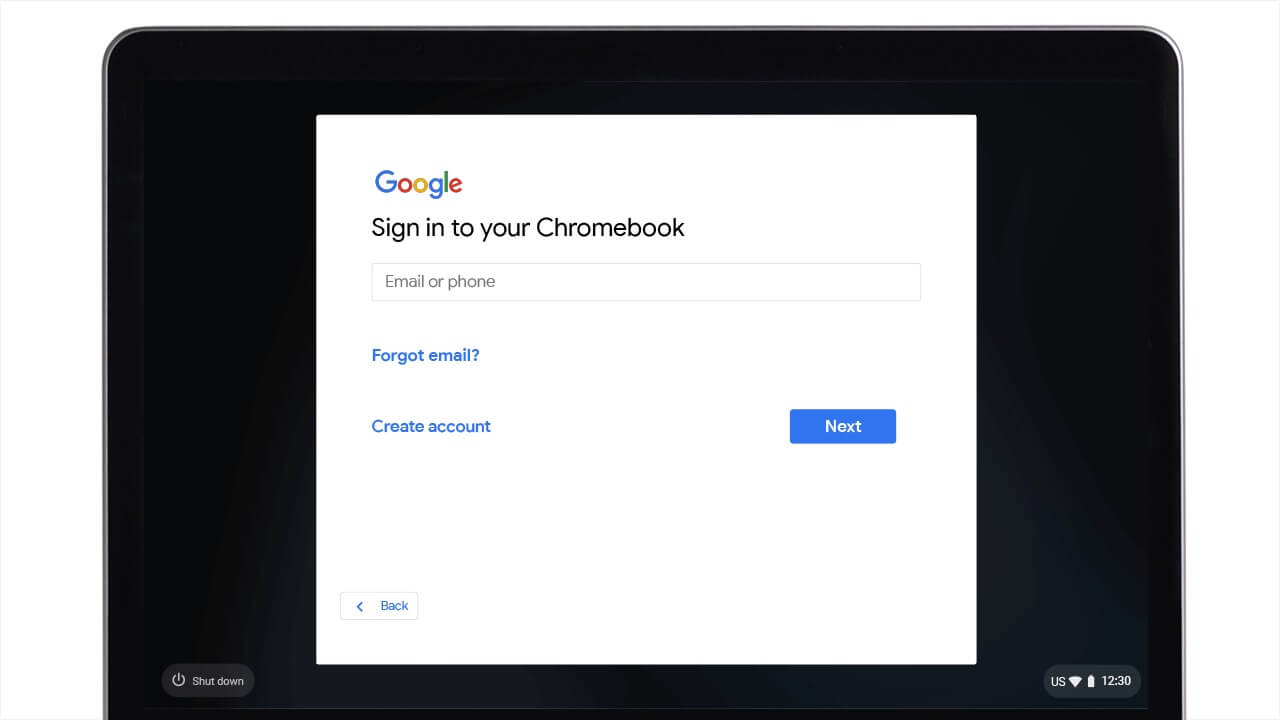
Ask your school: if you or your child use a school-managed Google account on a Chromebook or another device, your school’s IT team will decide whether Gemini and Search stay available. Ask them about their plans. Personal accounts are not part of this announcement, which is about K-12 student accounts.
Our take
Guided Learning is a sensible idea, and Google’s own numbers look positive. The sticking point is the all-or-nothing link between AI features and Search, which is what drew the criticism. The details Google shares with schools in the coming months will matter most, especially whether a school can really keep Search without the AI features. We will update this post when that happens.
Read more: Gemini in Utah schools and Gemini Notebook study features.
Discover more from Chrome Geek
Subscribe to get the latest posts sent to your email.