How to Change (Spoof) MAC Address on Chromebook: 2026 Guide
Need to bypass a Wi-Fi filter? Follow our guide to randomizing or spoofing your MAC address on any Chromebook using simple Crosh commands.

The best ChromeOs Blog on the web.
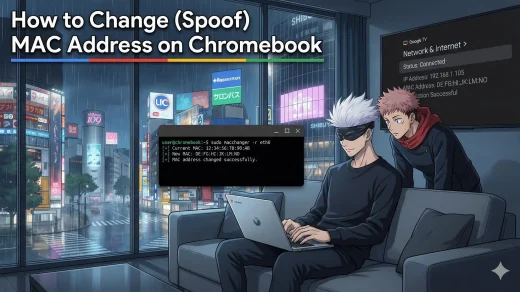
Need to bypass a Wi-Fi filter? Follow our guide to randomizing or spoofing your MAC address on any Chromebook using simple Crosh commands.
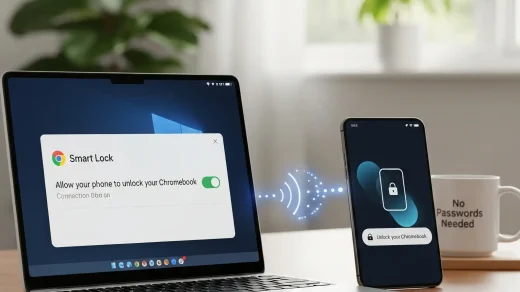
Tired of typing your password on your Chromebook? Here’s how to set up Smart Lock and use your Android device to unlock ChromeOS instantly.
A step by step tutorial on how to take a full screenshot on your Chromebook including how to record your screens.
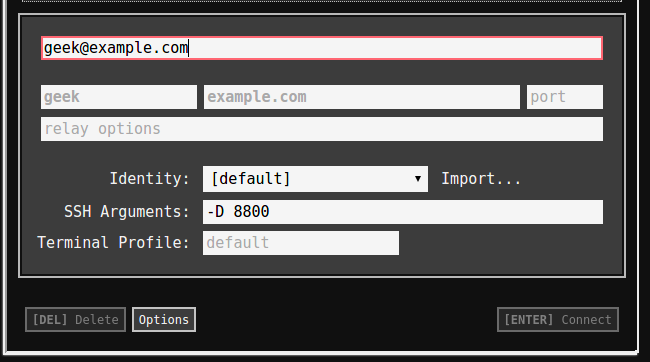
Easily learn how to turn on SSH tunneling on your Chromebook & Chromebox in our tutorial.
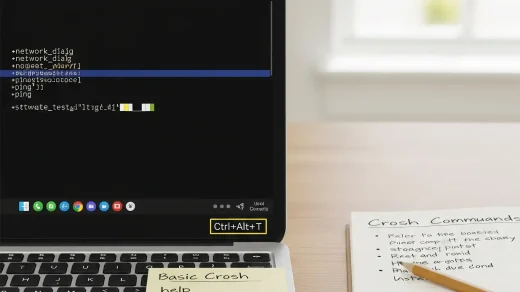
Learn how the Crosh Shell allows you to troubleshoot Wi-Fi, check battery cycles, and test hardware on any Chromebook.
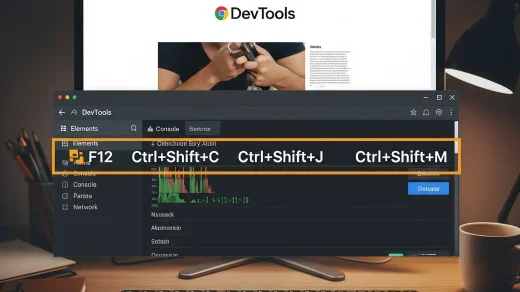
Master Chrome Developer Tools with this shortcut-packed guide. Covers inspect element, console, sources panel, and downloadable quick-reference.
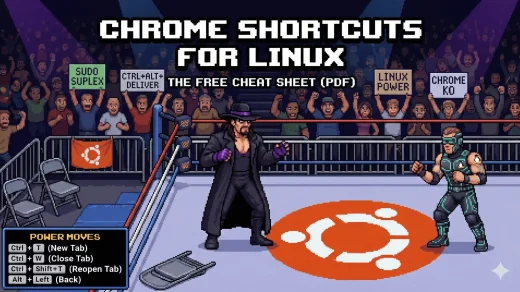
Stop clicking menus. Download our free Linux Chrome Shortcuts Cheat Sheet to master tabs, bookmarks, and instant searching on Ubuntu and Mint.
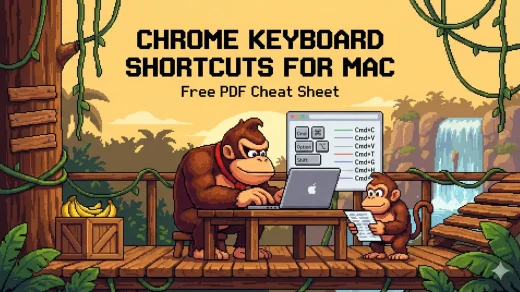
Stop clicking menus. Download our free Chrome keyboard shortcuts cheat sheet for Mac to manage tabs, bookmarks, and instant search faster on macOS.
Stop clicking menus. Download our free Windows Chrome keyboard shortcuts cheat sheet to manage tabs, bookmarks, and instant search faster on PC.
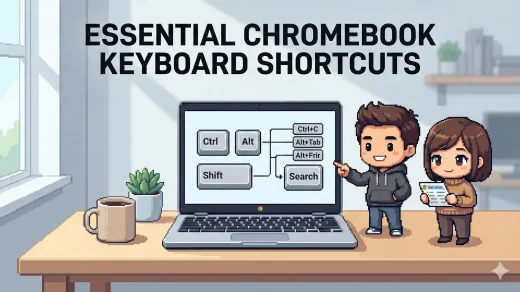
If you want to move faster on a Chromebook, keyboard shortcuts are the easiest win. This page covers the essential ChromeOS shortcuts for navigation, tabs, screenshots, and everyday productivity, plus a free cheat sheet you can download in PDF, EPUB, MOBI, and AZW3.