6 Best Chromebook Plus Laptops (2026)
 by
Joseph Vance
Post Updated: November 13, 2026
The best Chromebook Plus laptops are the Acer Chromebook Plus 714 for top performance, the Acer Chromebook Plus 514 for the best value, and the HP Chromebook Plus x360 for a flexible 2-in-1. Every Chromebook Plus meets Google’s higher bar for speed, memory, screen and webcam, and adds built-in Google AI tools that standard Chromebooks do not get.
We compared the Chromebook Plus models you can actually buy on Amazon and picked the best one for each kind of user, from 14-inch laptops to a big 16-inch screen. Below you will also find what the Plus badge really means.
Not sure if you need a Chromebook Plus? Contact us with how you plan to use it, and we will help you decide.
Best Chromebook Plus laptops
Acer Chromebook Plus 714
$$$ Premium
Chromebook Plus
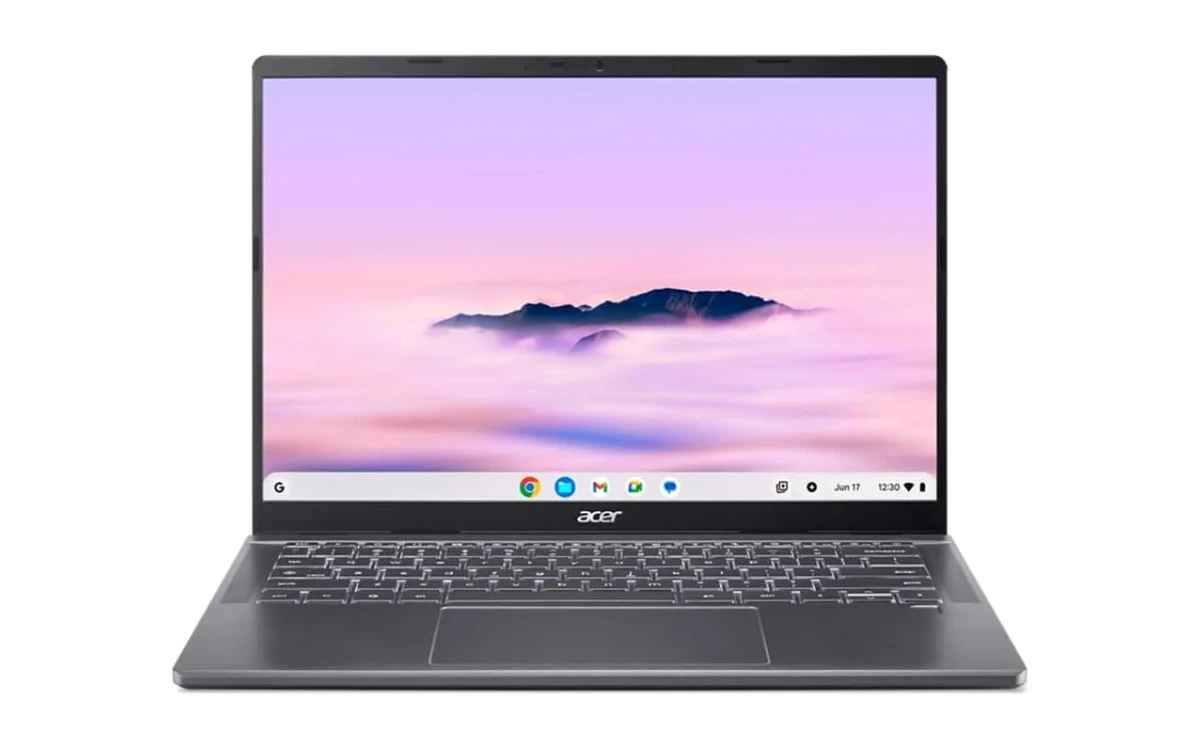
The Acer Chromebook Plus 714 is the best Chromebook Plus you can buy on Amazon. Its Core Ultra 5 chip, 16GB of memory and fast SSD go well beyond Google’s Plus minimums, so the built-in AI tools, video calls, photo editing and dozens of tabs all run without a hitch.
- 16GB of memory: Heavy multitaskers, analysts and anyone who lives in browser tabs will never feel it run out of room.
- Smooth 120Hz screen: The 14-inch WUXGA panel scrolls long documents and dashboards smoothly, and its tall 16:10 shape shows more rows.
- Built to last for years: Intel’s Core Ultra chip has the headroom to stay quick through years of ChromeOS updates.
Worth knowing: It is the most expensive pick. Most people will be just as happy with the Plus 514.
Acer Chromebook Plus 514
$$ Mid-range
Chromebook Plus
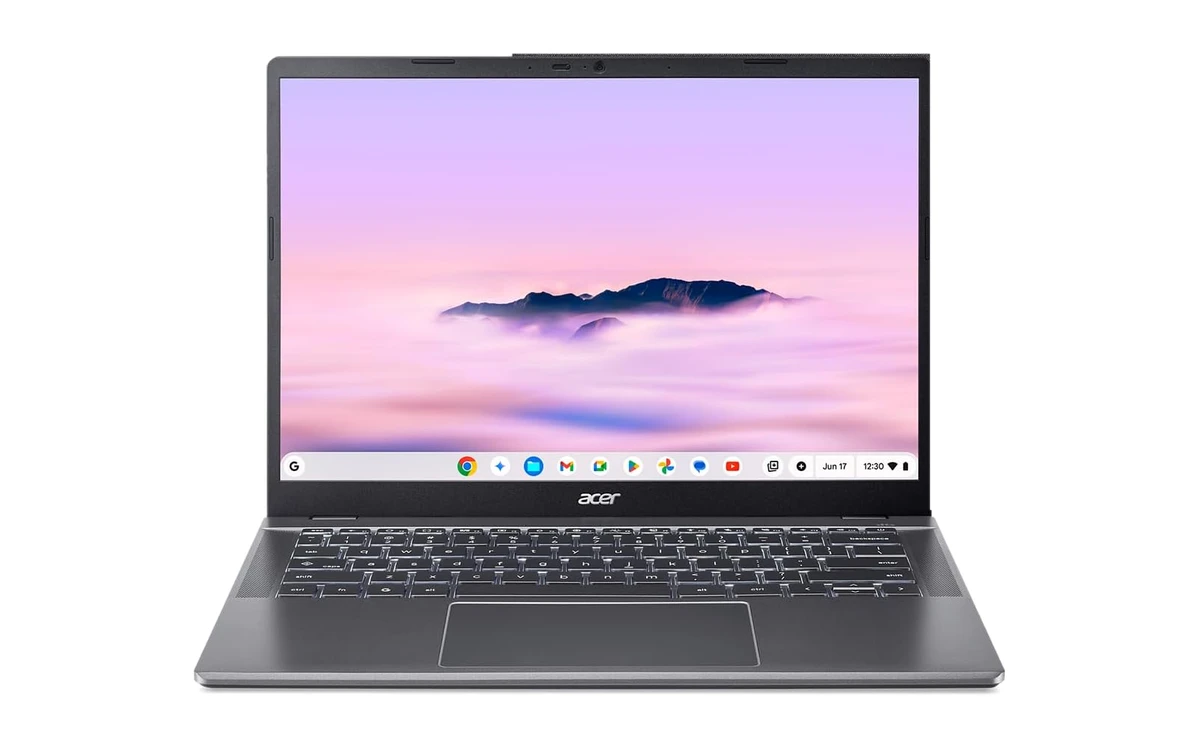
The Acer Chromebook Plus 514 is the sweet spot of the Chromebook Plus range. It meets every Plus requirement with room to spare, adds Wi-Fi 7 and an anti-glare touchscreen, and costs far less than premium models.
- Glare-free touchscreen: The matte 16:10 panel is easy to read under office lights and near windows.
- Wi-Fi 7 and a 1080p webcam: Fast, stable connections and clear video for meetings at home or in the office.
- Long battery life: Acer rates it at up to 17 hours, so it can get through a full day away from a desk (real use will be lower).
Worth knowing: 8GB of memory is plenty for most people, but power users with dozens of tabs should step up to a 16GB model.
HP Chromebook Plus x360 14
$$ Mid-range
360° Convertible
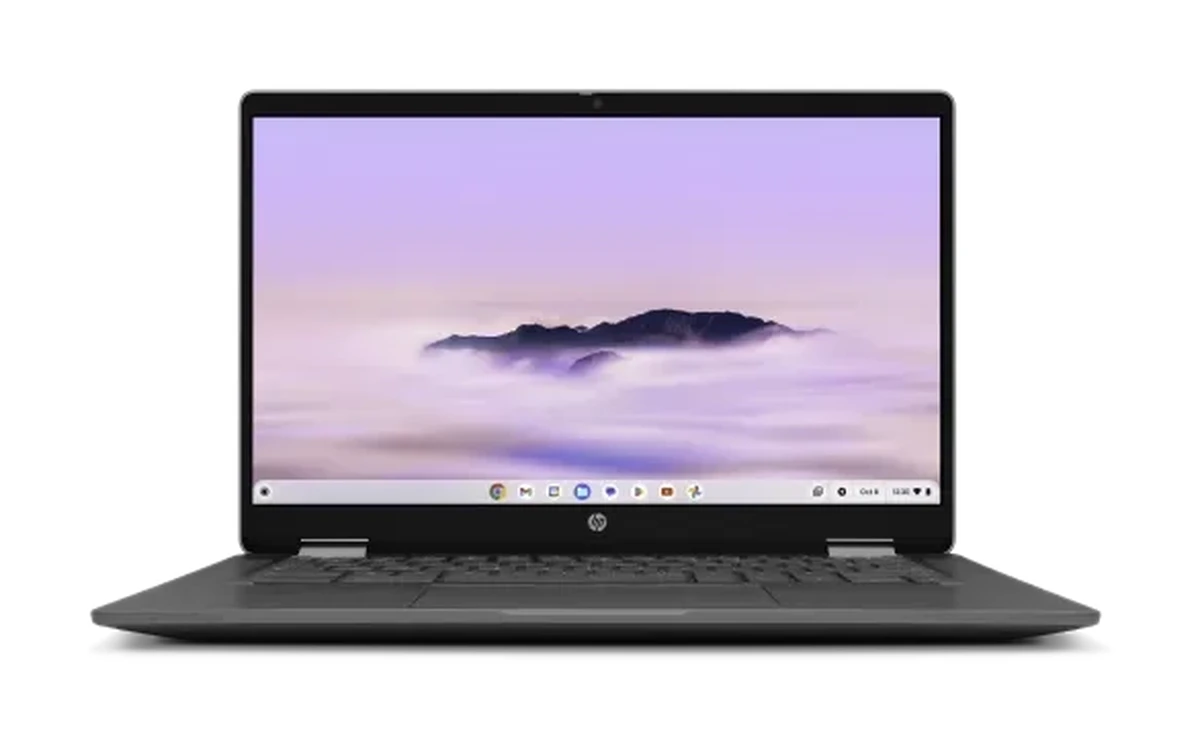
The HP Chromebook Plus x360 folds back into a tablet, which makes it handy for presenting to clients, reviewing PDFs and signing documents. It has a backlit keyboard for late nights and early flights.
- Laptop, tent and tablet: Flip the 14-inch touchscreen around to present slides or read documents in tablet mode.
- Backlit keyboard: Type comfortably in dim meeting rooms, hotels and planes.
- All-day battery: HP rates it at up to 10 hours and 15 minutes of mixed use, and it weighs about 3 pounds.
Worth knowing: On Amazon it ships from a third-party seller, so check the seller rating. The N305 chip is a step below the Core i3-1315U in our value pick.
ASUS Chromebook Plus CX34
$$ Mid-range
Chromebook Plus
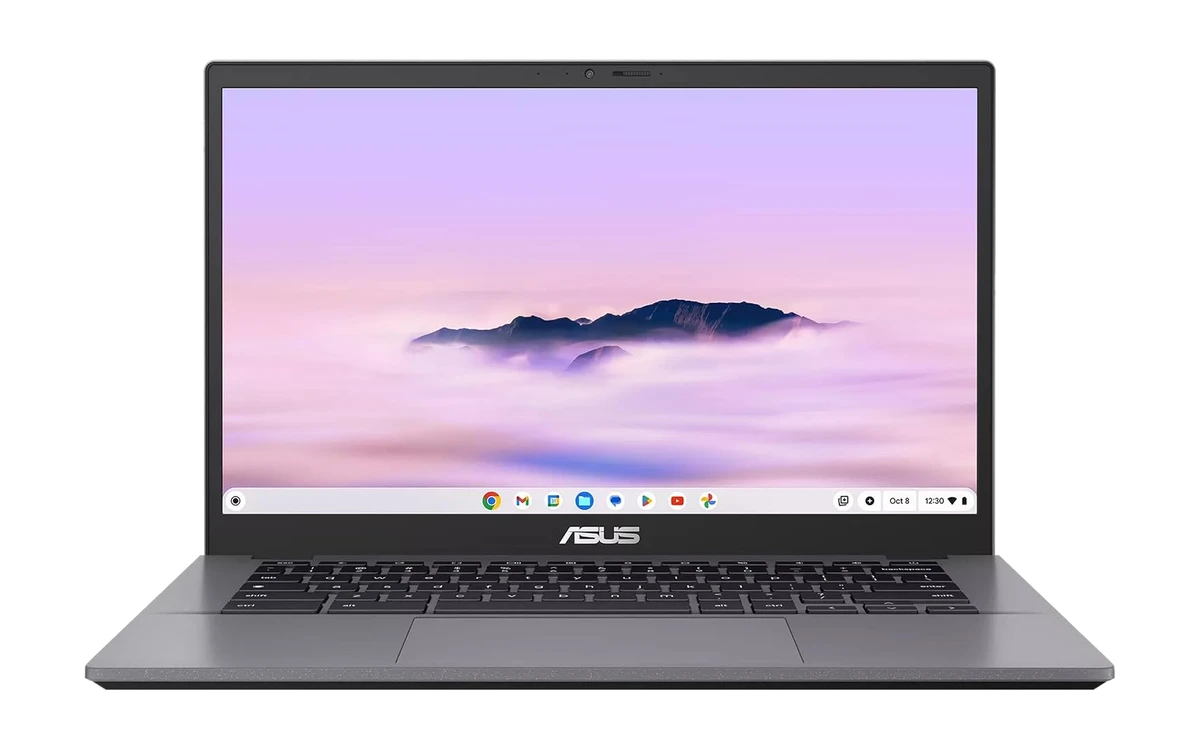
The ASUS Chromebook Plus CX34 puts a Core i5 processor in a simple, sturdy 14-inch laptop. That extra speed helps with heavier web apps, large spreadsheets and screen sharing during calls.
- Core i5 speed: The 10-core i5-1335U is one of the quickest chips you will find in a mid-range Chromebook.
- Anti-glare touchscreen: The 14-inch Full HD panel cuts reflections in bright offices.
- 1080p webcam: Clear video for Google Meet, Zoom and Teams calls.
Worth knowing: 128GB of storage is the smallest here, so keep big files in Google Drive or OneDrive. On Amazon it ships from a third-party seller.
Lenovo Chromebook Plus 15
$$ Mid-range
Chromebook Plus
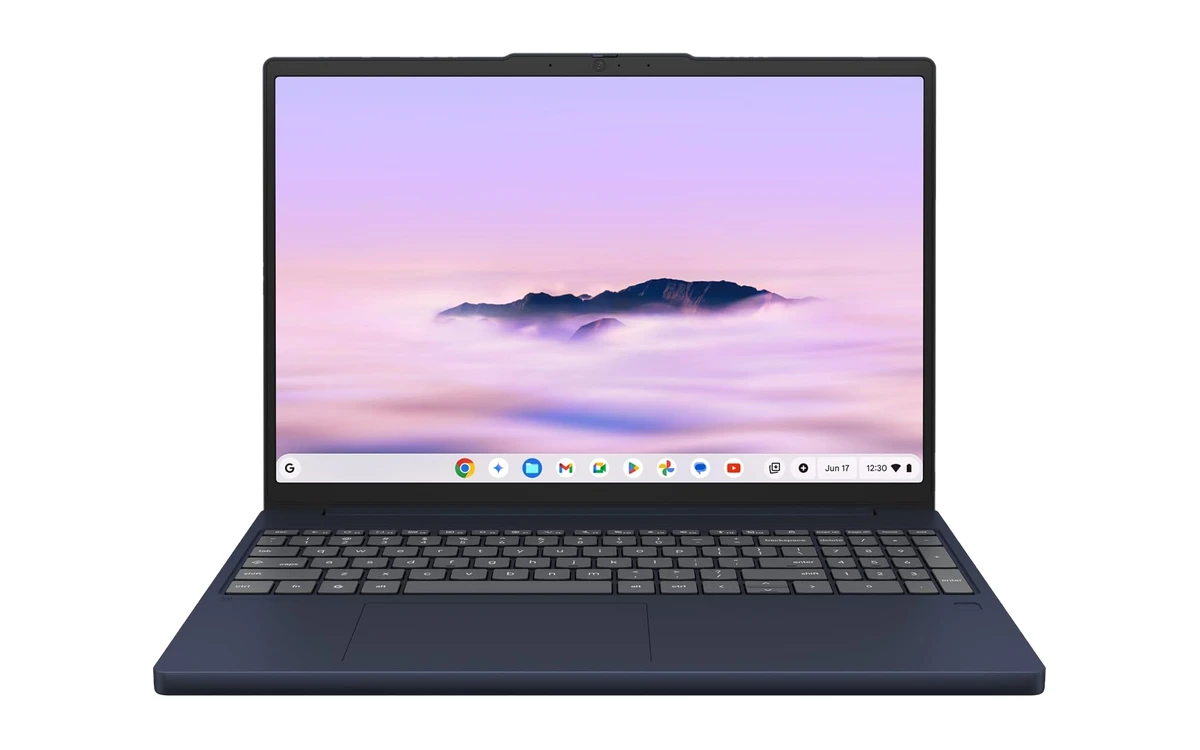
The Lenovo Chromebook Plus 15 gives you a roomy 15.3-inch screen without the bulk you would expect. It is a great fit for students who keep a lecture video on one side and notes on the other, or who simply want bigger text for long study sessions.
- Room for split screen: The tall 15.3-inch panel fits two apps side by side, which makes research papers and spreadsheets much easier.
- Eight-core processor: The Core 3 N355 handles Classroom, Docs, Meet and a pile of tabs at the same time.
- Light for its size: At 3.44 pounds it is easy to carry between classes for a 15-inch laptop.
Worth knowing: On Amazon it ships from third-party sellers, so check the seller rating and return window. It also needs a bigger bag.
Acer Chromebook Plus 516
$$ Mid-range
Chromebook Plus
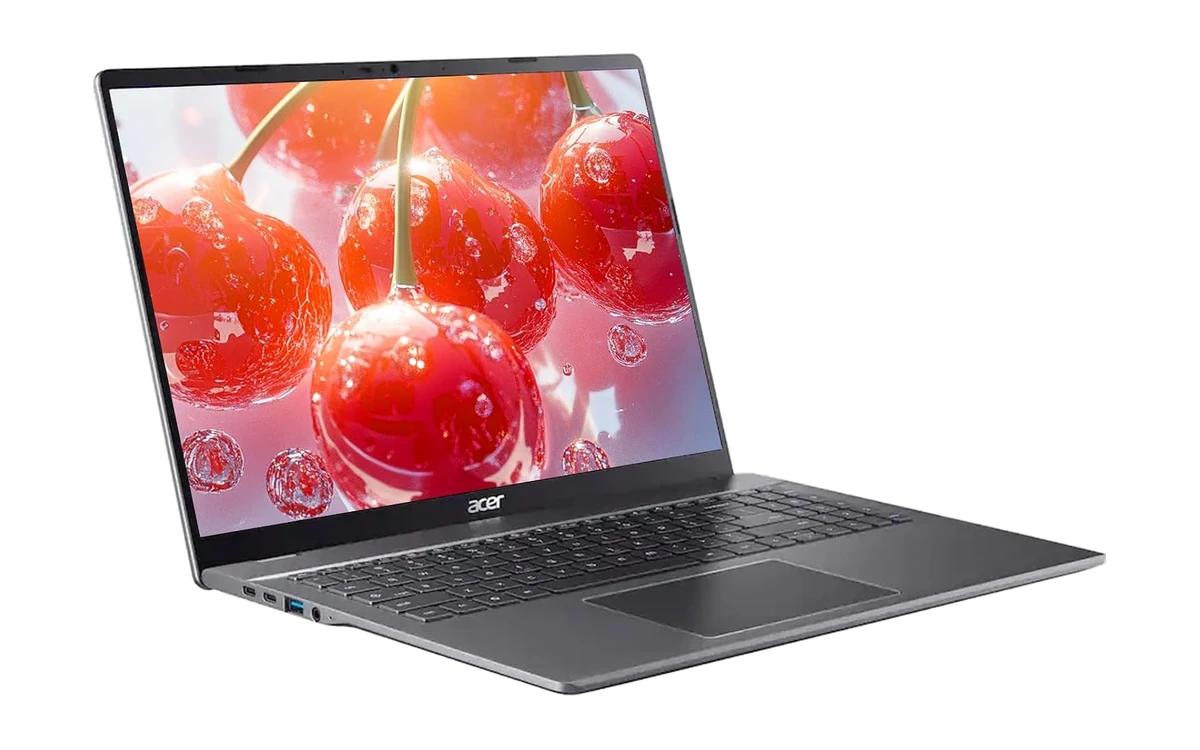
The Acer Chromebook Plus 516 has the biggest screen in the Plus lineup on Amazon. The 16-inch WUXGA display is great for spreadsheets, movies and side-by-side apps, and the HDMI port makes it easy to add a second monitor.
- 16-inch WUXGA display: The tall 1920 x 1200 screen shows more of every page and fits two apps comfortably.
- HDMI and USB ports: Plug in a monitor, projector or TV without an adapter.
- Core i3 performance: Comfortably above the Plus minimum for everyday work and streaming.
Worth knowing: It is large and heavier than the 14-inch picks, and on Amazon it ships from a third-party seller with few reviews so far.
What makes a Chromebook Plus different
Higher minimum specs
Every Chromebook Plus has at least a Core i3-class processor, 8GB of memory, 128GB of storage, a Full HD IPS screen and a 1080p webcam. Standard Chromebooks can ship with much less.
Built-in Google AI
Plus models get Gemini and extra tools like Help me read, Help me write, smarter photo editing in Google Photos and live captions that can translate on the fly.
Plus or standard?
Choose Plus if the laptop is your main computer or you use video calls, many tabs or photo editing. A standard Chromebook is fine for basic browsing and schoolwork.
Check the update date
Every Chromebook has an Auto Update Expiration (AUE) date when updates stop. Look the model up in Google’s Auto Update policy list before you buy.
Frequently asked questions
What is a Chromebook Plus?
A Chromebook Plus is a Chromebook that meets Google’s higher hardware standard: at least a Core i3-class processor, 8GB of memory, 128GB of storage, a Full HD IPS display and a 1080p webcam. It also gets extra built-in Google AI features.
Is a Chromebook Plus worth the extra money?
For most people who use a laptop every day, yes. The faster processor and 8GB of memory make multitasking and video calls much smoother, and the better screen and webcam are easy to notice. Light users can save money with a standard Chromebook.
What AI features does a Chromebook Plus have?
Chromebook Plus laptops include Gemini, Help me read and Help me write for summarizing and drafting text, extra photo and video editing tools, and live captions with translation. Google adds new features through regular updates.
Can a Chromebook Plus run Microsoft Office and Android apps?
Yes. Microsoft 365 apps like Word, Excel and Outlook work on the web, and Android apps install from Google Play. Plus models have the memory to run several of them at once smoothly.
How do I know if a Chromebook is a Chromebook Plus?
Look for Chromebook Plus in the product name, on the box or on the laptop itself. You can also check the specs: it should have at least 8GB of memory, 128GB of storage and a Full HD screen.
More Chromebook guides
- Buying for school? See our best Chromebooks for students.
- Choosing a laptop for the office? Check the best Chromebooks for work.
- Want to play games? Browse the best Chromebooks for gaming.
- On a tight budget? Our list of the cheapest Chromebooks to buy covers standard models.
Discover more from Chrome Geek
Subscribe to get the latest posts sent to your email.