Google Flow Adds 5 New AI Tools Built by Visual Artists
 by
Sophie Sullivan
Post Updated: November 13, 2026
Google Flow, Google’s AI creative studio, just picked up five new tools, and every one of them was designed by a working visual artist. They cover consistent characters, retro pixel effects, impossible lens tricks and a way to turn phone footage into multi-angle shots. Google shared them on November 12 in a Google Labs post.
1. The five tools at a glance
How to read this: each tool name links to its shared page in Flow, which is how Google points people to them.
2. Character Poster and Character Arc
Character Poster: artist James Gerde treats his social feeds like a gallery, so he built a tool that turns a basic story concept into a polished poster in a signature style. Google’s example is a cinematic “let’s go to the beach” poster. The point is to save hours when you want every post to look like part of the same series.
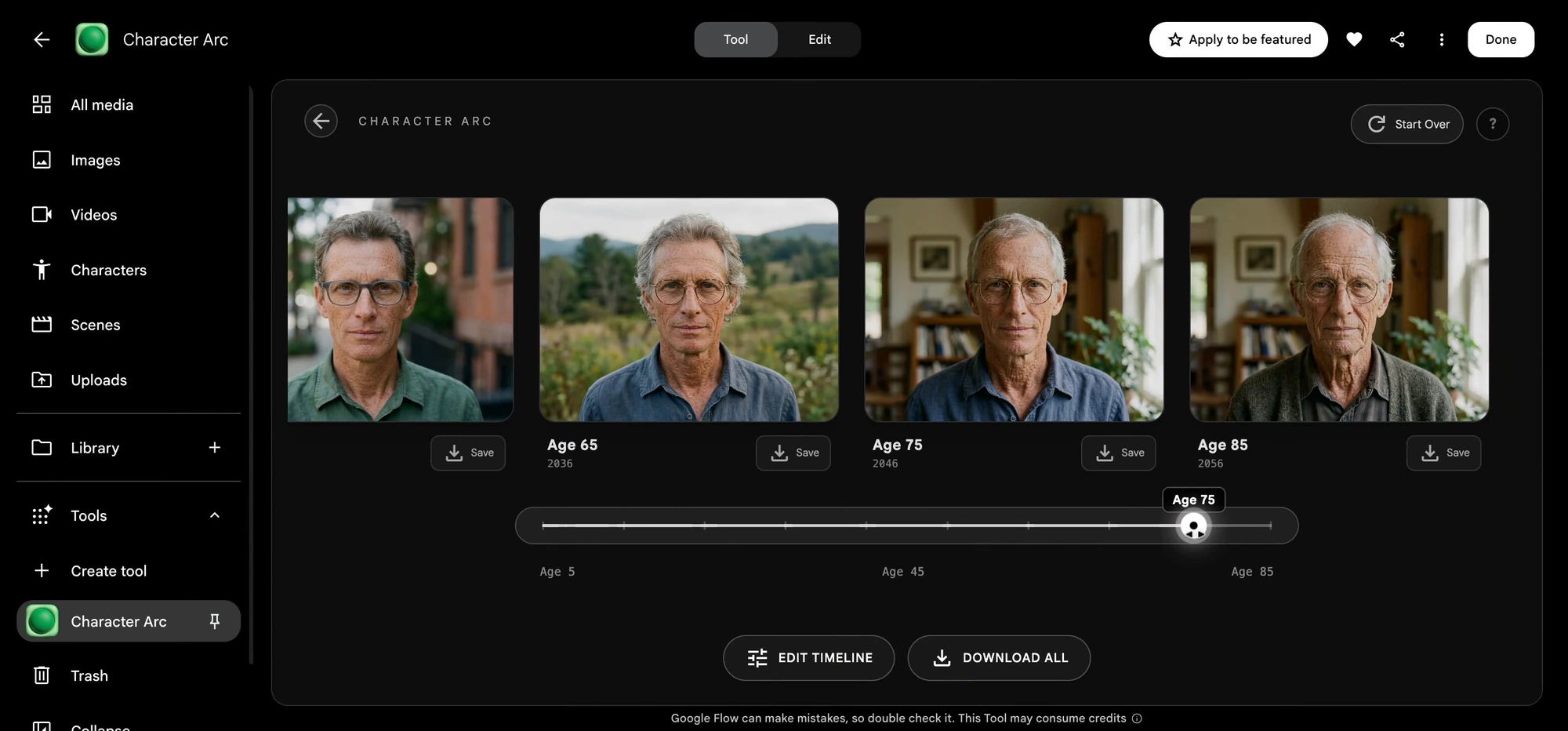
Character Arc: filmmaker Anurag Tiwari made this one to show how a character changes over time without losing their core look. He is using it for his documentary “Children of the Sun,” where people look back on events from 1974, to follow the main character from childhood to adulthood before full production starts.
3. Pixel Machine and Lucid Glass
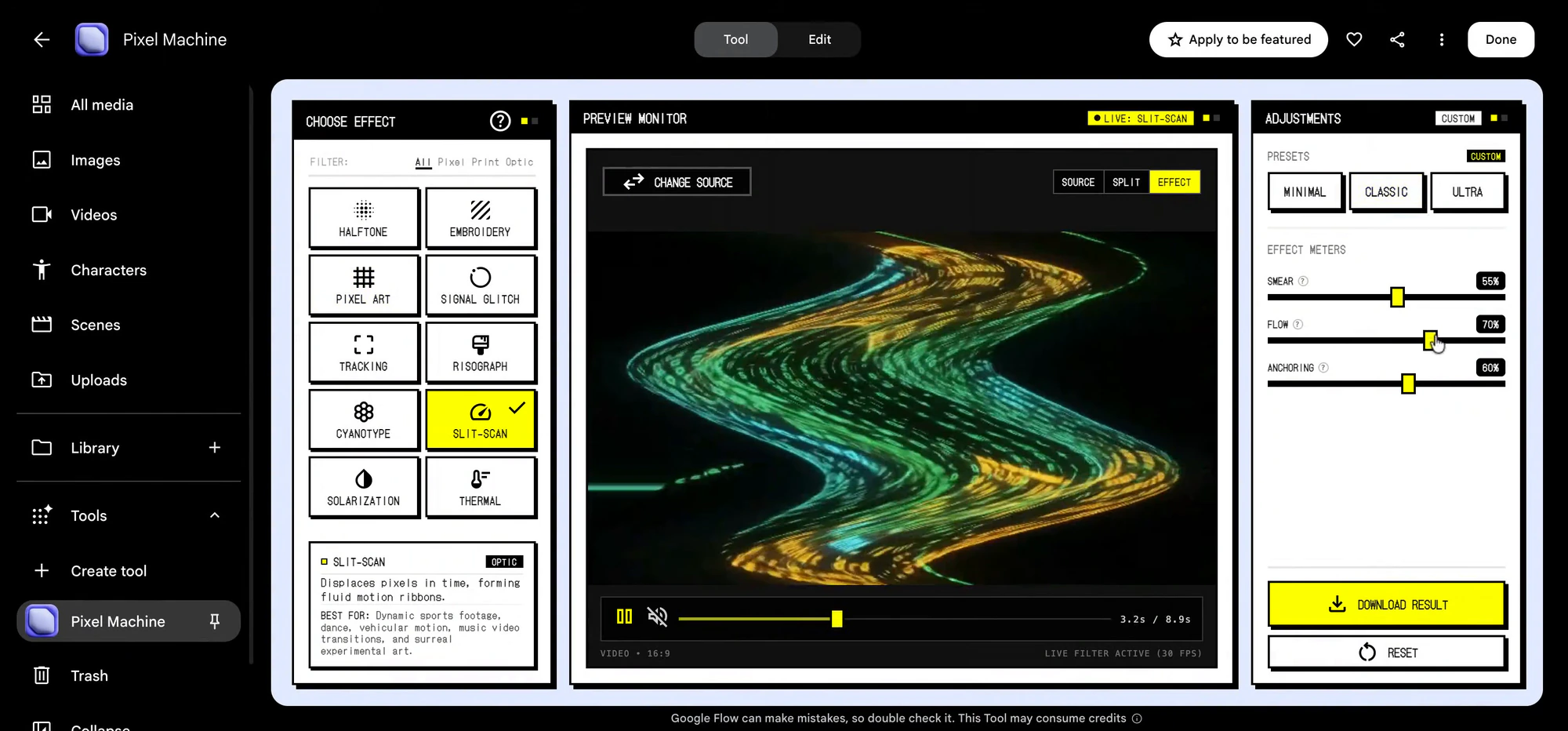
Pixel Machine: also by Anurag Tiwari, this one is for people who are tired of the clean, glossy AI look. It turns images into bitmap, ASCII, CRT, pixel art and glitch styles, which suits title cards, transitions and music videos.
Lucid Glass: creative director Ezra Paulekas built it to copy the way light bends through glass, so you get prisms, halos, refractions and optical blooms. Google calls it an “impossible lens”, meaning effects you could not get from real glass in front of a camera.
4. Pocket Studio for phone footage
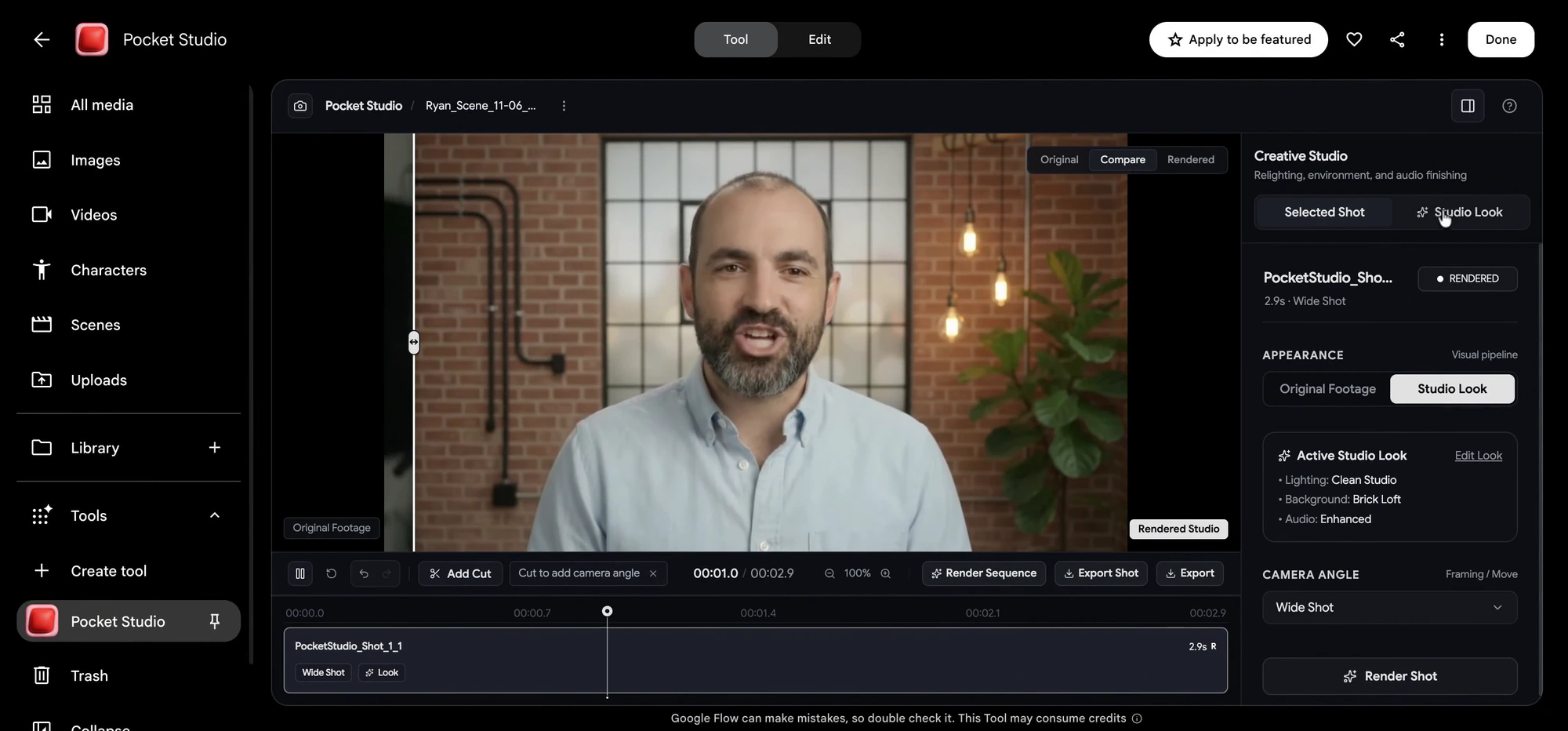
What it does: Ryan McCoy, who has spent more than 20 years in previsualization and visual effects for big films, built Pocket Studio to clean up everyday phone video. From one take, it creates several camera angles and improves the image quality, while keeping the actor’s original performance.
Why it matters: for small creators, a second or third camera angle usually means more gear and more people. If Pocket Studio holds up, a single phone on a stand gets you closer to a studio-style edit.
What it means on a Chromebook or Googlebook
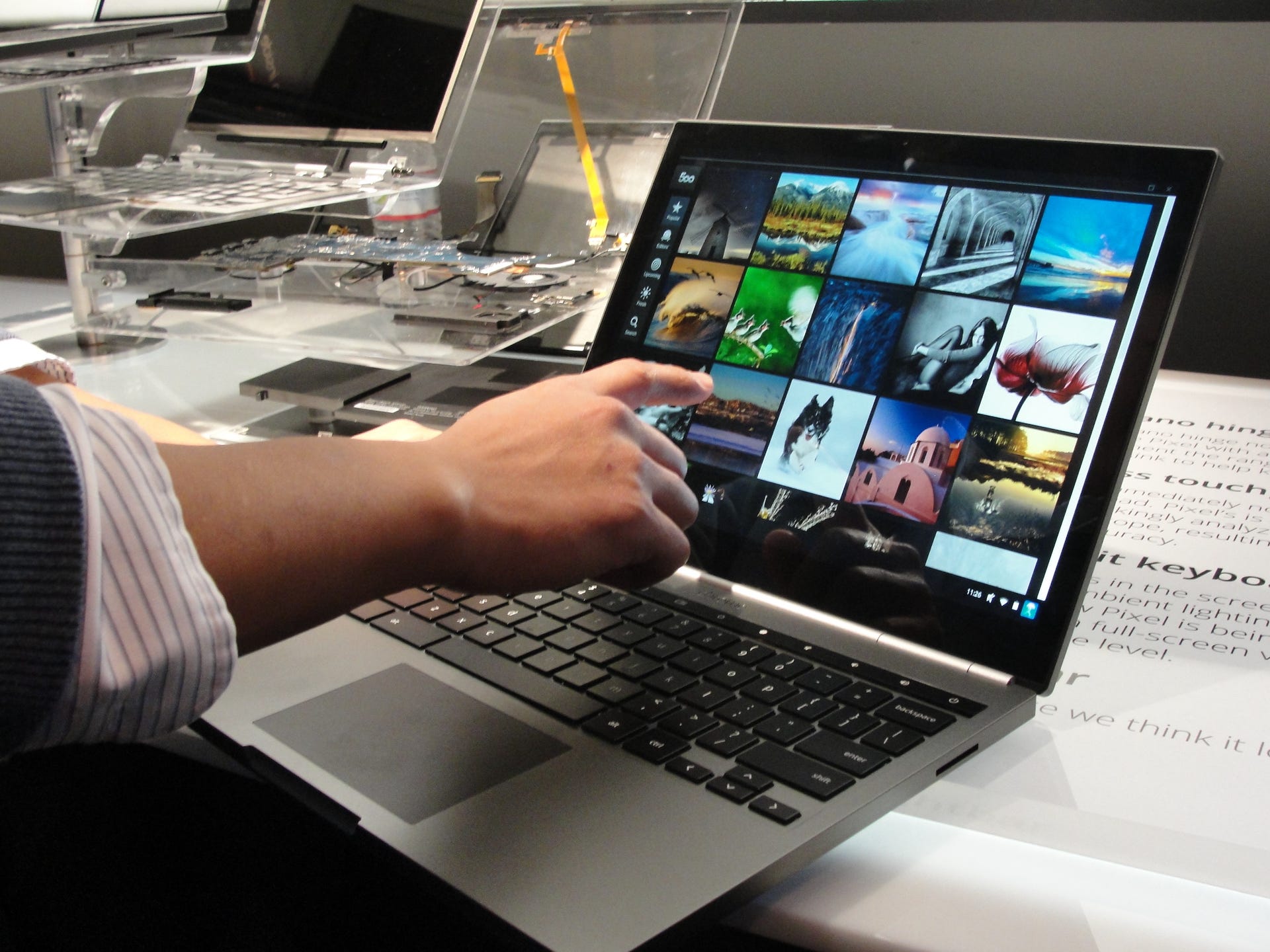
Browser based: Flow runs on the web, so you can open these tools in Chrome on a Chromebook or Googlebook without installing anything. The heavy AI work happens on Google’s servers, not on your laptop.
Plans and limits: Google’s post does not say which Google AI plans can use the new tools or how many generations you get, so check your Flow account before you plan a big project around them. We have not tested them yet.
Our take
These are small, focused tools rather than a big new model, and that is what makes them interesting. Pocket Studio is the one we most want to try, because turning one phone clip into a multi-camera edit would help a lot of YouTubers and teachers. If you liked Google’s other Labs experiments like Tabletop, Flow is starting to feel like a shelf of handy creative apps.
Read more: what Gemini Omni 1.2 Flash brings to Flow.
Discover more from Chrome Geek
Subscribe to get the latest posts sent to your email.