Gemini Omni 1.2 Flash Is Generally Available With 15-Second Video
 by
Sophie Sullivan
Post Updated: November 7, 2026
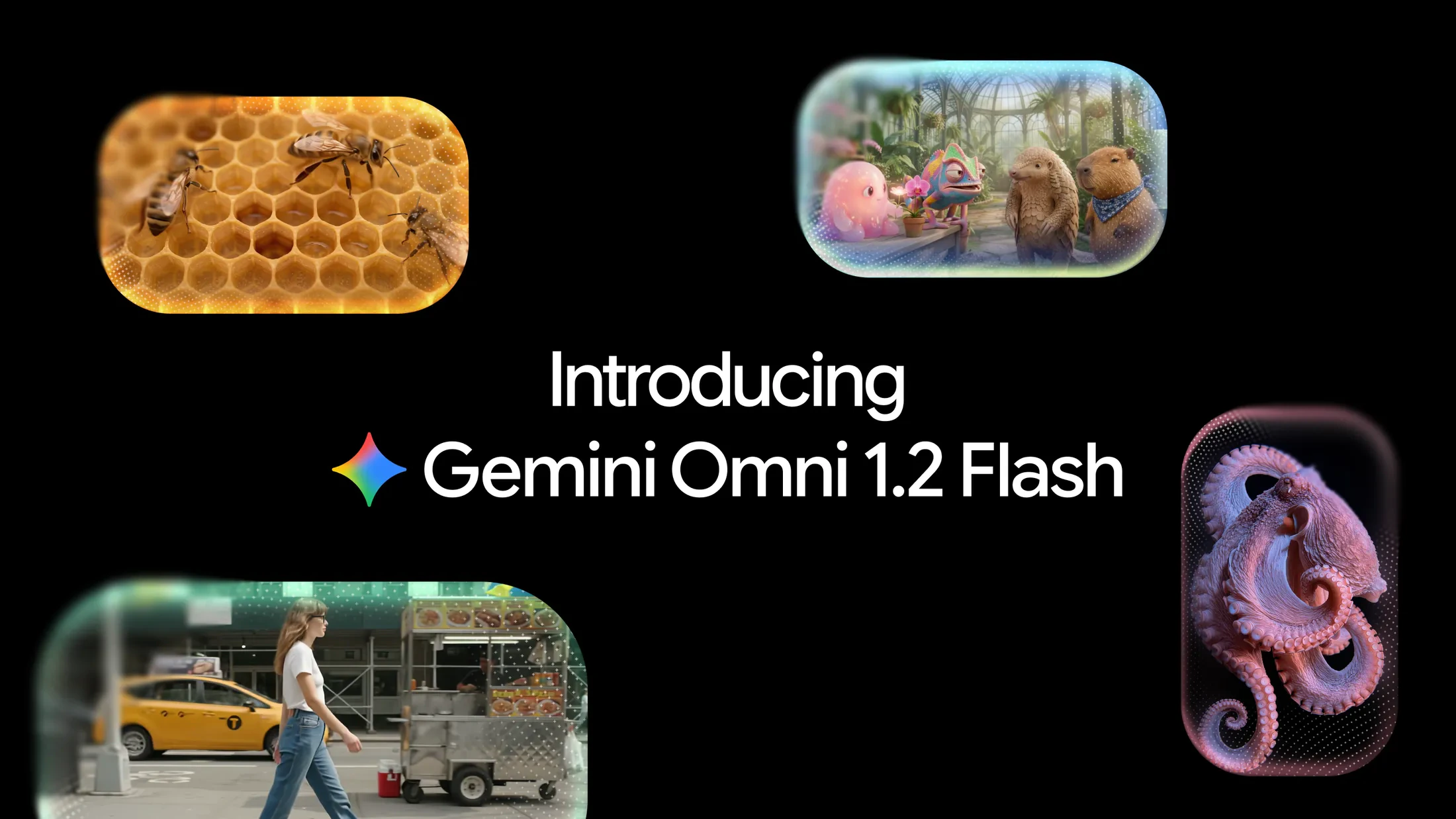
Google has made Gemini Omni 1.2 Flash generally available for video creation and editing. Per the Google Keyword blog (November 5, 2026), the update brings native 15-second clips, multi-turn conversational edits, stronger reference following, and a 30% price cut versus Omni 1.1. Google Cloud confirms the same launch for production use on Cloud.
1. What shipped in Omni 1.2 Flash
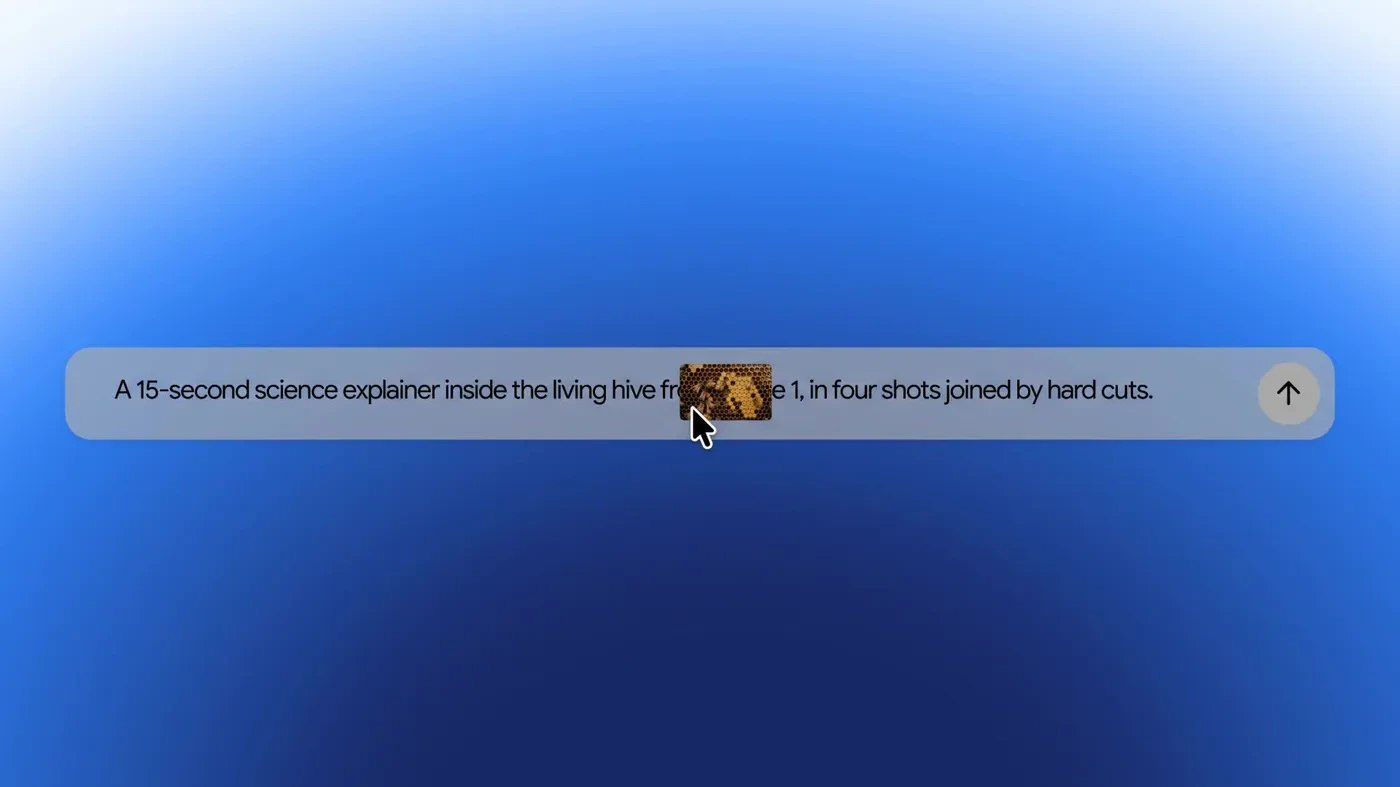
Video length: Omni 1.2 Flash can create and edit video natively up to 15 seconds, up from 10 seconds on Omni 1.1. Google says you can pick any length from 3 to 15 seconds in one-second steps, which helps product explainers, social ads and short story beats in one pass.
Editing in conversation: you refine the same clip turn by turn (swap a product or background, change lighting, switch aspect ratio) instead of starting over. Google says multi-turn editing works across full 15-second clips.
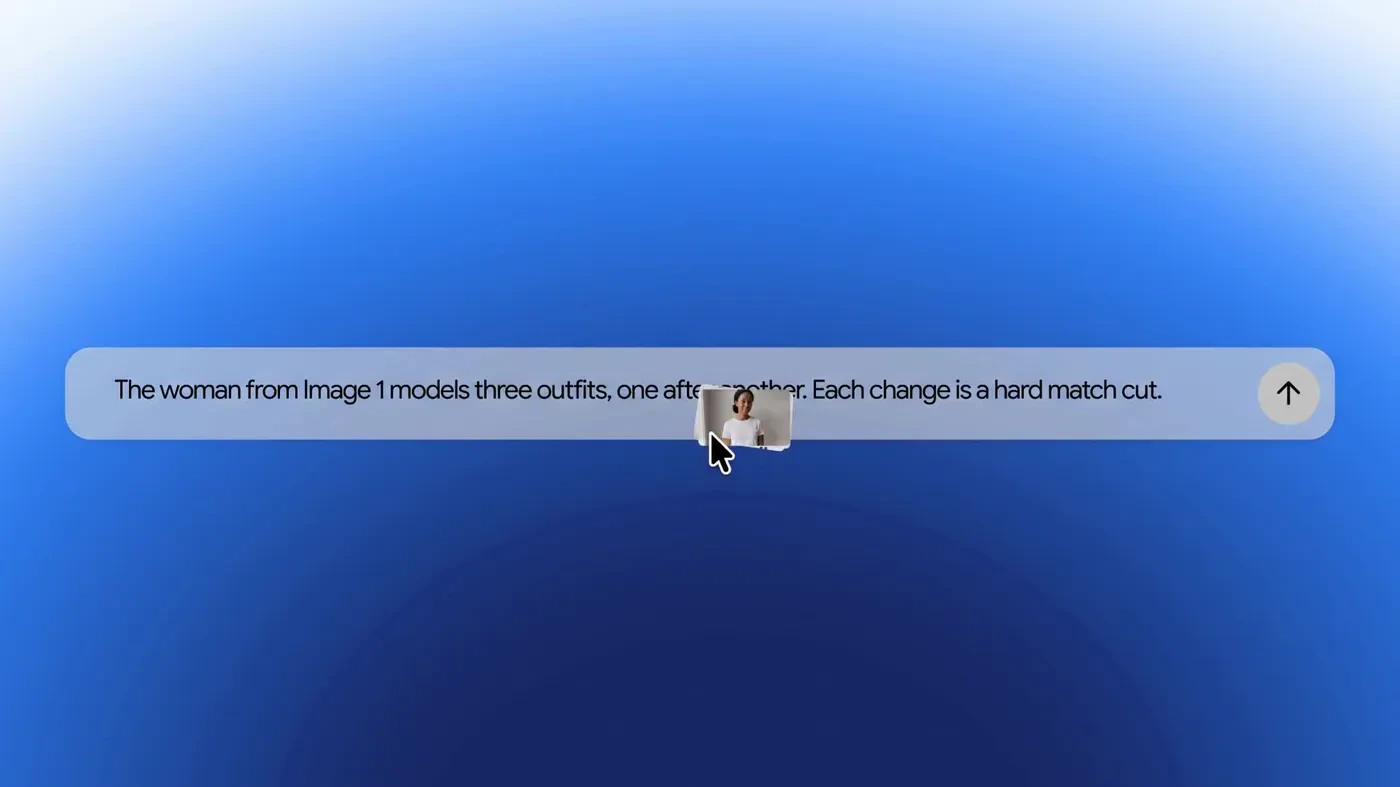
Reference following: combine character, product or style images, short motion clips (up to three seconds) and audio cues. Faces, garments, packaging type and brand colours are meant to hold across angles. Audio references are gated behind allowlisting on Cloud.
2. Pricing and draft-to-upscale workflow
Headline price: Google quotes $0.07 per second for 720p video after a 30% cut from Omni 1.1. The Gemini API pricing page maps that to roughly 5,792 output tokens per second at 720p under standard paid pricing (about $0.70 for a 10s clip, about $1.04 for 15s).
Cost tip: draft at 360p or 720p, fix details with a follow-up edit, then upscale only the keepers. That is the workflow Google is pushing for volume work like catalog spins and ad variants.
3. Where Chromebook and Chrome users can use it
On a Chromebook: Vids and the Gemini app in Chrome are the simplest entry points if you do not want to touch the API. For a Vids walkthrough we already published, see Create Free HD Videos with Gemini in Google Vids. Developers can prototype in AI Studio from Chrome on ChromeOS or a Googlebook the same way as on any other laptop.
4. Limits Google still calls out
Still improving: Google says work continues on fast sports action, rapid script changes and complex physics. Omni 1.2 Flash is aimed at everyday business video at volume (product shots, try-ons, ads), not every edge case.
Audio references: on Google Cloud, audio reference inputs are allowlist-only for now.
Watermarking: outputs carry an imperceptible SynthID watermark so generated video can be identified later.
Our take
The useful part is not only the extra five seconds. GA plus a real price cut plus conversational edits makes Omni more practical for people who iterate on ads and explainers instead of one-shot demos. Chromebook creators get a no-API path through Vids and (as it rolls out) the Gemini app on Ultra. If you already follow Gemini model news, keep Gemini 4 Argon handy for the text/coding side while Omni covers the video lane. For earlier Omni builder stories, see how five builders used Gemini Omni.
Keep reading: Antigravity 2.29 Remote Agents and Voice and Google’s school AI opt-in controls.
Discover more from Chrome Geek
Subscribe to get the latest posts sent to your email.