Best Download Manager Extensions for Chrome
 by
Frank Cross
Post Updated: November 26, 2025
by
Frank Cross
Post Updated: November 26, 2025
 Downloading files is a daily task for many of us, whether it’s large videos, documents, or software updates. Chrome extensions can handle this better by speeding up transfers, resuming interrupted downloads, and keeping everything organized in one place.
If you are wondering which is the best download manager extension for Chrome, options like Chrono Download Manager, Free Download Manager, and Turbo Download Manager stand out for their speed, reliability, and ease of use.
They work seamlessly with Chrome’s built-in tools and support multi-threading for faster results. That said, the full list below covers 10 solid choices that suit different needs, from simple bulk downloads to advanced torrent handling.
Each one improves on Chrome’s default downloader with features like pausing, scheduling, and file organization. Don’t hesitate to leave a comment below or contact us if you need any help.
Top Download Manager Extensions
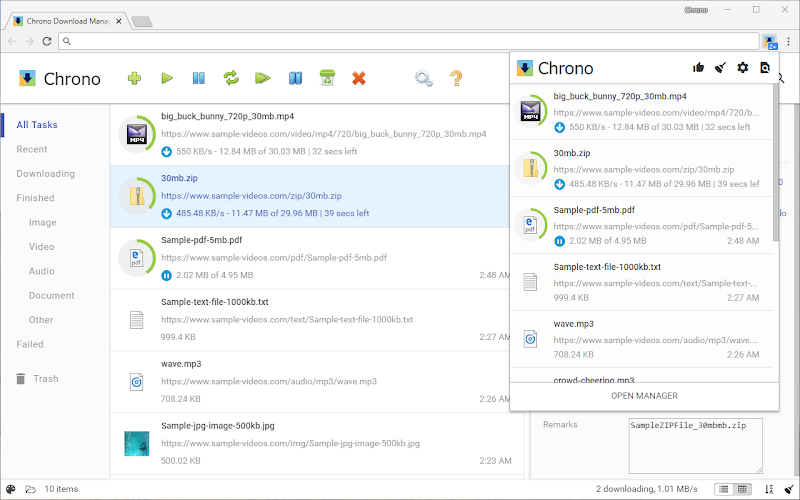
1. Chrono Download Manager
⭐️ Top Features:
- Bulk downloads for images and videos from any page
- Multi-threading to speed up large files
- Video grabber that detects and queues media automatically
Why we like it: Chrono integrates perfectly with Chrome, turning any webpage into a quick-download hub without extra apps. The sniffer tool finds hidden videos or images in seconds, and the queue system lets you pause everything for later. It’s ideal for researchers or content creators grabbing batches of files daily.
Download Chrono Download Manager Now
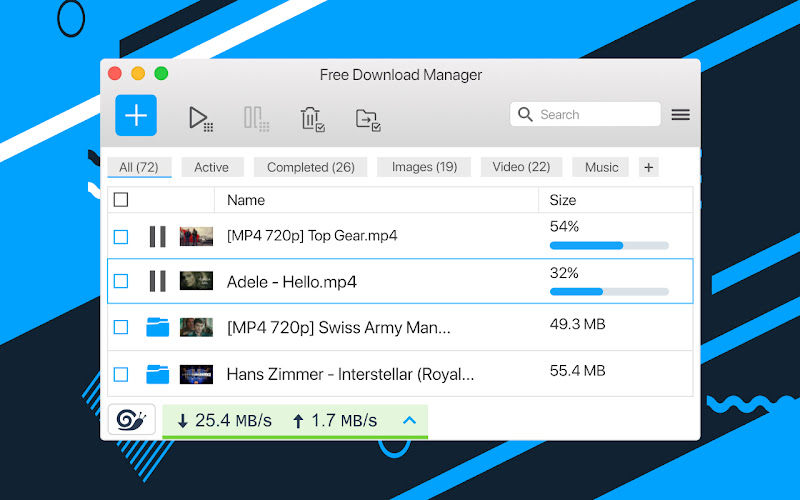
2. Free Download Manager Extension
⭐️ Top Features:
- Full torrent support for peer-to-peer downloads
- Speed acceleration up to 10x with multi-connections
- Automatic file organization by type and folder
Why we like it: Free Download Manager pairs with its desktop app for unlimited bandwidth and torrent handling that Chrome alone can’t match. It sorts downloads smartly so videos go to one folder and docs to another, saving cleanup time. Great for users with spotty connections who need reliable resumes.
Download Free Download Manager Now
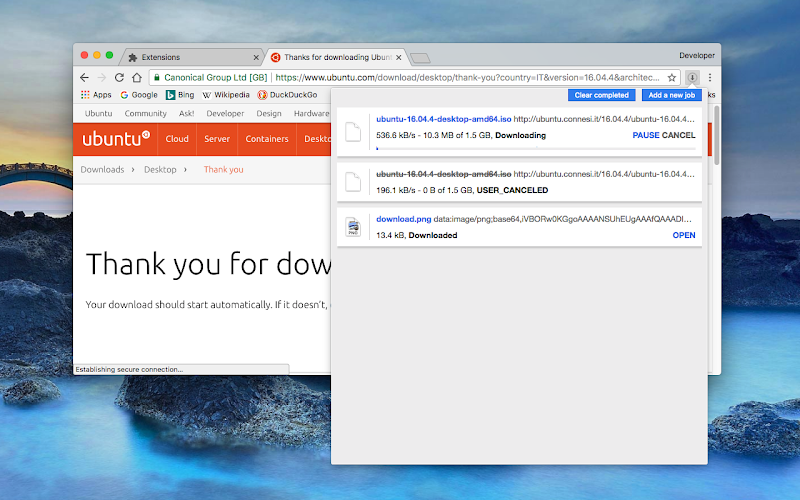
3. Turbo Download Manager Extension
⭐️ Top Features:
- Resume interrupted downloads from any point
- Multi-thread support for up to 32 connections
- Built-in grabber for audio and video files
Why we like it: Turbo shines on unstable networks where downloads often fail halfway— it picks up right where it left off without restarting. The thread control lets you balance speed and stability, and the media grabber pulls streams from sites like YouTube effortlessly. Perfect for travelers or anyone with variable Wi-Fi.
Download Turbo Download Manager Now
4. Ninja Download Manager Extension
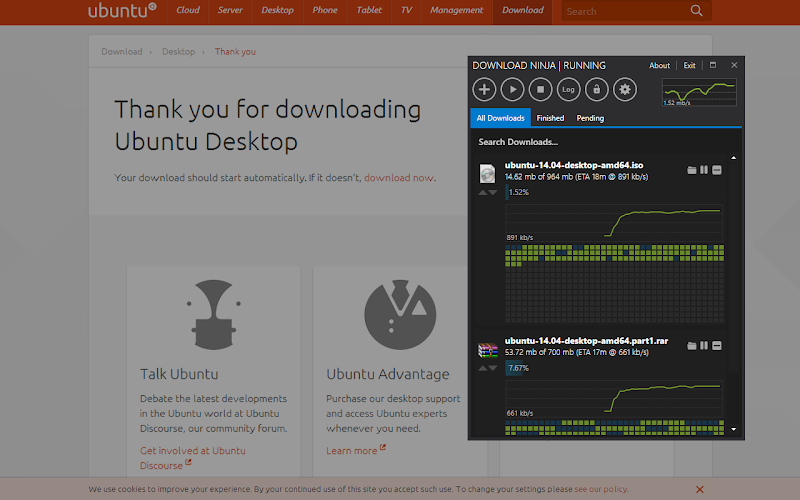
⭐️ Top Features:
- Speed boosts up to 20x with intelligent threading
- Built-in scheduler for timed downloads
- Simple interface with drag-and-drop queue
Why we like it: Ninja turns slow downloads into background tasks with its scheduler, so you set it overnight and wake up to finished files. The threading adapts to your connection, avoiding overloads, and the clean queue view makes managing 10+ files a breeze. Users with high-speed internet love how it maximizes every bit of bandwidth.
Download Ninja Download Manager Now
5. Download Accelerator Plus (DAP) Extension
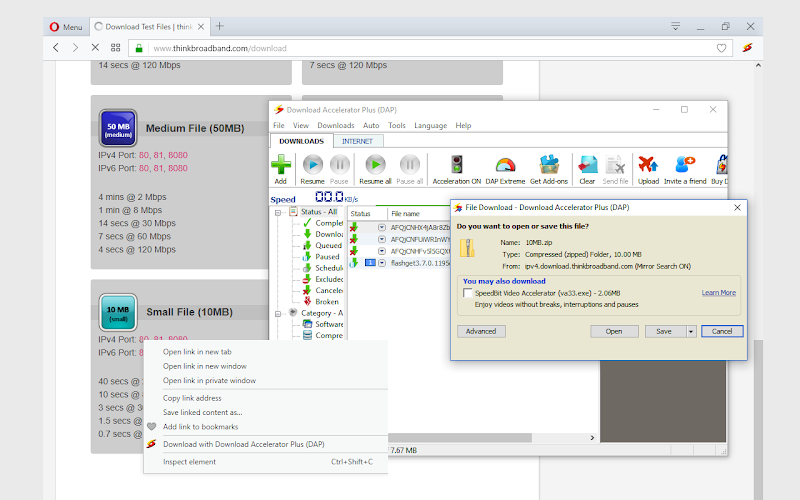
⭐️ Top Features:
- Video and audio conversion to MP3 during download
- Preview files while they are still downloading
- Supports HTTP, FTP, and multiple protocols
Why we like it: DAP lets you peek inside zips or play partial videos before the full download finishes, saving time on bad links. The built-in converter extracts audio from long videos quickly, and protocol support handles old FTP sites that Chrome struggles with. Media enthusiasts use it for archiving podcasts or clips without extra software.
Download Download Accelerator Plus Now
6. FlashGet Extension
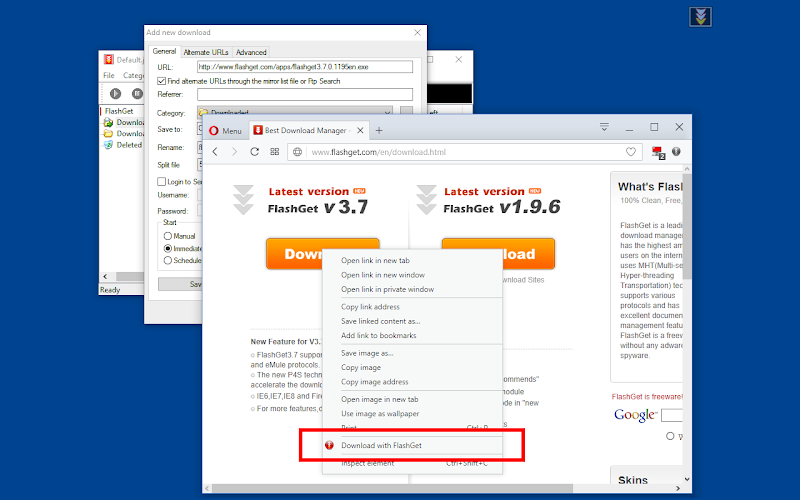
⭐️ Top Features:
- Automatic antivirus scan after download
- Supports HTTP, FTP, BitTorrent, and eDonkey
- Speed increase of 6-10x with MHT technology
Why we like it: FlashGet’s virus scanner runs in the background, flagging risks before you open files, which is crucial for torrent users. It handles legacy protocols like eDonkey that modern browsers ignore, and the speed tech splits files smartly for maximum throughput. Long-time users appreciate its low resource use on older machines.
Download FlashGet Now
7. Persepolis Download Manager Extension
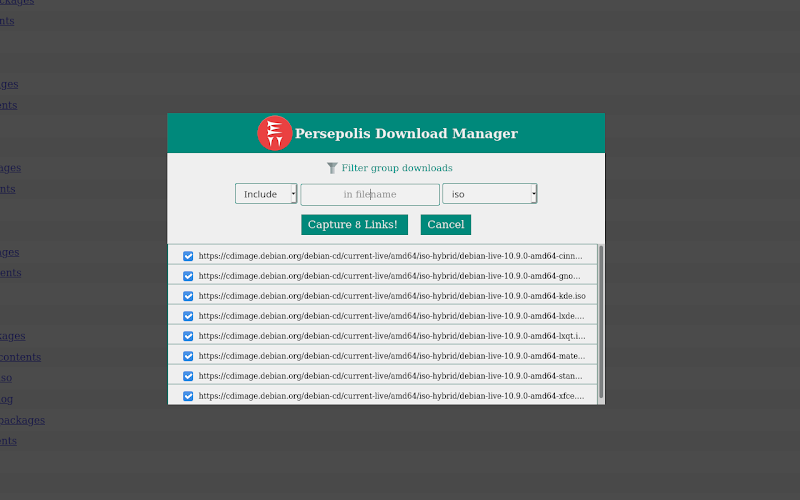
⭐️ Top Features:
- Multi-threading for accelerated downloads
- Scheduler to queue files for off-peak hours
- Integrates with aria2 for advanced control
Why we like it: As an open-source tool, Persepolis is customizable for power users who want aria2 under the hood without command lines. The scheduler runs downloads when your bandwidth is free, and threading ensures even large ISOs finish without interruptions. Tech-savvy downloaders prefer it for privacy and no ads.
Download Persepolis Download Manager Now
8. Download Master Extension
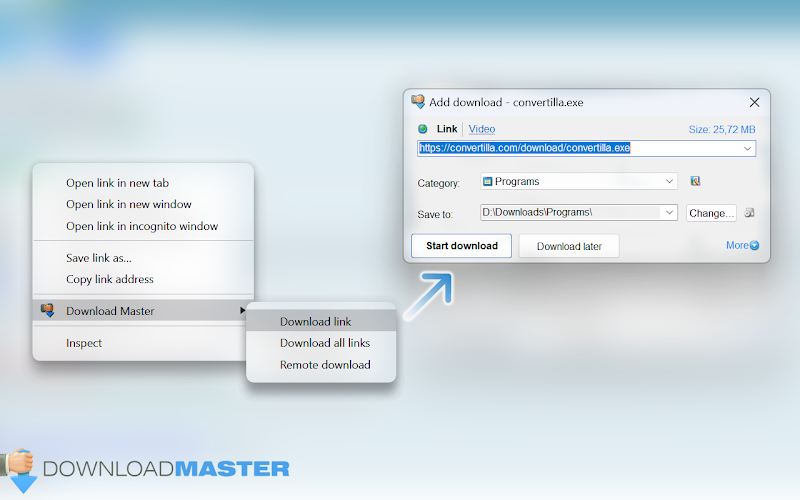
⭐️ Top Features:
- One-click capture for all file types
- Advanced filters for specific downloads
- Clean interface with search and sort
Why we like it: Download Master keeps things minimal with filters that grab only PDFs or images from a page, avoiding junk. The search bar in the history makes finding old files easy, and one-click starts everything without menus. Beginners appreciate how it simplifies bulk tasks without overwhelming options.
Download Download Master Now
9. Internet Download Manager (IDM) Extension
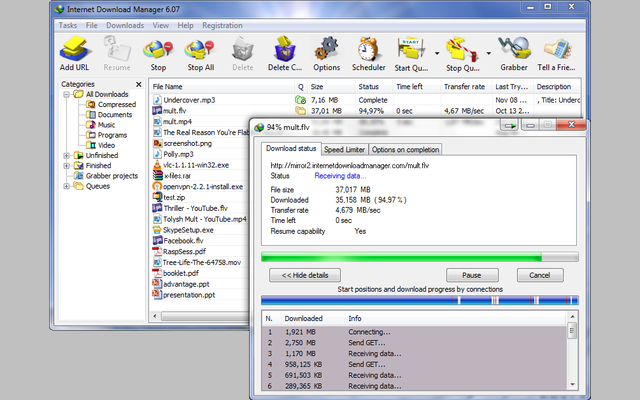
⭐️ Top Features:
- Multi-threaded speed boost for all files
- Scheduling for automatic start/stop times
- Pause and resume for any size download
Why we like it: IDM’s integration captures links from anywhere in Chrome, even embedded videos, with threading that cranks up speeds on fiber connections. The scheduler handles overnight batches perfectly, and resumes work flawlessly after power outages. It’s a staple for professionals downloading gigabytes regularly.
Download Internet Download Manager Now
10. Ant Download Manager Extension
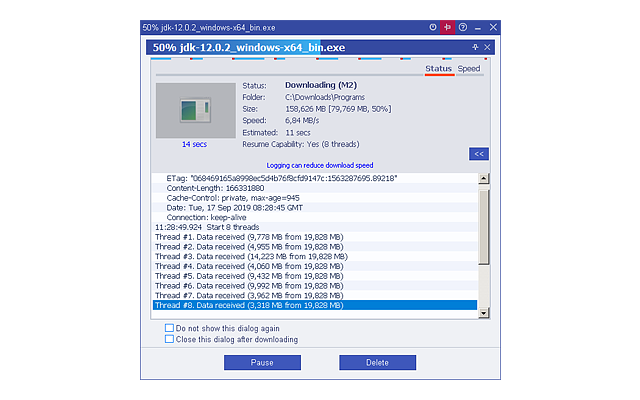
⭐️ Top Features:
- Multi-threaded downloads for maximum speed
- Batch processing for multiple files
- Audio extraction from video sources
Why we like it: Ant handles batches like downloading entire albums or photo sets with threading that keeps speeds consistent. The audio ripper pulls MP3s from videos cleanly, and the queue prioritizes urgent files. Note: Some users report occasional corruption on files over 3GB, so test with smaller ones first.
Download Ant Download Manager Now
Don’t forget to check out our other helpful Chrome extension guides:
Discover more from Chrome Geek
Subscribe to get the latest posts sent to your email.