Google Is Retiring the Nest App and Assistant on Speakers in 2027
 by
Sophie Sullivan
Post Updated: November 21, 2026
Google is shutting down the Nest app on January 25, 2027, and Google Assistant on speakers and smart displays on August 2, 2027. Nest devices move to the Google Home app, and Gemini for Home becomes the only voice assistant on Google’s home speakers and displays. Google shared both dates in a Google Home and Nest community post, and every device supported today keeps working.
1. What changes and when
2. Nest devices move to Google Home
Why Google is doing it: the Nest app is over 15 years old. Google says moving everything to Google Home gives Nest owners Google Account security, newer privacy controls and Gemini features in one app.
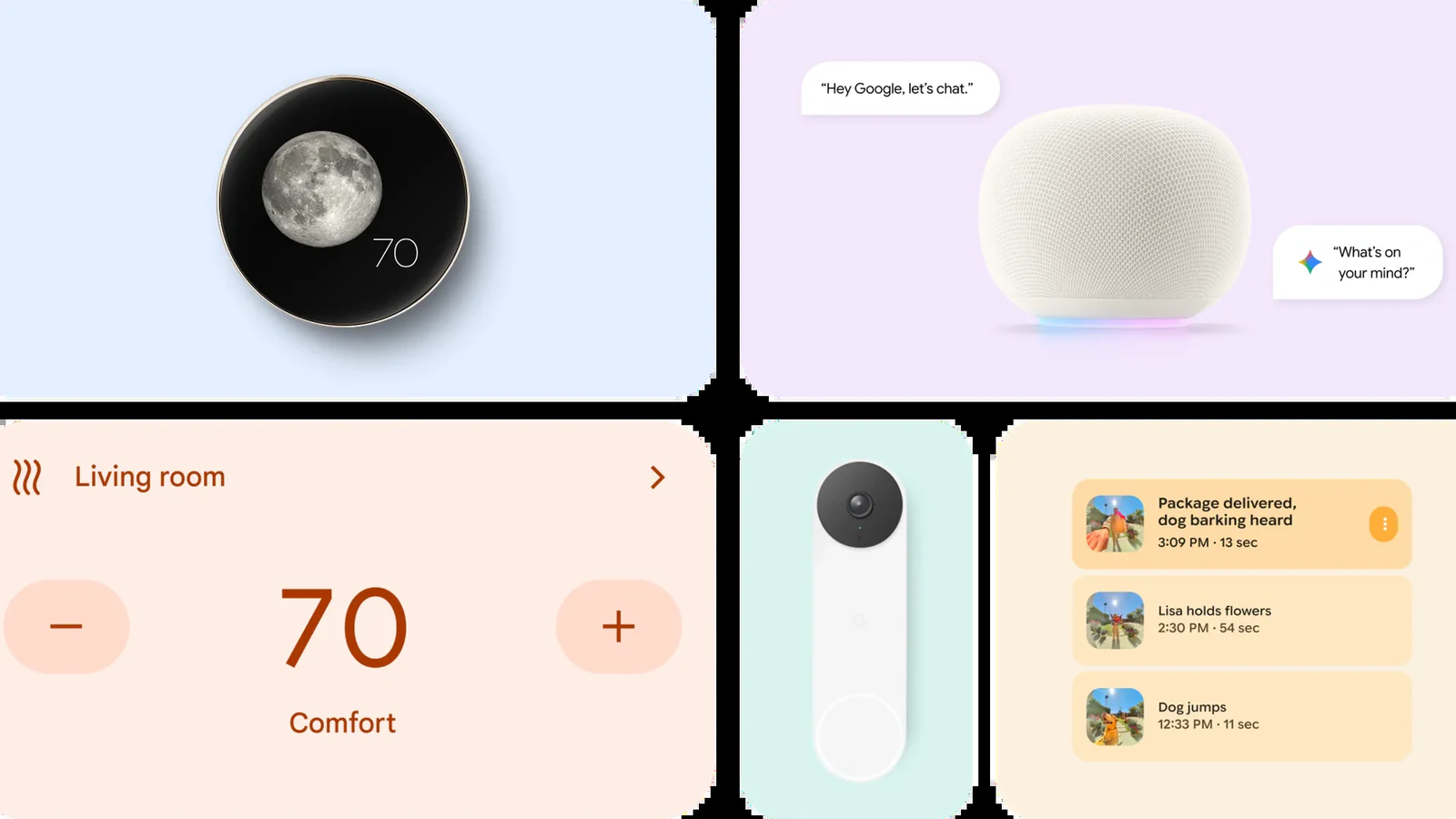
What is covered: Nest Thermostat, Nest Cameras and Doorbells, Nest Protect (2nd gen) and the Nest x Yale Lock. Google says your schedules and settings come across automatically, and your devices land on the Favorites tab.
Not everyone is happy: in the comments on 9to5Google’s report, some longtime owners of older Nest cameras say they prefer the Nest app. Google says it rebuilt camera streaming and timeline loading in Google Home to make it faster.
3. Gemini replaces Assistant on speakers
The switch: on August 2, 2027, Gemini for Home voice assistant fully replaces Google Assistant on speakers and smart displays. Google says the upgrade is quick and free.
What you get: you can speak naturally instead of remembering exact commands, change your mind mid-sentence, and ask follow-up questions, since Gemini remembers the context of the conversation.
How to upgrade now: in the Google Home app, tap your profile icon, open Home Settings and tap “Get Started” on the “Set up Gemini for Home” banner. On a computer, go to home.google.com/gemini. Gemini for Home is not in every country yet, and Google says it is expanding over the coming months.
4. What it means on a Chromebook
Google Home works in Chrome: Chromebook and Googlebook owners can control their Nest devices at home.google.com, or with the Android app. Our guide shows how to set up Google Home on a Chromebook.
Familiar story: Chromebooks went through the same change already, when Gemini replaced Google Assistant on ChromeOS. Speakers and displays are the last big home for the old Assistant.
Our take
This was coming. Google has been folding everything into Google Home and Gemini for a while, and two apps for one smart home never made much sense. The good news is that no Nest device is losing support. The one thing to do today is save any custom clips from home.nest.com, because those will not follow you.
Curious how Gemini sounds now? See Gemini’s 66 new regional voices.
Discover more from Chrome Geek
Subscribe to get the latest posts sent to your email.