Gemini Rolls Out 66 Regional Voices, From Geordie to Hindi
 by
Sophie Sullivan
Post Updated: November 17, 2026
Gemini can now talk to you in a voice that sounds like home. Google is rolling out 66 new regional voices in the Gemini app on Android and iOS, following a preview at Google I/O, according to Google’s announcement on November 16.
1. What is new
Local voices: each language gets voices tailored to how people there actually speak. Google says they capture familiar local rhythm, pitch and inflection, while staying clear and easy to follow.
The U.K. gets the most: U.K. users get more than 10 English options, including Geordie, Scouse, Brummie, Scottish, Welsh, Northern Irish, Modern RP and Multicultural London English, 9to5Google reports.
Accent, not slang: the voice changes how Gemini sounds, not what it writes. Your text replies will not suddenly fill up with local slang.
2. How to pick a voice
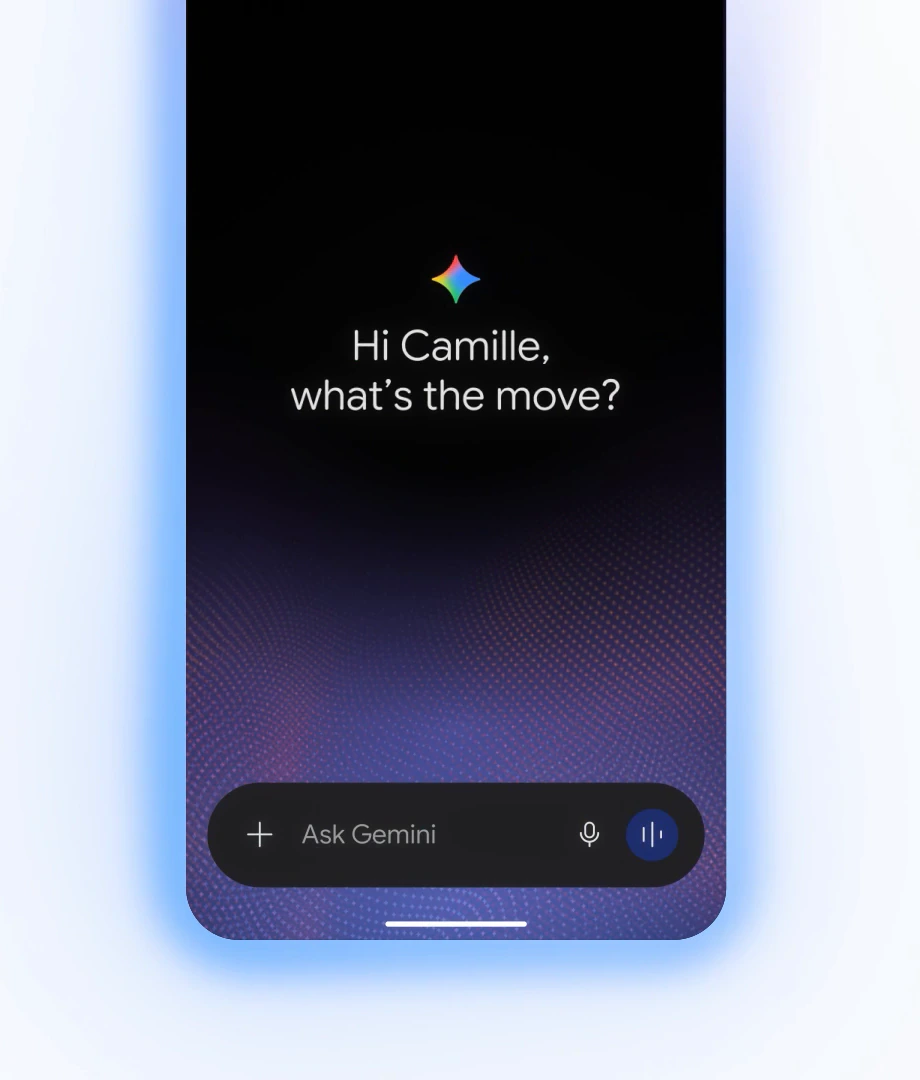
In Gemini Live: tap the three-dot menu to preview the voices and choose one.
In settings: open the Gemini app settings and go to Gemini’s voice.
Good to know: the voices are not labelled by city or region in the menu, and Gemini will not tell you which accent it is using if you ask, so you need to listen to the previews and go by ear.
3. Where it works
Chromebook and Googlebook users: Google only names the Android and iOS apps, so if you use Gemini in Chrome on a laptop, you may not see the new voices there yet.
Our take
This is a small change that makes voice chats feel a lot more personal, especially for people who found Gemini’s old voices a bit generic. It also helps anyone practising a language hear it with a local rhythm. With Gemini now in the car through Apple CarPlay and on phones everywhere, a voice that sounds familiar makes talking to it out loud feel less strange.
Read more: the new Gemini Live plus button on Android.
Discover more from Chrome Geek
Subscribe to get the latest posts sent to your email.