Gemini Notebook Can Now Turn Your Sources Into Interactive Sites
 by
Sophie Sullivan
Post Updated: November 17, 2026
Gemini Notebook can now turn your notes and sources into a website you can click around. Google announced on November 16 that you can type “make me a site” in a notebook’s chat to build an interactive page from your sources, according to Google’s announcement. It is rolling out on the web now.
1. What you can build
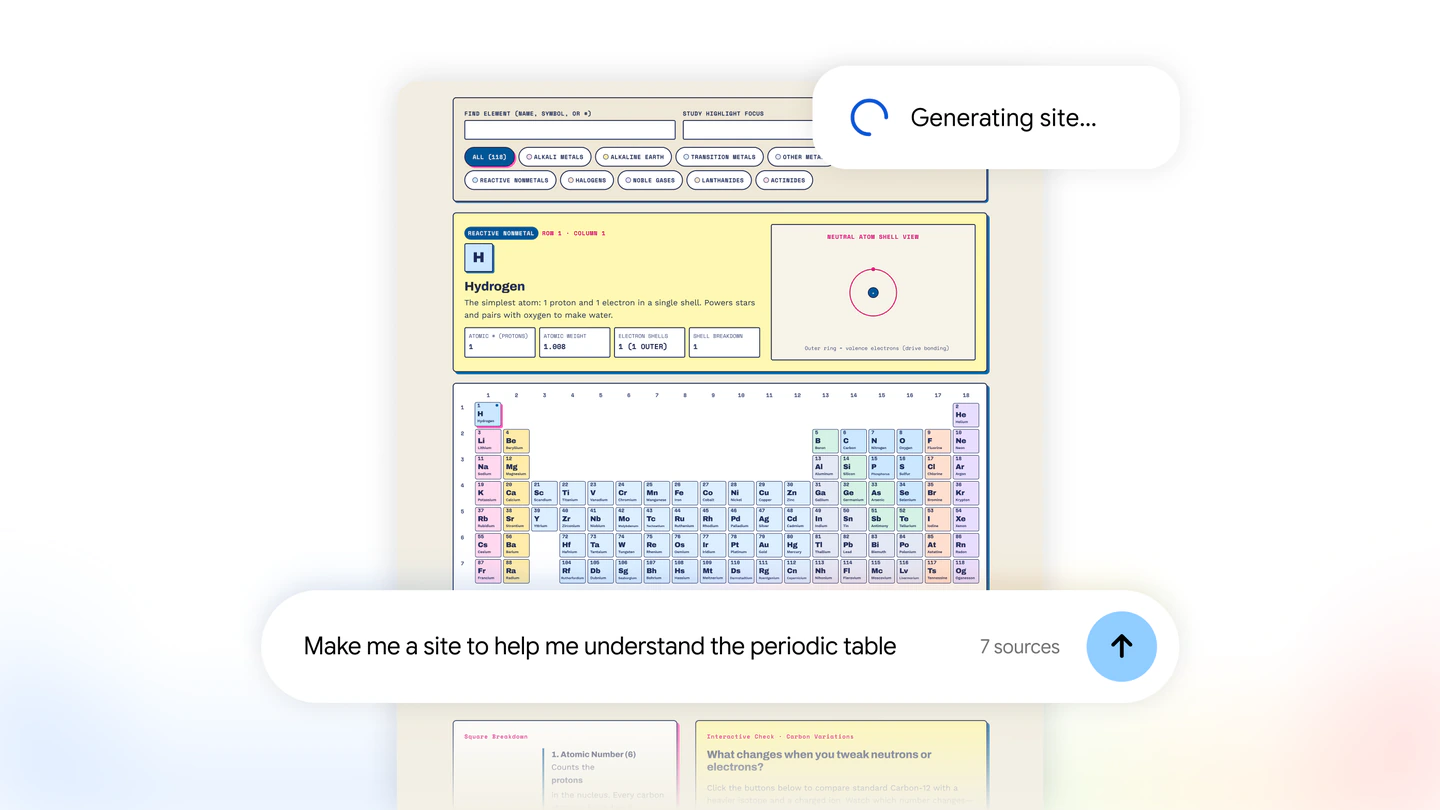
Visual explainers: Google’s examples include an interactive periodic table or a history timeline to help you prepare for exams.
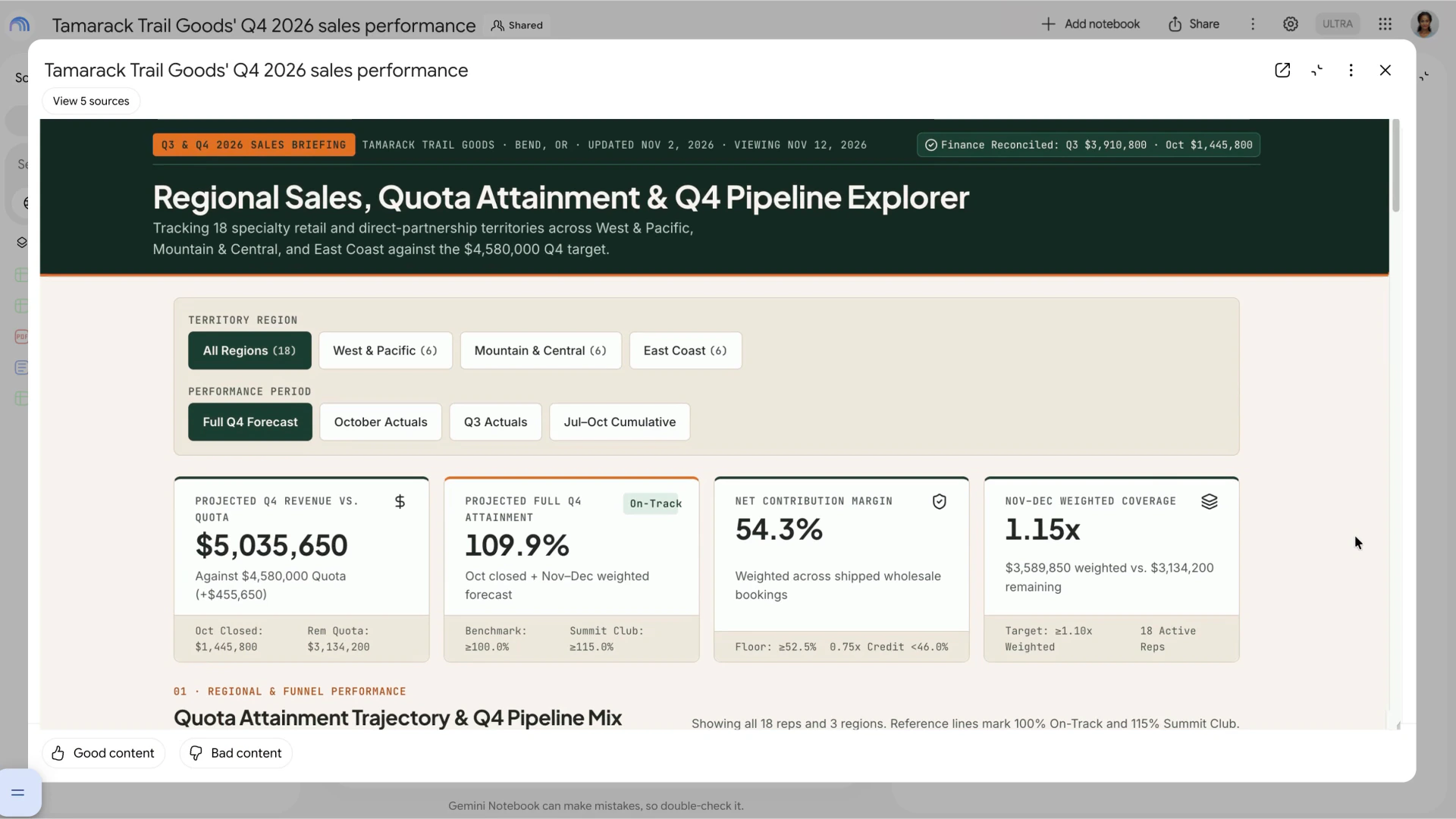
Dashboards: you can turn your data into a dashboard to explore, such as quarterly sales performance.
Trackers: project management trackers that lay out tasks and deadlines.
2. How to try it
Step 1: open a notebook in Gemini Notebook that already has your sources, like notes, documents or research.
Step 2: in the notebook chat, type “make me a site” and describe what you want, for example a study guide with a short quiz at the end.
Step 3: when it is ready, select “Open in a new tab” to use it, or share it with others.
3. Who gets it
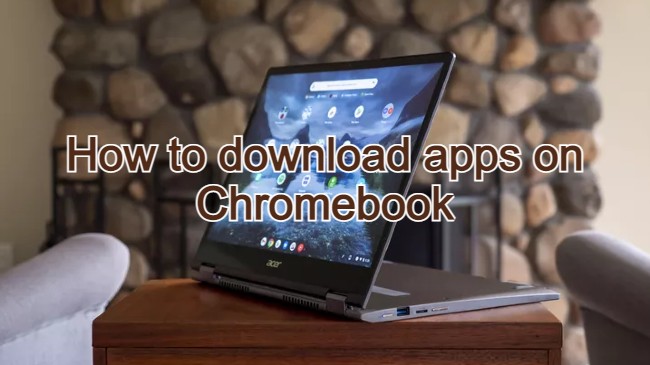
Good news for Chromebook and Googlebook users: because it launches on the web first, you can use it in Chrome today, with no app needed.
Our take
This is one of the most practical Gemini Notebook features yet for students. Turning a pile of class notes into a page you can click through and quiz yourself on beats rereading the same document. Paired with the free textbooks Google added to Gemini Notebook, it could become a proper study tool on a school Chromebook.
Read more: the Gemini Notebook audio recorder.
Discover more from Chrome Geek
Subscribe to get the latest posts sent to your email.