Chrome 157 for Googlebook Adds 27 New Features and Fixes
 by
Sophie Sullivan
Post Updated: November 17, 2026
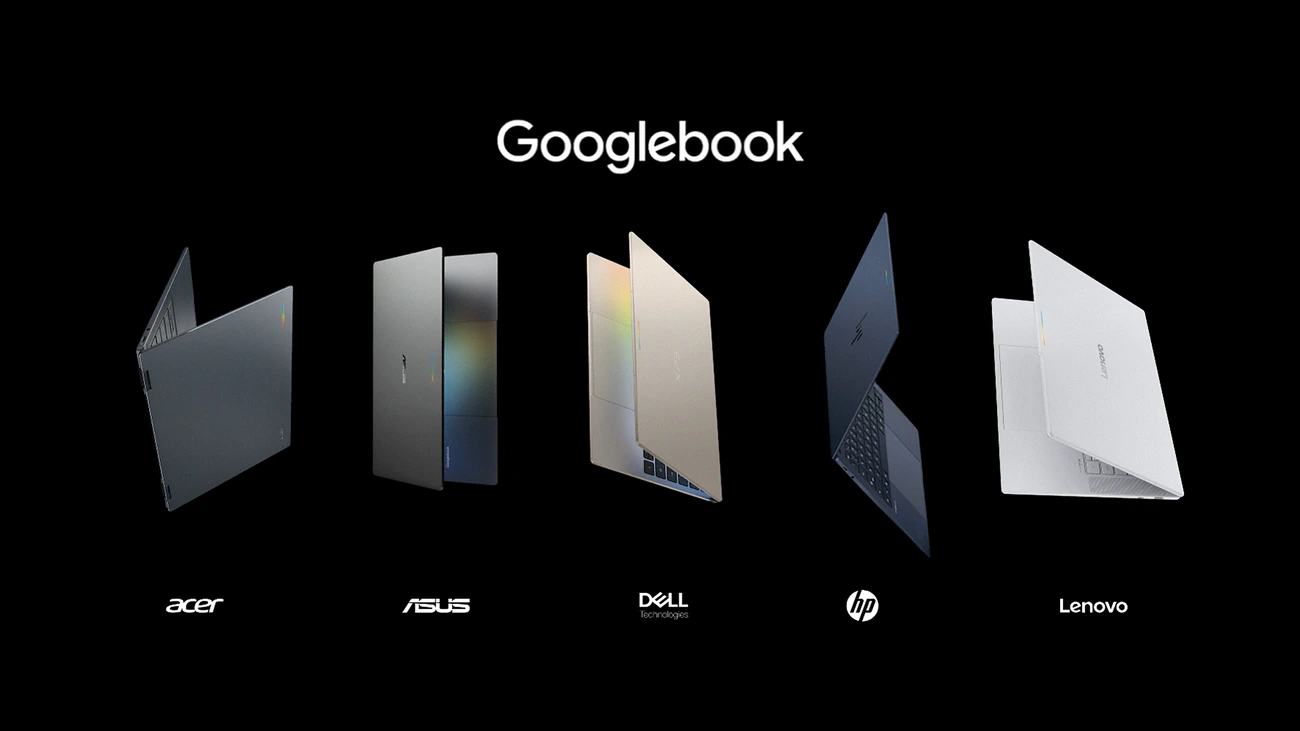
Chrome 157 is now on Googlebooks, and Google has finally said what it changes there. In a Googlebook Community post, Google lists 5 new browser features and 22 improvements that arrive with the M157 update, with most of the work going into vertical tabs, the bookmarks bar and the address bar.
1. The 5 new features
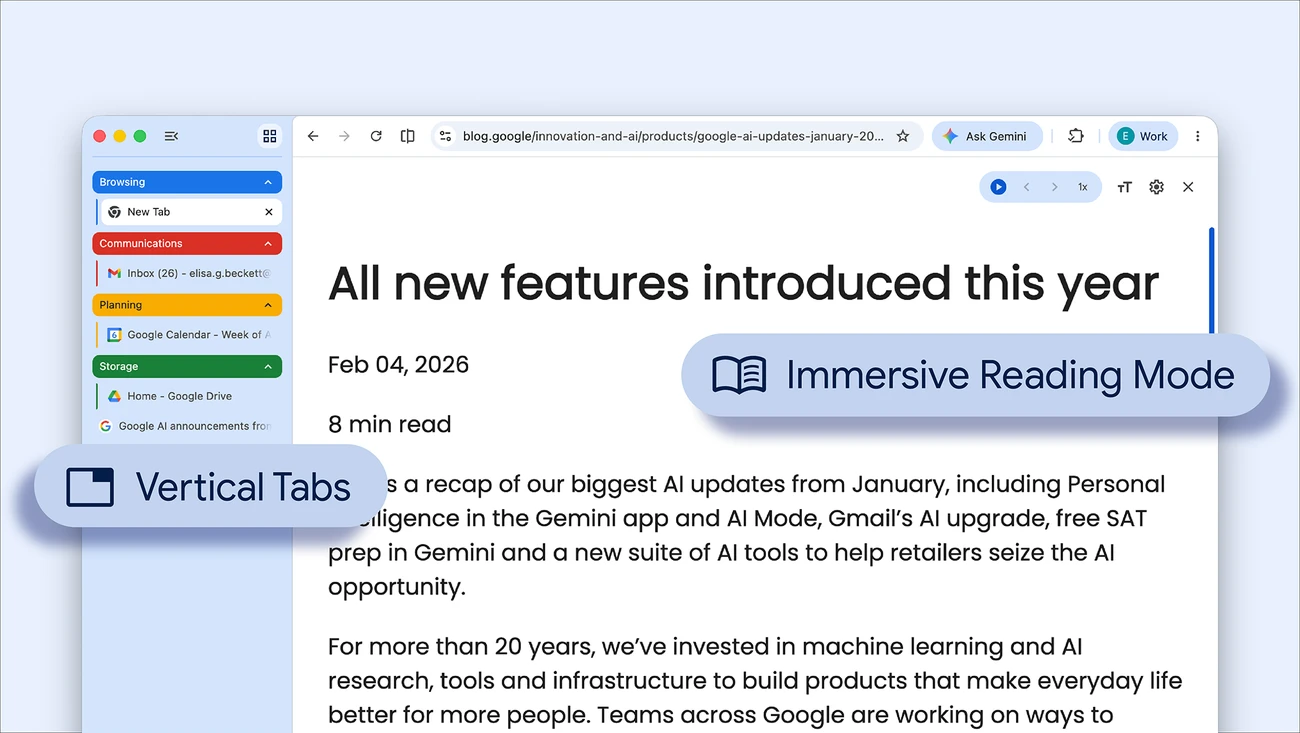
Auto-expand vertical tabs on hover: if you use vertical tabs with the rail collapsed, hovering over it with a mouse or trackpad now expands it as an overlay so you can read full tab titles, switch tabs or manage groups. It is on by default. You can switch it off in Settings > Appearance > Tab position > “Auto expand tabs on hover”, or by right-clicking the tab rail.
Resizable vertical tab bar: you can now drag the vertical tab bar to make it wider, so long page titles are not cut off. Chrome keeps your width after a restart and in new windows. This works when the hover option above is turned off.
Direct links to Settings pages: every Chrome Settings subpage now has its own web address, such as chrome://settings/appearance or chrome://settings/privacy, so you can type it, bookmark it or share it. The Back and Forward buttons now work between Settings pages too.
Tab sharing control bar: when you share a tab in a video call, such as Google Meet, Chrome shows a bar at the top of the window with “Stop sharing” and “Share this tab instead”, from any tab.
Proper Save As window: “Save link as”, “Save image as” and “Save page as” now open the system Save As window by default, so you can rename the file and pick a folder, including Google Drive or an external drive.
2. The fixes worth knowing about
Also fixed: closing third-party Google sign-in prompts (Google mentions Reddit) no longer freezes the dialog, the media controls popup stays open when you start Picture-in-Picture, and settings pages no longer jump back to the main menu when you switch between light and dark mode. Google also lists stability fixes for extensions, keyboard shortcuts and managed browser policies.
3. How to get it
Update Chrome: Chrome 157 has already rolled out widely, according to 9to5Google. Google’s post points to its usual steps for updating Chrome manually, so you can open the Chrome menu, go to Help > About Google Chrome and let it check for updates.
Our take
None of this is flashy, but it is the kind of update you feel every day. Hover-to-expand vertical tabs and a resizable tab bar make vertical tabs far more usable on a laptop screen, and the address bar fixes remove a few small annoyances that made Chrome on Googlebook feel unfinished. If you skipped the web platform side, our Chrome 157 overview covers the developer features and security fixes.
Discover more from Chrome Geek
Subscribe to get the latest posts sent to your email.