Pixel 11 Phones Can Now Sync Do Not Disturb With Your Googlebook
 by
Sophie Sullivan
Post Updated: November 16, 2026
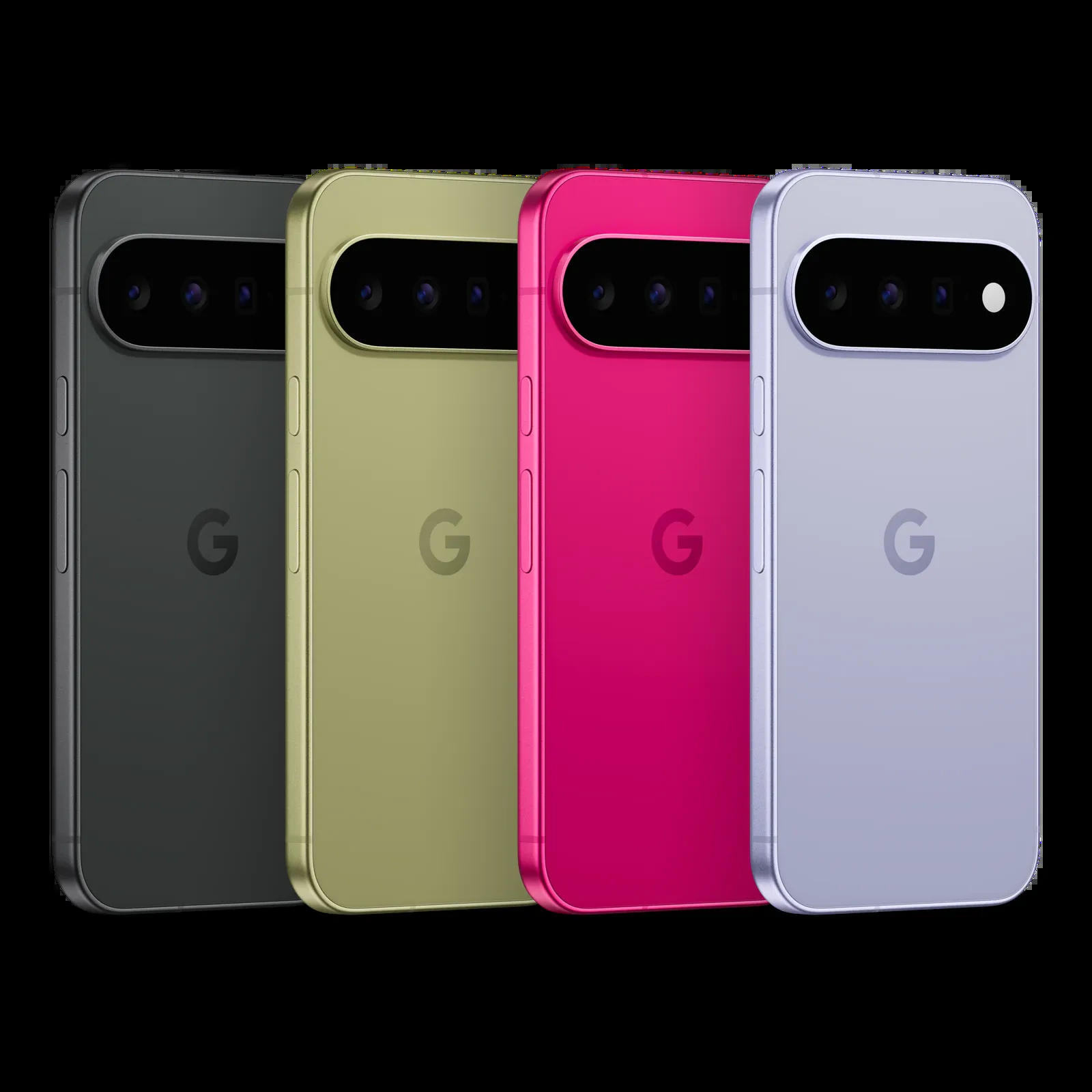
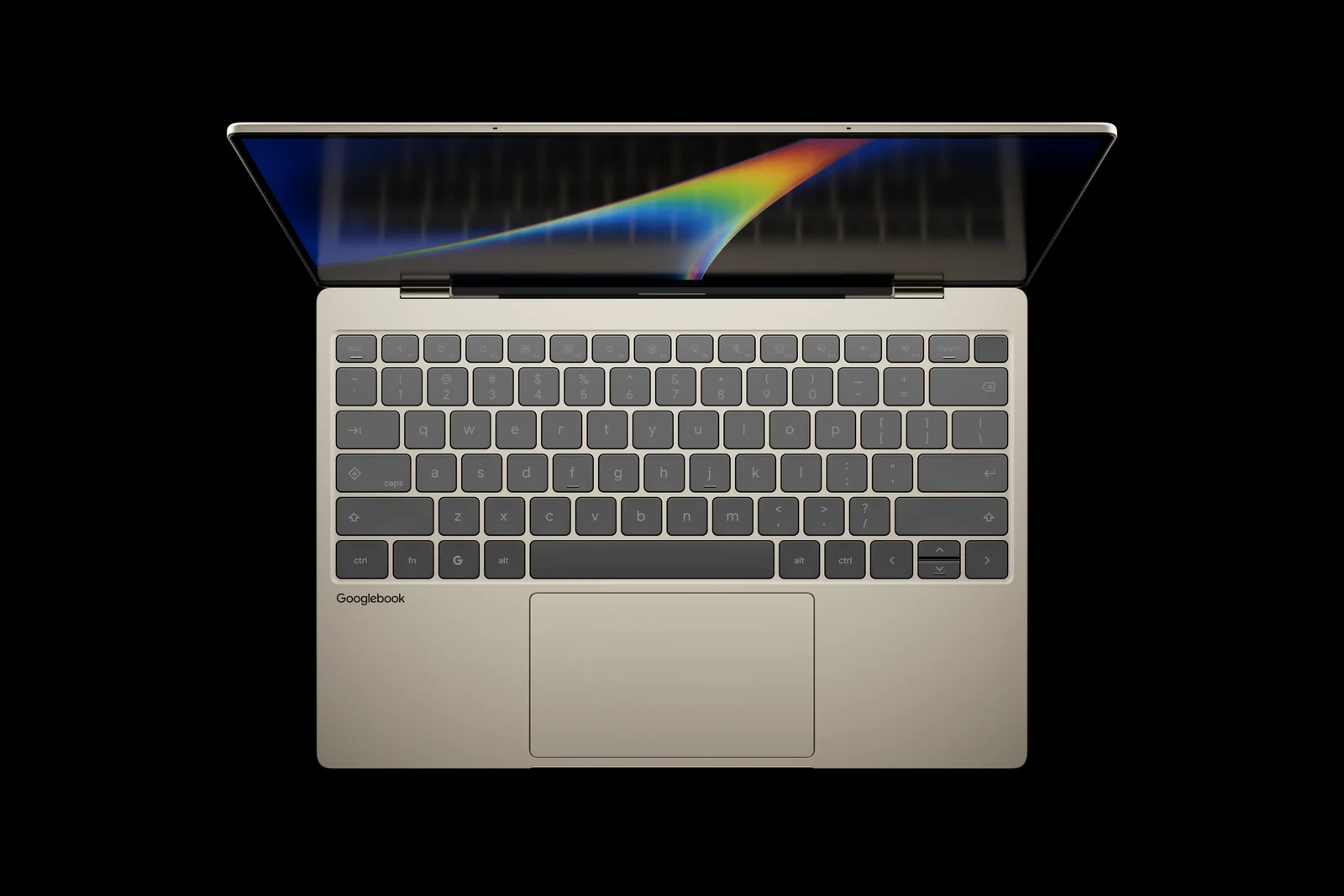
Pixel 11 owners can finally keep Do Not Disturb in step with their Googlebook. Android 17 QPR2 started rolling out to Pixel phones on November 10, and this time the Pixel 11 series is included. That unlocks two Googlebook features other Pixels have had since September: Do Not Disturb sync and clipboard sync while you use Cast My Apps. GbookHub spotted the change.
1. Why Pixel 11 owners waited
Skipped update: the Pixel 11 series launched in August, but it did not get Android 17 QPR1 in September or October, while older Pixels did. QPR1 is where Do Not Disturb sync with Googlebook arrived.
The fix: the November update jumps Pixel 11 phones straight to QPR2, which already includes both sync features. Google’s Mishaal Rahman explained the jump on Reddit, according to GbookHub.
2. Who gets it
Clipboard sync: copying text on one device and pasting it on the other during Cast My Apps follows the same pattern, so Pixel 11 owners get it with QPR2 too.
3. How to turn on Do Not Disturb sync
Before you start: turn on Bluetooth and Wi-Fi on both devices, connect them to the same Wi-Fi network or hotspot, and sign in to the same Google Account. Google also asks you to run the latest Googlebook OS and update your apps from the Play Store.
Step 1: on your Googlebook, open Settings and go to Connected devices, then Connection preferences, then Cross-device services. Make sure Use cross-device services is on.
Step 2: select Continue activity and switch on Do Not Disturb sync.
Step 3: repeat the same steps on your Pixel, which uses the same Settings path. Google’s cross-device services help page lists every option.
4. What does not sync
Filters stay separate: only the on and off state of Do Not Disturb syncs, matching whichever device changed it last. Exceptions for people, apps and alarms must be set up on each device.
Up to two phones: Google says cross-device services are designed for up to two phones in a device group.
Our take
This is a small change, but it fixes an odd gap where Google’s newest phone worked worse with Googlebook than older Pixels. If you have a Pixel 11 and a Googlebook, install the November update and flip the switch on both devices. It is one less buzz to deal with during a meeting or a late-night work session. It also shows that Googlebook features are tied to Android versions on your phone, which is worth knowing as Cast My Apps keeps growing.
Read more: what the Googlebook November update fixed.
Discover more from Chrome Geek
Subscribe to get the latest posts sent to your email.