How to Play Dandy’s World on Chromebook and Googlebook
 by
Joseph Vance
November 14, 2026
You can play Dandy’s World on Chromebook and Googlebook by installing the free Roblox app from Google Play and joining the game made by BlushCrunch Studio. Dandy’s World is a cooperative horror survival game. You pick a cartoon Toon, team up with other players to finish machines and ride the elevator deeper while monsters called Twisteds hunt you.
Googlebook runs Android apps natively through Google Play and can also cast the Roblox app from your phone. This guide covers installation, how a run works, picking your first Toon, surviving the Twisteds, controls and quick fixes.
Stuck on setup? Contact us with your laptop model and ChromeOS version details.
What is Dandy’s World?
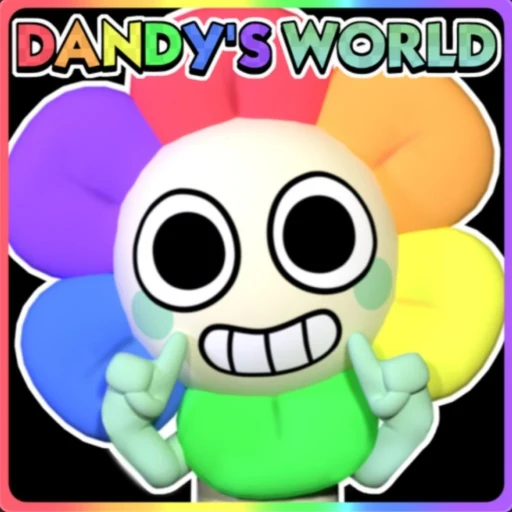
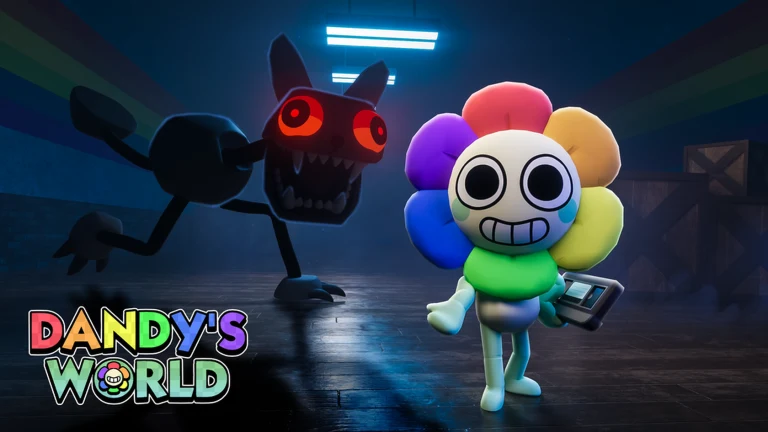
Dandy’s World is a Roblox horror game where everyone plays as a Toon, one of a cast of colorful cartoon characters. Each floor of Gardenview Center hides machines your team must finish. Twisteds, monstrous versions of the same Toons, roam the halls and chase anyone they spot. It looks cute at first glance, but the tension comes from working a machine while something hunts you in the dark.
How to play Dandy’s World on Chromebook and Googlebook
Dandy’s World runs inside Roblox, so the job is to install the Roblox Android app and open the game from there:
The official Google Play listing identifies Roblox under the package name com.roblox.client. Once the app is installed, right-click its icon on the shelf and select Pin so you can jump back into Gardenview in one click. For more on the app itself, read our guide on how to download and play Roblox on Chromebook.
If the Play Store is not enabled on your laptop, follow Google’s Android app setup guide for Chromebook or the guide on installing apps on Googlebook. On school or work Chromebooks, administrator controls decide whether Google Play and Roblox are allowed. If Roblox is blocked, ask your administrator rather than looking for workarounds.
Cast Roblox from your phone on Googlebook
If Roblox is already set up on your Android phone, Googlebook’s Cast My Apps feature can show the phone app on your laptop screen. Open the Phone Hub in the bottom-right shelf of your Googlebook, select Cast My Apps and tap Roblox. The phone’s Roblox session opens in a window on your desktop, so you can check your Toons or jump into Dandy’s World without installing anything on the laptop. For longer sessions, the Google Play install above gives you proper keyboard and mouse controls.
How a Dandy’s World run works
Every run follows the same loop. Your team drops onto a floor, works the machines, then races back to the elevator before the doors shut:
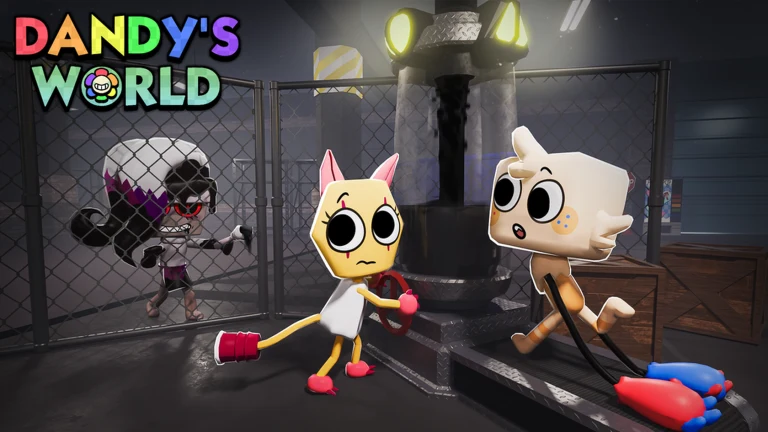
- Extract Ichor from machines: stand at a machine to start extracting. Skill checks pop up while you work, and you press Space when the moving line lands on the target. A missed check makes noise that draws nearby Twisteds. A machine’s light turns from red to green when it is done.
- Make the elevator in time: once every machine is finished, the elevator opens for a short window. Anyone left outside when the doors close is out of the run, so save the machines near the elevator for last.
- Go deeper: each new floor needs more machines and brings tougher Twisteds, so the run gets harder the longer your team survives.
- Spend Tapes in Dandy’s shop: Tapes are the run currency. You pick them up on floors and earn more from finished machines. Before even-numbered floors, Dandy opens a shop in the elevator with healing items, speed boosts and other tools.
- Vote on cards: before odd-numbered floors, the team votes on one of three cards that change the run, such as extra stamina, faster extraction or shop discounts.
How to survive the Twisteds
Twisteds are what make Dandy’s World a horror game. Each one behaves a little differently, so learning their habits matters as much as working machines quickly:
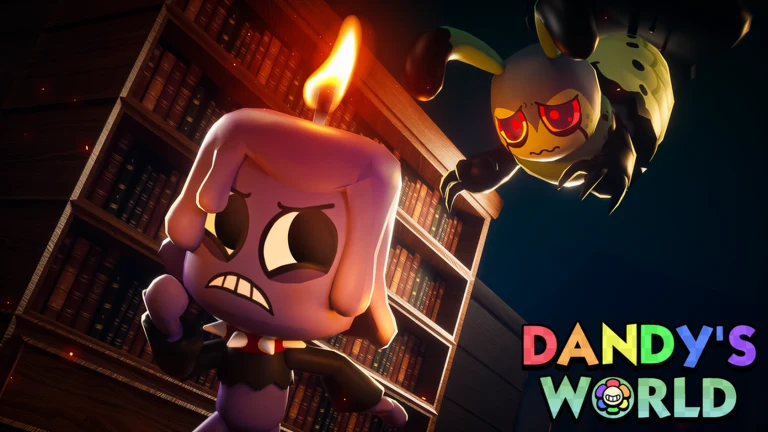
- Watch your hearts: a Twisted hit costs you a heart. Bandages and health kits from the shop restore them, so keep some Tapes for healing.
- Learn each Twisted: some speed up once they start chasing, some stay put until you walk into range, and rarer ones can grab you from a distance. Your Research notes fill in as you meet them.
- Split the work: one player can pull a Twisted away while the others keep extracting. Talking to your team helps a lot on higher floors.
- Expect blackouts: some floors lose their lights, which makes Twisteds hard to see. Move carefully and listen for them.
- Keep Dandy happy: skip the shop too many times in a row and Dandy himself may come hunting, and he is far more dangerous than a normal Twisted. Buying something cheap keeps him behind the counter.
Choosing your first Toon
Every Toon is rated in stars across five stats and has one ability. The ratings tell you what a Toon is good at before you take it into a run:
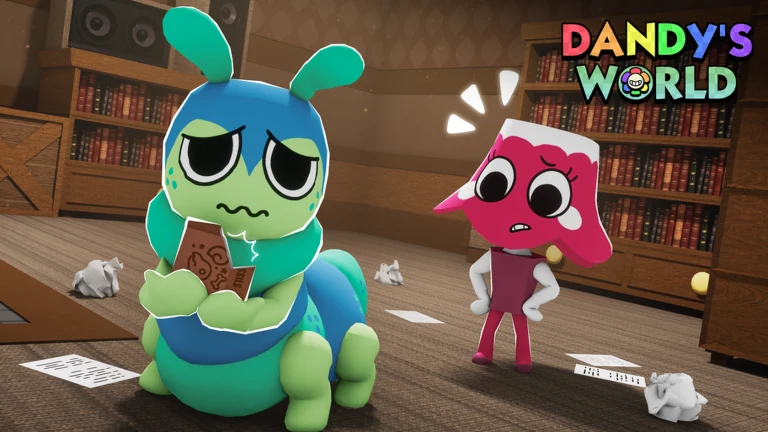
For your first runs, a balanced Toon is easier to learn on than one with extreme highs and lows. As you unlock more, build a mixed team: a fast Toon to lead Twisteds away, a strong extractor to finish machines, and a stealthy one who can work quietly. BlushCrunch reworks abilities in updates, so read the ability card in the game before you commit to a favorite.
Controls on a Chromebook keyboard, touchpad and touchscreen
The Roblox app works with your Chromebook keyboard and touchpad, and it switches to on-screen buttons when you play in tablet mode:
- Move: use W, A, S and D or the arrow keys.
- Look around: drag with the right mouse button, or two-finger drag on the touchpad, to turn the camera. Scroll to zoom.
- Skill checks: press Space when the line reaches the target zone.
- Actions and items: the game shows an on-screen prompt with the key or button to use for machines, items and other interactions.
- Touchscreen and tablet mode: Roblox shows a virtual joystick and buttons, which works well on 2-in-1 Chromebooks folded into a tablet.
A USB or Bluetooth mouse makes camera control much easier than a touchpad during a chase.
Watch the official Dandy’s World trailer
BlushCrunch Studio’s cinematic trailer shows the characters, Gardenview Center and the Twisteds in action. The video contains flashing lights.
Troubleshooting Dandy’s World on Chromebook and Googlebook
If Roblox will not install, open or run smoothly, try these fixes:
- Google Play is missing: open Settings > Apps and turn on Google Play Store. If the option is not there, your device or administrator does not allow Android apps.
- The game stutters or lags: close other apps and Chrome tabs, then open the Roblox menu, go to Settings, set Graphics Mode to Manual and lower Graphics Quality.
- Roblox.com opens a web page instead of the game: Roblox’s browser player, Web Play, is limited to creators testing their own games. Install the Roblox app from Google Play and search for Dandy’s World inside the app.
- Roblox crashes or shows a black screen: go to Settings > Apps > Manage your apps > Roblox > Storage & cache and select Clear cache. Then check Google Play for a Roblox update.
- Roblox is blocked on a school Chromebook: your administrator controls which apps and games are allowed. Use a personal device or ask the administrator.
Frequently asked questions about Dandy’s World on Chromebook and Googlebook
Can you play Dandy’s World on a Chromebook?
Yes. Install the free Roblox app from Google Play on your Chromebook, sign in to your Roblox account, search for Dandy’s World by BlushCrunch Studio and press Play. Your Chromebook needs Google Play enabled.
Is Dandy’s World free to play?
Yes. Dandy’s World is free to join on Roblox. You need a free Roblox account. Roblox also sells Robux, its in-game currency, as an optional purchase.
Can I play Dandy’s World on Googlebook?
Yes. Open Google Play on your Googlebook, install Roblox, sign in and open Dandy’s World. You can also cast the Roblox app from your Android phone with Cast My Apps in the Phone Hub.
Can I play Dandy’s World in Chrome without installing anything?
Not yet. Roblox is testing an official browser player called Web Play, but the test only lets creators run games they own, and ChromeOS is not on its supported list. Until Web Play opens to all players, install the Roblox app from Google Play to play Dandy’s World.
Does Dandy’s World have flashing lights?
Yes. BlushCrunch Studio warns that the game may include bright and flashing lights that can affect photosensitive players. Take breaks and stop playing if the effects bother you.
Explore more game guides on ChromeGeek
Looking for more games to play with friends or to keep you up at night? These guides are a good next stop:
- Best Horror Survival Games for Chromebook: More scares, from creature hunts to survival classics.
- Best Co-op Games for Chromebook: Team-based games where working together is the whole point.
- Best Multiplayer Games for Chromebook: Online games to jump into with friends or strangers.
- How to Play Minecraft on Chromebook and Googlebook: The other big block-world favorite, with install steps and multiplayer help.
Discover more from Chrome Geek
Subscribe to get the latest posts sent to your email.