Gemini Skills Can Now Use Drive Files and Be Shared as Gems Fade
 by
Sophie Sullivan
Post Updated: November 17, 2026
Gemini skills just picked up the two features people loved most in Gems. Google says skills in the Gemini app can now be shared with other people and can use files from Google Drive, Gemini Notebook and Google Photos, according to the Google Workspace Updates blog. It comes as Gems start their move out of the spotlight.
1. Sharing skills
How it works: open the Skills page in the Gemini app, pick a skill and share it with View or Edit permission. The person gets an email and can look the skill over before installing it. After that, Gemini can use it automatically when it fits, or they can call it with an @mention in a chat.
Web only for now: you can only share skills and manage access from Gemini on the web, not the mobile app. That makes a Chromebook or Googlebook a natural place to do it.
Drive permissions: if your skill includes Drive files, you also need to share those files with the other person.
2. Adding files to skills
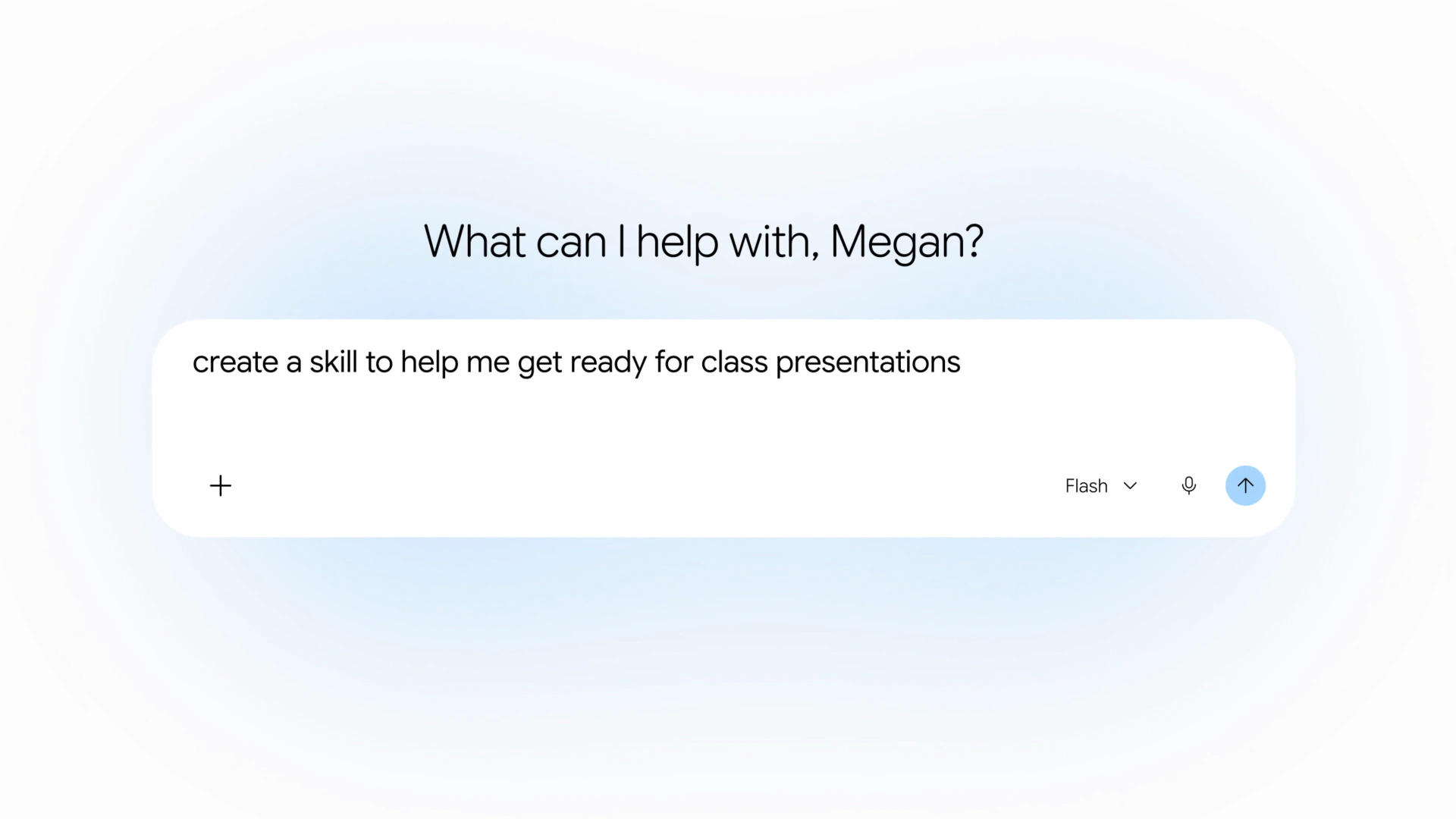
What you can add: when you create or upload a skill, you can now include files from Google Drive, Gemini Notebook and Google Photos as well as from your device. Gemini checks these files every time the skill runs, in both chats and tasks.
Examples from Google: a marketing team can share a brand-voice skill that points to its brand guidelines in Drive, a team lead can share an onboarding skill built on the team handbook, and a teacher can share a lesson-planning skill based on a notebook with their curriculum.
3. What happens to Gems
Sources: the dates come from Google’s Gems to skills transition guide and its September skills announcement, which also said Opal, the mini app experiment, would wind down in November.
Rollout: sharing and file support started a gradual rollout on November 12 and can take up to 15 days to show up. Workspace admins can turn skill sharing off in the Admin console.
Our take
This closes the biggest gaps between skills and Gems right before Gems start to go away, which is good timing. Live-updating Drive files are the standout, because a skill built on your style guide or class notes will never go stale. It also pairs well with Gemini Notebook as a connected app if you keep your research there.
Discover more from Chrome Geek
Subscribe to get the latest posts sent to your email.