11 Best Video Editors for Chromebooks in 2025: Apps & Online Tools
Learn how to create stunning videos on your Chromebook. Our 2025 guide features the top video editing apps and online tools for beginners and pros.

The best ChromeOs Blog on the web.
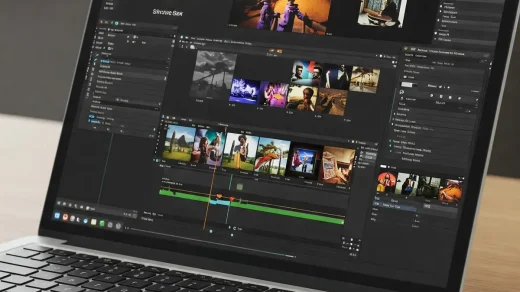
Learn how to create stunning videos on your Chromebook. Our 2025 guide features the top video editing apps and online tools for beginners and pros.
How to get Dota 2 on your Chromebook with ease. Learn the steps, requirements, and tips to enjoy this popular MOBA on your device.
How to setup Linux on your Chromebook by following our guide so that you can install Linux apps, games, and development tools, transforming your device into a powerhouse for both productivity and entertainment.

A guide on how to get Steam to work on your ChromeOS device. We listed several methods for you to choose from including our recommended method.
Need help with your Chrome browser or Chromebook? Find the best websites for tutorials, troubleshooting & support with this list of resources.
These Gmail Chrome extensions are designed to make your email experience smoother and more efficient. Whether you’re looking to streamline your inbox or enhance productivity, this list has you covered.

Looking to improve your web development workflow? Our guide covers the top Chrome extensions every developer. From debugging and optimizing WordPress sites to managing HTTP requests, these tools will make your development process smoother and more efficient.
Looking for the best tools to capture your screen or record video? In this guide, we’ll explore the top Chrome extensions for screen capture and recording. Whether you need to take a quick screenshot or create a full video tutorial, these extensions have you covered.
Looking to boost your productivity on Chrome? In this guide, we’ve compiled the best Chrome extensions, from task management tools to distraction blockers, designed to help you get more done.

What’s the best download manager for Chrome? We’ve tested and ranked the top free extensions that accelerate downloads, resume interrupted files, grab videos/audio, and even handle torrents. From Chrono’s bulk image downloader to Free Download Manager’s torrent support and Turbo’s rock-solid resume, these lightweight tools fix everything Chrome’s built-in downloader can’t.