Genie 4 Is Now Live in Project Genie for Google AI Ultra
 by
Sophie Sullivan
Post Updated: November 19, 2026
Genie 4 is now available to try. Google has started rolling out a new Project Genie experience to eligible Google AI Ultra subscribers, and it gives them first-time access to Genie 4, the world model we covered when Google DeepMind unveiled it in October. Project Genie runs in your browser, so a Chromebook or Googlebook is all you need. The details are in Google’s announcement.
1. What changed today
From reveal to release: when Google first showed Genie 4 at the end of October, only trusted testers could use it, with Google AI Ultra access promised for later. That access has now started. Ultra subscribers get Genie 4, new Genie 3 features, the Project Genie agent and a community gallery in one update.
What a world model does: instead of making a video you watch, Genie builds a world around you as you move through it. Google calls Genie 4 its most realistic and interactive world model yet, with its best visuals and physics so far.
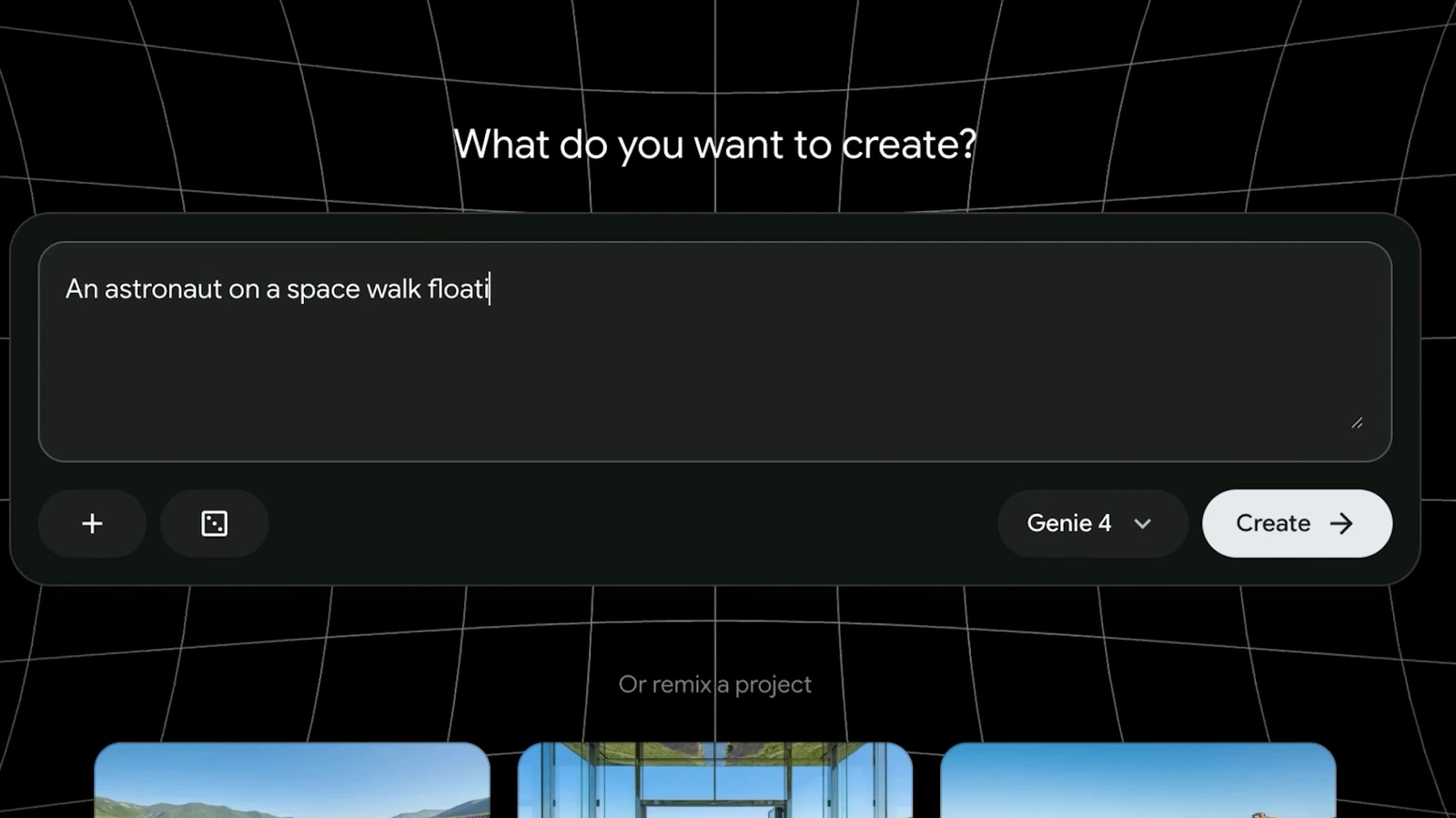
Prompt while you play: the big new trick is that you can type a new prompt in the middle of a session and the world changes in real time. Google’s examples are shifting the weather, dropping in a character or changing what happens next. For the first time, those scenes come with native audio that adapts as things unfold.
2. Who can use it
On a Chromebook or Googlebook: there is no app to install. Google says you generate, step inside and shape worlds directly from your browser, so Chrome on ChromeOS or Googlebook OS is enough. Google does not list the exact eligibility rules (such as countries) in its post, so check the Project Genie page with your Ultra account to see if it has reached you.
3. The agent and the gallery
Build by chatting: the new Project Genie agent turns a plain description into a world. It uses Google’s other AI models to create the opening visuals that set your world’s look, plus a custom background score to match the mood.
Gemini as a guide: you can also bring Gemini into a session. It watches what is happening on screen, suggests where to go next with tappable chips, or triggers events in the world as your trip unfolds.

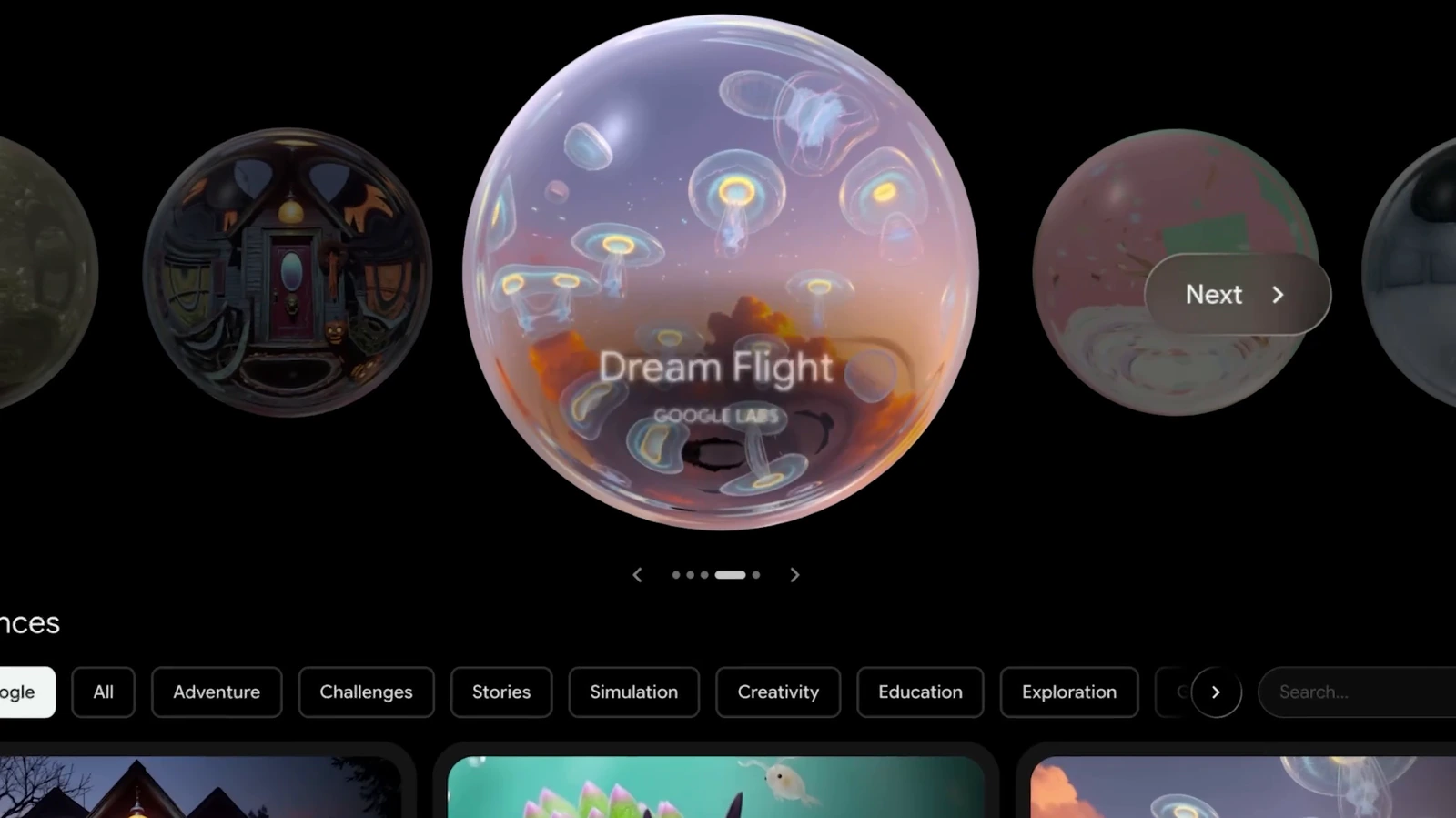
Explore, remix, publish: the gallery mixes curated worlds with community creations. Google’s picks include Living Memory, which turns personal photos into spaces you can explore, Dino Field Guide, set in prehistoric habitats built from 360-degree panoramas, and Rock Paper Scissors, where Gemini referees a desk-top battle. There are also creator collaborations such as Villa Giallo and The Life of Ants, made with filmmaker Anand Gandhi. You can remix any of these, changing the world, soundtrack or rules, and publish your own back to the gallery.
4. What is new in Genie 3
Still in the picker: Genie 3 stays in Project Genie’s model menu for when you want longer runs or worlds started from a panorama. Its updates are:
Safety and limits: everything made in Project Genie carries SynthID watermarks in both video and audio, and inputs and outputs go through safety checks. Google is also clear that Genie 3 and Genie 4 are still research models, with known issues around camera lag, complex physical interactions, audio timing and keeping a scene consistent over time.
5. Ultra also gets YouTube Premium Family
A second Ultra perk: on the same day, Google upgraded AI Ultra to include YouTube Premium Family instead of the Individual plan, as 9to5Google reports. That lets you add up to five family members in your household to ad-free YouTube and YouTube Music. It applies to both AI Ultra 5x at $99.99 a month and AI Ultra 20x at $199.99 a month. AI Pro still comes with Premium Lite, which leaves out YouTube Music, and AI Pro free trials skip even that.
Our take
Project Genie is still a research toy, not a game you will sink weekends into. But typing a change into a world while you walk through it, and hearing it react, is the kind of demo that sells an Ultra plan. Add family YouTube Premium the same day and Google is clearly working to make Ultra feel worth the price. If you are on AI Pro, join the waitlist now so you are near the front when access widens.
Discover more from Chrome Geek
Subscribe to get the latest posts sent to your email.