Googlebooks May Soon Reopen Your Apps After a Restart, Like Chromebooks
 by
Sophie Sullivan
Post Updated: October 26, 2026
by
Sophie Sullivan
Post Updated: October 26, 2026
Googlebooks could soon reopen the apps you had open before a restart, a handy feature Chromebook owners have relied on for years. An Android Authority teardown of the second Android 17 QPR3 beta found settings for an “App restore on reboot” option on Googlebook OS. It is not live yet, but here is what the code shows and why it matters.
1. What Android Authority found
The code: inside the second Android 17 QPR3 beta, Android Authority spotted a set of new text strings with the title “App restore on reboot”. They describe a setting that controls whether Googlebook OS should reopen your previous apps after the laptop restarts.
Your options: the strings list three choices: Always restore apps, Ask every time and Never restore apps. So you could have everything come back on its own, get a prompt after each restart, or always start fresh.
2. Why this matters for Googlebook owners
The problem today: Googlebooks get regular system updates, and every update means a restart. Right now that restart closes everything, so you have to reopen your browser, documents and apps by hand. As Google keeps rolling out Googlebook fixes, that adds up.
The Chromebook way: on a Chromebook you can choose how apps come back after a restart, and the newer Welcome Recap screen goes further by showing your restored apps alongside the weather and your upcoming meetings. Android Authority notes that the Googlebook strings use the same three options, which suggests Google is bringing over the ChromeOS behaviour many switchers missed.
3. Where it stands
Our take
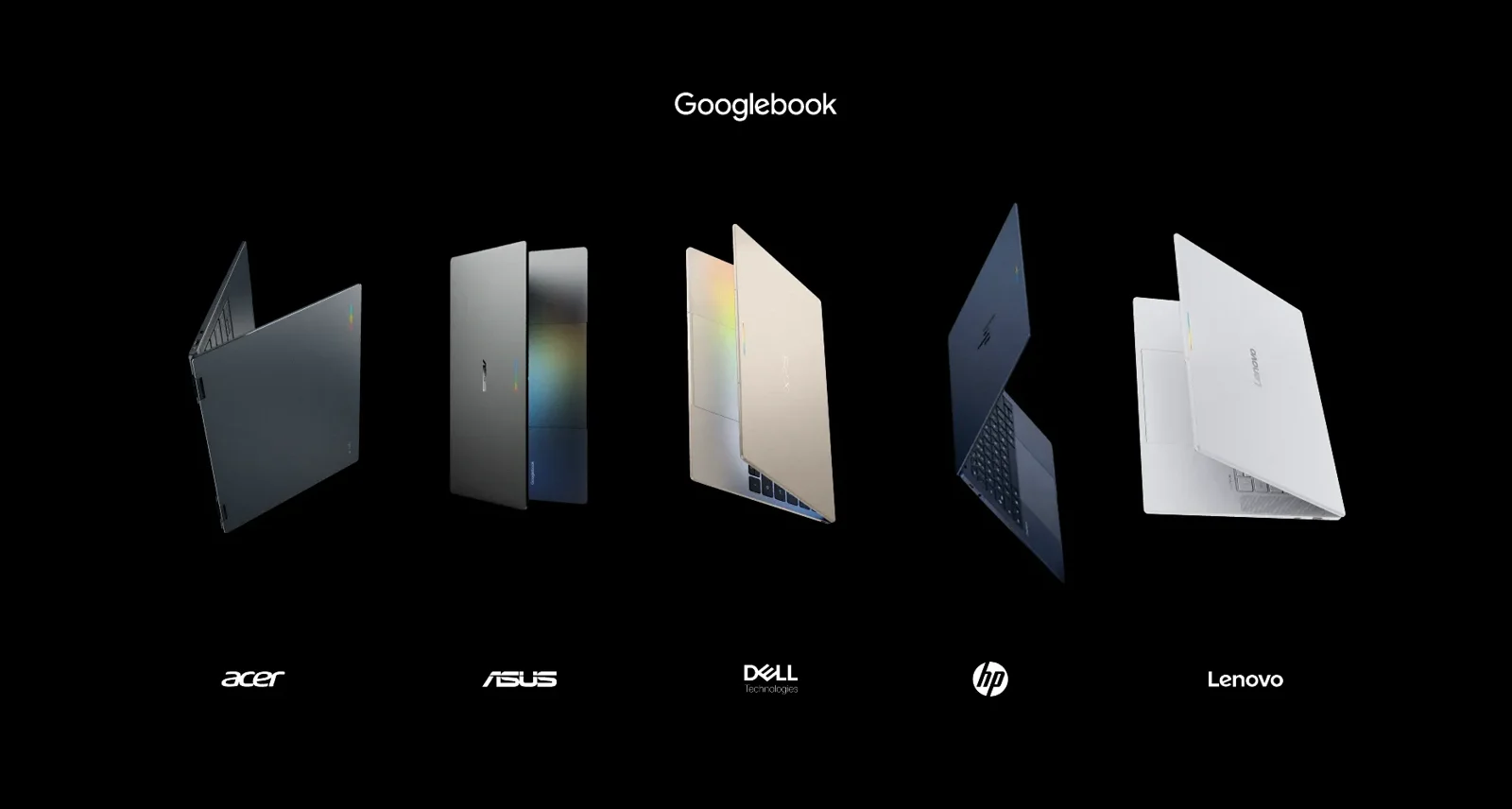
This is a small setting, but it is exactly the kind of everyday polish that makes a laptop feel finished. Googlebook OS launched with plenty of promise, as our roundup of all five Googlebook reviews shows, and Google has been closing the gaps with ChromeOS one by one. Keep in mind this comes from beta code, so it could change or be dropped, but we would be surprised if Google left it out. We will let you know when it arrives.
Want to do more with your Googlebook? You can now build your own Android apps on it with AI agents.
Discover more from Chrome Geek
Subscribe to get the latest posts sent to your email.