How to Install and Play Arknights: Endfield on Chromebook and Googlebook
 by
Joseph Vance
Post Updated: November 21, 2026
You can install and play Arknights: Endfield on Chromebook and Googlebook through the official Android app on Google Play. Set on the frontier world of Talos-II, this 3D real-time strategy RPG blends tactical squad combat, open-area exploration, and automated factory building.
Googlebook runs Android games natively via Google Play alongside instant phone-app casting. This guide covers Google Play installation, system requirements, controller and touch controls, graphics optimization, cross-progression, and quick ChromeOS fixes.
Need help getting started? Contact us with your Chromebook or Googlebook model and any setup questions.

How to install Arknights: Endfield on Chromebook and Googlebook
Installing Arknights: Endfield from Google Play gives you the full native 3D Android client on ChromeOS. Make sure you have at least 25 GB to 28 GB of free storage and a steady Wi-Fi connection before downloading:
The official Google Play listing identifies Arknights: Endfield under the package identifier com.gryphline.endfield.gp. Installing through Google Play ensures automatic client updates whenever new story chapters or Operators arrive.
If the Play Store is not active on your laptop, check Google’s Android app setup guide for Chromebook or the guide on installing apps on Googlebook. On school or work devices, administrator policies may restrict large game downloads. There is no native ChromeOS browser client or Linux Debian (.deb) package, so Google Play is the standard local way to play.
Cast Arknights: Endfield from your phone on Googlebook
If Arknights: Endfield is already downloaded and patched on your Android phone, you do not have to wait for a second 25 GB install right away. Googlebook’s Cast My Apps feature lets you mirror your phone’s session onto your laptop screen. Open the Phone Hub in the bottom-right corner of your Googlebook shelf, select Cast My Apps, and pick Arknights: Endfield to check daily factory production, spend stamina, or manage Operator upgrades in a desktop window.
Real-time squad combat, exploration, and AIC factory building
Arknights: Endfield puts you in the boots of the Endministrator, leading field teams across the hazardous frontier of Talos-II while rebuilding industrial infrastructure:
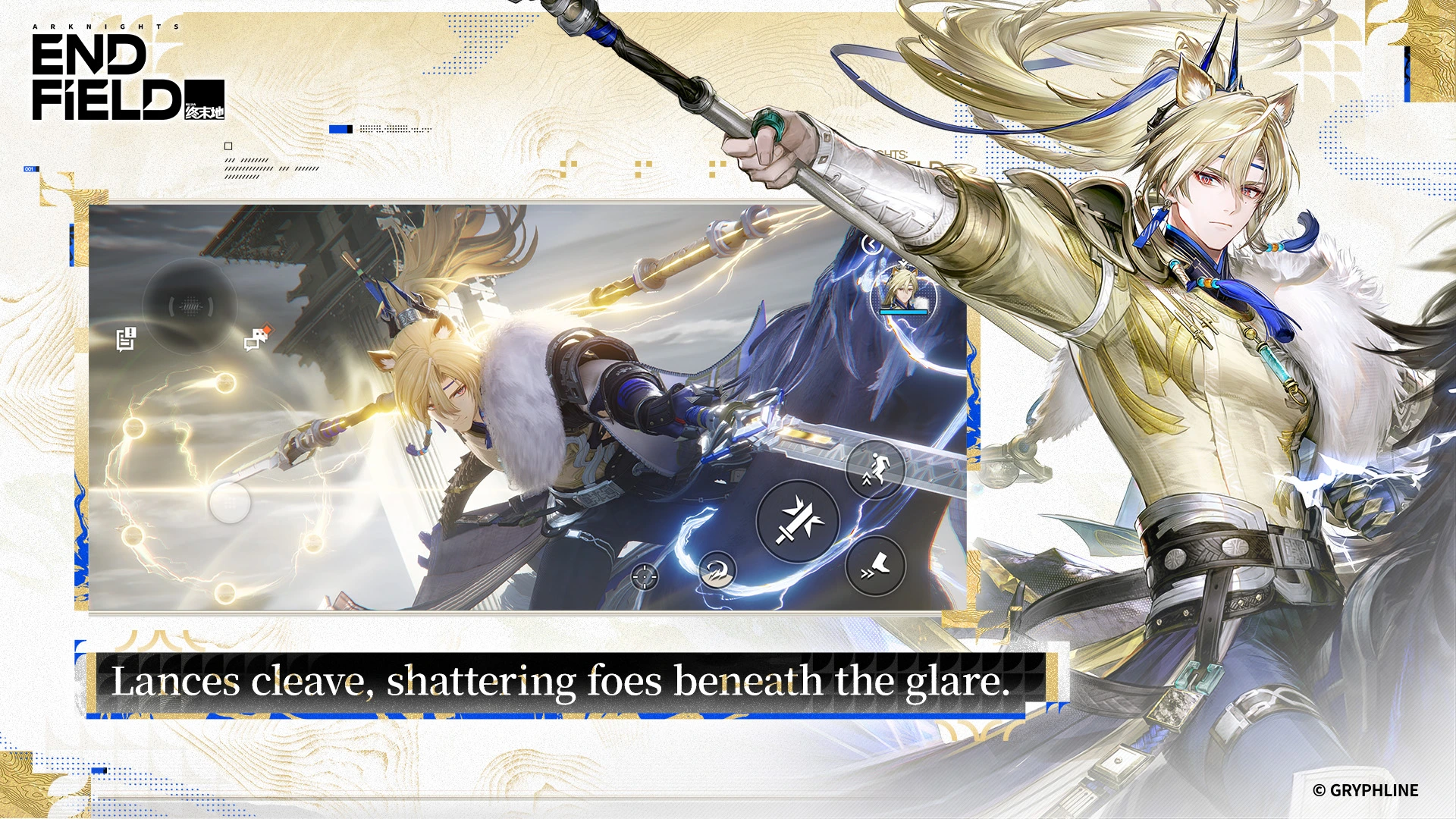
- Tactical team synergy: swap between active Operators on the fly while AI teammates follow your lead, setting up combo triggers and breaking enemy defenses.
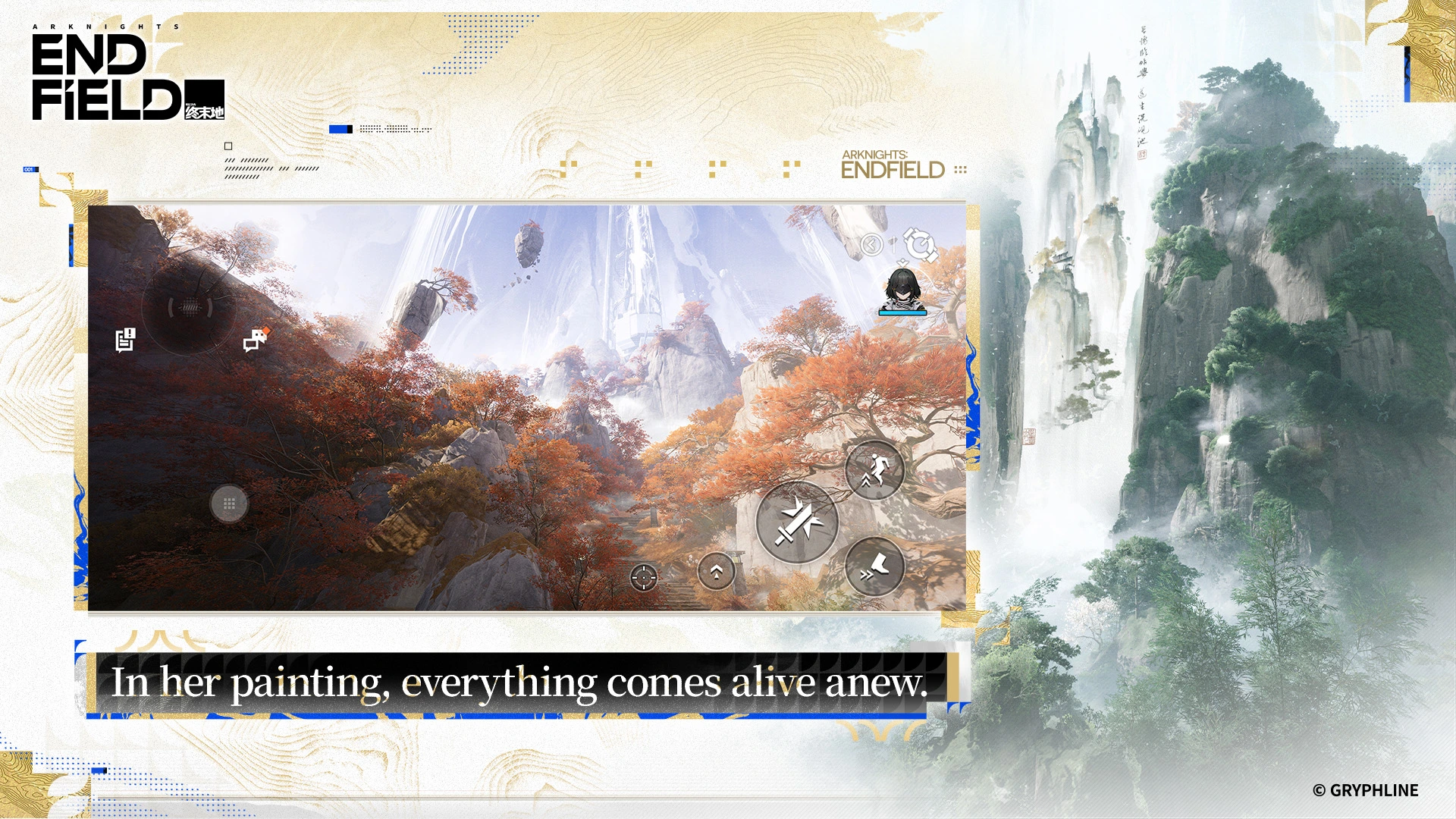
- Open frontier zones: explore ruined facilities, mountain passes, and corrupted wilds across Talos-II to uncover story missions and rare materials.
- Automated Industry Complex (AIC): link mining rigs, refineries, and power grids across the map so your base produces supplies even while you are out exploring.
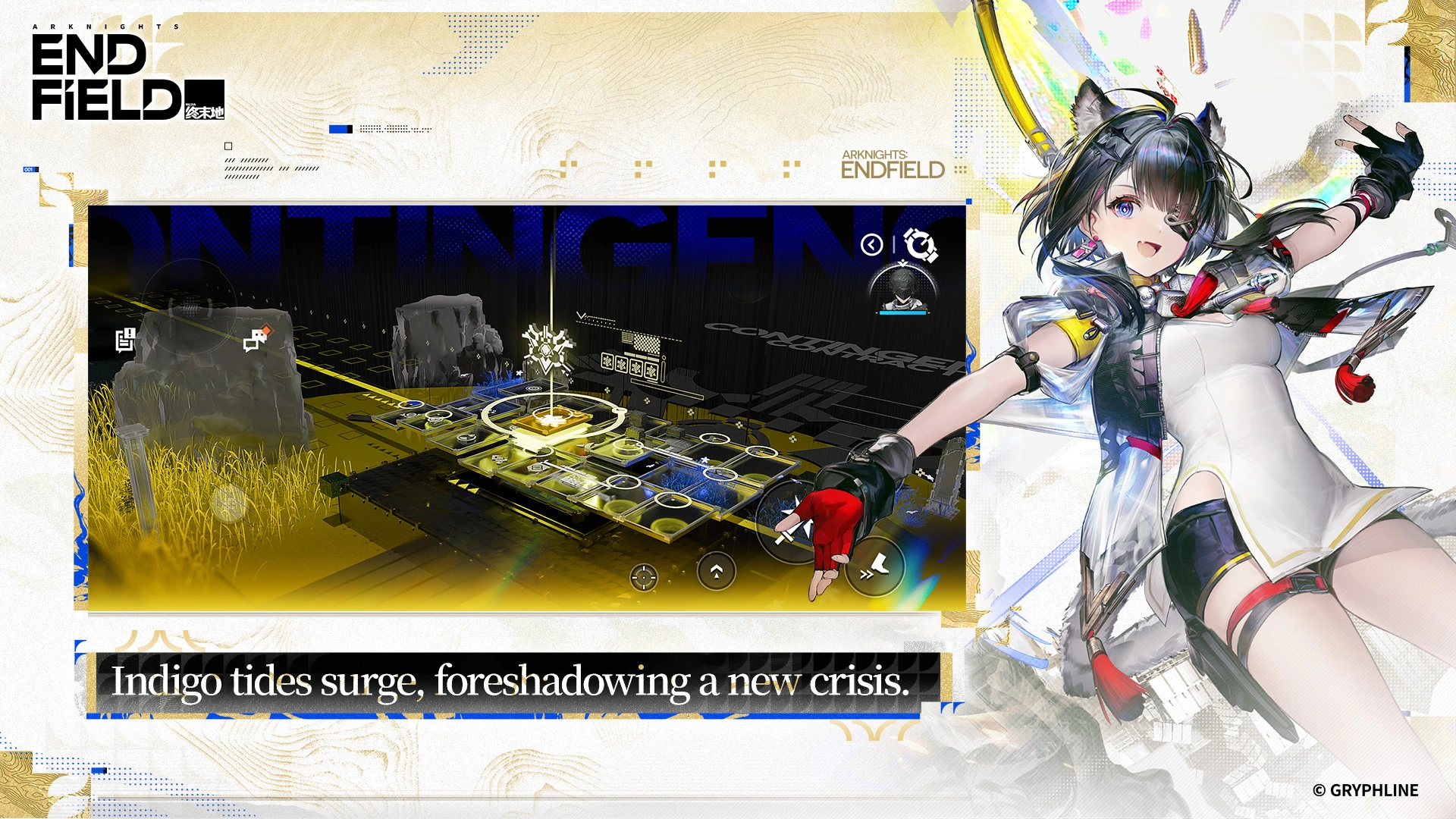
Controls on Chromebook and Googlebook: controller, touch, and keyboard
Because Arknights: Endfield runs on ChromeOS via the Android client, knowing which input devices work natively saves a lot of frustration:
- Official controller support (recommended): the Android version natively supports Xbox Wireless and Xbox Elite controllers as well as PlayStation DualSense and DUALSHOCK 4 gamepads over Bluetooth or USB. Press any button on your controller at the title screen or accept the in-game prompt to switch the interface to controller mode.
- Touchscreen controls: on 2-in-1 convertibles and touchscreen Chromebooks, the on-screen virtual stick, dodge button, and skill icons respond cleanly in tablet mode.
- Keyboard and mouse limitations: unlike the standalone Windows PC version, the Android client does not include full native PC keyboard-and-mouse mapping out of the box. While basic movement keys may register, camera aiming and combat skills are built around touch or gamepad inputs.
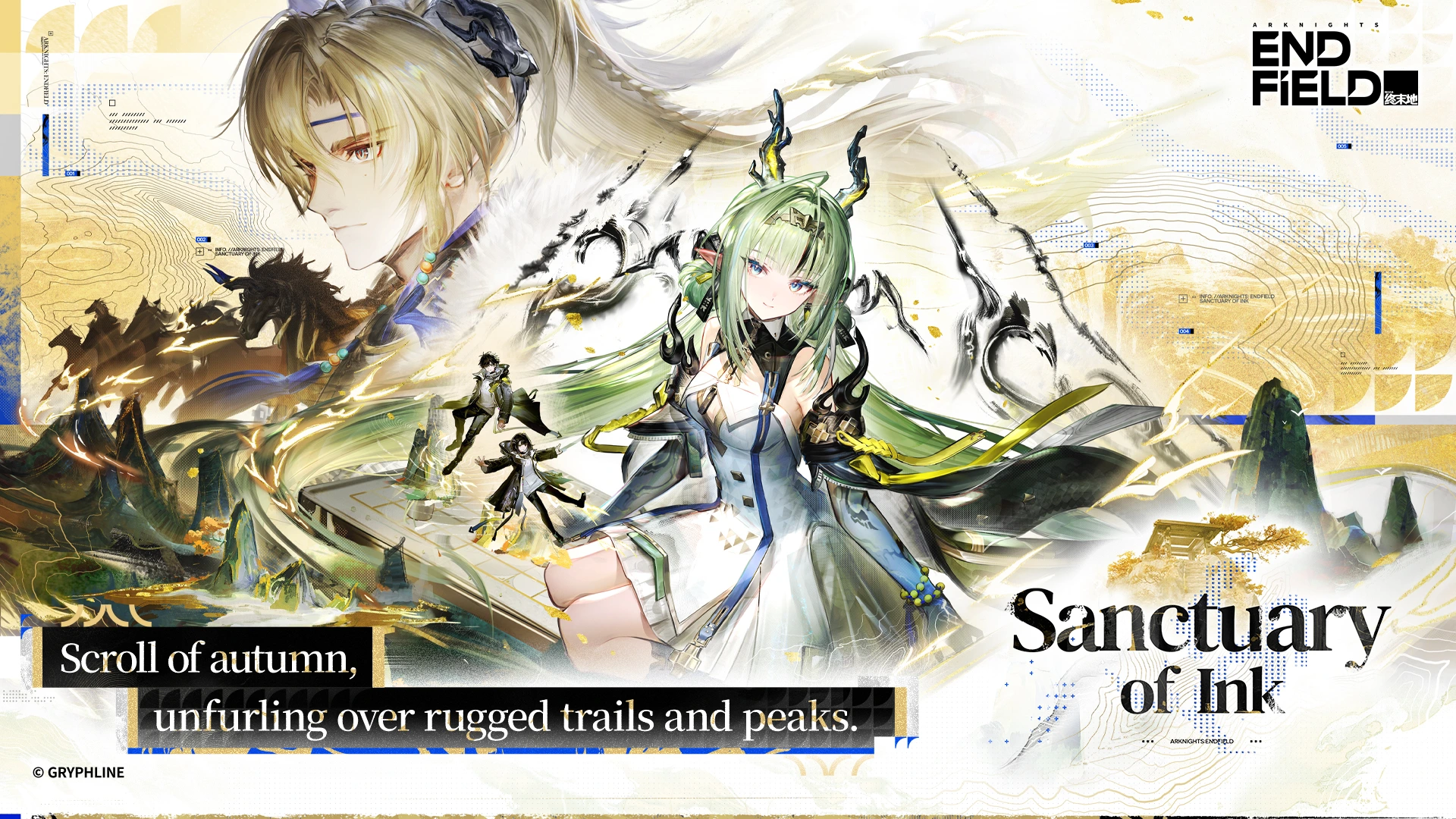
Performance and graphics tips for ChromeOS
Arknights: Endfield is a demanding 3D title that targets at least 6 GB of RAM (8 GB+ recommended) and 25 GB to 28 GB of free storage. Use these settings to keep frame rates steady on Chromebook and Googlebook hardware:
- Tune graphics presets early: open the in-game Graphics settings and step down Render Scale, Shadow Quality, and Effects if combat feels choppy on mid-range processors.
- Cap frame rate to 30 FPS on battery: locking the frame rate to 30 FPS reduces heat, prevents thermal throttling, and extends battery life when away from a charger.
- Free up memory before launching: close heavy Chrome browser tabs, video streams, and background Linux containers so the Android subsystem has full access to system RAM.
- Plug in for demanding bosses: keep your laptop connected to USB-C power during long sessions so ChromeOS does not throttle CPU and GPU clocks.
Troubleshooting Arknights: Endfield on Chromebook and Googlebook
If the game fails to download, stutters, or refuses to recognize your controller on ChromeOS, try these quick fixes:
- Insufficient storage during patching: clear old Downloads, Android app caches, or unused Linux files so at least 28 GB remains free before launching the in-game downloader.
- Google Play Store is missing: open ChromeOS Settings > Apps and turn on Google Play Store. If the option is grayed out, your school or work administrator restricts Android apps.
- Controller buttons not responding: pair your Xbox or PlayStation controller in ChromeOS Bluetooth settings first, then restart Arknights: Endfield and press a gamepad button on the title screen to trigger controller mode.
- Stuttering or sudden frame drops: lower Render Scale and Bloom in the in-game settings, close background Chrome tabs, and restart your Chromebook to clear cached memory.
- Black screen or crash on startup: navigate to ChromeOS Settings > Apps > Manage your apps > Arknights: Endfield > Storage & cache and select Clear cache, then check Google Play for updates.
Frequently asked questions about Arknights: Endfield on Chromebook and Googlebook
Can you play Arknights: Endfield on a Chromebook?
Yes. You can install the official Arknights: Endfield app by GRYPHLINE from the Google Play Store on any Chromebook that supports Android apps and meets the hardware requirements.
How much storage and RAM does Arknights: Endfield need on ChromeOS?
Plan for at least 25 GB to 28 GB of free storage space for the game client and initial asset downloads, along with 6 GB of RAM minimum (8 GB or more recommended for smoother 3D combat).
Does Arknights: Endfield support a controller or keyboard on Chromebook?
The Android version includes official native support for Xbox Wireless and PlayStation DualSense or DUALSHOCK 4 controllers via Bluetooth or USB. Full PC-style keyboard and mouse mapping is not natively supported in the Android client, so a gamepad or touchscreen works best.
Can I play Arknights: Endfield on Googlebook?
Yes. Open Google Play on your Googlebook to install and run Arknights: Endfield natively, or use Cast My Apps in the Phone Hub to stream your Android phone session to your desktop screen.
Does Arknights: Endfield support cross-progression with PC and PlayStation 5?
Yes. Sign in with the same GRYPHLINE account on your Chromebook, Googlebook, Android phone, PC, or PlayStation 5 to keep your Operators, story progress, and AIC factory layouts synced.
Companion gaming guides on ChromeGeek
Looking for more action RPGs, anime adventures, and capable laptops for ChromeOS gaming? Explore these related guides:
- Anime action picks: Discover more stylized combat and story-driven adventures in our roundup of the Best Anime Games for Chromebook.
- Deep progression and builds: Explore top turn-based and real-time role-playing titles in our guide to the Best RPG Games for Chromebook.
- Expansive worlds to explore: Find vast frontier maps and sandbox adventures in our list of the Best Open-World Games for Chromebook.
- Hardware upgrades: Compare laptops with 8 GB+ RAM and faster processors in our guide to the Best Chromebooks for Gaming.
- Cross-platform social play: Jump into thousands of community-built experiences with our walkthrough for Roblox on Chromebook and Googlebook.
Discover more from Chrome Geek
Subscribe to get the latest posts sent to your email.