Best AI Extensions for Chrome
 by
Juniya Sankara
Post Updated: October 14, 2026
by
Juniya Sankara
Post Updated: October 14, 2026

The best AI extensions for Chrome include Sider for chatting with several AI models on webpages, ChatGPT for browser-aware assistance, and Grammarly for improving emails and other writing.
Other extensions are better for specific jobs, such as summarizing YouTube videos, researching academic papers, taking meeting notes, or helping an AI agent work through websites. Some are free to start, while others need a paid plan or an additional desktop app.
We’ll explain what each one does, its main limits, and who should use it. For more everyday browser tools, see our best productivity extensions for Chrome.
General AI assistants and browser sidebars
All-in-one sidebars that let you chat with leading AI models, summarize articles, and rewrite text without leaving your active tab.
1. Sider
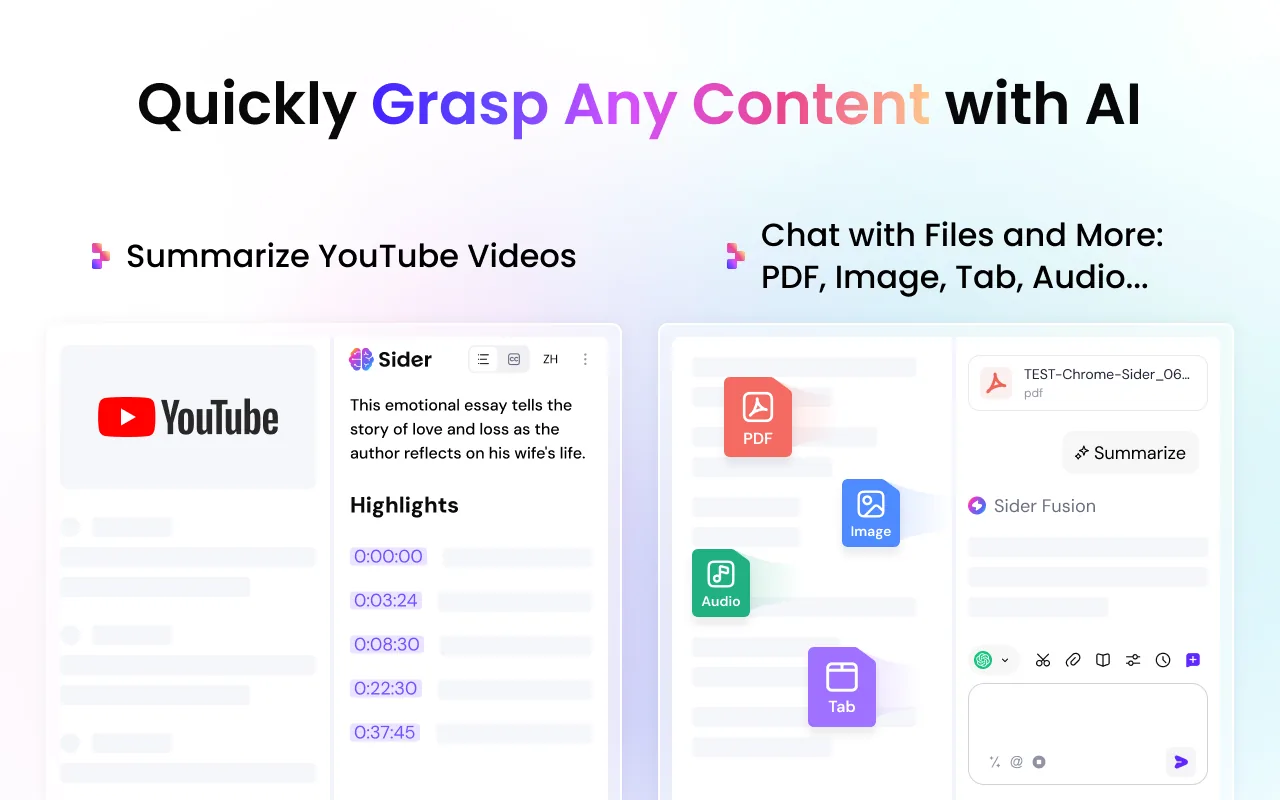
What it does: Adds a dockable sidebar to Chrome that lets you chat with multiple AI models, including ChatGPT, Claude, Gemini, DeepSeek, and Grok. It also generates summaries for web pages, YouTube videos, and PDF documents.
👍 Why we chose it: It places leading AI models in a single panel, saving you from opening several tabs. You can highlight text on any page to translate, explain, or rewrite it instantly.
Good to know: Free queries reset daily on a basic allowance. Advanced reasoning models and high-volume usage require credits or a monthly subscription.
2. ChatGPT (Official OpenAI Extension)
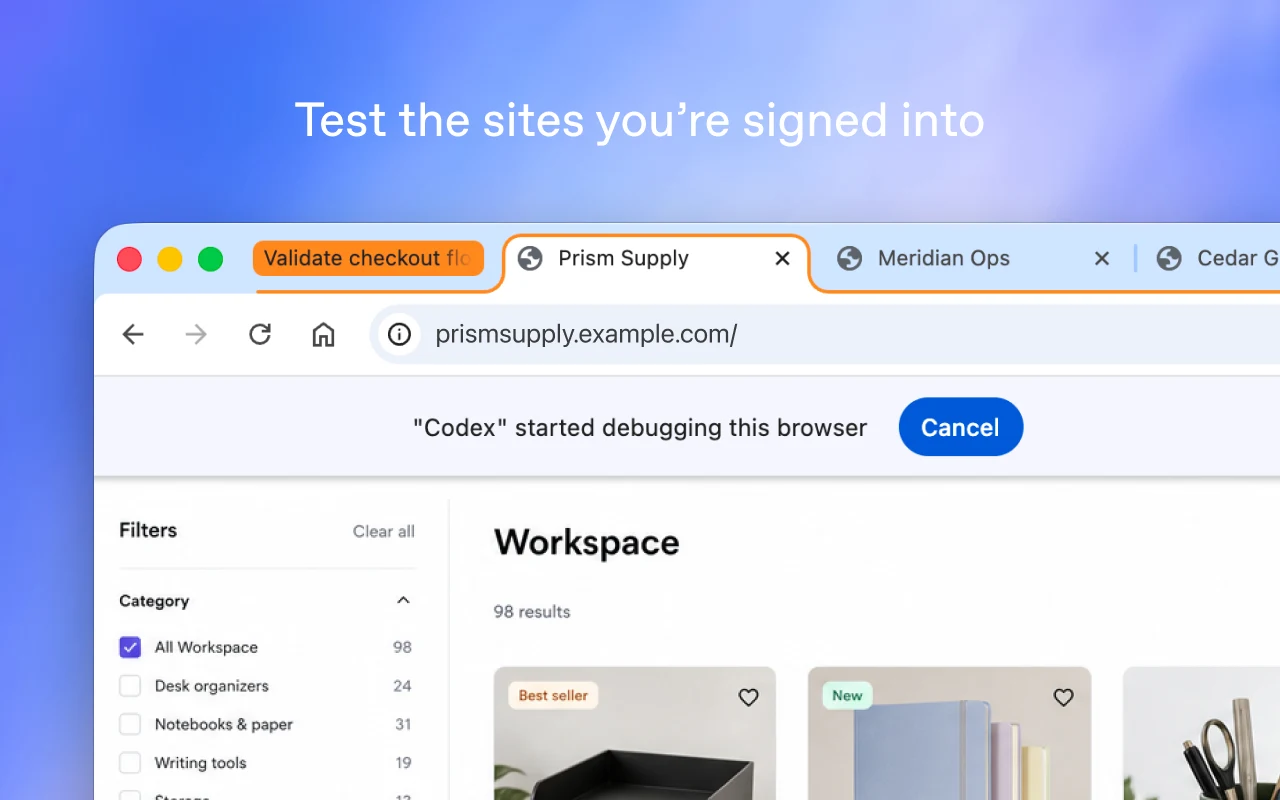
What it does: OpenAI’s official browser companion connects your active Chrome session with ChatGPT. It opens a side panel capable of reading page context, answering questions about what you are viewing, and helping complete multi-tab tasks.
👍 Why we chose it: It offers direct, reliable integration with your ChatGPT account and understands current webpage context without requiring you to copy and paste text manually.
Good to know: Full browser interaction workflows require installing the ChatGPT desktop application on your computer. It is separate from the ChatGPT Search extension.
3. Claude in Chrome
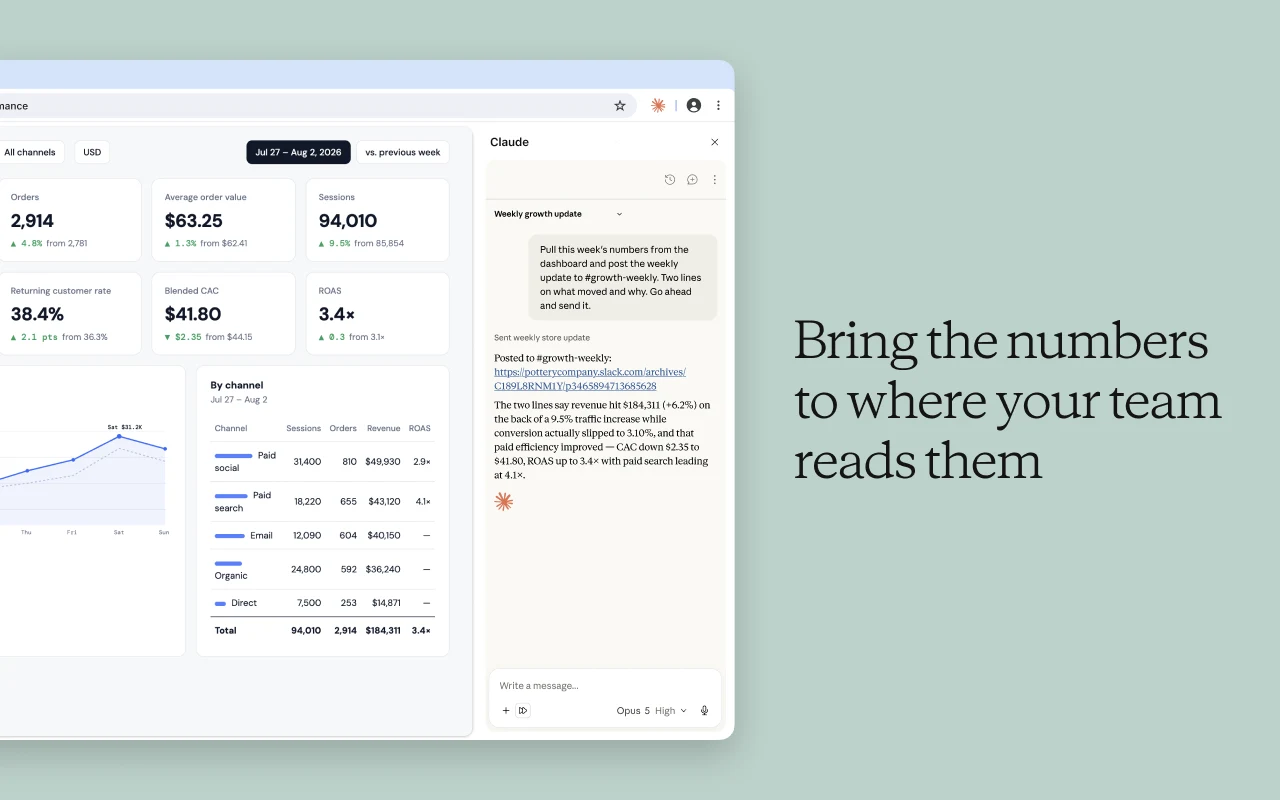
What it does: Anthropic’s official extension provides a browser side panel that can read page contents, navigate websites, click elements, and fill forms under your guidance.
👍 Why we chose it: It excels at handling complicated, authenticated browser tasks across multiple tabs, such as cross-checking information or testing web interfaces directly in the browser.
Good to know: Requires an active paid Claude plan according to developer specifications. The developer notes that other Chromium browsers and mobile setups are not supported.
4. Monica
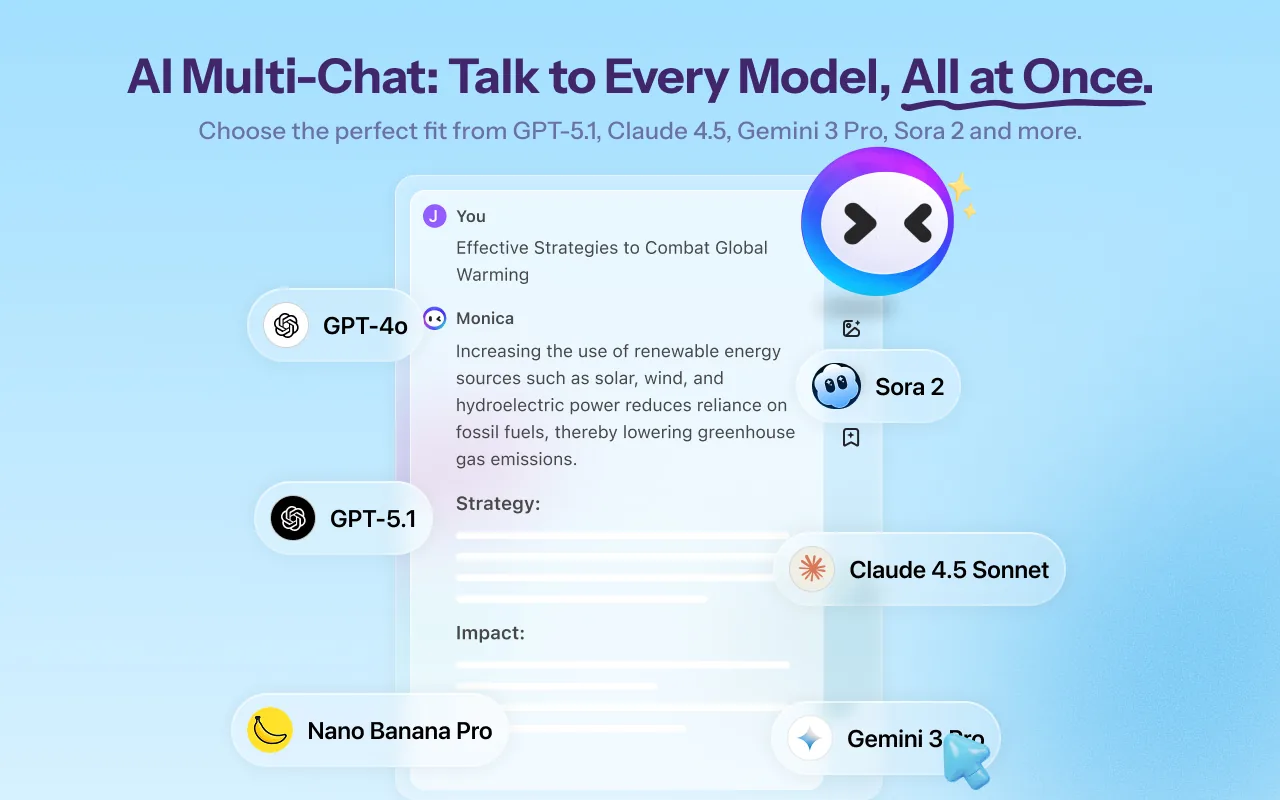
What it does: An all-in-one browser assistant developed by Butterfly Effect that combines multi-model chat with writing, translation, webpage summaries, and image tools.
👍 Why we chose it: Pressing Ctrl+M or Cmd+M brings up a versatile toolkit capable of handling routine writing, drafting responses, and translating full documents in place.
Good to know: Free queries are limited each day. The extension requests broad permissions to interact with browser tabs, and heavy creative tools require a paid plan.
5. Merlin AI
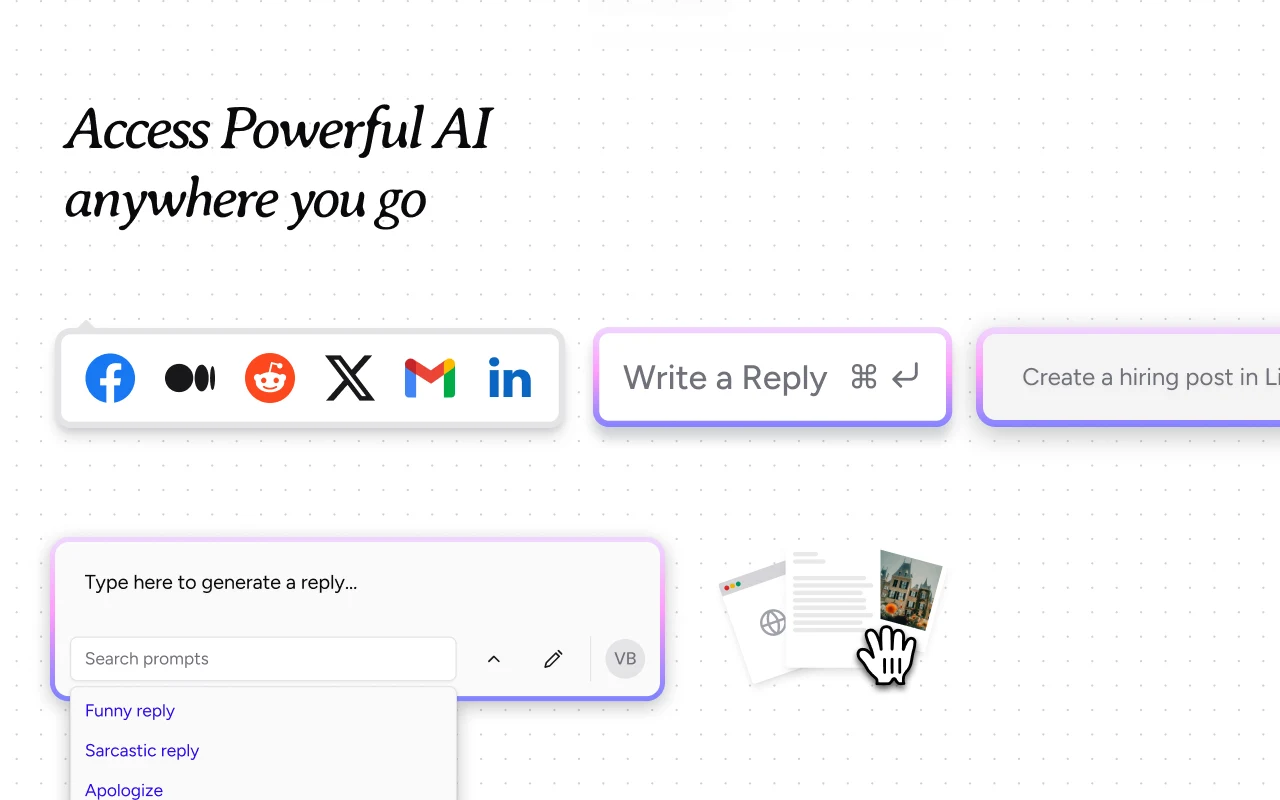
What it does: A multi-model browser companion designed to summarize web articles, analyze PDFs, transcribe YouTube videos, and help draft responses on social networks and web mail.
👍 Why we chose it: It provides convenient keyboard shortcuts to query AI across any website, making it useful for rapid research without cluttering your workspace.
Good to know: Advanced features rely on monthly query credits. Features overlap with Sider, so most users will want to test both and choose one primary sidebar.
Browser agents and automation
Tools that go beyond answering questions by navigating pages, monitoring web changes, and moving data between websites and spreadsheets.
6. Manus AI Browser Operator
What it does: Acts as a secure connector between your local browser session and the Manus AI Agent, allowing the agent to perform research and repetitive online workflows inside approved tabs.
👍 Why we chose it: Because it works within your active browser, it can work with web tools where you are already signed in without needing raw account passwords.
Good to know: This is an agent connector, not a standalone chatbot. You must have access to the Manus service, and sessions must be explicitly authorized and monitored.
7. HARPA AI
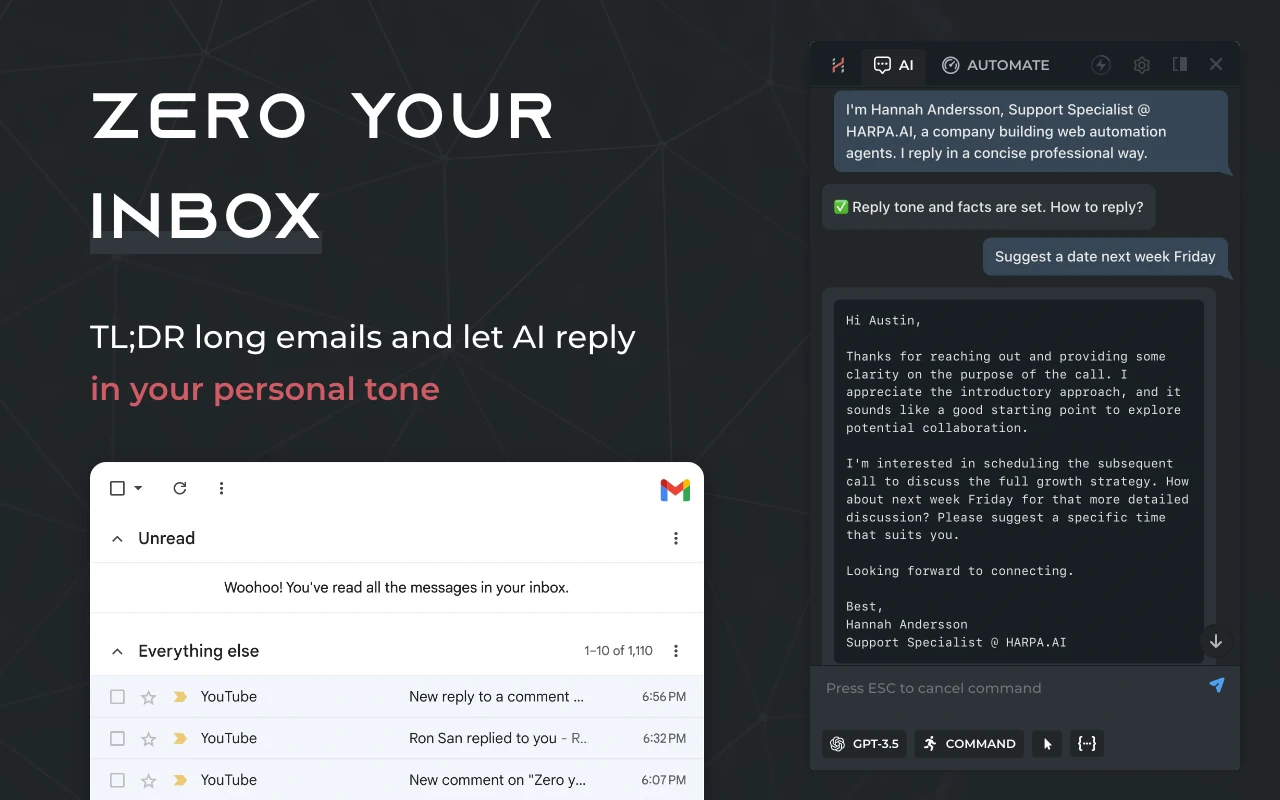
What it does: Combines conversational AI models with browser automation routines. It tracks price drops, monitors website modifications, extracts structured data from pages, and automates repeat clicks.
👍 Why we chose it: It runs locally in your browser without requiring external server setup for basic tasks. You can set it to alert you when a webpage changes or an item comes back in stock.
Good to know: Setting up custom multi-step automations requires familiarity with web commands. Free usage covers routine tracking, while advanced cloud routines require premium tiers.
8. Bardeen
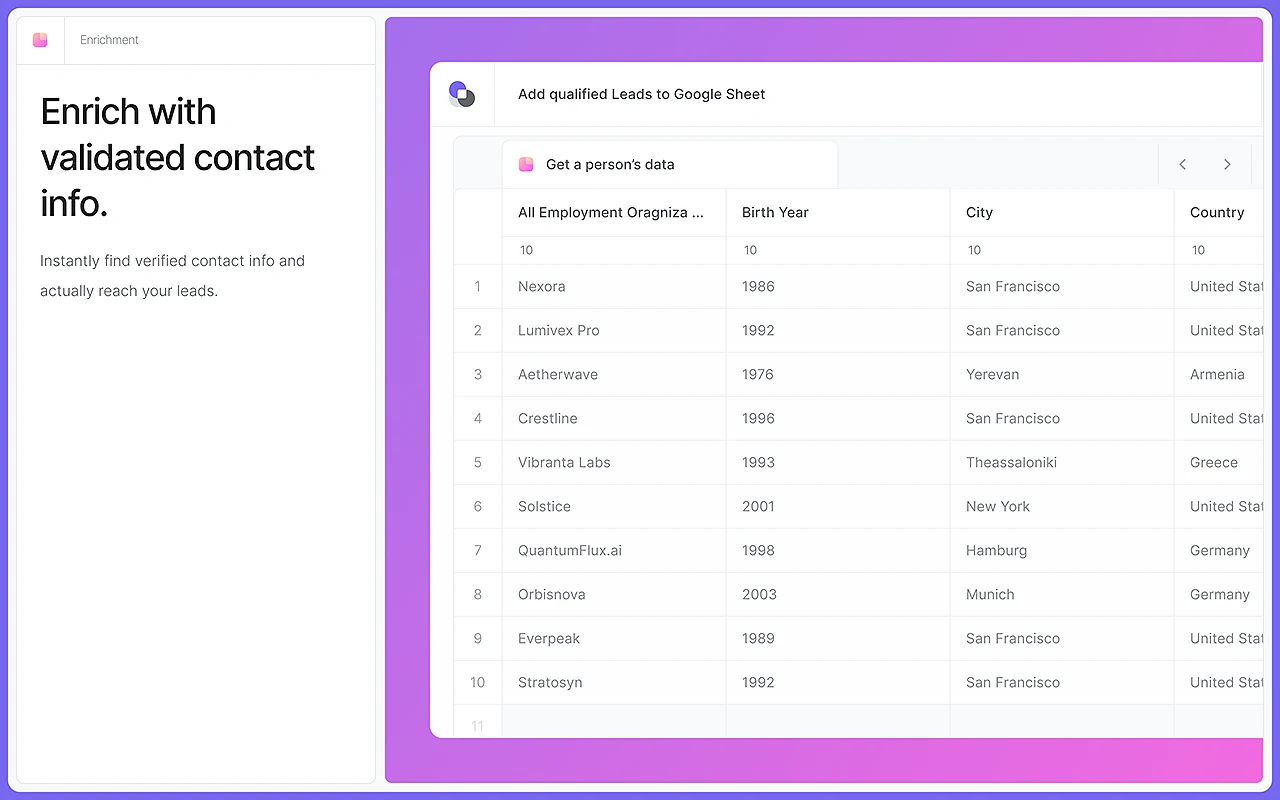
What it does: A no-code workflow tool that extracts information from web pages and transfers it directly into apps like Google Sheets, Notion, Airtable, and CRM platforms.
👍 Why we chose it: It saves hours on routine data collection for sales research, recruiting, and project management. Pre-built playbooks let you run common scraping tasks with a single click.
Good to know: Web scraping must always comply with website terms of service and applicable data rules. Premium automation credits apply to scheduled runs and advanced integrations.
AI writing and prompt tools
Extensions that check grammar, rephrase difficult passages, and store reusable prompt templates directly inside your browser text fields.
9. Grammarly
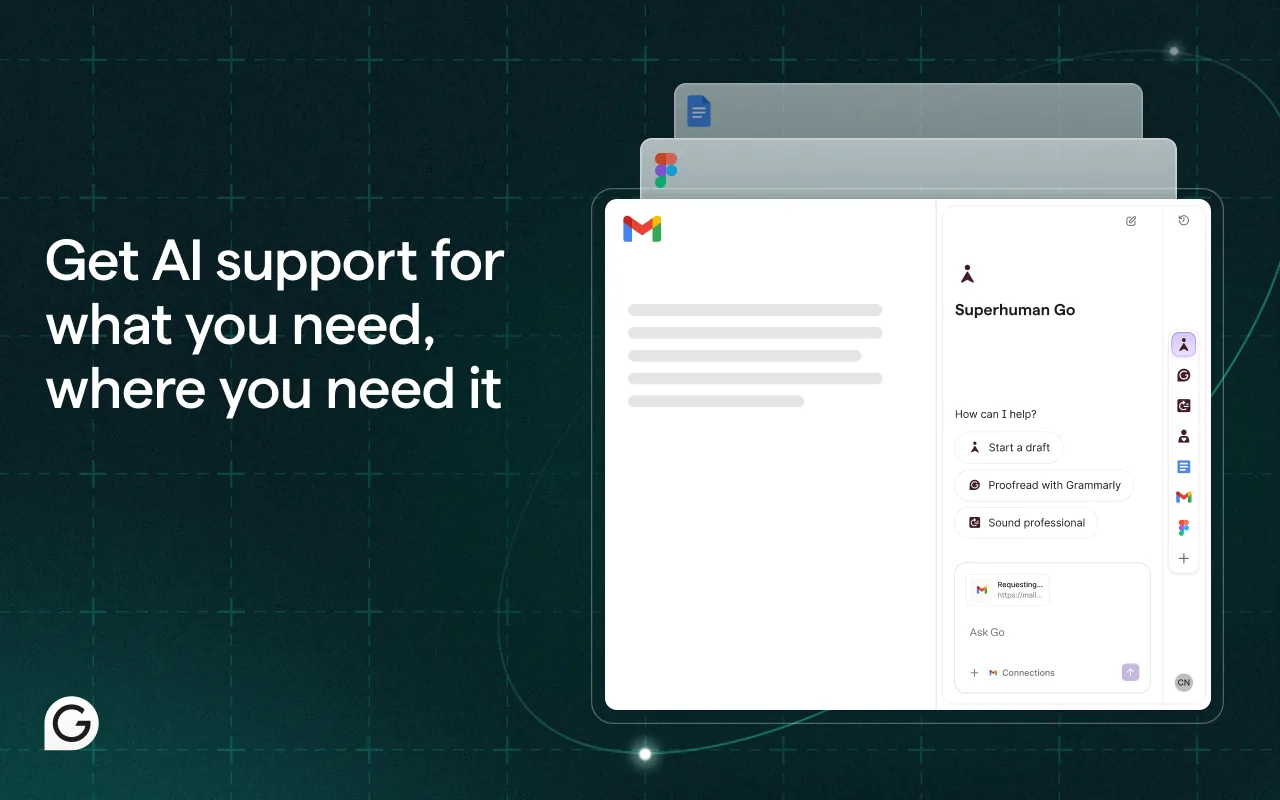
What it does: Checks spelling, punctuation, grammar, and tone as you write in webmail, Google Docs, social platforms, and WordPress editors.
👍 Why we chose it: Its real-time suggestions keep communications clear and professional without requiring you to switch windows. The free tier reliably catches everyday typing mistakes.
Good to know: The extension needs permission to inspect input text in web forms. Sentence restructuring and advanced tone adjustments require a paid subscription.
10. QuillBot
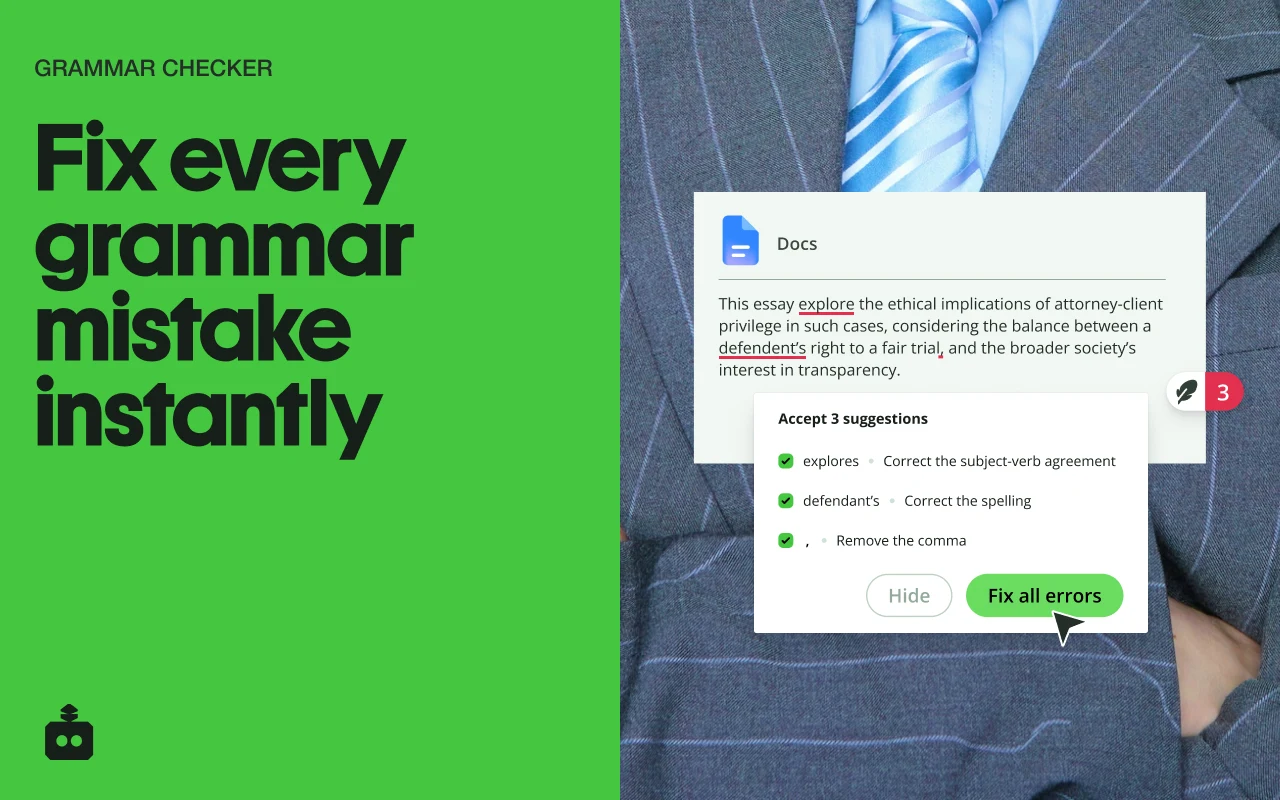
What it does: Helps rephrase sentences, adjust vocabulary, and summarize text directly in browser text boxes. It supports multiple paraphrasing modes to adjust formality and length.
👍 Why we chose it: Ideal when you need alternative ways to phrase an awkward sentence or adapt complex text for a different audience while keeping the original meaning intact.
Good to know: While QuillBot includes an AI detection indicator, automated AI detectors cannot reliably prove whether content was authored by a human. Free rewriting has word-count limits.
11. AI Blaze
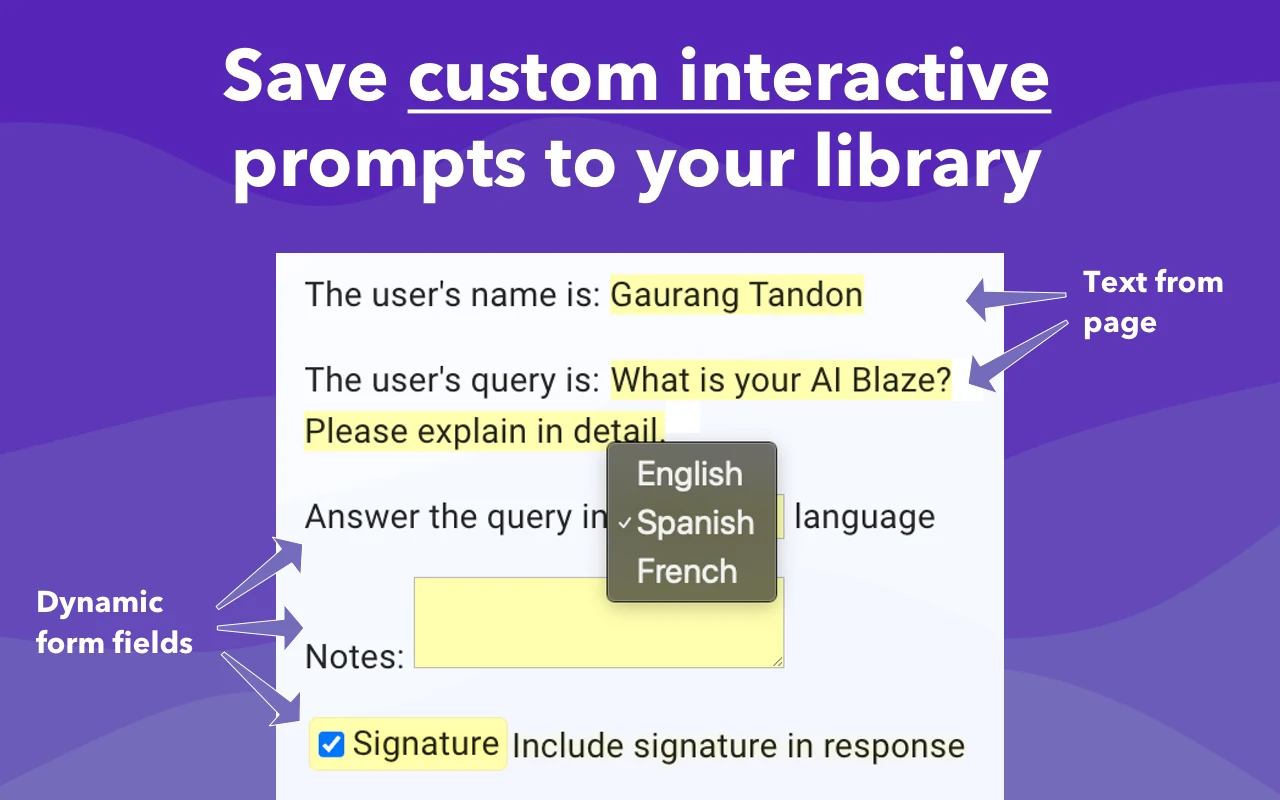
What it does: Allows you to create custom AI prompts and trigger them inside any text box using simple keyboard shortcuts, incorporating the current page context automatically.
👍 Why we chose it: Instead of retyping instructions into a chatbot tab, customer support reps and recruiters can trigger standardized, contextual responses with a few keystrokes.
Good to know: Takes a short time to configure your prompt library before seeing full productivity gains. Team sharing features require a workspace plan.
12. AIPRM for ChatGPT
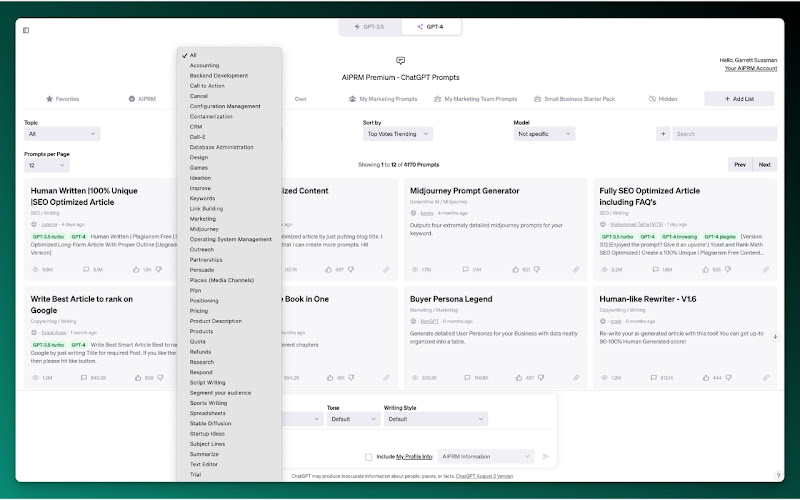
What it does: Overlays an extensive catalog of pre-built, community-vetted prompt templates directly into the ChatGPT web interface for marketing, SEO, coding, and sales tasks.
👍 Why we chose it: Eliminates guesswork by providing structured, tested prompt formulas that yield detailed, consistent outputs on the first attempt.
Good to know: Requires creating a separate AIPRM account. The developer notes that running it alongside competing ChatGPT extensions can create interface conflicts.
AI meeting assistants
Tools for capturing live transcripts, generating action items, and summarizing calls in Google Meet, Zoom, and Microsoft Teams.
Choosing between meeting tools: Tactiq focuses on pure live transcription directly in your browser without inviting an automated bot. Scribbl adds integrated recording options while remaining bot-free. Fireflies offers extensive team search and integrations across wider communication channels. Remember to always obtain necessary participant consent before recording or transcribing any meeting.
13. Tactiq
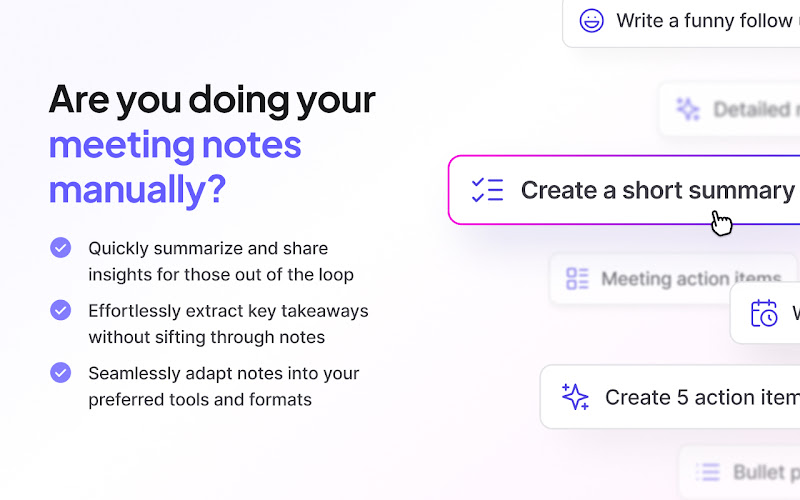
What it does: Transcribes Google Meet, Zoom, and Microsoft Teams meetings in real time by capturing browser captions directly, without sending a virtual recording bot into the call.
👍 Why we chose it: Because no bot joins the call, client meetings feel natural and unobtrusive. It produces organized summaries, speaker labels, and follow-up action items immediately after the call.
Good to know: Relies on browser captions being enabled on supported web meeting platforms. The free plan limits the number of transcribed meetings allowed each month.
14. Scribbl
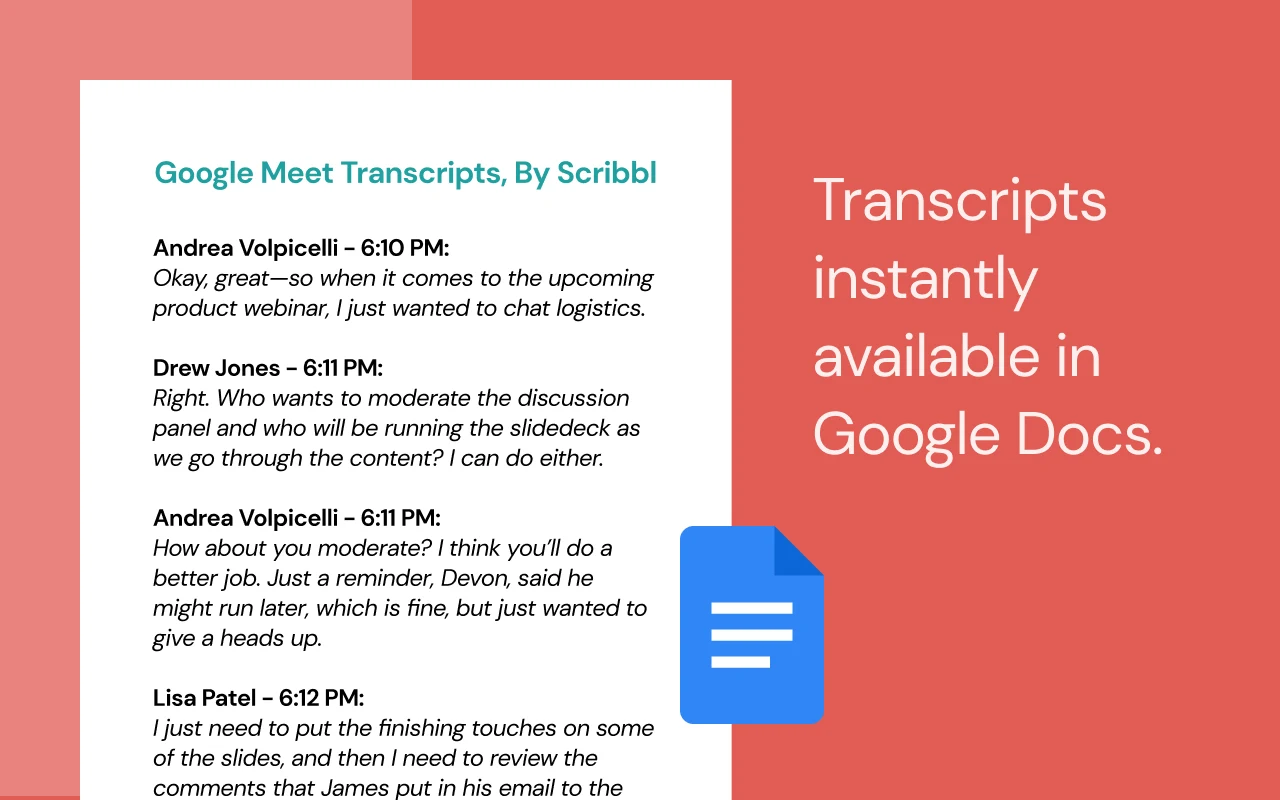
What it does: Captures transcripts and records browser-based meetings across Google Meet, Zoom, and Teams without injecting a visible recording bot participant.
👍 Why we chose it: Combines transcript generation with audio and video capture, allowing you to search through past meetings and export summaries to team documents seamlessly.
Good to know: Recording options and storage caps vary between free and paid tiers. Users must ensure compliance with local meeting recording consent regulations.
15. Fireflies.ai
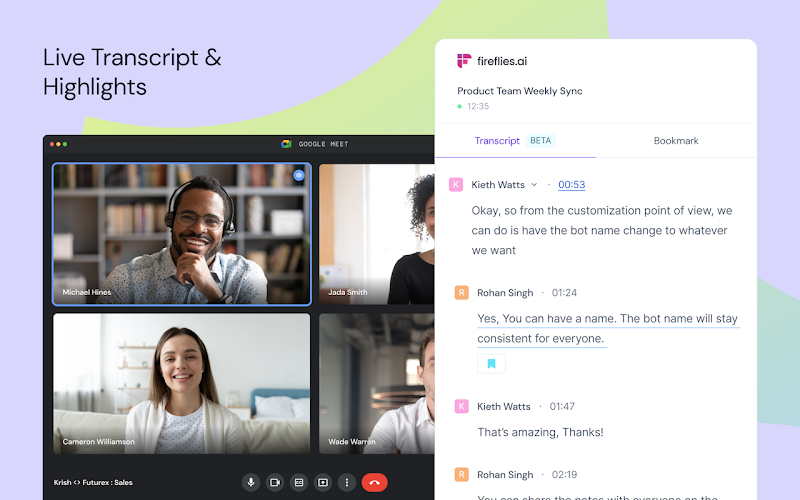
What it does: Captures and transcribes web-based audio and video calls, syncing transcripts into a centralized, searchable organizational meeting vault.
👍 Why we chose it: Excels at team collaboration, allowing colleagues to search across months of past meeting transcripts, highlight soundbites, and review action item assignments.
Good to know: The broader platform includes bot participants for certain calendar events, though the extension handles browser captures. Advanced team search filters require a paid plan.
AI research, reading and summarization
Extensions that extract insights from dense documents, save highlights to digital notebooks, and produce instant video summaries.
16. NotebookLM Web Importer
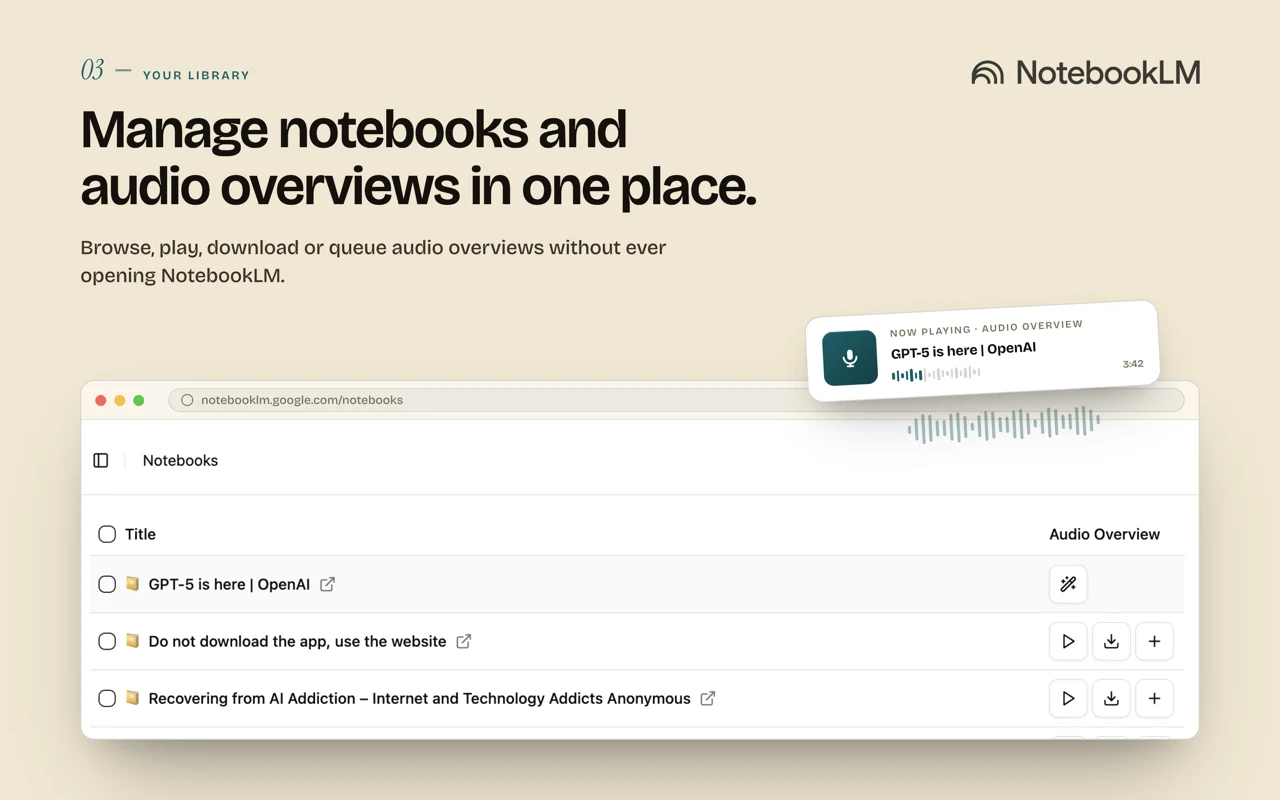
What it does: Enables one-click importing of webpages, research articles, and YouTube transcripts directly into your personal notebooks inside Google’s research platform, Gemini Notebook (formerly NotebookLM).
👍 Why we chose it: Streamlines gathering background sources for study or project planning, sending clean source material straight to your notebook where you can synthesize and query it.
Good to know: This extension is developed by an independent third party, not Google. It requires an active Google account with access to Gemini Notebook.
17. Glasp Web Highlighter
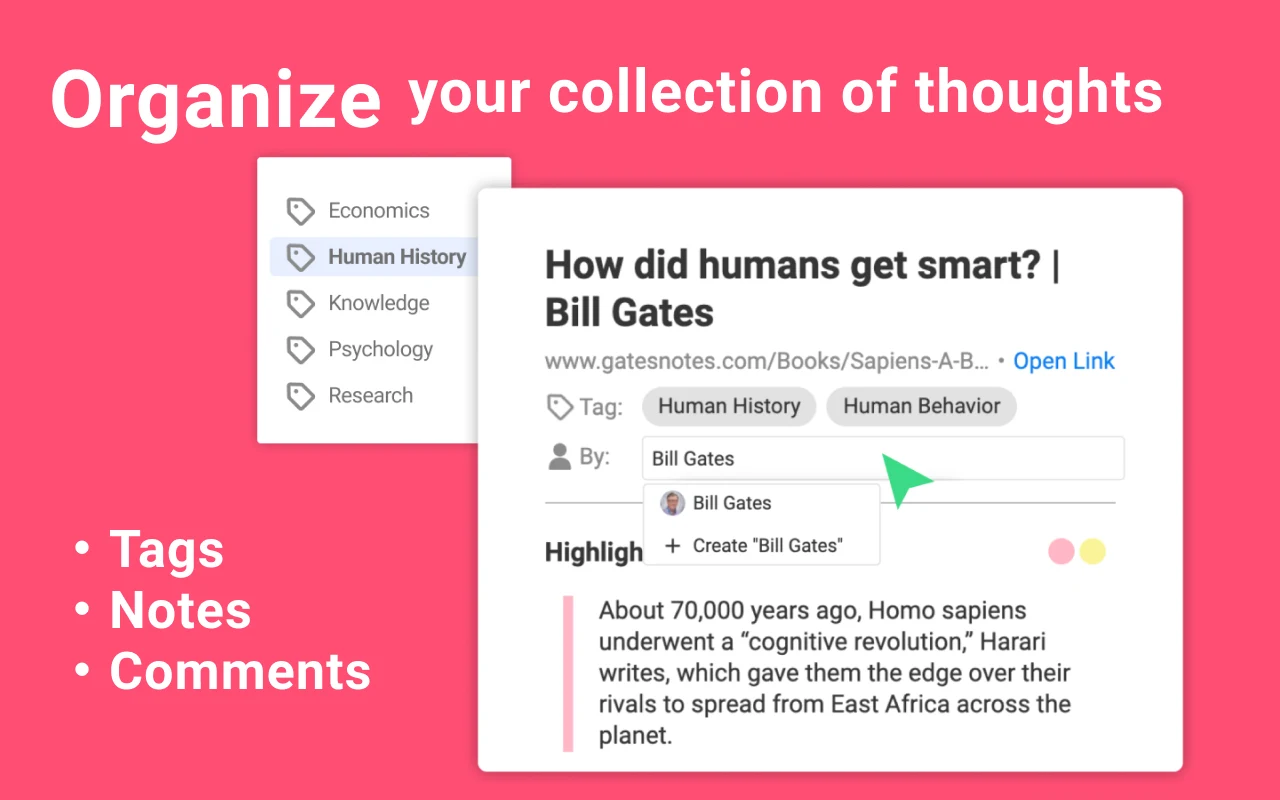
What it does: Allows you to highlight text across web pages and PDFs with color tags, organize notes in one place, and generate AI summaries of your collected highlights.
👍 Why we chose it: Unlike basic summarizers that only offer quick overviews, Glasp preserves your exact reading selections so you can build a personal knowledge library over time.
Good to know: Public profiles are enabled by default for community sharing, so users should check their profile privacy settings if they prefer private research notes.
18. YouTube Summary with ChatGPT & Claude by Glasp
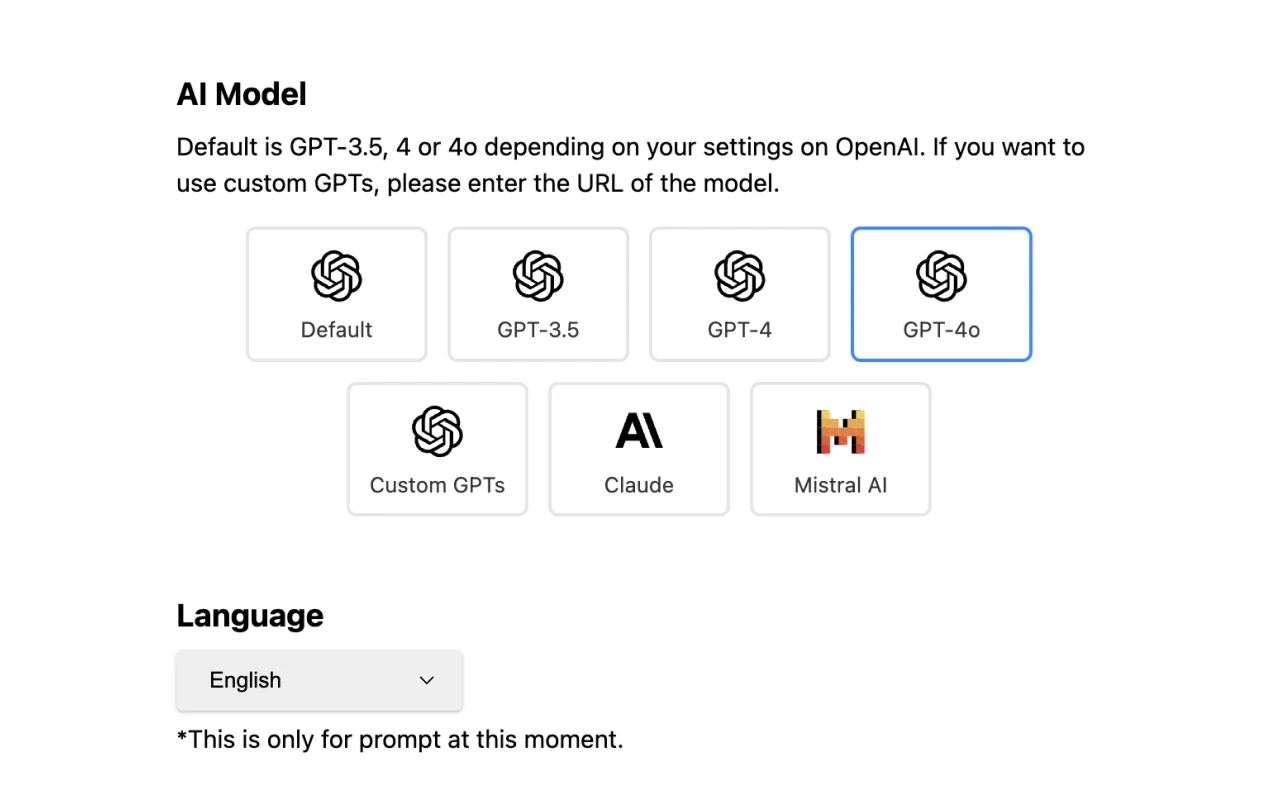
What it does: Displays full video transcripts next to YouTube videos and generates structured AI summaries with timestamps using ChatGPT, Claude, or Gemini.
👍 Why we chose it: Saves significant time when reviewing lectures, tutorials, or webinars by letting you jump directly to relevant sections or read the main takeaways in seconds.
Good to know: Requires the YouTube video to have accessible captions or an auto-generated transcript to generate accurate text summaries.
19. SciSpace
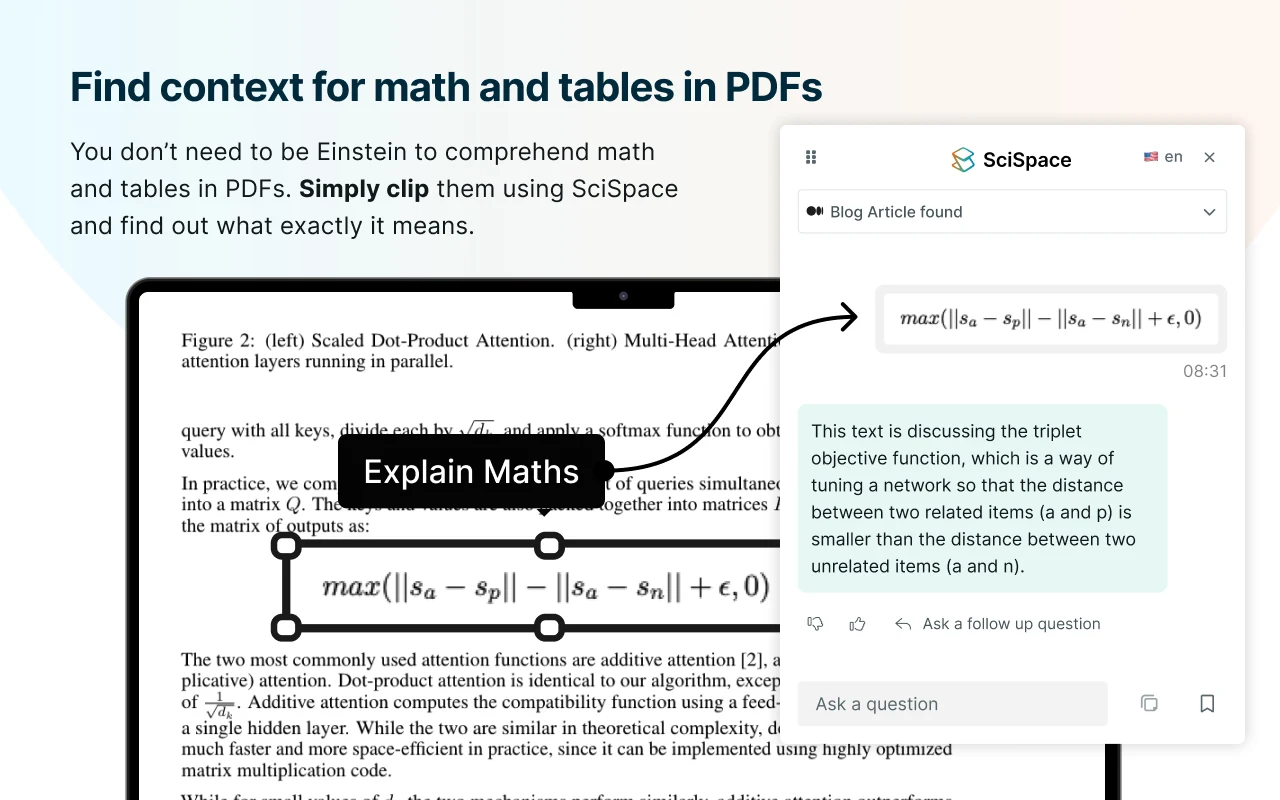
What it does: An AI reading assistant tailored for scientific papers, academic literature, and technical reports. It explains complex terminology, decodes formulas, and summarizes research methodology.
👍 Why we chose it: You can highlight confusing sentences or mathematical equations to get straightforward explanations, and ask follow-up questions about the paper’s findings.
Good to know: Scientific literature demands careful review. Always cross-check AI explanations against the author’s original text, data charts, and cited methodology.
20. Recall
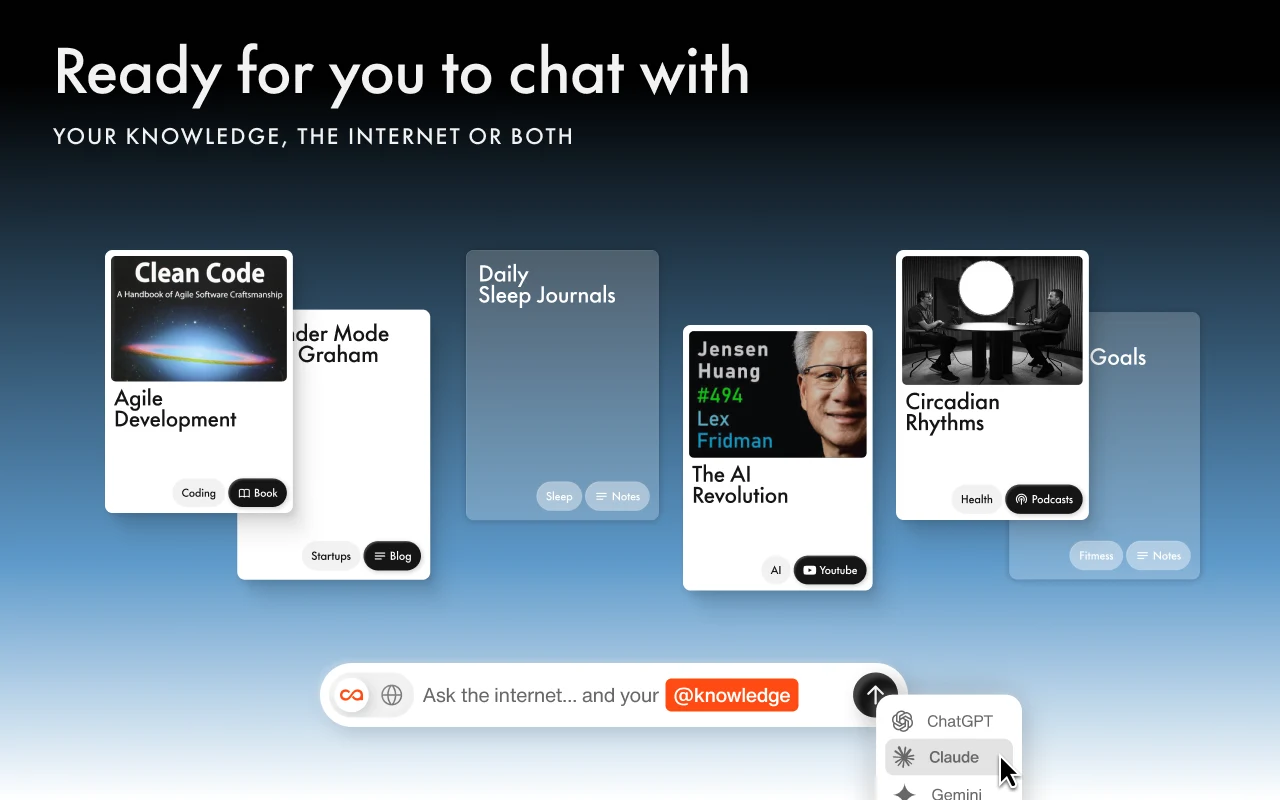
What it does: Summarizes articles, PDFs, podcasts, and videos while automatically organizing them into an interconnected, searchable knowledge graph that you can chat with later.
👍 Why we chose it: Instead of reading an article once and forgetting it, Recall links related topics together and generates review flashcards to help reinforce key concepts over time.
Good to know: Requires setting up an account to store and sync your knowledge base. Higher storage capacities and advanced question tools require a paid subscription.
21. Glarity
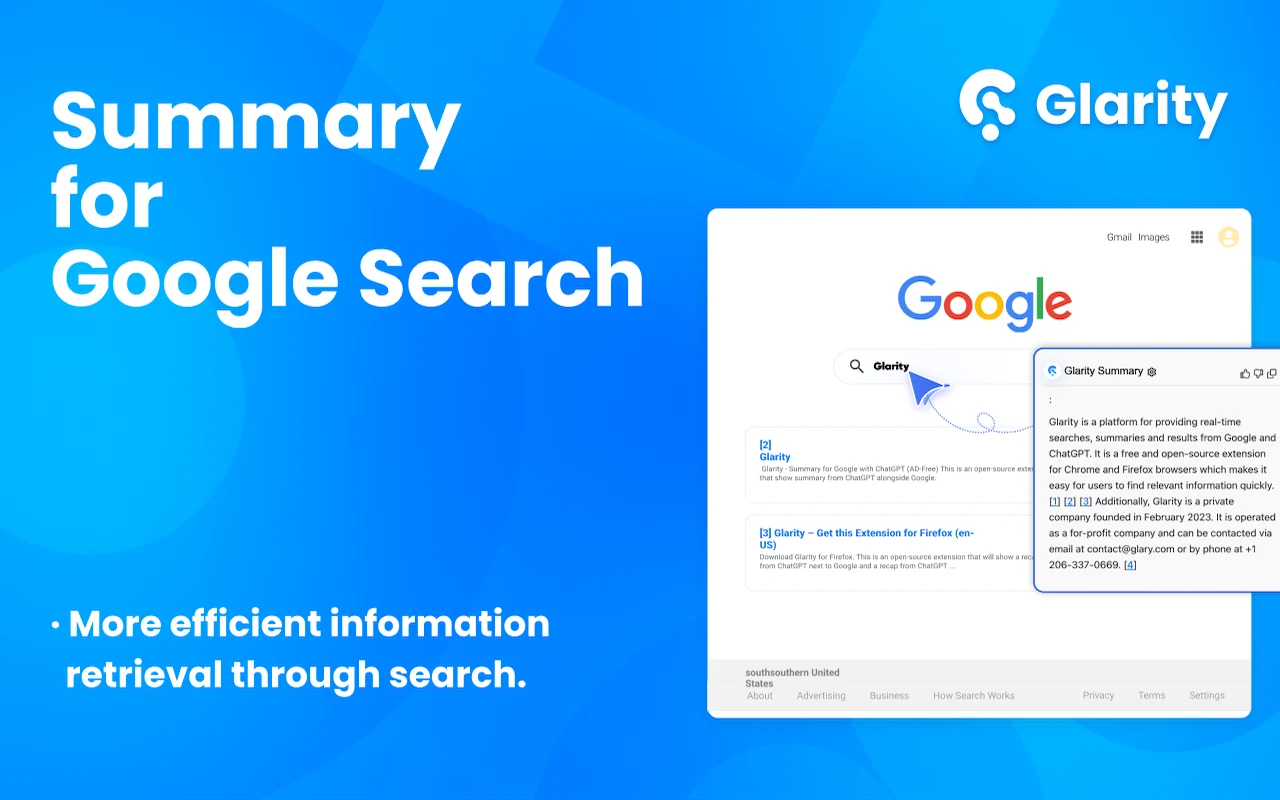
What it does: An open-source browser extension that provides side-by-side webpage summaries, cross-language reading assistance, and bilingual translations for articles and search results.
👍 Why we chose it: Its side-by-side translation layout is ideal for international research and foreign-language reading, allowing you to compare original phrasing with translated text.
Good to know: You can use free built-in quota or connect your personal API key for custom model control, which requires basic familiarity with API settings.
AI search and specialist tools
Focused extensions for searching the web directly through conversational AI and monitoring malicious links as you browse.
22. ChatGPT Search
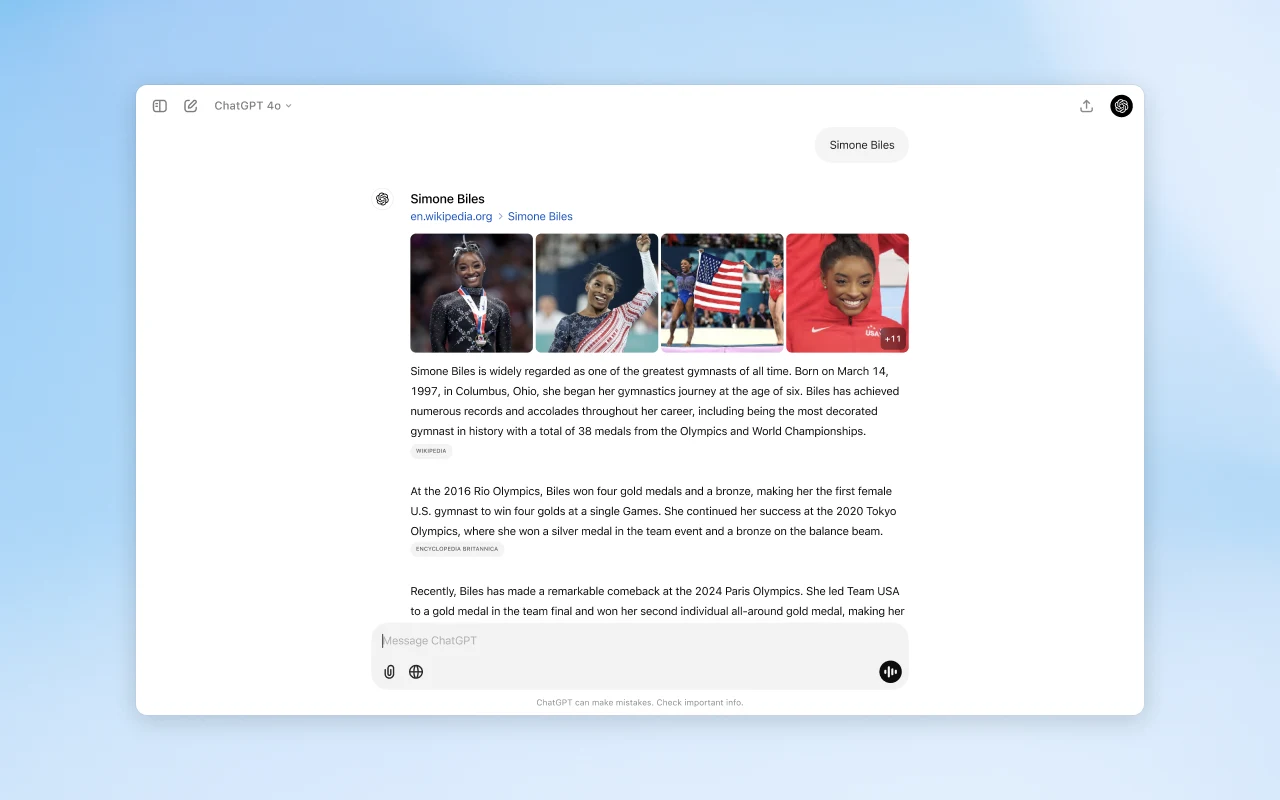
What it does: An official extension by OpenAI that configures your Chrome address bar (omnibox) to route web queries directly through ChatGPT Search.
👍 Why we chose it: Allows you to ask everyday search questions in natural language and receive direct, cited answers alongside web links without navigating to the ChatGPT homepage first.
Good to know: Installing this extension changes your default Chrome search engine. If you prefer Google or Bing for quick site navigation, you may prefer using bookmarked shortcuts instead.
23. Criminal IP
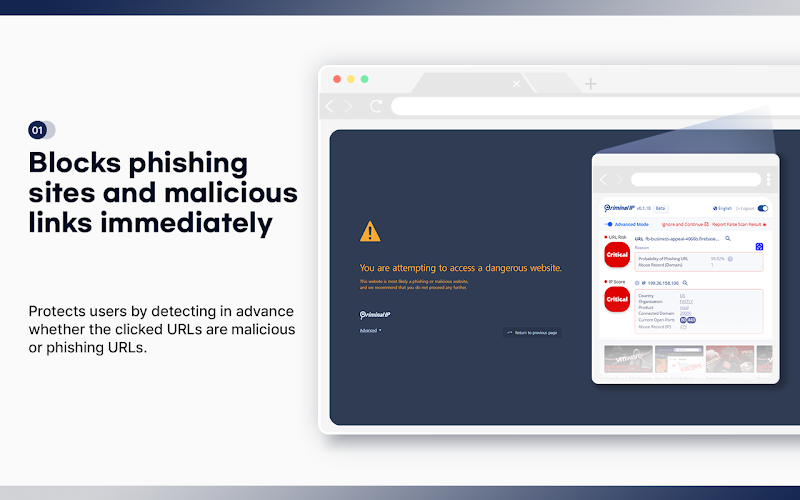
What it does: Scans links, domains, and IP addresses using AI threat intelligence to assess whether a site is associated with phishing, scams, or malicious payloads.
👍 Why we chose it: Displays real-time threat scores next to search results and unknown links, giving an extra warning layer before you enter credentials on suspicious sites.
Good to know: No security extension can guarantee complete protection. Criminal IP should complement, not replace, Chrome Safe Browsing and cautious online habits.
Quick comparison of top AI Chrome extensions
A quick reference comparing our representative picks by their primary strength and important limitations.
View extension comparison table
Click to expand
| Extension | Best for | Important consideration |
|---|---|---|
| Sider | All-in-one AI sidebar and multi-model assistance | Free queries are limited; high-tier models require credits or a subscription |
| ChatGPT | Official OpenAI assistance with browser context | Desktop companion app required for advanced browser interaction features |
| Claude in Chrome | Browser automation and authenticated web tasks | Requires a paid Claude plan; limited to desktop Chrome |
| Manus AI Browser Operator | Connecting Manus AI agent to authenticated web sessions | Requires an active Manus service account; user must authorize sessions |
| Grammarly | Spelling, grammar, and sentence tone adjustments | Requires broad text box permissions; advanced rewrite tools require a paid plan |
| HARPA AI | Custom browser automation and price tracking | Steeper learning curve for multi-step automated commands |
| Tactiq | Live meeting transcription without adding bots | Free plan caps monthly transcribed meetings |
| SciSpace | Reading and analyzing scientific research papers | Explanations require human verification against cited sources |
| NotebookLM Web Importer | Clipping web content to Gemini Notebook | Independent third-party tool; requires a Google account with notebook access |
| ChatGPT Search | Querying AI search directly from Chrome address bar | Replaces your default browser search engine upon installation |
Gemini in Chrome: Do you need an extension?
If you are looking for Google’s own AI features in Chrome, you may not need to install an extension at all. Google has integrated Gemini directly into desktop versions of Chrome.
According to Google’s official Chrome AI documentation, Gemini can assist with summarizing open tabs, comparing product options across shopping sites, and answering questions about page contents straight from the browser UI.
The right AI Chrome extension helps you research faster, write with confidence, and automate routine tasks without switching away from your browser tabs. For more recommendations to streamline your daily workflow, explore our guides to the best productivity extensions for Chrome, the best Chrome extensions for students, and our complete roundup of the best Chrome extensions.
Discover more from Chrome Geek
Subscribe to get the latest posts sent to your email.