Google Confirms Gemini in Chrome for Googlebooks in Chrome 159
 by
Sophie Sullivan
Post Updated: November 23, 2026
Gemini in Chrome is officially coming to Googlebooks. Google’s Chrome Enterprise release notes for Chrome 159, published on November 18, list Android “including Googlebook OS” among the platforms where Gemini is built into Chrome, next to Windows, macOS, iOS and some ChromeOS devices. GbookHub has already confirmed it working in the Chrome 159 beta on two Googlebooks.
1. What Google’s Chrome 159 notes say
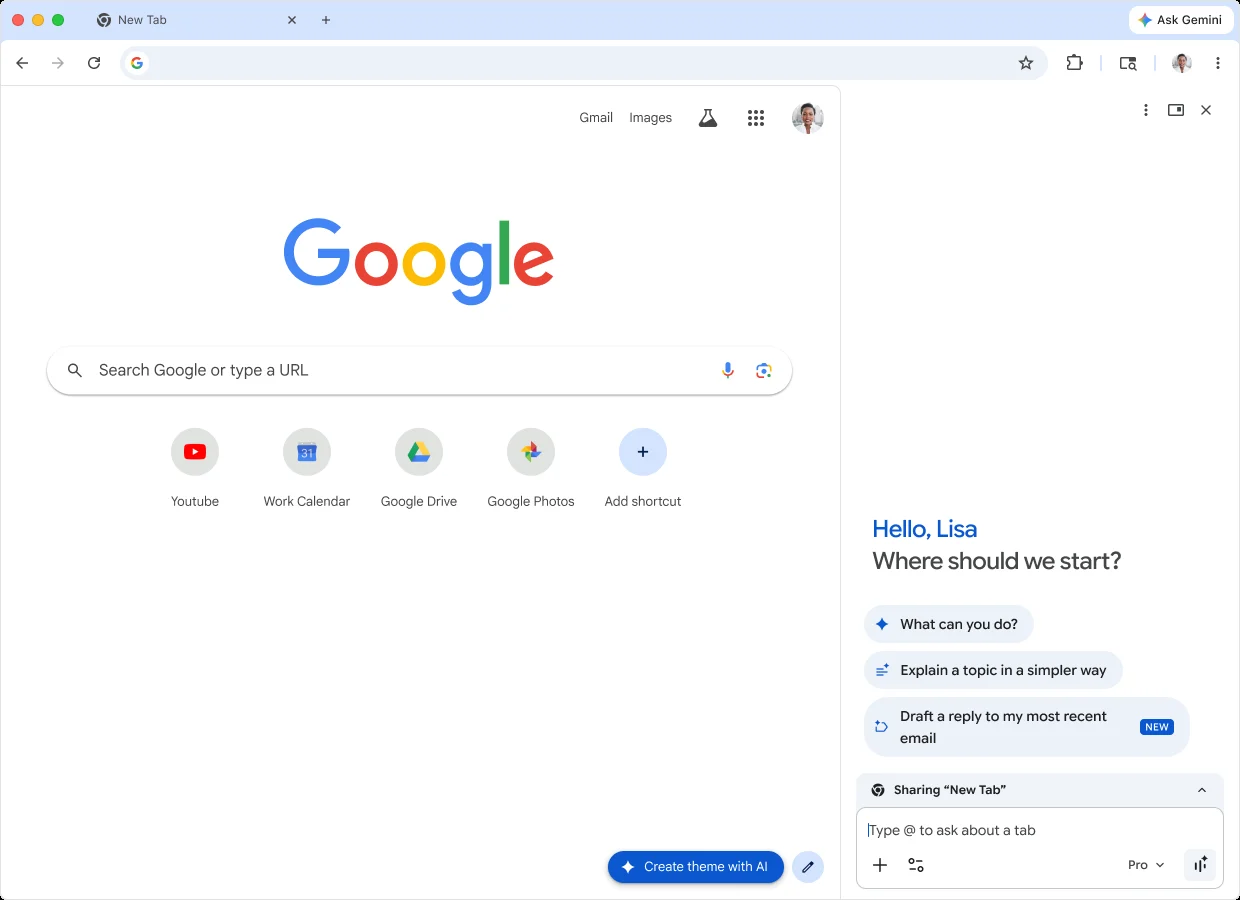
Googlebook is on the list: the release notes say Gemini is integrated into Chrome on macOS, Windows, iOS, Android (including Googlebook OS) and certain ChromeOS devices. It covers both typed chat and voice chat with Gemini Live, so you can get the key points of a page, clear up a concept or find an answer without switching tabs.
Why it matters: Googlebooks run Googlebook OS, which is built on Android, so it was not obvious which version of Gemini in Chrome they would get. Seeing Googlebook OS named in Google’s own notes is the clearest sign yet that the full side panel experience is meant for these laptops.
2. What works in the Chrome 159 beta
Hands-on proof: GbookHub tested Chrome Beta 159.0.8154.4 on both a Dell XPS Googlebook and a Lenovo Googlebook 15, and it even worked in Japanese, which had been a gap since launch.
Settings: you can find the options under the three-dot menu, then Gemini in Chrome. That is where you pin the Gemini button, set keyboard shortcuts and manage location and tab sharing.
Still missing: GbookHub found no sign of Skills or the Select from screen tool, and no flags to turn them on. Apart from those two, it says the feature is nearly the same as on Windows, macOS and Chromebook Plus.
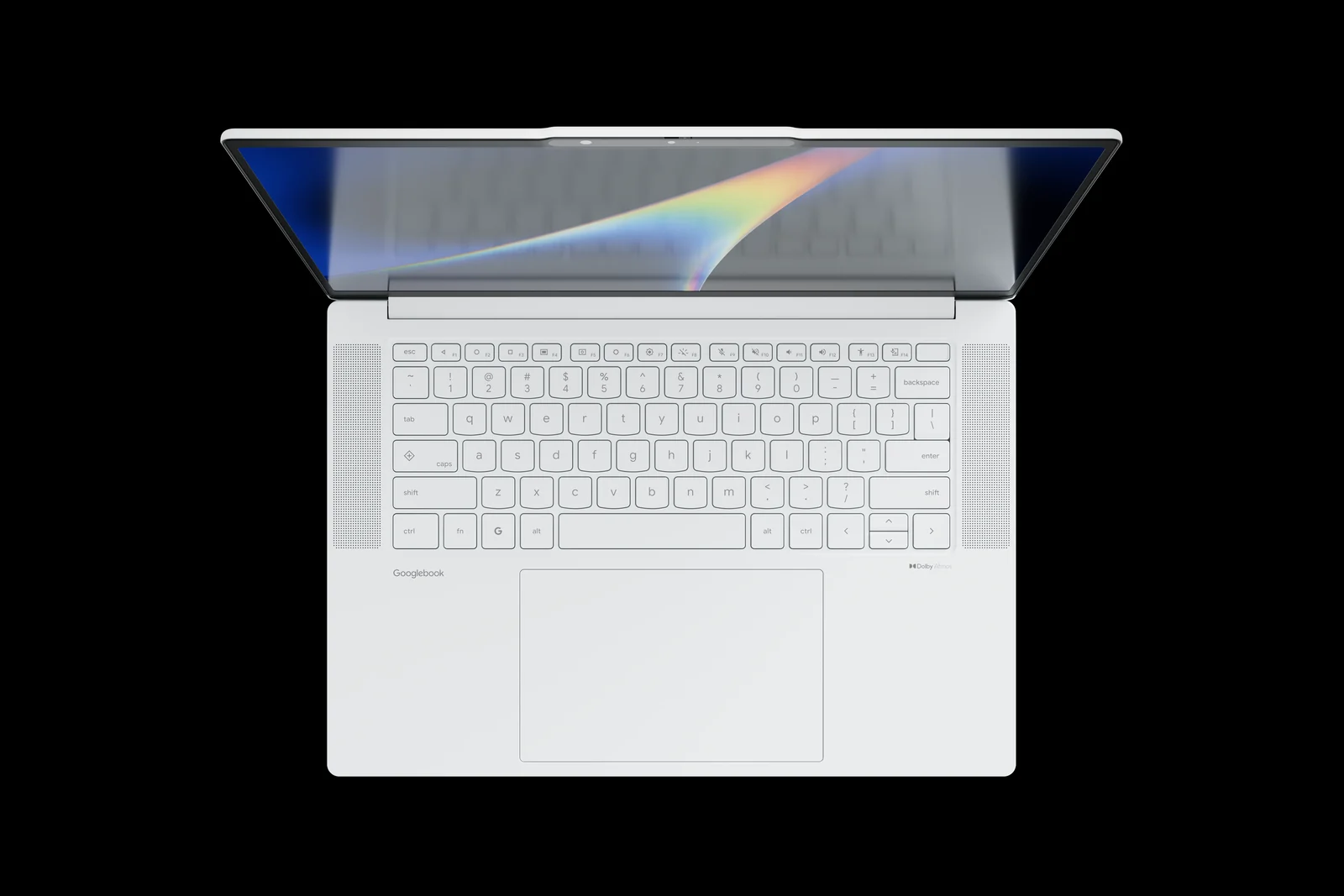
3. Where Gemini in Chrome stands now
Timing: Google’s Chromium schedule puts Chrome 159 on the Stable channel on December 8, 2026. Google rolls features out in stages, so it may take a little longer to show up on every Googlebook.
For IT admins: the notes say you can switch Gemini in Chrome off with the GeminiSettings policy (value 1) or GenAiDefaultSettings (value 2). Chrome 159 also adds a GeminiChromeFileUploadSettings policy that decides whether managed users can upload local files to Gemini in Chrome on desktop Chrome.
Our take
This is a big one for Googlebook owners. A Chrome laptop without Gemini in Chrome always felt odd, and Google naming Googlebook OS in its own notes means the wait is nearly over. We would still like to see Skills and Select from screen arrive, since those are two of the most useful parts of Gemini in Chrome on other laptops. If you are on the Chrome beta channel, you can try it now.
Thinking about a Googlebook? See the first Googlebook Black Friday deal and the Googlebook detachables Google confirmed.
Discover more from Chrome Geek
Subscribe to get the latest posts sent to your email.