Gemini on Mac Can Now Click and Type in Your Apps With Computer Use
 by
Sophie Sullivan
Post Updated: November 20, 2026
The Gemini app for Mac can now use your computer for you. Google announced computer use on November 19, a feature that lets Gemini click, type, open menus and fill in forms across your local files, desktop apps and the web. It works in a separate background window, so your own screen and cursor stay free. It is rolling out now in English in the US for Google AI Plus, Pro and Ultra subscribers.
1. What computer use can do
Desktop apps, not only the web: until now, Gemini’s Task feature on Mac (once called Gemini Spark) could read local files and use connected apps like Gmail and Google Calendar. Computer use goes further. Gemini can now work inside real desktop apps, navigating menus and filling in forms the way you would. We covered how Gemini tasks went free earlier this week.
Google’s own examples:
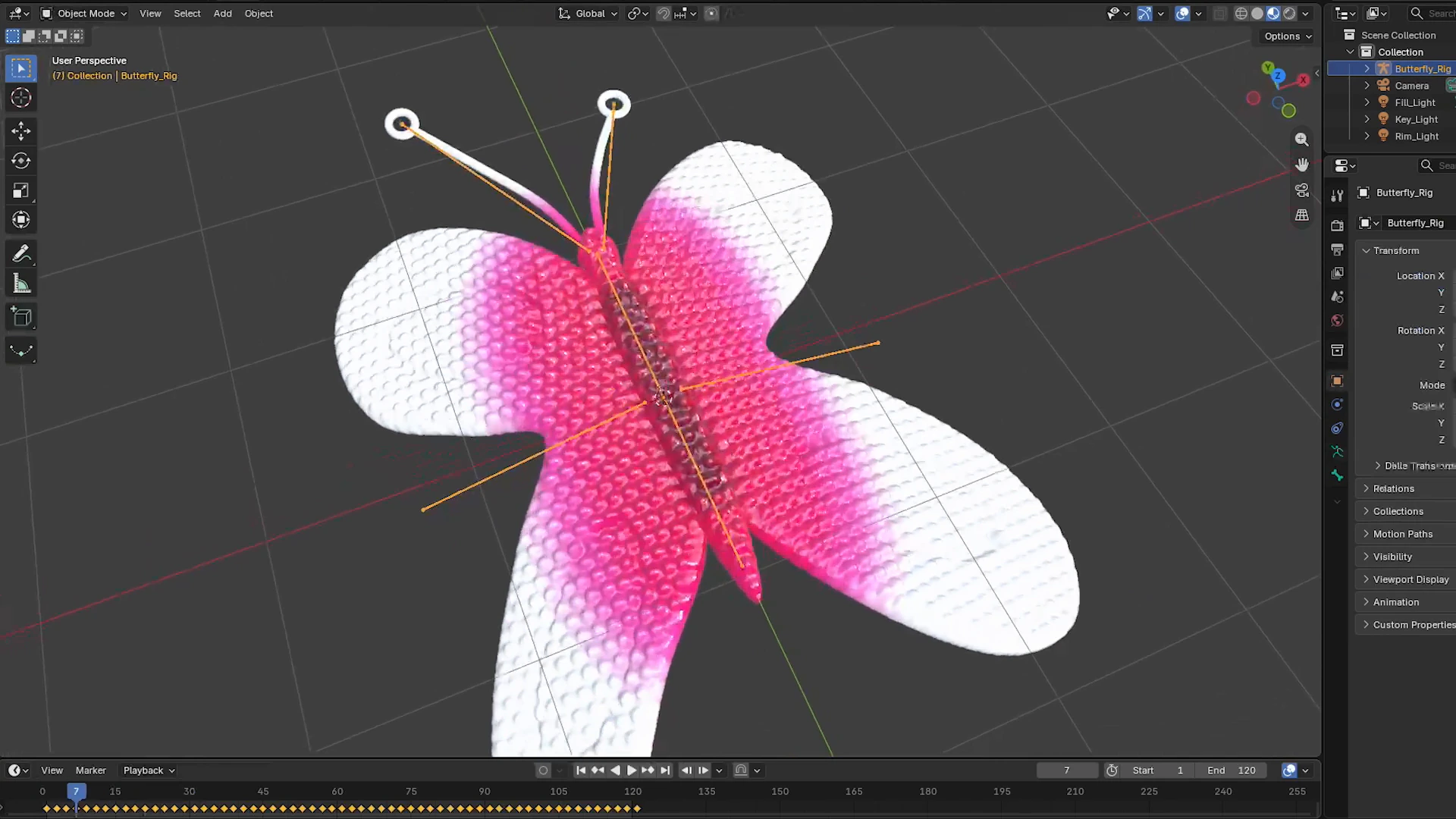
- Batch color-grade photos in a design app, or set up 3D scenes.
- Pull weights, sizes and addresses out of local PDFs to fill in shipping quote forms.
- Grab numbers and screenshots from live dashboards and build a Google Slides deck.
- Look at clothing photos in a folder, research prices and stage resale listings.
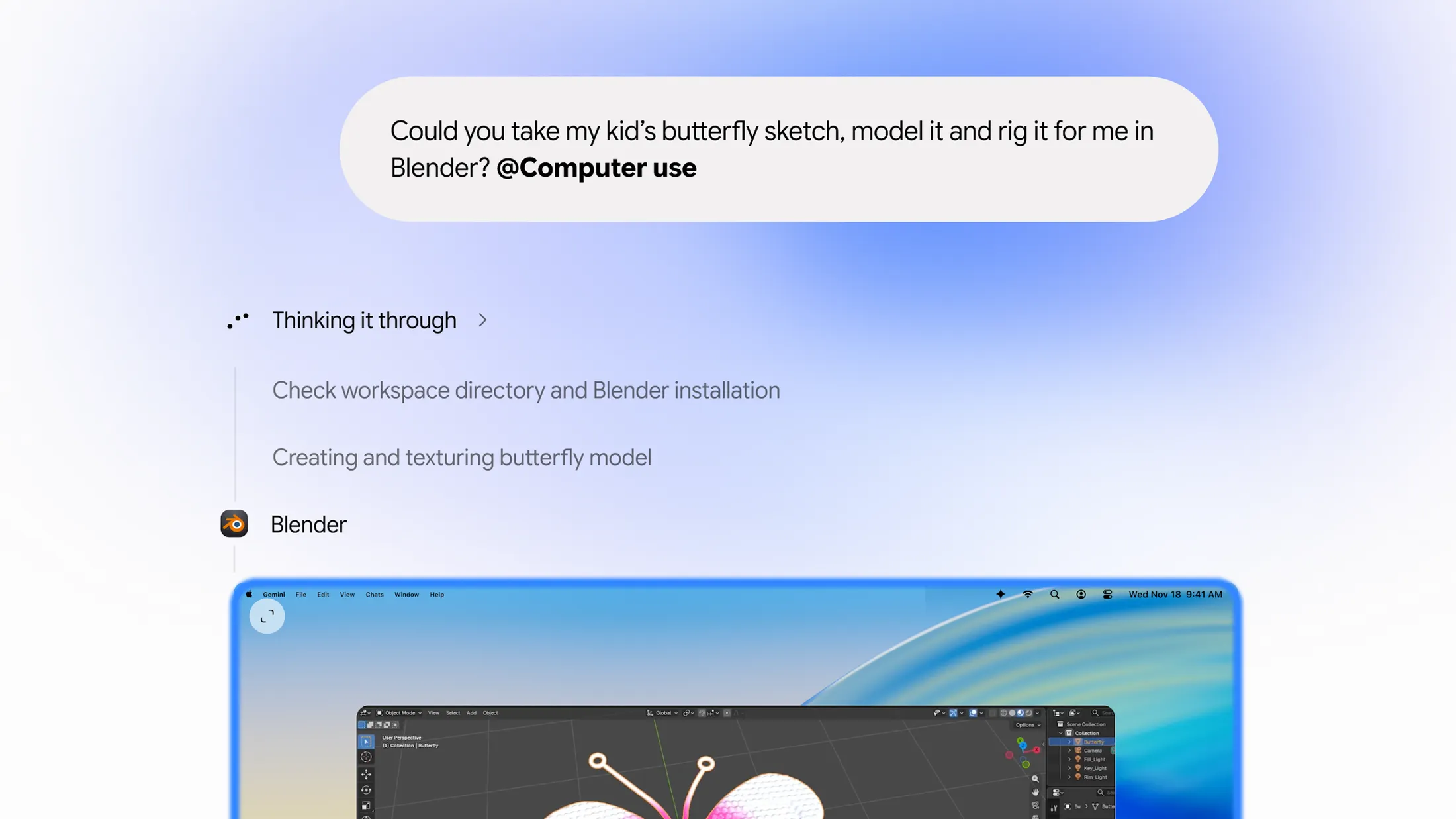
2. How it works
Just add @Computer use: according to 9to5Google, you add @Computer use to your prompt. Under Customize, then Connectors, new Desktop apps such as Blender and Autodesk Fusion join the existing Git and Obsidian connections.
A window of its own: Gemini works in an isolated background window and streams a live preview into your chat. Your main screen and cursor stay yours, so you can keep typing or take a call while it works.
Safety checks: you pick which apps Gemini can touch, you can stop it with one click, and it asks you to approve key actions before they happen. 9to5Google adds that it pauses for logins and payments.
3. Who can use it
Get the app: computer use lives in the Gemini app for Mac, which Google offers at gemini.google/mac.
4. What about Chromebooks?
Not yet: Google only announced computer use for the Mac app. It said nothing about Windows, ChromeOS or Googlebook.
What you have today: on a Chromebook Plus, Gemini in Chrome can already complete multi-step actions on websites for you, through the Let Gemini browse for you setting. The difference is that it stays inside the browser. Computer use on Mac can work in any desktop app you allow.
Timing on the Mac side: The Verge notes that Apple is preparing new limits on apps that ask for full disk access, partly because of AI agents like this one, with a preview in the macOS 27.3 beta.
Our take
This is Google’s most capable desktop agent so far, and the background window is a clever touch, since you do not have to sit and watch your mouse move on its own. The obvious gap is that it starts on Mac, not on Google’s own Chromebooks and Googlebooks. Most of what Chromebook users do already happens in Chrome, where Gemini can browse for you, but we would love to see this reach Android apps on Googlebook next.
Discover more from Chrome Geek
Subscribe to get the latest posts sent to your email.