Gemini Tasks Are Now Free, and You Can Text or Email Gemini
 by
Sophie Sullivan
Post Updated: November 18, 2026
Gemini can now do jobs for you, not just answer questions, and it no longer costs anything to try. Google announced on November 17 that tasks in the Gemini app, the agent feature that used to need an AI Pro plan, is rolling out free to people in the U.S., Japan, Korea, Canada, Australia and India, according to Google’s announcement. In the U.S., you can also hand Gemini a job by text message or email.
1. What Gemini tasks can do
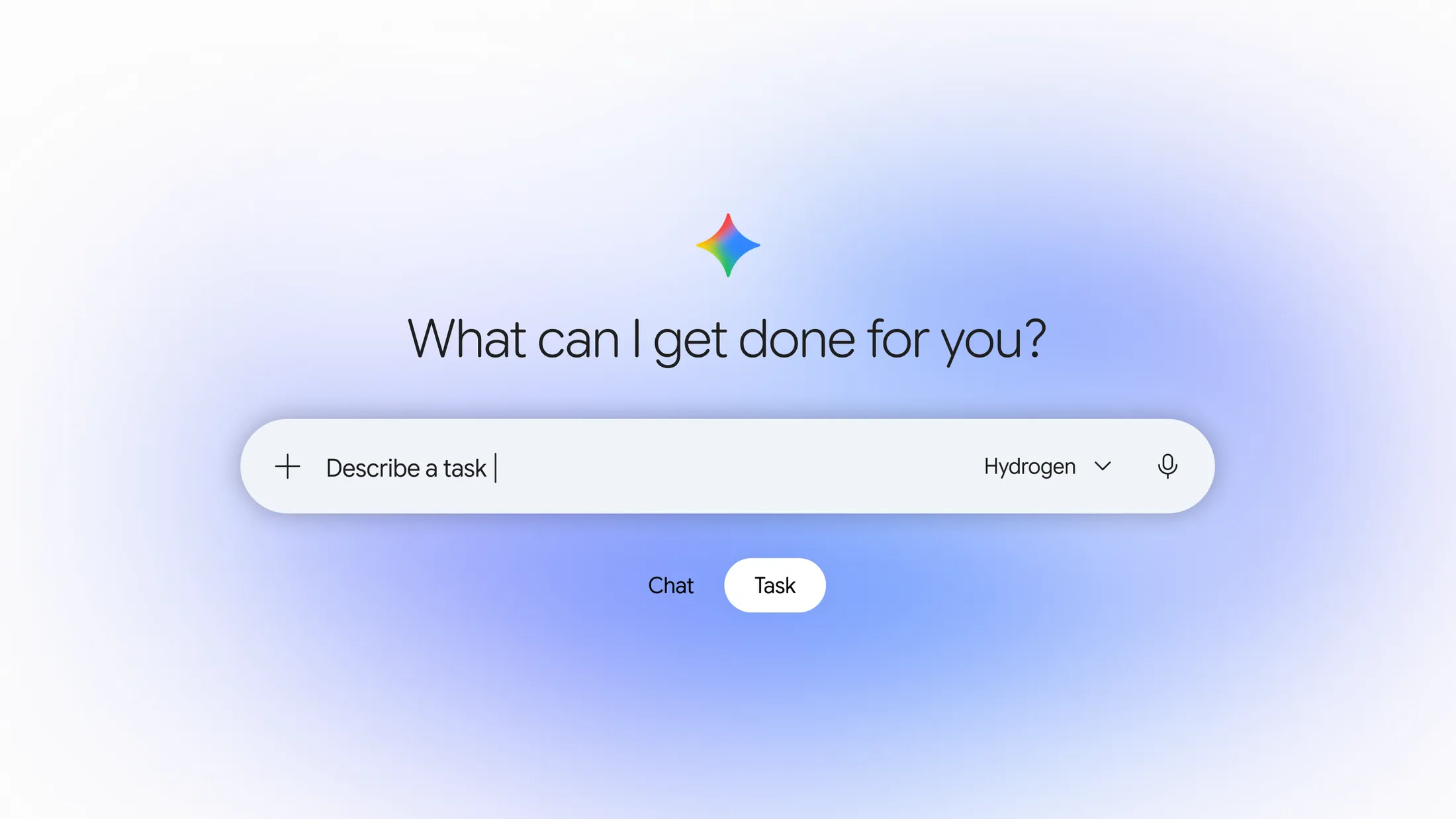
Hand off a job: on the Gemini home screen there is now a Chat and Task toggle. Chat is the normal chatbot. Task tells Gemini to go and get something done, while you get on with your day. 9to5Google notes the feature was previously known as Spark before Google folded it into the main Gemini app.
Make calls: in Google’s own example, Gemini called two car dealerships at the same time, waited on hold, booked a service slot and added it to Google Calendar. Gemini tells the business up front that it is an AI, and businesses can opt out. Calling is not available in Indiana, Louisiana, Minnesota, Montana and Nebraska.
Dig through bills: with permission, Gemini can log in to a site such as a utility portal through the new Google Password Manager integration and compare that with bills in your email.
Shop for you: it can compare products using Google’s Shopping Graph, find a discount code and check out with Google Pay. You can set a hard spending limit, and receipts land in Google Wallet.
2. Text and email Gemini
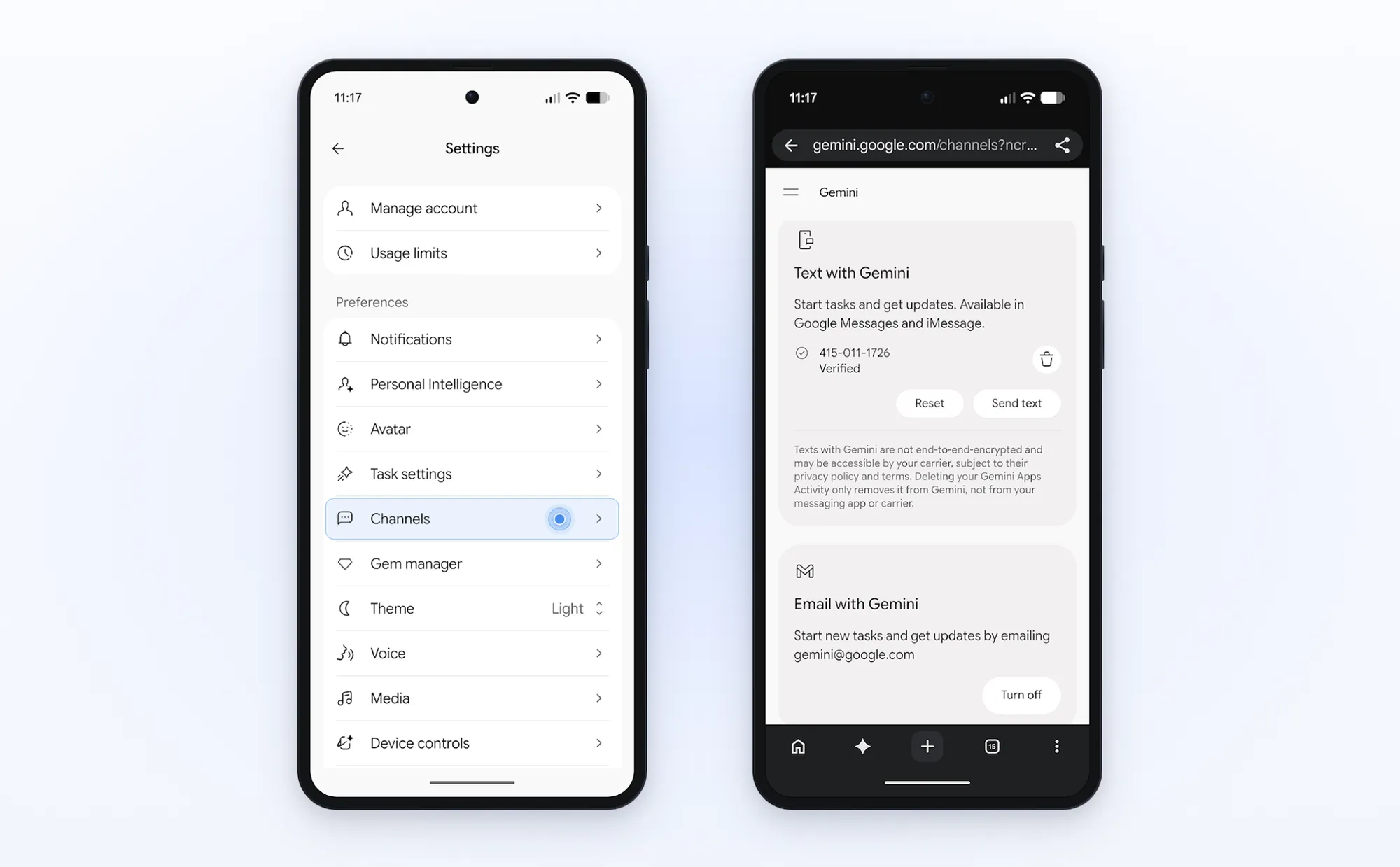
Text with Gemini: send Gemini a text through Google Messages or iMessage, including a photo of something like a school flyer, and reply to steer the task while it runs. You need a U.S. phone number with an eligible carrier, and Google warns these texts are not end-to-end encrypted.
Email with Gemini: forward emails, threads or PDFs to [email protected] from Gmail, Apple Mail or Outlook. Gemini replies only to you, with a link to review and confirm what it did.
How to set it up: in the Gemini app, open Settings > Channels, then tap Set up under Text with Gemini and verify your number. You can also manage both options at gemini.google.com/channels, as 9to5Google points out.
3. Who gets what
4. How Google keeps it safe
Its own sandbox: each task runs in a separate virtual machine tied to your account and never shared with other users, with filters that watch for prompt injection and Google Safe Browsing limiting which links it opens.
Checks before big steps: Gemini is designed to ask before clicking Buy, and you can jump in with new instructions at any time. For routine things you trust, you can choose “Always allow”.
Not perfect yet: Google admits mistakes still happen, and on some websites Gemini may get most of the way and then hand the screen back to you to finish.
Our take
This is the biggest Gemini change since Gemini 4 Hydrogen arrived last week. Making the agent free turns it from a paid extra into something every student and family can try. Chromebook and Googlebook users are well placed, because the Task toggle also works on the Gemini website in Chrome, and email works from any Gmail tab. Pair it with Gemini skills and it starts to feel like a real assistant. Just keep that spending cap on.
Discover more from Chrome Geek
Subscribe to get the latest posts sent to your email.