How to Install and Use Parallels on Chromebook and Googlebook
Here is how to run Parallels on Chromebook and Googlebook to access Windows apps, manage Parallels Client, and explore Parallels DaaS.

The best ChromeOs Blog on the web.
Here is how to run Parallels on Chromebook and Googlebook to access Windows apps, manage Parallels Client, and explore Parallels DaaS.

Key Points: • Staying productive: Chrome extensions can help individuals stay focused and on task, even during the holiday season. • Key tools: Todoist,...

Key Points • Google’s Gemini for Google Workspace is a customized AI experience for teens with additional safeguards and content policies. • Gemini is...
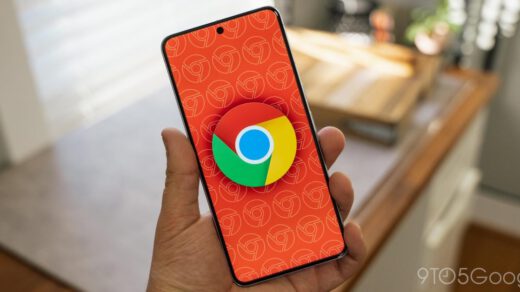
Google today detailed how it spent the past two years improving the performance — especially on Speedometer — of Chrome for Android. more… Read...
Key Points Chrome has achieved best-in-class Speedometer scores on mobile devices, resulting in faster and smoother web experiences for Android users. Since the release...
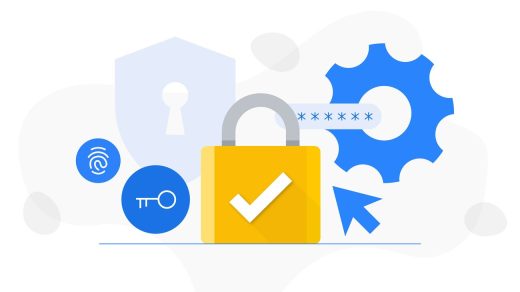
Key Points: • Using the same password everywhere is a common cybersecurity mistake, and instead, you should use Google Password Manager to generate and...
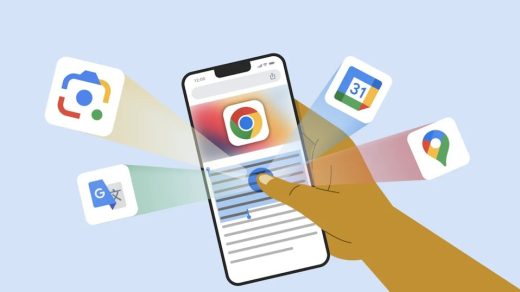
Key Points • Access information across devices with sign-in to Google Account in Chrome • Use Chrome’s Google Lens to search with images •...
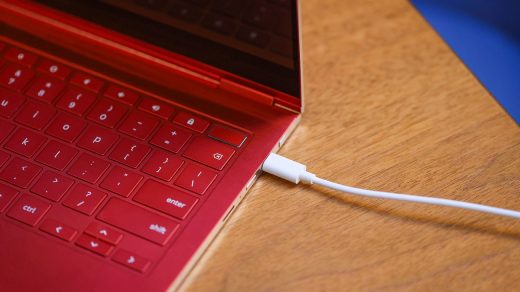
Key Points: • ChromeOS has introduced its first system sounds, starting with audio cues for charging and battery levels. • These sounds aim to...
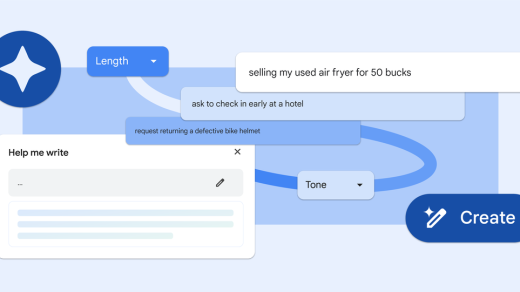
Key Points: • Chrome M122 is now available, bringing new AI features to Chrome, including "Help me write" for Mac and Windows PCs in...

MWC Barcelona 2023: AI and Multi-Device Experiences for Efficient Productivity As Tech Journalist, I’ll be covering the latest breakthroughs in ChromeOS technology and Google’s...