How to Install and Play Subway Surfers City on Chromebook and Googlebook
 by
Joseph Vance
Post Updated: November 23, 2026
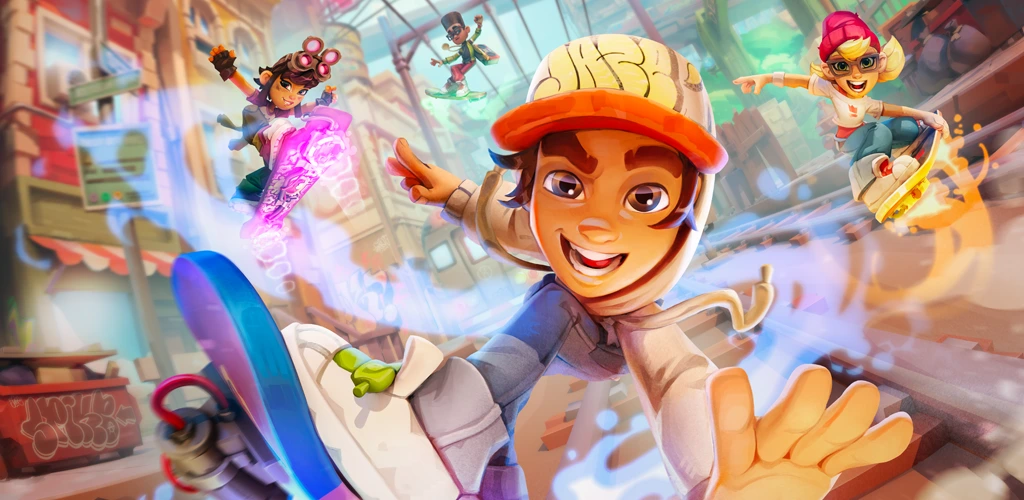
You can install and play Subway Surfers City on Chromebook and Googlebook directly through the official Android app on Google Play. Developed by SYBO Games, Subway Surfers City expands the classic endless runner into a permanent metropolis with connected neighborhoods, new stomp moves, and level-based City Tour missions.
Googlebook runs Android games natively from Google Play and can also cast an active session from your phone. This guide covers installation, Phone Hub casting, districts and game modes, keyboard and touch controls, upgrades, and quick fixes.
Need help getting Subway Surfers City running? Contact us with your laptop model and ChromeOS version details.

How to install and play Subway Surfers City on Chromebook and Googlebook
Subway Surfers City runs natively as an Android app on ChromeOS, so you only need to install it once from Google Play:
The official Google Play listing uses package ID com.sybogames.subway.surfers.game. Keep automatic Play Store updates turned on so seasonal districts and event trials stay current.
If Google Play is not active on your laptop, check Google’s Android app setup guide for Chromebook or the guide on installing apps on Googlebook. On school or work Chromebooks, administrator policies control whether games from Google Play can be installed.
How to play Subway Surfers City on Googlebook from your phone (Cast My Apps)
If you already play Subway Surfers City on your Android phone and want to continue a run on a larger display without transferring data, Googlebook’s Cast My Apps feature mirrors the phone app into a desktop window. Open Phone Hub on the right side of the Googlebook shelf, select Cast My Apps, and choose Subway Surfers City. This is handy for checking daily rewards or upgrading crew members, while native Google Play installation gives the smoothest frame rate for fast runs.
Districts and game modes in Subway Surfers City
Rather than rotating to a new real-world city every few weeks, Subway Surfers City builds a single connected metropolis called Subway City. You earn XP to unlock new neighborhoods and switch between three distinct modes:
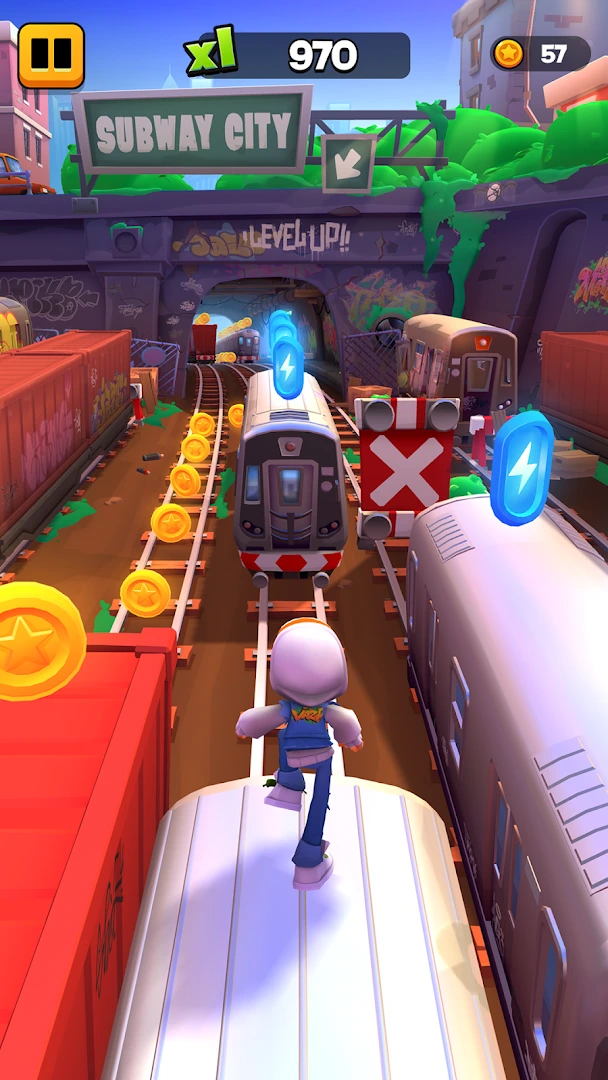
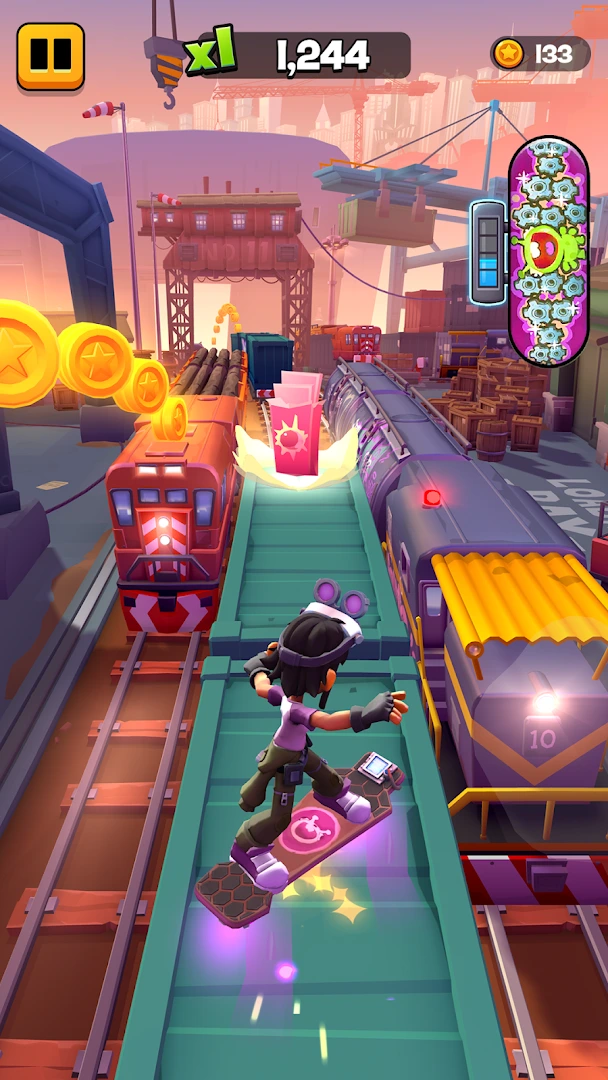
- The Docks: An industrial freight yard packed with shipping containers, cranes, and multi-level train roofs.
- Southline: A fast street-level district built around classic three-lane rail dodging and tunnel transitions.
- Sunrise Boulevard: A vertical neighborhood where drones lift your runner onto elevated scaffolding and upper platforms.
- Delorean Park: A bright, open park district with wide curves and flowing rail layouts.
Keyboard, touchpad, and touchscreen controls on Chromebook
Subway Surfers City responds cleanly to both keyboard shortcuts and touchscreen swipes on ChromeOS laptops:
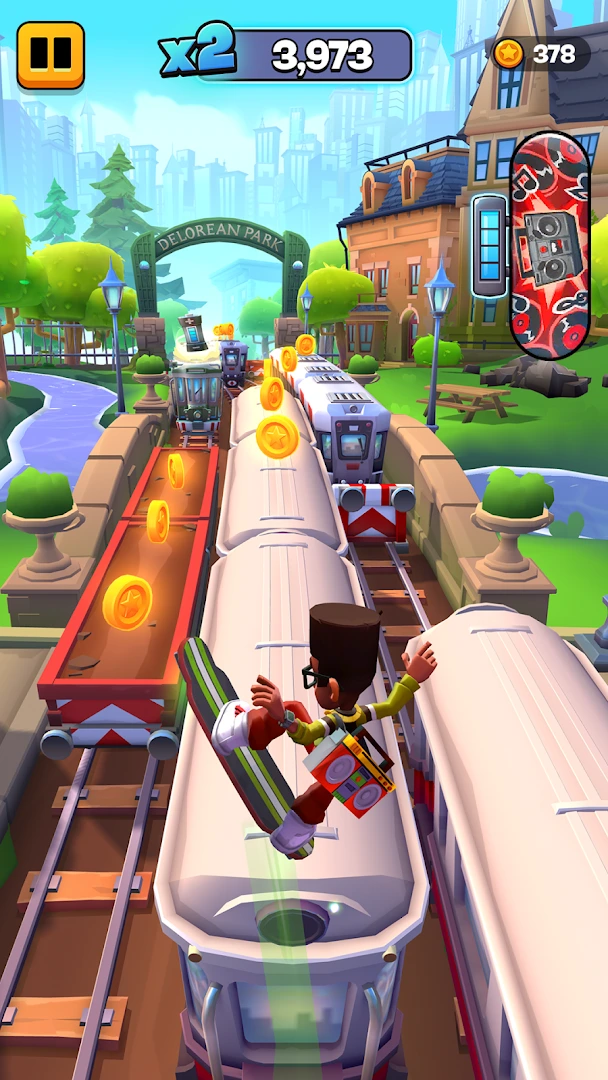
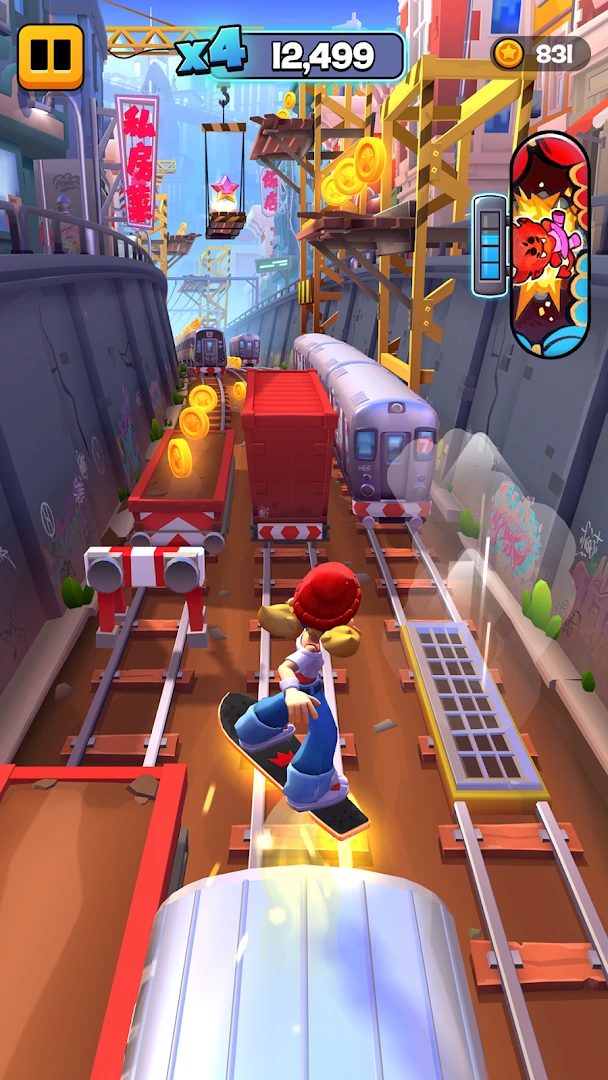
- Switch lanes: Press the Left Arrow or Right Arrow keys (or A and D) to dodge between the three tracks.
- Jump: Press the Up Arrow (or W) to leap over barriers or onto train roofs.
- Roll and Stomp: Press the Down Arrow (or S) to slide under signs, or press it mid-air to perform a downward stomp that breaks crates and uncovers hidden bonuses.
- Activate Hoverboard: Press Spacebar during a run to deploy your equipped hoverboard for crash protection and board perks.
- Touchscreen mode: On a 2-in-1 Chromebook or tablet, swipe left, right, up, or down directly on the screen and double-tap to trigger your hoverboard.
New mechanics, power-ups, and crew upgrades
Beyond basic lane-switching, Subway Surfers City adds several tactical tools that reward timing and exploration:
- Bubblegum Shield: Absorbs an extra hit and adds bouncy jump height so you can reach elevated rails.
- Batteries and Drones: Blue energy pickups charge hoverboard abilities, while drones carry you up to high rooftop routes.
- Secret Stars: Use stomps, speed pads, and high jumps to grab hidden Secret Stars tucked off the main track.
- Crew and Board Upgrades: Spend collected tokens to level up runners like Jake, Tricky, Fresh, and Yutani alongside specialized hoverboards.
Troubleshooting Subway Surfers City on Chromebook and Googlebook
If the game fails to install, stutters, or ignores keyboard presses, try these quick ChromeOS fixes:
- Arrow keys do not respond: Click once inside the Subway Surfers City window so ChromeOS focuses keyboard input on the Android app instead of another tab.
- Frame rate drops during fast runs: Close heavy browser tabs and background apps, then restart the game so ChromeOS frees up memory.
- Window looks too narrow: Click the maximize button in the top-right corner of the app window or switch between phone and resizable window modes in the Android window bar.
- App crashes on launch: Open ChromeOS Settings > Apps > Manage your apps > Subway Surfers City > Storage & cache, select Clear cache, and check Google Play for updates.
- Blocked on a school Chromebook: Managed school or work accounts can restrict Google Play games. Use a personal Google account on an unmanaged device if the Play Store is disabled.
Frequently asked questions about Subway Surfers City on Chromebook and Googlebook
Can you play Subway Surfers City on a Chromebook?
Yes. Install the official Subway Surfers City app by SYBO Games from Google Play on your Chromebook, open it from the launcher, and start running. Your Chromebook needs Google Play enabled, and school or work devices may block game downloads.
Is Subway Surfers City free on Chromebook and Googlebook?
Yes. Subway Surfers City is free to download and play from Google Play, with optional in-app purchases for extras and upgrades.
How do you control Subway Surfers City with a Chromebook keyboard?
Use the Left and Right Arrow keys to switch lanes, the Up Arrow to jump, the Down Arrow to roll or stomp, and the Spacebar to activate your hoverboard. On a touchscreen Chromebook, you can also swipe in any direction and double-tap for a hoverboard.
Can I play Subway Surfers City on Googlebook?
Yes. Open Google Play on your Googlebook to install Subway Surfers City natively, or use Cast My Apps in the Phone Hub to mirror an active session from your Android phone.
How is Subway Surfers City different from the original Subway Surfers?
Instead of rotating World Tour cities, Subway Surfers City takes place in permanent interconnected districts like The Docks, Southline, Sunrise Boulevard, and Delorean Park, and adds City Tour levels, a stomp move, bubblegum shields, and character upgrades.
Explore more game guides on ChromeGeek
Looking for more games to install and play on your laptop? Check out these ChromeGeek guides:
- How to Play Dandy’s World on Chromebook and Googlebook: Learn how to set up controls and survive the Twisteds in this popular co-op horror run.
- How to Install and Play Warframe on Chromebook and Googlebook: Jump into fast-paced sci-fi action and co-op missions on ChromeOS.
- How to Install and Play Arknights: Endfield on Chromebook and Googlebook: Explore real-time squad combat and base building on your laptop.
- How to Install and Play Moonlight Peaks on Chromebook and Googlebook: Relax with a cozy farming and life-sim adventure on ChromeOS.
- Best Chromebooks for Gaming: Compare laptops with high-refresh screens and fast processors for Android and cloud games.
Discover more from Chrome Geek
Subscribe to get the latest posts sent to your email.