How to Install and Use Vysor on Chromebook and Googlebook
Install and use Vysor on Chromebook and Googlebook via Google Play or the WebUSB browser app. Mirror phone screens, use keyboard and mouse controls, and cast apps.

The best ChromeOs Blog on the web.
Install and use Vysor on Chromebook and Googlebook via Google Play or the WebUSB browser app. Mirror phone screens, use keyboard and mouse controls, and cast apps.

Get VideoStream app for Chromecast and play your own local videos easily from your computer, even subtitles are supported.

Install Telegram on Chromebook and Googlebook from Google Play or use Telegram Web in Chrome. Discover how to share 2GB files, join supergroups, and manage privacy.

Get Airtable for Chrome so you can organize anything. Create your own databases for your company, your daily activities, movies & more.

Check out Lucidpress app so that you can design beautiful brochures, posters, web layouts and magazines online, all for free. Seriously.
Here is how to run VLC on Chromebook and Googlebook to play any media format, use gesture controls, and stream network files.

Download & Install Citrio, one of the best Chromium based browsers on the market.

Easily Install Google Forms App for Your Chromebook or Chrome browser easily. We have screenshots and features to compare.
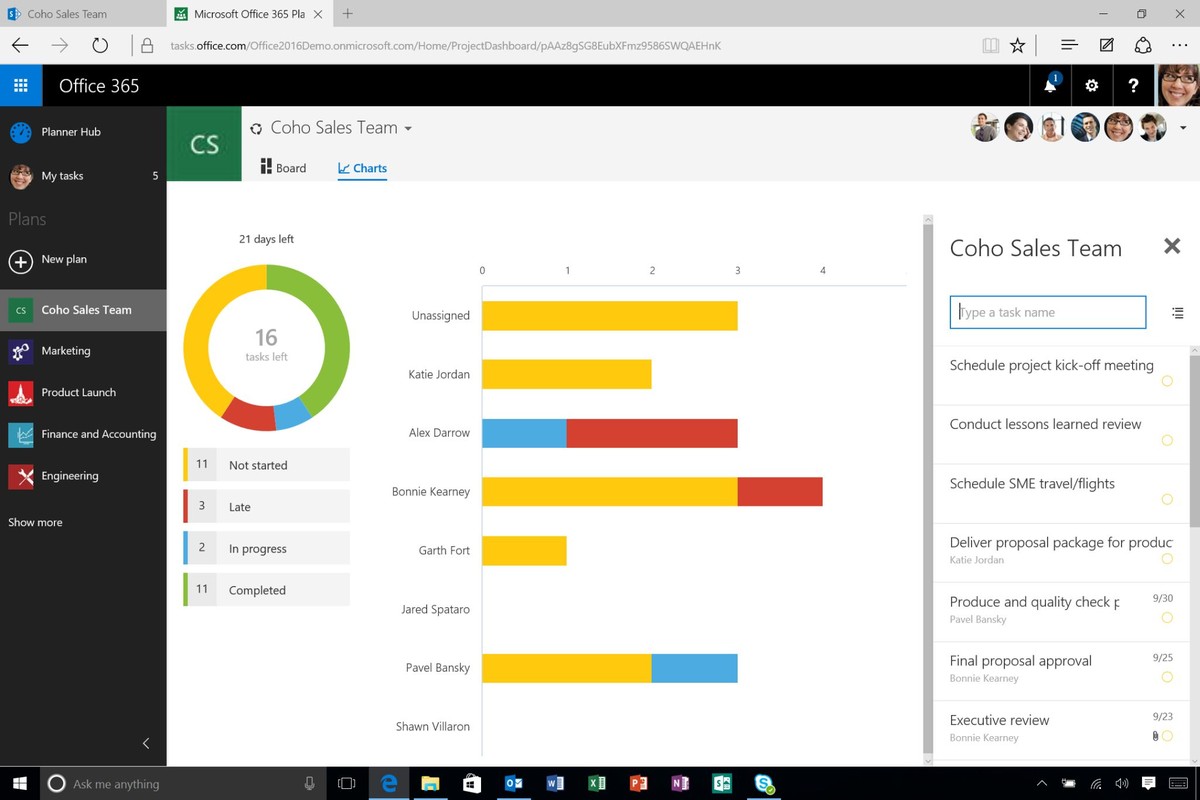
Download & Install Microsoft Office Online, an extension for Chrome that allows you to edit, create & share documents quickly.

Get Copper CRM for Chrome and of course it is free but before you do that, check this list of features and screenshots.