How to Install and Play Roblox on Chromebook and Googlebook
Install Roblox from Google Play on your Chromebook or Googlebook, find games, set up controls and parental settings, and fix common problems.
The best ChromeOs Blog on the web.
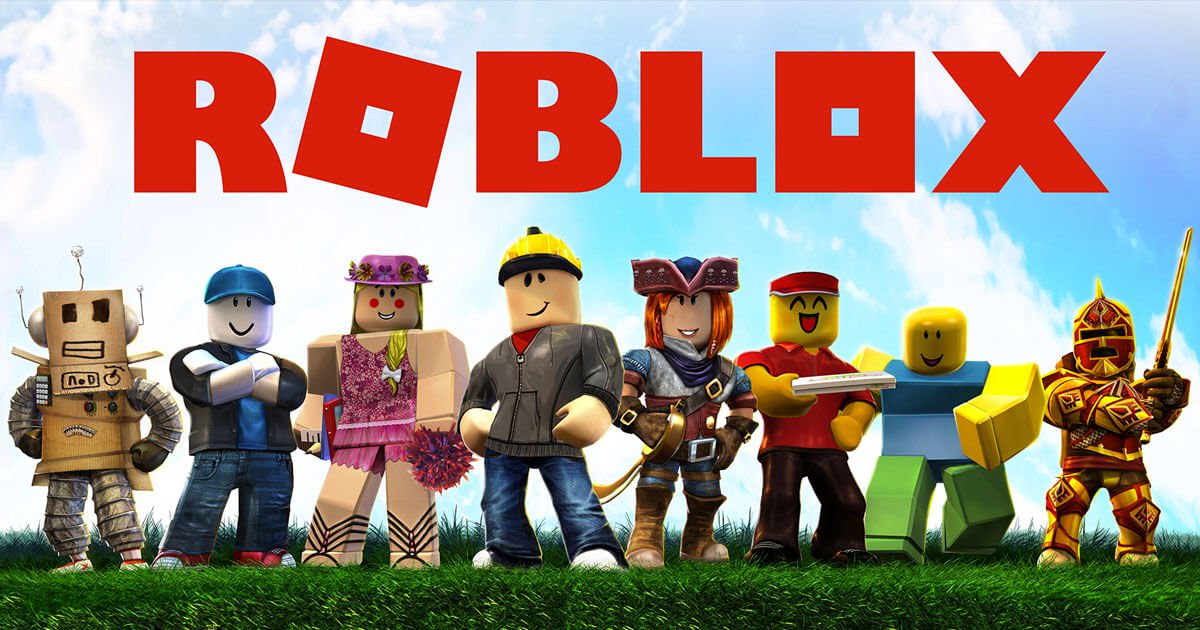
Install Roblox from Google Play on your Chromebook or Googlebook, find games, set up controls and parental settings, and fix common problems.

Download Toon Blast for Chromebook and play one of the most popular puzzle games for free. It comes with a unique multiplayer system as well.

Install Facebook Lite from Google Play, sign in and start sharing. Follow the Chromebook and Googlebook setup steps, with messaging tips and a browser option.
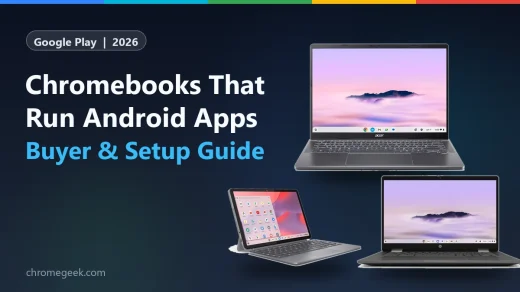
Here is how to check if your Chromebook runs Android apps, what specs matter for Google Play, and the best Chromebooks to buy.
Get Pear Deck for Chrome and experience one of the best student and teacher applications that lets you integrate easily with any classroom.

Download Trello for Gmail and instantly experience one of the best add-on for Gmail that allows you to manage your Trello boards without leaving your inbox.

Download Awesome Table for Chrome and easily convert your Google Spreadsheet data into various types of views with a click of a button.
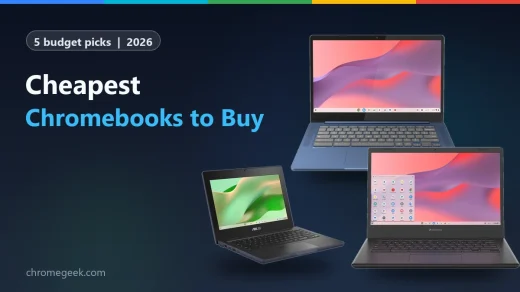
Five low-cost Chromebooks we would actually buy, including a budget 2-in-1 and a rugged laptop for kids.

Get Smartsheet For Chrome allows your organization to get work done. Smartsheet let’s you plan, track, automate, and report on work, enabling you to move from idea to action easily.

Get DocHub for Chrome and instantly sign and edit any PDF file right on your browser, perfect for Chromebooks, Mac’s and PC.