How to Install and Use CBS News on Chromebook and Googlebook
 by
Frank Cross
Post Updated: November 12, 2026
You can install and use CBS News on Chromebook and Googlebook through the official Android app from Google Play or directly in Chrome at cbsnews.com. It delivers free 24/7 live news streams, local station broadcasts, breaking alerts, and full episodes of flagship shows like 60 Minutes and CBS Evening News right to your laptop.
Googlebook runs Android apps natively through Google Play alongside simple phone-app casting. This guide covers Google Play installation, web and PWA setup, live local channels, on-demand episodes, and quick troubleshooting fixes.
Need help setting up CBS News? Contact us with your laptop model and any streaming or alert questions.

How to install CBS News on Chromebook and Googlebook
Installing the official CBS News app through Google Play takes less than a minute and gives you instant breaking news alerts:
The official Google Play listing uses the package identifier com.treemolabs.apps.cbsnews. Installing the Android app gives you native notification support and a clean tablet layout on 2-in-1 laptops.
If the Play Store is not enabled on your laptop, check Google’s Android app setup guide for Chromebook or the guide on installing apps on Googlebook. On school or work devices, administrator policies may restrict Play Store downloads. While there is no native Linux package (.deb) for ChromeOS Linux, you can open cbsnews.com in Google Chrome anytime to watch live streams and read full reports with zero installation.
Cast CBS News from your phone on Googlebook
If you already follow breaking stories or have your local station set up on your Android phone, Googlebook’s Cast My Apps feature lets you mirror the app straight to your laptop screen. Open the Phone Hub in the bottom-right corner of your Googlebook shelf, click Cast My Apps, and choose CBS News. Your phone’s active video stream or article opens in a desktop window so you can keep watching without transferring links or signing in again.
CBS News Web vs. Android app: choosing your ChromeOS setup
On Chromebooks and Googlebooks, you can use either the Google Play Android app or the cbsnews.com website in Chrome. Both are free and stream live video smoothly, but each fits a different style of reading and watching:
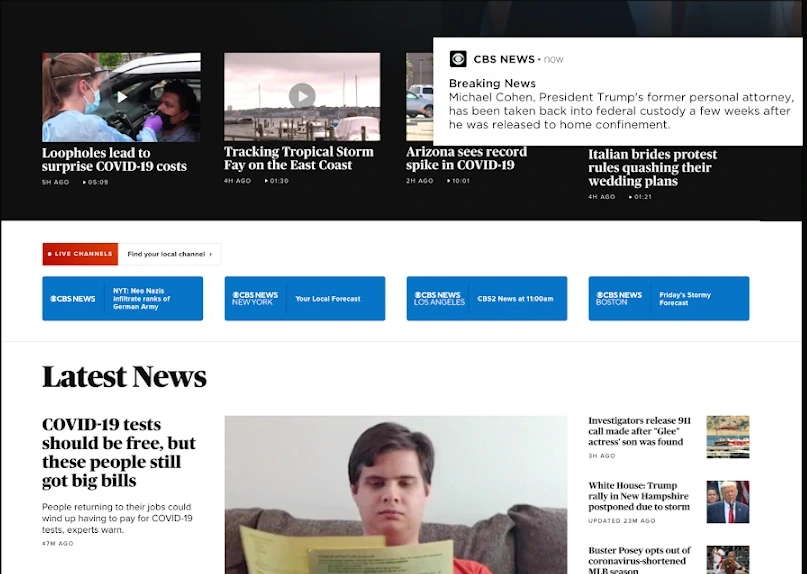
Live 24/7 news, local stations, and weather updates
CBS News is built around continuous live video alongside quick regional coverage, all without requiring a cable login:
- 24/7 anchored live stream: watch national breaking coverage, press briefings, and live analysis around the clock from the main Live Channels bar.
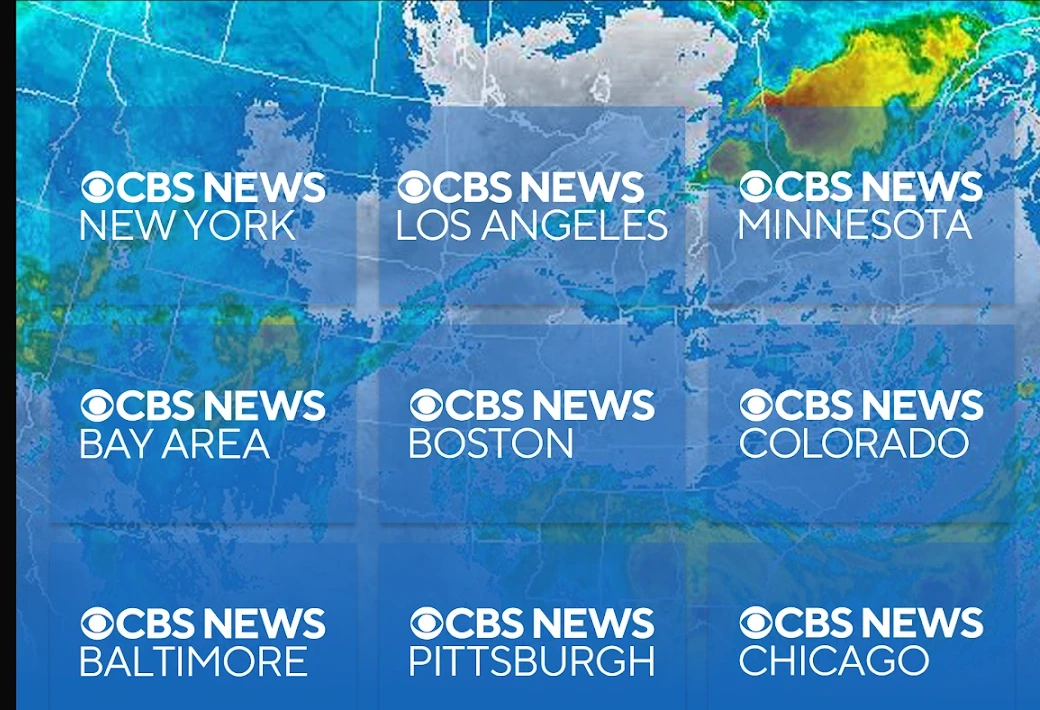
- Local CBS stations: tune in to live local broadcasts from cities such as New York, Los Angeles, Chicago, Boston, Baltimore, Pittsburgh, Colorado, Minnesota, and the Bay Area.
- Regional weather forecasts: check local radar maps, storm tracking, and daily weather updates tailored to your selected city.
- Picture-in-picture multitasking: keep a live news broadcast playing in a small corner window while you browse or work in other apps.
On-demand shows, documentaries, and custom alerts
Beyond live broadcasts, the app organizes full episodes, investigative reports, and topic feeds so you can catch up on your own schedule:
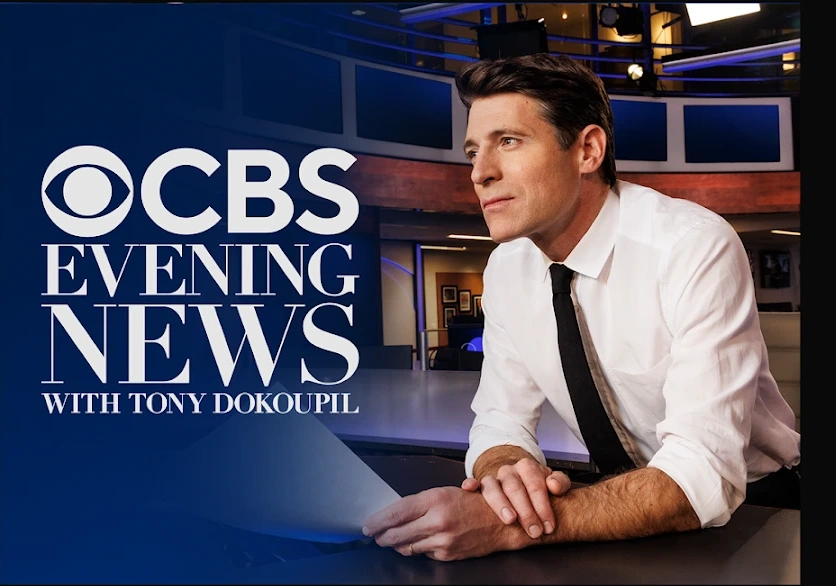
- Flagship CBS News programs: watch full episodes and clips from 60 Minutes, 48 Hours, CBS Evening News, CBS Mornings, and Face the Nation.
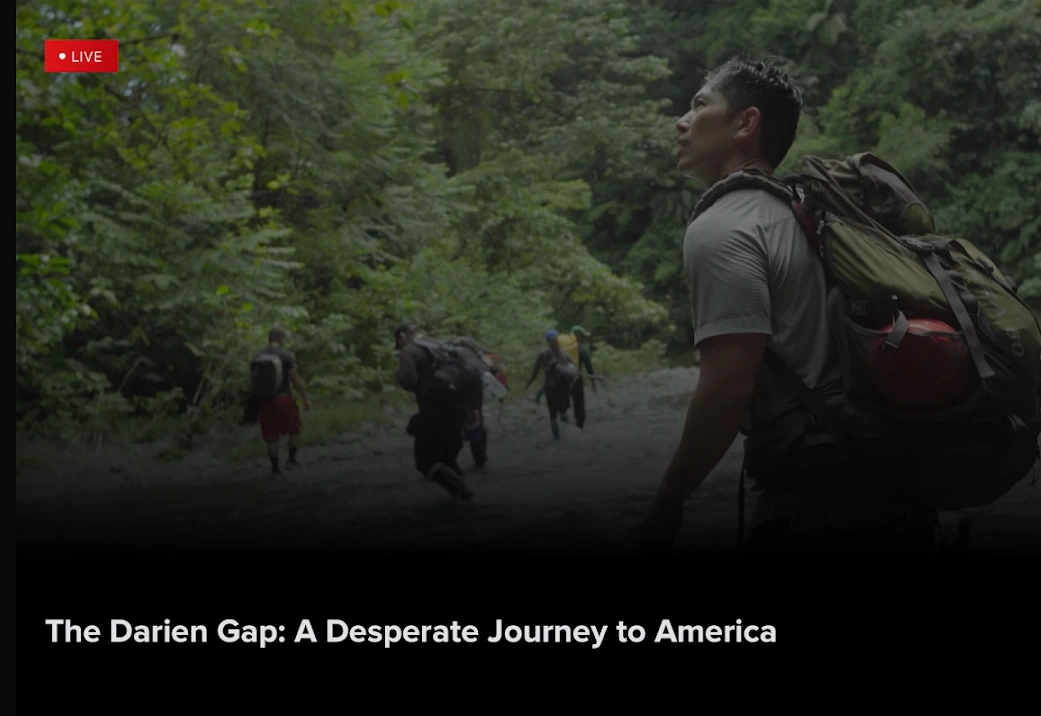
- In-depth documentaries: stream original CBS Reports investigations covering politics, science, consumer finance, and world events.
- Topic-based browsing: jump straight to Politics, U.S., World, Health, MoneyWatch, or Entertainment sections from the main menu.
- Custom push notifications: pick which topics trigger ChromeOS alerts so you only get notified about stories you care about.
Troubleshooting CBS News playback and alerts on ChromeOS
If a live stream stalls, notifications fail to appear, or the video player shows a black screen, try these quick fixes:
- Video player stays black in Chrome: open Chrome Settings > System, turn off Use graphics acceleration when available, and relaunch the browser.
- Live stream fails to load or pauses on ads: pause strict ad-blocking or privacy extensions for
cbsnews.com, as they can block the video player scripts. - Breaking news alerts not appearing: open ChromeOS Settings > Apps > Manage your apps > CBS News > Notifications and confirm alerts are turned on.
- Audio plays out of sync or stutters: disconnect and reconnect Bluetooth headphones, or close unused background tabs to free up memory.
- Android app freezes on startup: clear the app cache in ChromeOS Settings > Apps > Manage your apps > CBS News > Storage > Clear cache.
Frequently asked questions about CBS News on Chromebook and Googlebook
Is the CBS News app free to use on Chromebook and Googlebook?
Yes. The CBS News Android app and the 24/7 live CBS News stream are completely free with no cable subscription or sign-in required. You can also watch live news and read full articles for free at cbsnews.com in Google Chrome.
Should I use the CBS News Android app or the cbsnews.com website?
Both work well on ChromeOS. The Google Play Android app is best if you want push notifications for breaking news, touch-friendly tablet navigation, or quick switching between local station feeds. The cbsnews.com web player is ideal for desktop multitasking, reading long articles on a wide screen, and saving storage space.
How do I cast CBS News from my Android phone to Googlebook?
Open the Phone Hub from the bottom-right shelf of your Googlebook and make sure your Android phone is linked. Click Cast My Apps and select CBS News. Your phone’s active news stream or article opens in a floating desktop window on your laptop without signing in again.
Can I watch local CBS News stations and weather on my Chromebook?
Yes. Inside the CBS News app or on the web player, open the Live Channels section to browse local CBS News streams for major cities like New York, Los Angeles, Chicago, Boston, and the Bay Area, complete with local weather forecasts and regional updates.
Why is the CBS News live stream buffering or showing a black screen in Chrome?
Buffering or a black video player usually happens when browser graphics acceleration conflicts with ChromeOS drivers or an ad blocker blocks the video stream. Try pausing ad blockers for cbsnews.com, or go to Chrome Settings > System, turn off ‘Use graphics acceleration when available’, and restart Chrome.
Companion news and streaming guides
Explore more ways to follow live broadcasts, daily headlines, and investigative journalism on ChromeOS with our companion guides:
- More live broadcast news: Stream live network coverage, Today Show clips, and regional updates with our guide to NBC News on Chromebook.
- Daily headlines and weather: Customize your morning feed and local forecasts by setting up MSN on Chromebook.
- In-depth print journalism: Read daily reporting, opinion columns, and investigative features with The New York Times on Chromebook.
- Top ChromeOS news picks: Compare the top Android and web news platforms in our roundup of the Best News Apps for Chromebook.
Discover more from Chrome Geek
Subscribe to get the latest posts sent to your email.