11 Best News Apps for Chromebook and Googlebook (2026)
 by
Gloria Brown
Post Updated: November 12, 2026
The best news apps to install and use on Chromebook and Googlebook include CNN for live breaking broadcasts, BBC News for 24/7 World Service radio, and The New York Times for offline investigative journalism and daily puzzles. Each app delivers fast headline alerts, clean multi-column layouts, and reliable streaming across large laptop displays.
Our guide covers the rest of the top news apps worth running on ChromeOS, while Googlebook runs Android apps natively from Google Play alongside instant phone-app casting from the Phone Hub.
Need help setting up your daily news reader or live TV feed? Contact us with your laptop model and any questions.
Best news apps for Chromebook and Googlebook

1. CNN
Free / Provider Login for Live TV
Android & Web
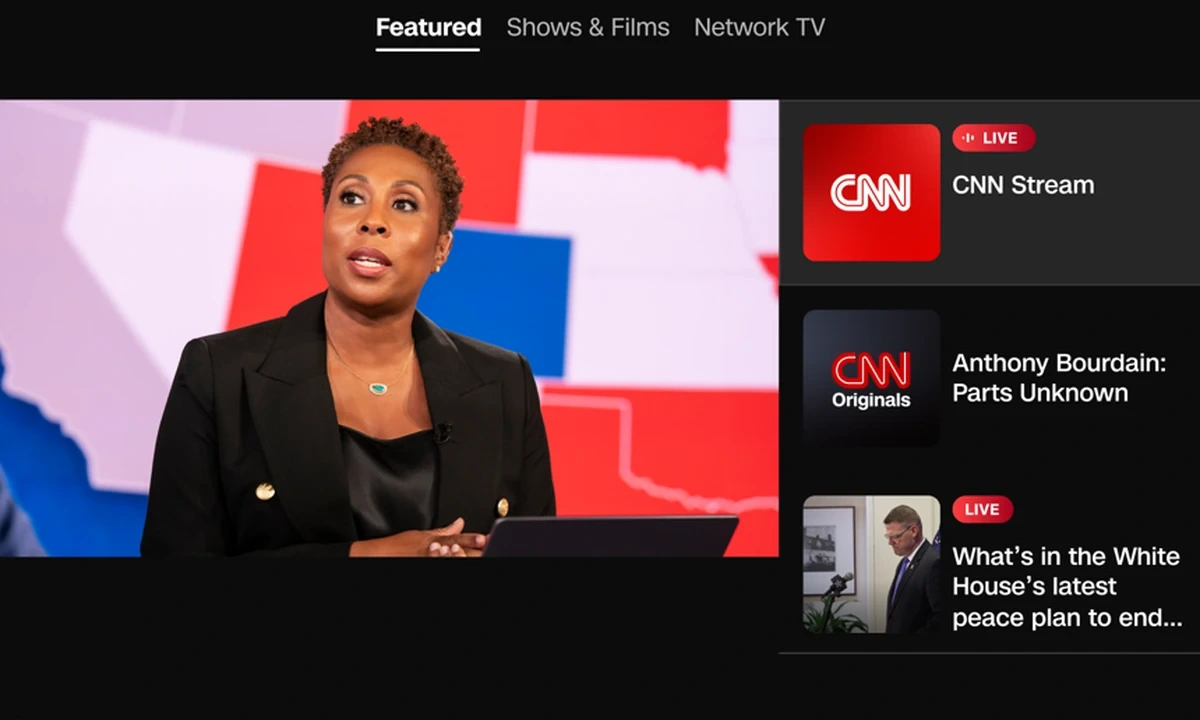
CNN brings fast breaking news alerts, global bureau dispatches, and live television coverage to Chromebook and Googlebook through both its official Android app (com.cnn.mobile.android.phone) and desktop web portal.
- Live TV & CNN Originals: Sign in with a participating TV provider to stream CNN, CNN International, and HLN live alongside on-demand documentary series.
- CNN Audio & background radio: Listen to live audio feeds and daily podcasts like Anderson Cooper 360 and The Lead with Jake Tapper while working in other windows.
- Saved offline reading: Bookmark articles inside the Google Play app so you can read saved stories offline during flights or commutes.
2. BBC News
Free on Google Play & Web
Android & Web
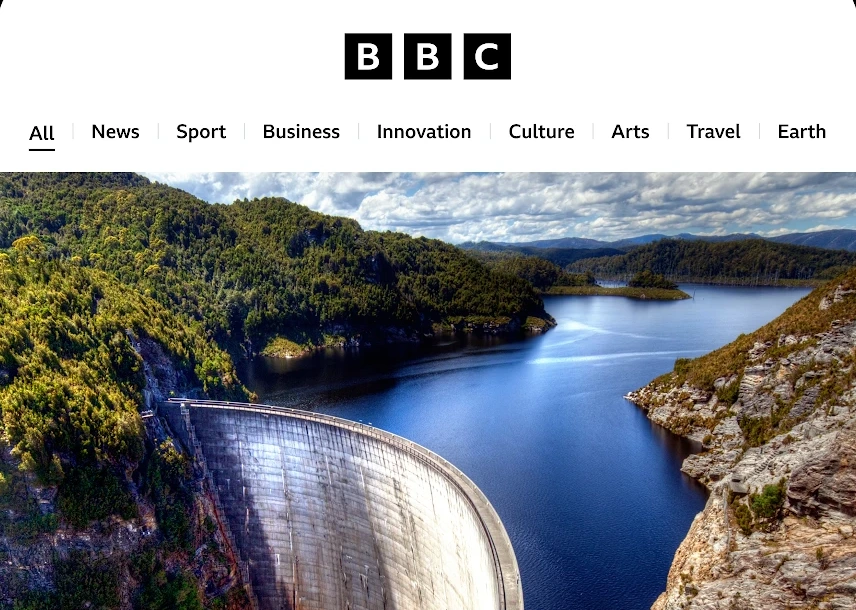
BBC News delivers balanced international journalism, rolling live text dispatches, and continuous global radio on Chromebook and Googlebook via its Play Store app (bbc.mobile.news.ww) and bbc.com/news.
- 24/7 BBC World Service radio: Stream live international radio coverage in the background while you work in Google Docs, spreadsheets, or browser tabs.
- Unified subject & regional desks: Switch cleanly between News, Sport, Business, Innovation, Culture, Travel, and Earth alongside dedicated regional bureaus.
- BBC Verify & offline reading list: Read fact-checked investigations and bookmark long-form stories to read offline without an internet connection.

3. Fox News
Free / Provider Login for Cable TV
Android & Web
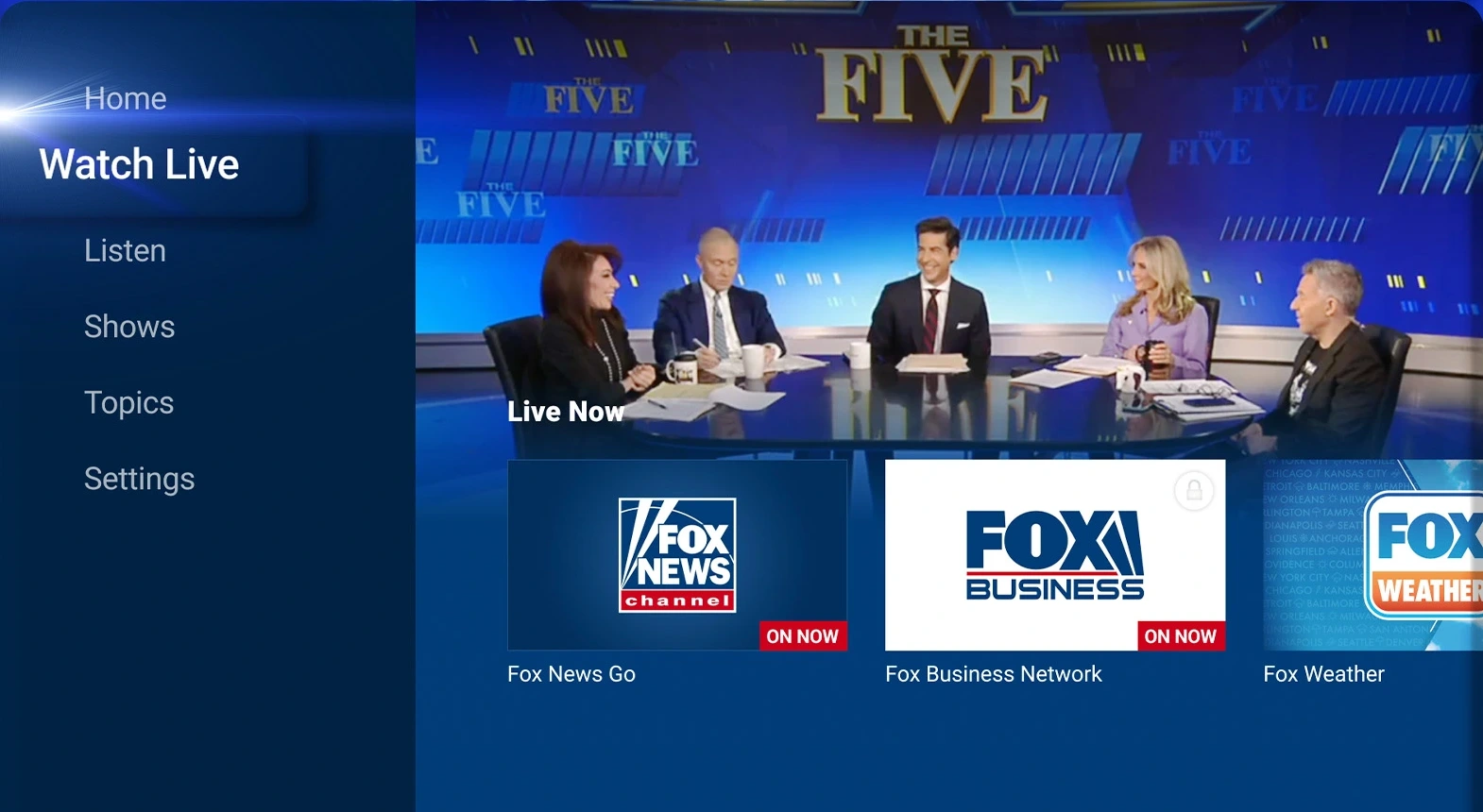
Fox News combines U.S. political headlines, opinion columns, talk radio, and live cable streams on Chromebook and Googlebook through its official Android app (com.foxnews.android) and foxnews.com.
- Multi-channel Watch Live hub: Stream Fox News Channel and Fox Business Network with a TV provider login, or watch the 24/7 Fox Weather feed for free.
- Fox News Radio & podcasts: Open the Listen tab to stream live talk radio and hourly news updates in the background without a cable subscription.
- Prime-time show clips & offline saving: Catch up on segments from The Five, Hannity, and Special Report or save articles to read offline.

4. The New York Times
Free Headlines / Subscription for Full Access
Android & Web
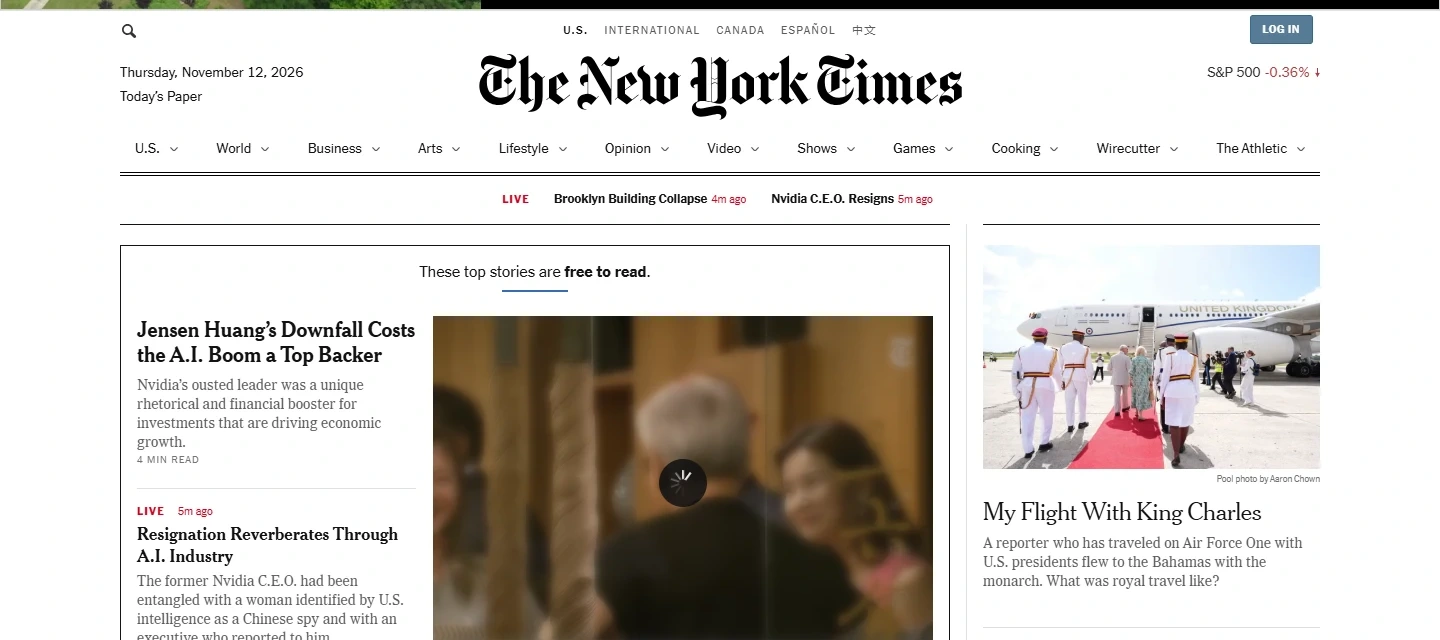
The New York Times pairs investigative reporting and live blogs with daily audio shows and puzzles across its Google Play app (com.nytimes.android) and multi-column desktop layout at nytimes.com.
- Offline article saving & Today’s Paper: Bookmark long-form investigations in the Android app to read offline on flights or browse the digital print edition.
- Flagship podcasts & narrated stories: Listen to The Daily, Hard Fork, and narrated feature articles directly inside the app or browser.
- Built-in NYT Games hub: Play Wordle, Connections, Strands, Spelling Bee, The Mini, and The Crossword with your laptop keyboard.

5. CBS News
100% Free (No Cable Login Required)
Android & Web
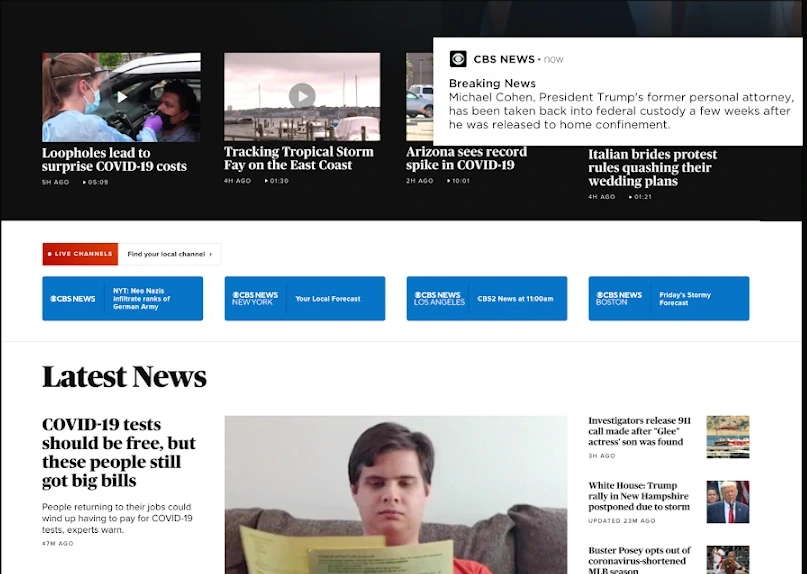
CBS News streams 24/7 anchored national coverage, local city broadcasts, and full investigative programs for free on Chromebook and Googlebook through its Google Play app (com.treemolabs.apps.cbsnews) and cbsnews.com.
- Free 24/7 national & local streams: Watch continuous CBS News 24/7 coverage plus live local station feeds from New York, Los Angeles, Chicago, Boston, and the Bay Area with no paywall.
- Full episodes on demand: Catch up on 60 Minutes, CBS Evening News, CBS Mornings, 48 Hours, and Face the Nation.
- Regional weather & picture-in-picture: Track local storm radar and keep live news playing in a floating corner window while you work.
6. MSN News
100% Free on Google Play & Web
Android & Web
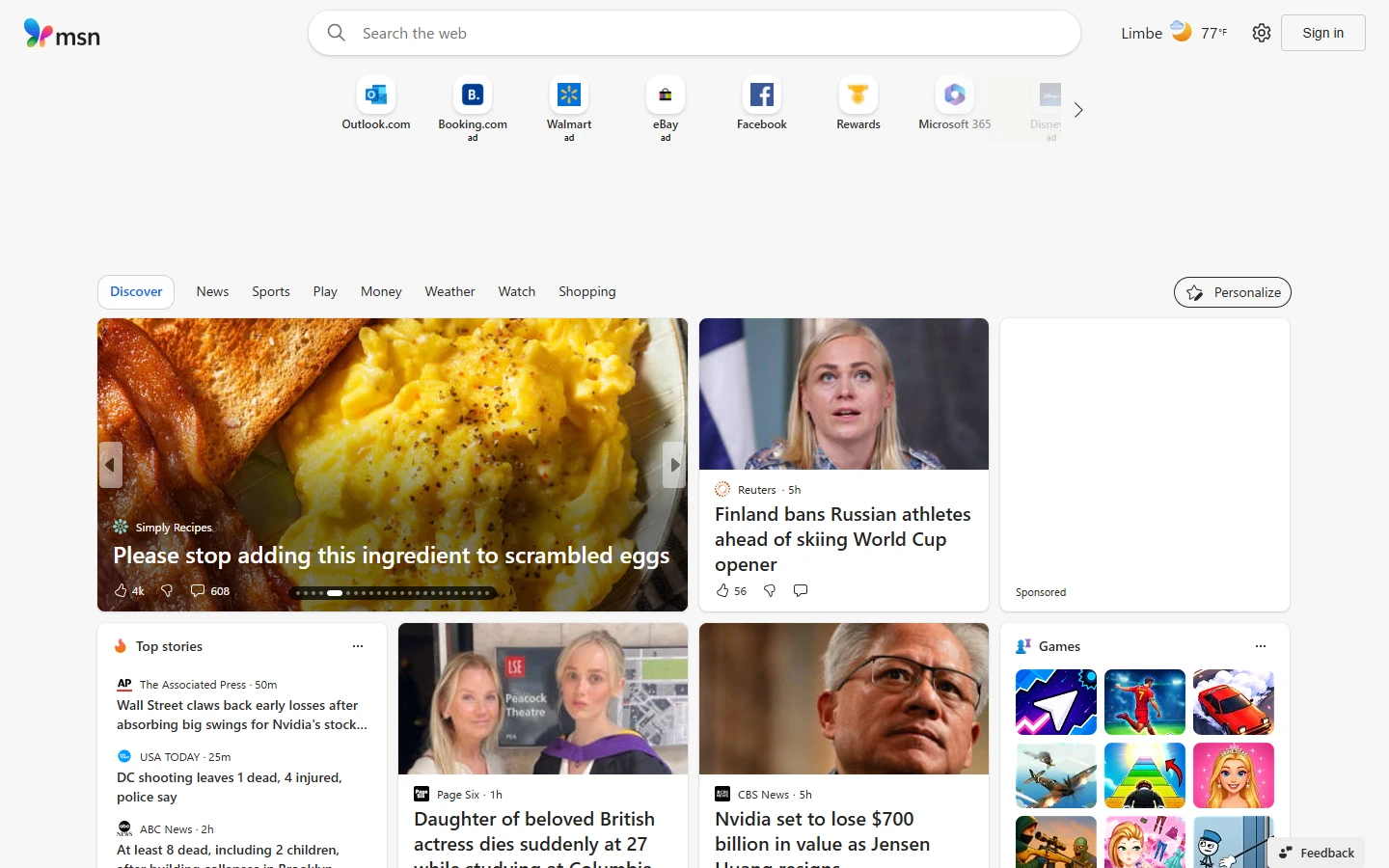
MSN News curates daily reporting from thousands of global publishers alongside interactive weather maps and stock market watchlists via its official Android app (com.microsoft.amp.apps.bingnews) and msn.com.
- Multi-publisher topic feed: Read aggregated stories from Reuters, Associated Press, USA TODAY, and major newspapers in one customizable dashboard.
- MSN Weather & radar maps: Check hourly forecasts, 10-day outlooks, air quality indexes, and interactive precipitation radar without installing a separate weather app.
- MSN Money stock tracker: Monitor live S&P 500, NASDAQ, and Dow Jones charts and sync your personal ticker watchlist across devices.
7. NBC News
Free Live Stream / Optional TV Login
Android & Web
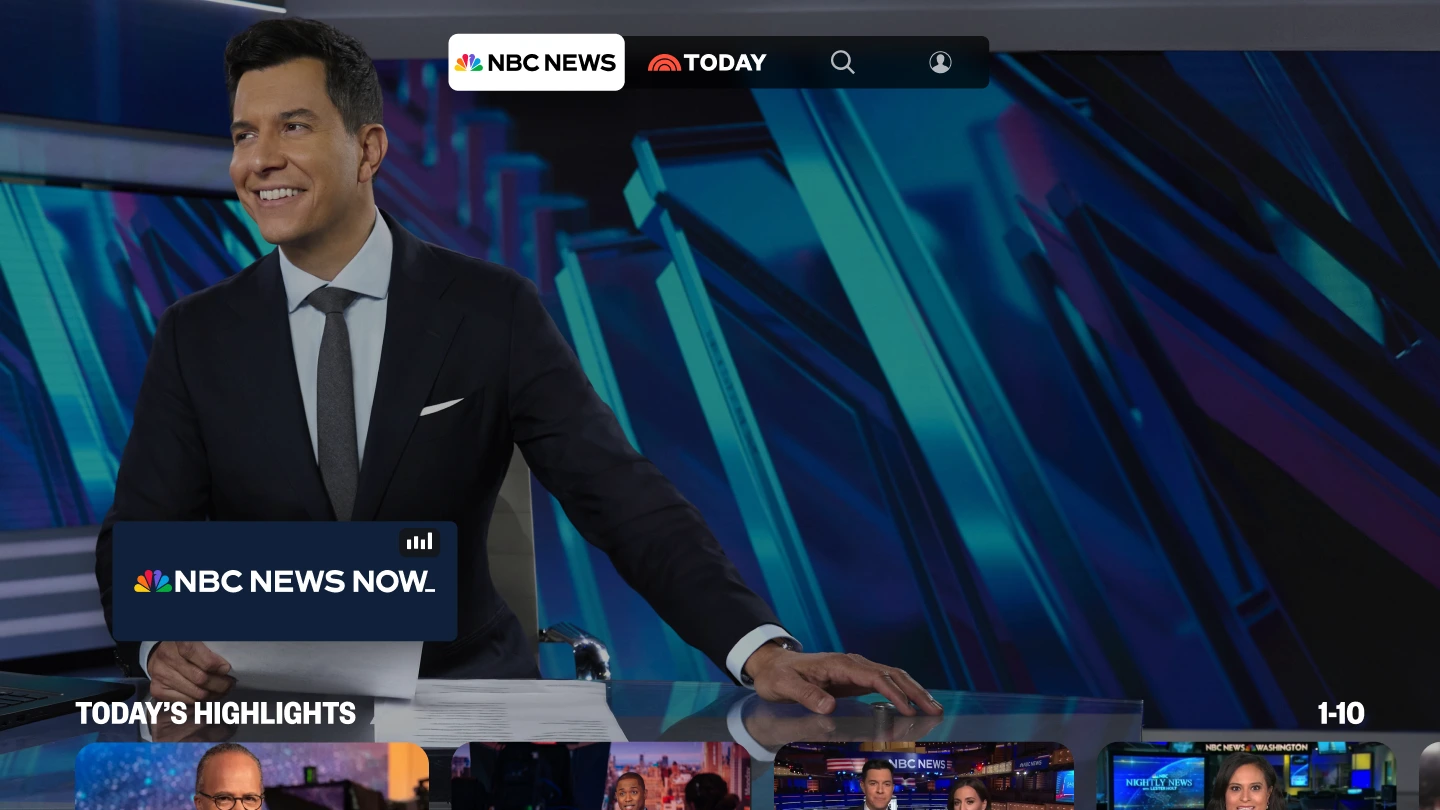
NBC News brings free 24/7 NBC News NOW streaming, breaking national alerts, and full broadcast episodes to Chromebook and Googlebook through its official Play Store app (com.zumobi.msnbc) and nbcnews.com.
- NBC News NOW & TODAY All Day: Watch continuous live news coverage and morning show segments for free without a cable subscription.
- Evening & Sunday broadcasts: Stream full episodes and highlight clips from NBC Nightly News, Meet the Press, and Dateline.
- Hands-free audio articles: Listen to narrated versions of written news reports while working in other ChromeOS apps.
8. ABC News
Free Live Stream / Optional TV Login
Android & Web
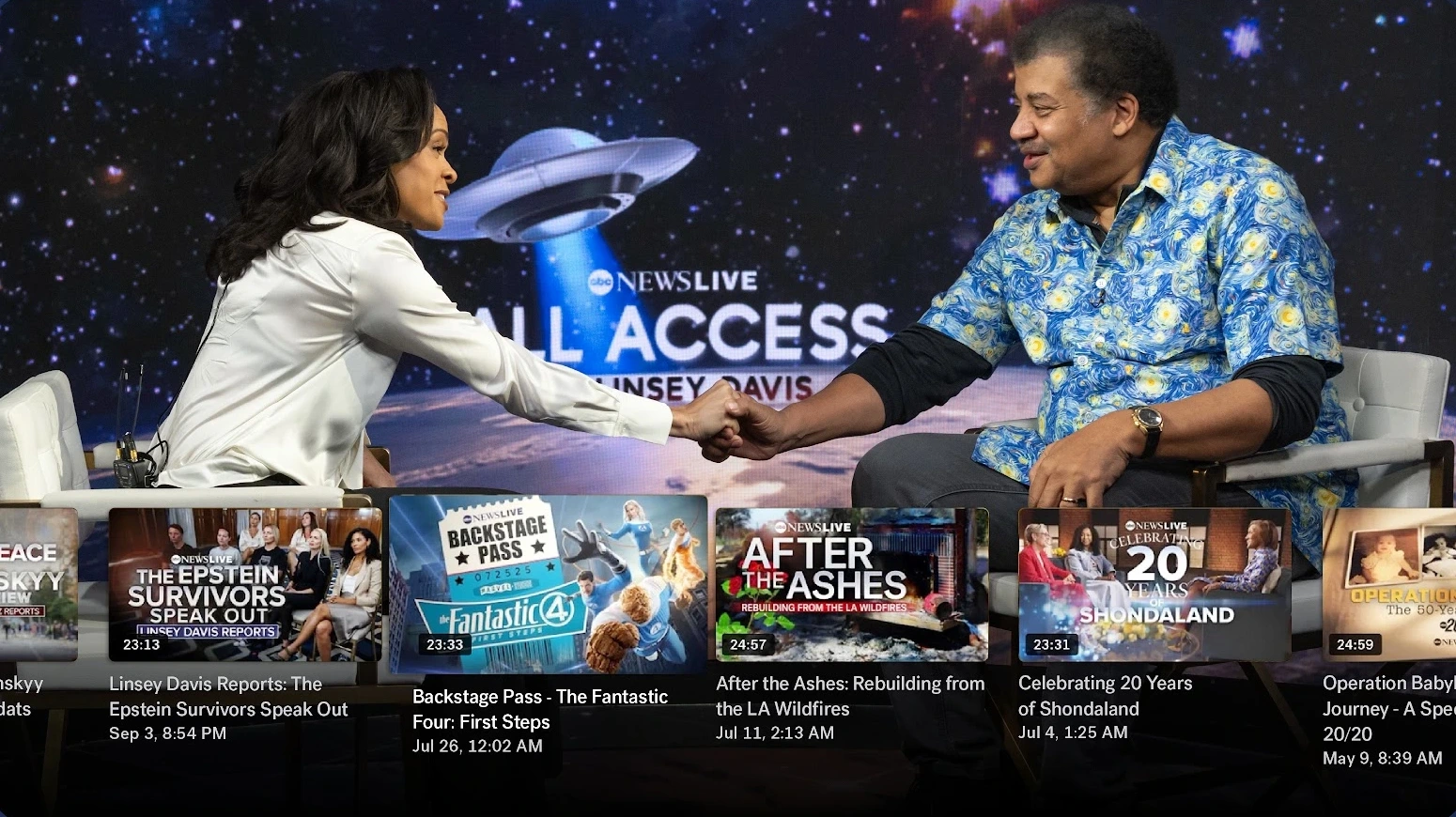
ABC News delivers 24/7 live video coverage, national headline recaps, and severe weather tracking on Chromebook and Googlebook via its official Android app (com.abc.abcnews) and abcnews.go.com.
- Free 24/7 ABC News Live channel: Stream continuous live news, breaking press conferences, and prime-time documentaries without a cable login.
- Flagship broadcast recaps: Watch daily segments from World News Tonight with David Muir, Good Morning America, and 20/20.
- Daily audio briefings & custom alerts: Listen to the Start Here morning podcast in the background and filter ChromeOS notifications by topic.

9. The Guardian
Free / Optional Supporter Tier
Android & Web
The Guardian offers reader-supported global journalism, auto-refreshing live blogs, podcasts, and daily crosswords on Chromebook and Googlebook via its Play Store app (com.guardian) and theguardian.com.
- Five regional editions & live blogs: Switch between US, UK, Australia, Europe, and International front pages and follow minute-by-minute live event blogs.
- Podcasts & Audio Long Reads: Stream daily episodes of Today in Focus, Football Weekly, and narrated feature essays while you work.
- Offline reading & daily crosswords: Save articles for offline travel in the Android app and solve Quick, Cryptic, and Quiptic crosswords with your keyboard.
10. NPR News
100% Free (Nonprofit Public Media)
Android & Web
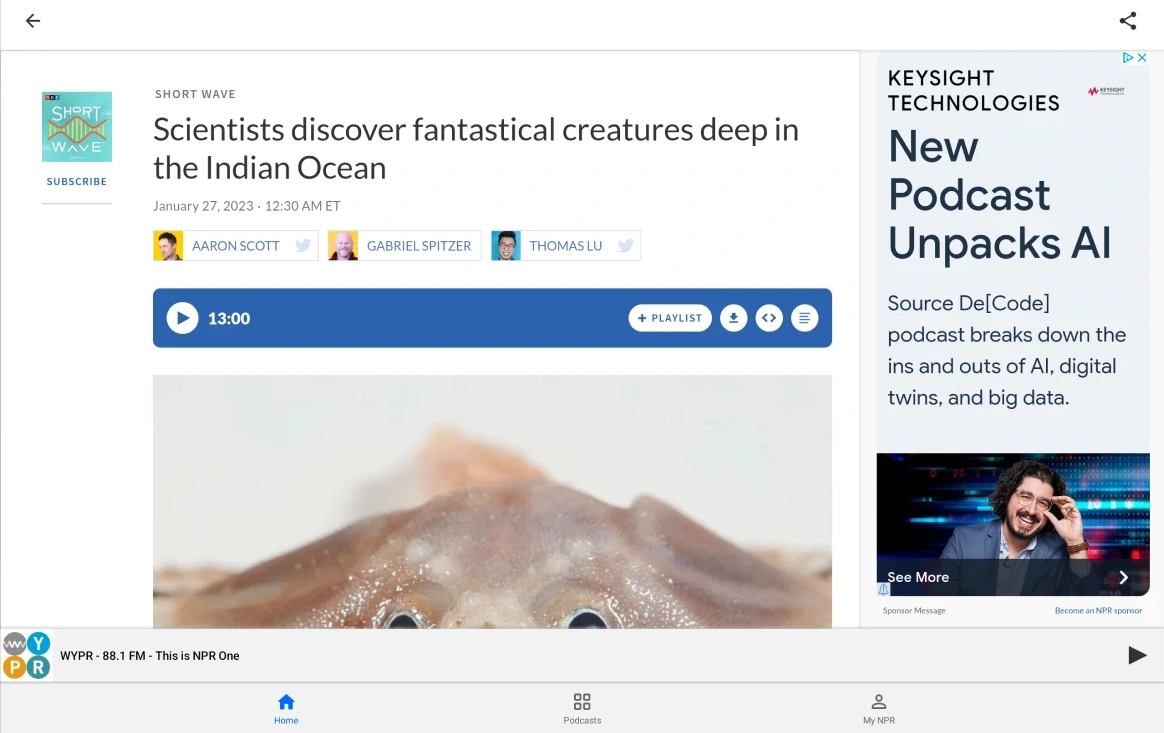
NPR News connects national public radio programs, local member stations, and written journalism on Chromebook and Googlebook through its official Android app (org.npr.android.news) and npr.org.
- Live local member stations: Enter your ZIP code or call letters to stream live local public radio alongside Morning Edition and All Things Considered.
- Custom audio playlist queue: Tap + Playlist on any article or radio report to build a continuous listening queue with offline downloads.
- Flagship NPR podcasts: Stream Up First, Planet Money, Fresh Air, Short Wave, and five-minute hourly news updates.
11. Xinhua News
100% Free on Google Play & Web
Android & Web
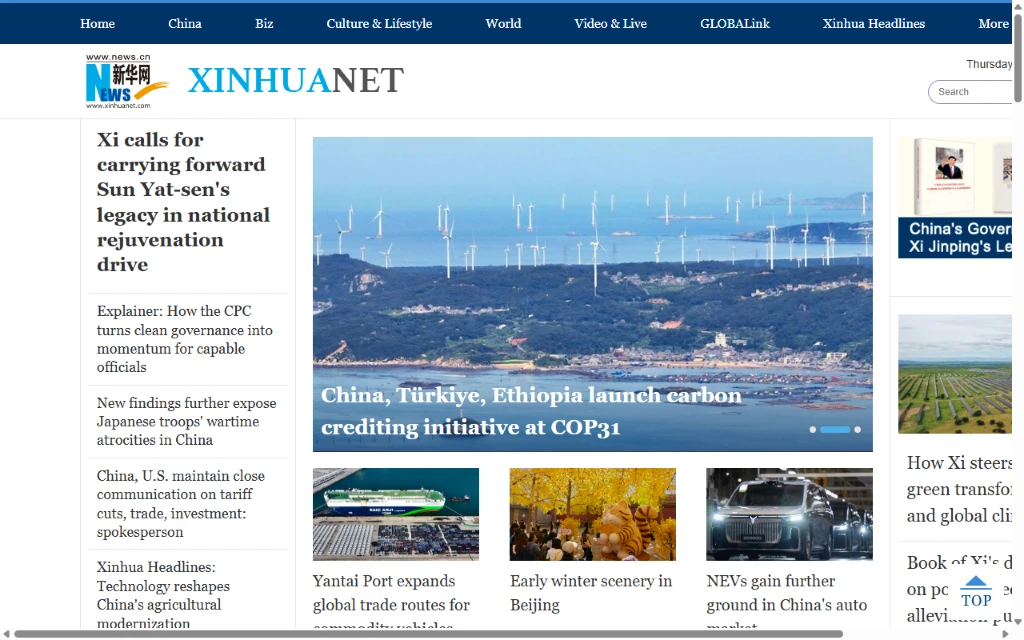
Xinhua News provides round-the-clock dispatches, economic briefings, and photo essays from China and roughly 180 international bureaus via its official Google Play app (com.xinhuamm.xinhuanews) and English web portal at english.news.cn.
- Dedicated regional desks: Browse Asia & Pacific, Europe, North America, Africa, and Middle East news sections alongside trade and science coverage.
- Multilingual editions & translation: Switch between English, Chinese, French, Spanish, and Arabic feeds or use built-in article translation inside the Android app.
- High-resolution photo & video hubs: View full-screen photo galleries, on-the-scene video clips, and English audio briefings.
How to install, cast, and multitask with news apps on Chromebook and Googlebook
Both Chromebooks and Googlebooks give you flexible ways to read breaking news, watch live broadcasts, and listen to radio feeds without slowing down your laptop:
Install official Android news apps from the Play Store when you want desktop push notifications, offline article reading on flights, and touch-friendly tablet layouts. If the Play Store is not turned on yet, check Google’s Android app setup guide for Chromebook or the guide on installing apps on Googlebook.
Open any news site in Google Chrome for multi-column widescreen reading with zero local storage use. To run a news site like a standalone desktop app, click the three-dot Chrome menu > Cast, save, and share > Create shortcut, check Open as window, and pin it to your shelf.
If your Android phone is already signed into your news subscriptions or playing a podcast, use Googlebook’s Cast My Apps feature from the Phone Hub on your shelf to open your phone’s active app session in a desktop window without logging in again.
Press
Alt + [ or Alt + ] to snap a live broadcast or news feed to one side of your screen while taking notes in Google Docs on the other, or keep BBC World Service and NPR radio playing in the background while you work.
Frequently asked questions about news apps on Chromebook and Googlebook
What is the best free news app for live TV on Chromebook and Googlebook?
CBS News, NBC News, and ABC News all include free 24/7 live streaming channels (CBS News 24/7, NBC News NOW, and ABC News Live) that work in both the Google Play app and Google Chrome without requiring a cable login.
Should I install Android news apps from Google Play or read in Google Chrome?
Both work smoothly on ChromeOS and Googlebook OS. Install the Google Play Android app when you want desktop push notifications for breaking news, saved offline reading for flights or commutes, and background radio playback. Use the Google Chrome web version or a standalone Chrome shortcut window when you prefer wide multi-column layouts and zero local storage usage.
How do I cast news apps from my Android phone to a Googlebook?
Open the Phone Hub on the bottom-right corner of your Googlebook shelf with your Android phone connected, click Cast My Apps, and choose your news app. Your phone’s active article feed, live broadcast, or signed-in subscription opens immediately in a resizable desktop window without signing in again.
Which news apps support offline reading on Chromebook and Googlebook?
The New York Times, The Guardian, BBC News, CNN, MSN News, and NPR News all allow you to bookmark or cache articles and podcast episodes inside their Google Play Android apps so you can read or listen offline without Wi-Fi.
How do I stop unwanted breaking news alerts on ChromeOS?
Open ChromeOS Settings > Apps > Manage your apps, select the news app, and toggle Notifications off, or open the notification settings inside the app itself to limit alerts strictly to major breaking headlines.
Companion productivity and media guides
Pair your daily news setup with background research tools, free live television channels, and note-taking workflows on ChromeOS and Googlebook OS:
- Fast background research: Look up historical context, biographies, and reference articles while reading breaking news with our guide to Wikipedia on Chromebook and Googlebook.
- More free live TV news channels: Stream dozens of additional live news, sports, and entertainment channels at no cost using Pluto TV on Chromebook and Googlebook.
- Research and note-taking apps: Organize saved articles, clips, and daily reading notes efficiently with our roundup on working smarter with Chromebook productivity apps.
- Googlebook OS tips and phone casting: Set up Better Together phone sync, workspace shortcuts, and system tools in our guide to how to install and use My Googlebook.
Discover more from Chrome Geek
Subscribe to get the latest posts sent to your email.