How to Install and Use New York Times on Chromebook and Googlebook
 by
Frank Cross
Post Updated: November 12, 2026
You can install and use New York Times on Chromebook and Googlebook through the official Google Play app or directly in Chrome at nytimes.com. It brings breaking news, investigative reporting, daily podcasts, and puzzles like Wordle and The Crossword straight to your laptop.
Googlebook runs Android apps natively via Google Play alongside phone casting. This guide covers Google Play installation, Chrome web and PWA shortcuts, offline reading, podcasts, daily games, and quick troubleshooting fixes.
Need help setting up The New York Times? Contact us with your laptop model and any sign-in or reading questions.

How to install New York Times on Chromebook and Googlebook
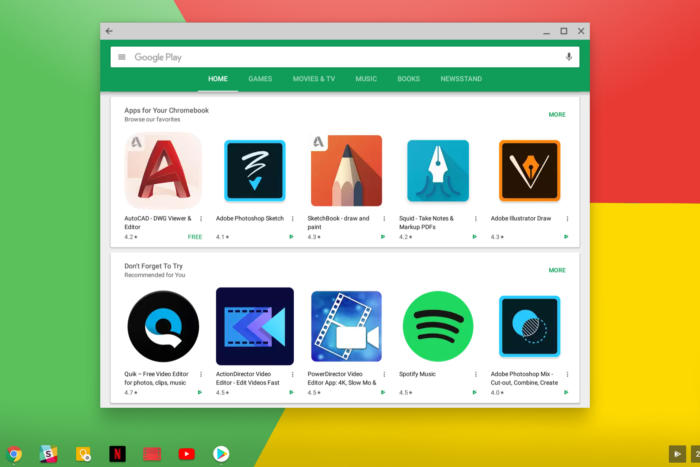
Installing The New York Times app from Google Play takes less than a minute and unlocks offline story saving:
The official Google Play listing identifies the app under the package ID com.nytimes.android. Installing the Android app enables saved offline articles and desktop push alerts.
If the Play Store is not enabled on your laptop, check Google’s Android app setup guide for Chromebook or the guide on installing apps on Googlebook. On school or work devices, administrator policies may restrict Play Store downloads. There is no separate Debian Linux (.deb) package, so you can always open nytimes.com in Google Chrome for full desktop reading without installing anything.
Cast New York Times from your phone on Googlebook
If you already have articles saved or your subscription signed in on your Android phone, Googlebook’s Cast My Apps feature lets you open the phone app directly on your laptop screen. Open Phone Hub in the bottom-right corner of your Googlebook shelf, click Cast My Apps, and choose The New York Times. Your phone’s active reading session appears in a resizable desktop window without transferring files or signing in again.
New York Times Web vs. Android app: choosing your ChromeOS setup
Chromebooks and Googlebooks let you choose between the Google Play Android app and the browser edition in Google Chrome. Pick the option that fits how you read:
Breaking news, World coverage, and personalized sections
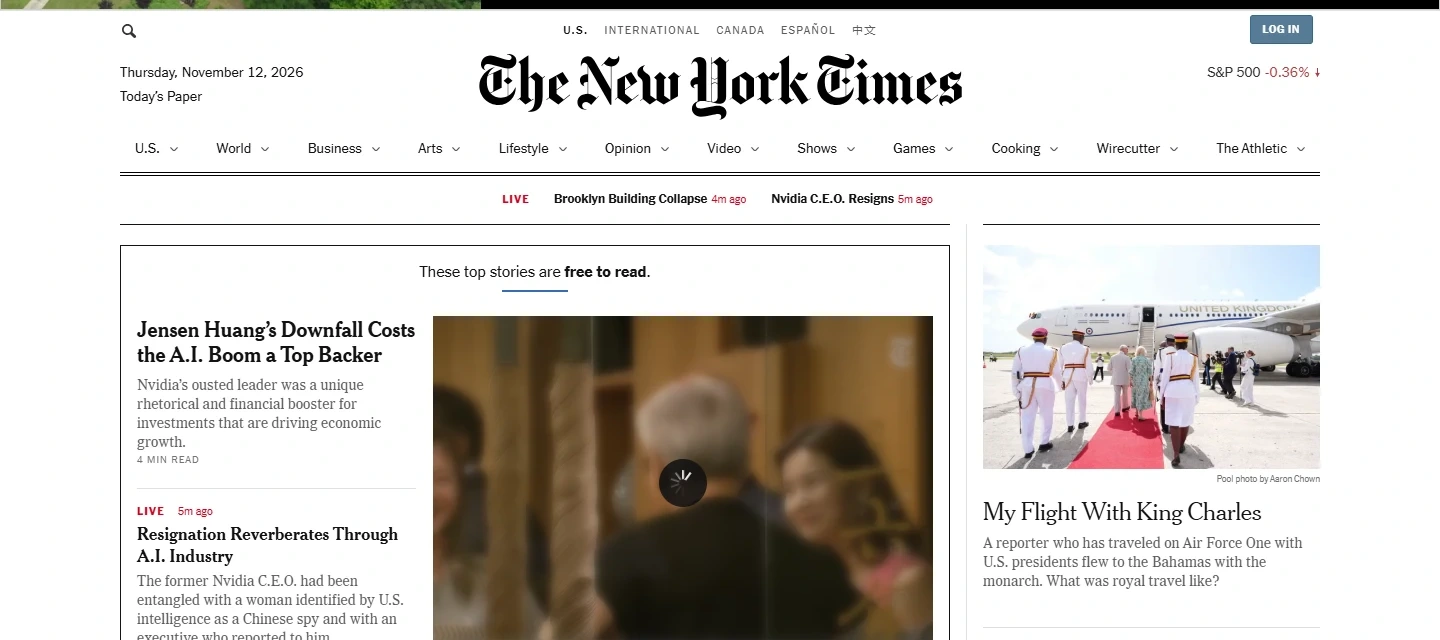
Whether you check headlines over morning coffee or follow long-form investigations, The New York Times organizes coverage clearly across large laptop displays:
- Live breaking news updates: follow developing stories with timestamped live blogs, photo essays, and optional desktop notifications.
- U.S., World, Business, and Tech desks: switch between regional bureaus and specialized beats from the top navigation bar without losing your place.
- Save articles for offline reading: bookmark stories in the Android app so you can read them later on flights, trains, or areas with spotty Wi-Fi.
- Following and Today’s Paper: customize your For You feed around reporters or topics you follow, or browse the digital edition of Today’s Paper.

NYT Games, Podcasts, Cooking, and subscriber extras
Beyond daily journalism, your New York Times account connects several popular companion sections right from the same interface:
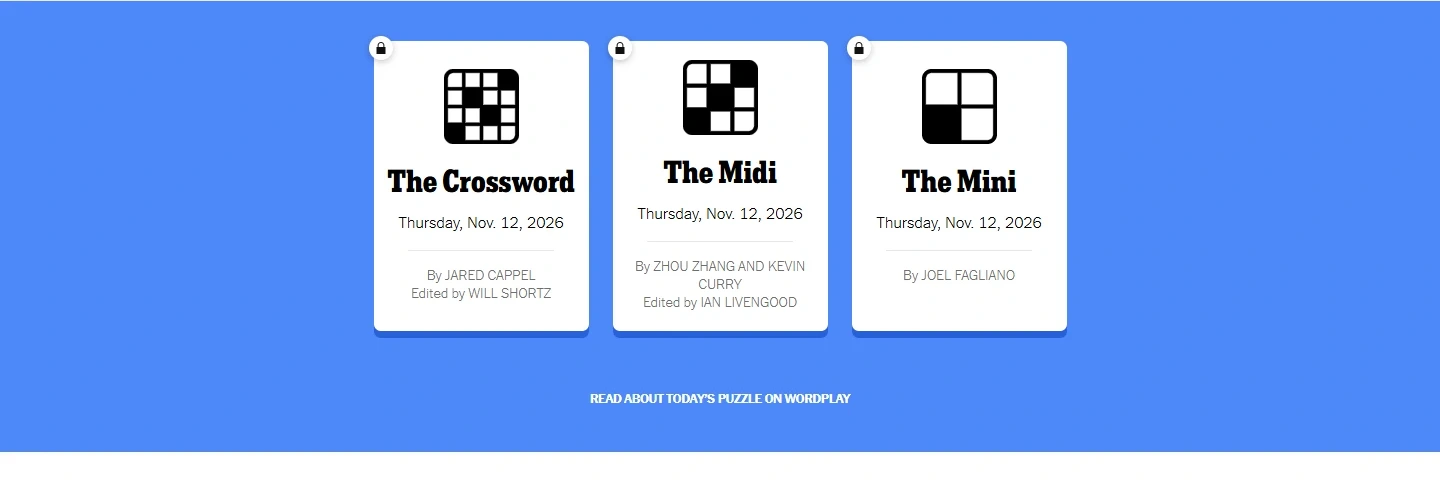
- Daily puzzles and Games: play Wordle, Connections, Strands, Spelling Bee, The Mini, and The Crossword directly in your browser or through the Play tab.
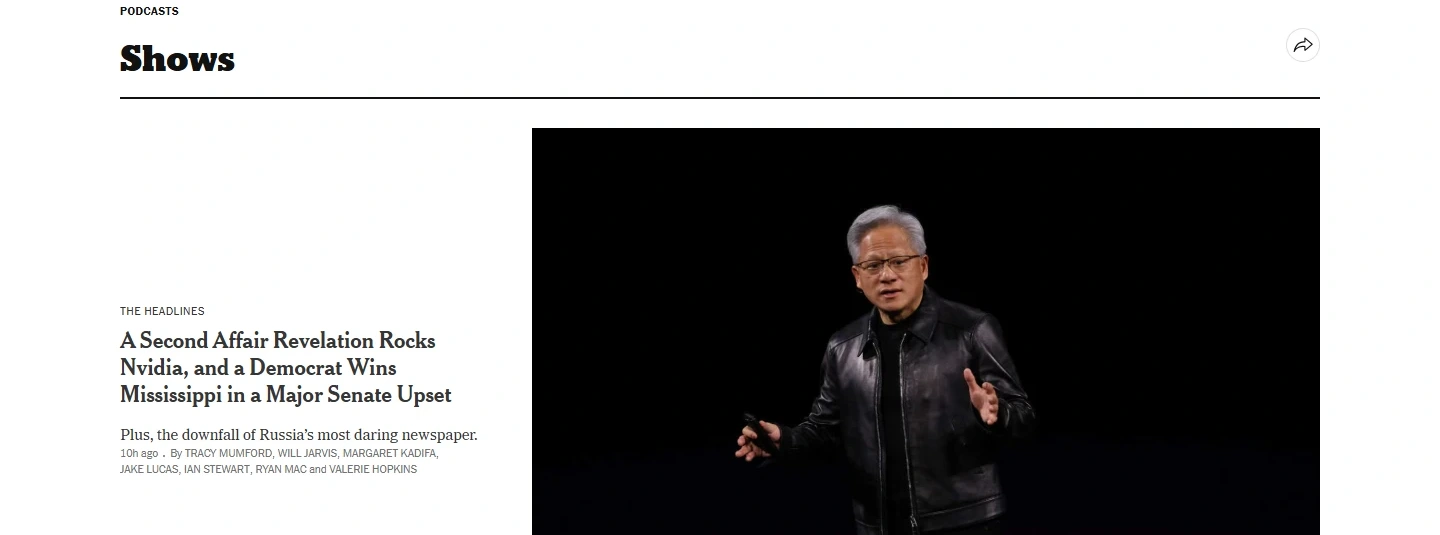
- Podcasts and audio journalism: listen to flagship shows such as The Daily, Hard Fork, and Serial, plus narrated articles while working in other ChromeOS windows.
- NYT Cooking and Wirecutter: All Access subscribers can jump straight into tested recipes and Wirecutter product reviews from the top menu.
Troubleshooting New York Times on ChromeOS
If articles fail to load, your subscription does not sync, or the Android app feels sluggish, try these quick fixes:
- Subscription not recognized after sign-in: confirm you logged in with the exact email or Google account linked to your billing. In the Android app, open Settings and choose Restore Purchase.
- Pages stuck loading or layout broken in Chrome: temporarily pause aggressive ad-blockers or privacy extensions for
nytimes.comand clear site cookies in Chrome Settings > Privacy and security. - Saved articles missing offline: open the Saved tab while connected to Wi-Fi and wait a moment for offline syncing to finish before closing the app.
- Podcast audio stops in the background: check that ChromeOS battery saver is not restricting background Android app activity, or stream shows directly in a Chrome tab.
- Android app crashes or freezes: go to ChromeOS Settings > Apps > Manage your apps > The New York Times > Storage and click Clear cache.
Frequently asked questions about New York Times on Chromebook and Googlebook
Can I read The New York Times offline on a Chromebook or Googlebook?
Yes. When you install the official New York Times app from Google Play, you can save articles to your reading list for offline access. This lets you catch up on stories during flights or commutes without a Wi-Fi connection.
Should I use the New York Times Android app or nytimes.com in Google Chrome?
Both work smoothly on ChromeOS. Use nytimes.com in Google Chrome for a wide multi-column desktop layout, keyboard shortcuts, and zero local storage use. Choose the Google Play Android app if you want offline article saving, breaking news notifications, or tablet-friendly touch navigation.
How do I cast The New York Times app from my phone to Googlebook?
Open Phone Hub from the bottom-right shelf on your Googlebook, make sure your Android phone is connected, click Cast My Apps, and select The New York Times. Your phone’s active reading session opens in a desktop window without needing to sign in again.
Are Wordle and The Crossword included in The New York Times app?
You can access daily puzzles such as Wordle, The Mini, Connections, and Spelling Bee directly from the Games section on nytimes.com or the Play tab in the app. Full archive access and The Crossword require an active New York Times Games or All Access subscription.
Why is my New York Times subscription not unlocking articles on ChromeOS?
Make sure you are signed in with the exact email address or Google account tied to your subscription. If articles still show a paywall, clear cookies for nytimes.com in Chrome or open the Android app settings and tap Restore Purchase.
Companion news and reading guides
Compare other trusted newsrooms and daily reading apps on ChromeOS with our companion guides:
- Curated news roundup: Explore more daily journalism, podcasts, and breaking headline tools in our list of the Best News Apps for Chromebook.
- International reporting: Read global news, commentary, and culture coverage with our guide to The Guardian on Chromebook.
- Live broadcast and U.S. headlines: Stream live video reports and national updates by setting up NBC News on Chromebook.
- 24/7 news streams: Watch live regional and national broadcasts with our walkthrough for CBS News on Chromebook.
- Cable and opinion coverage: Follow live breaking clips and political commentary with Fox News on Chromebook.
Discover more from Chrome Geek
Subscribe to get the latest posts sent to your email.