How to Install and Use Onshape 3D CAD on Chromebook and Googlebook
 by
Gloria Brown
Post Updated: November 3, 2026
You can install and use Onshape 3D CAD on Chromebook and Googlebook directly through the official app on Google Play, run the full CAD suite natively in your Chrome browser, or stream it wirelessly from your phone. Developed by PTC, Onshape is the premier cloud-native computer-aided design (CAD) and product data management (PDM) platform, enabling students, makers, and engineering teams to model parts, build complex assemblies, and generate detailed drawings without dedicated workstation hardware.
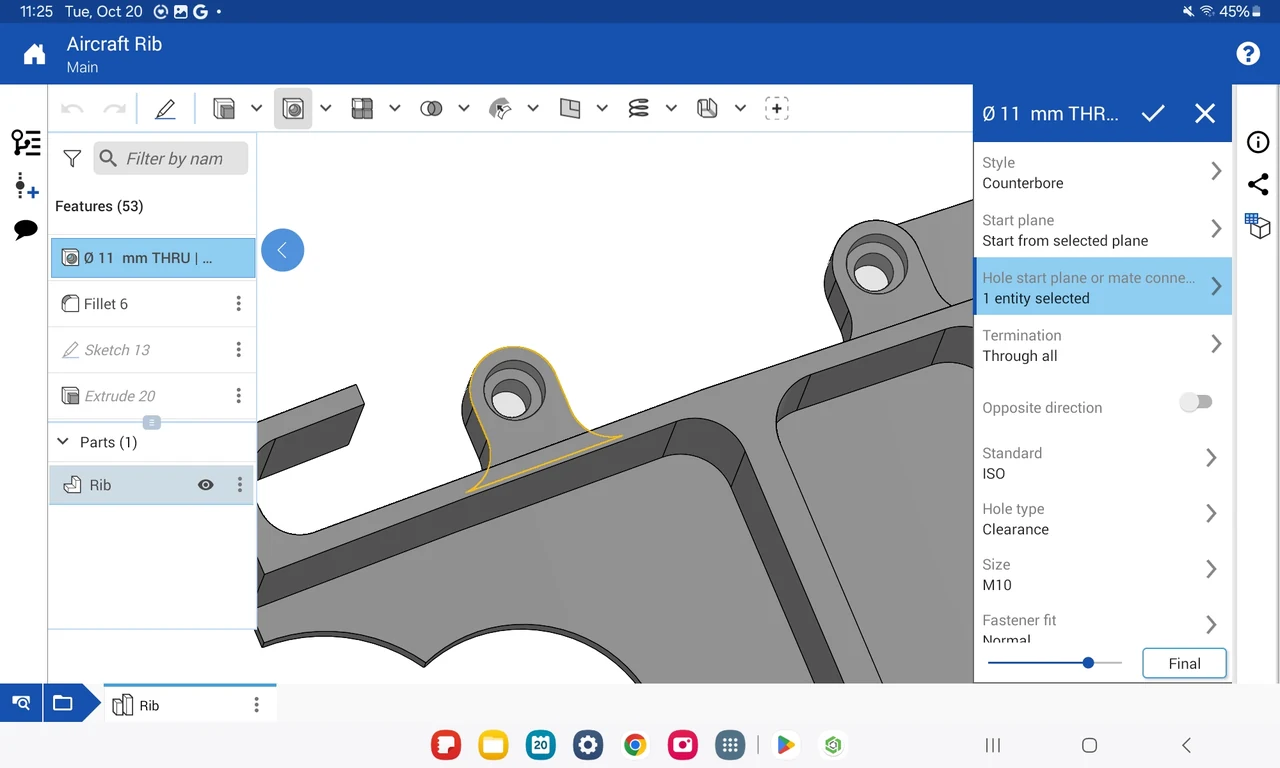
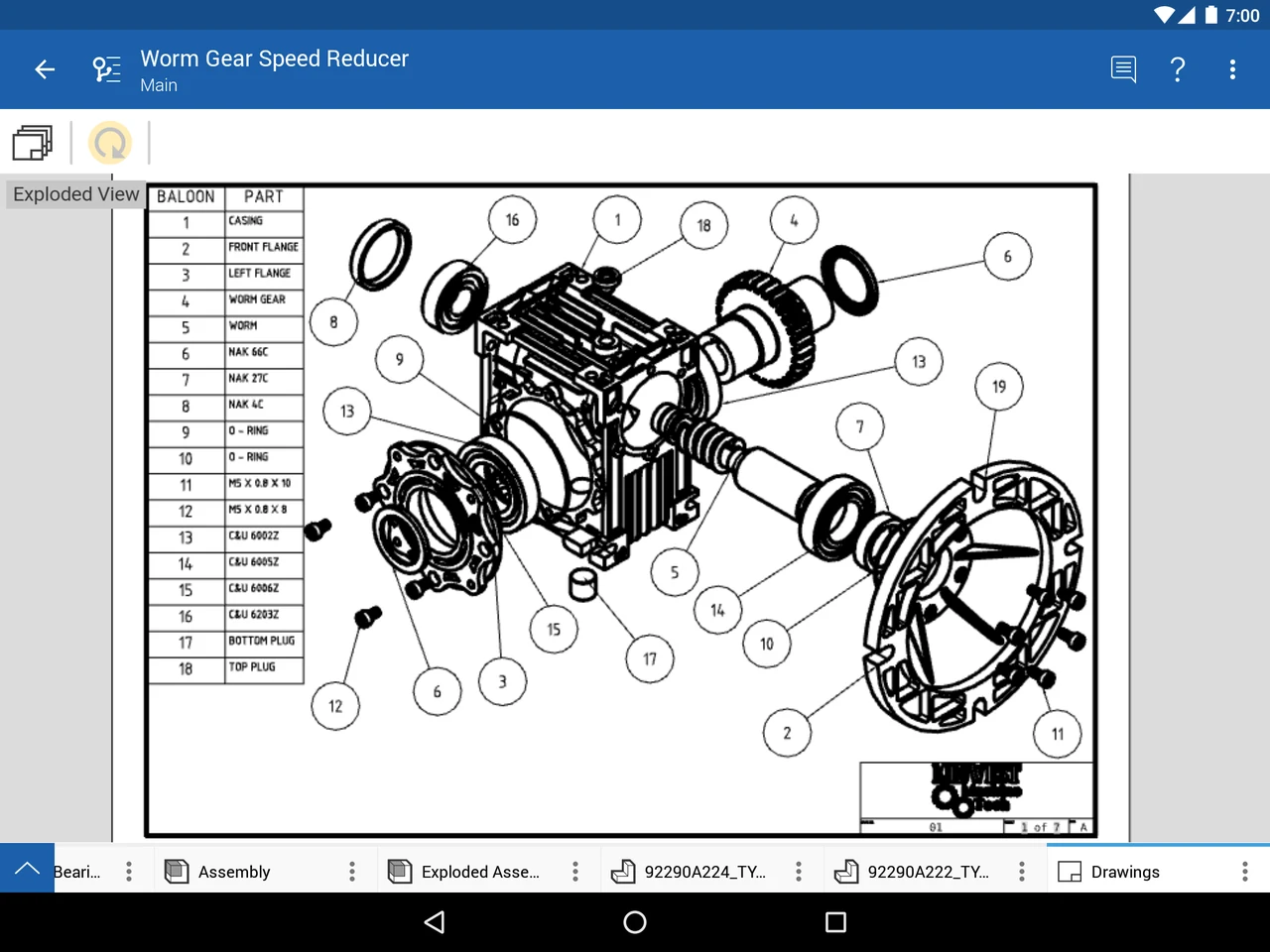
Chromebook and Googlebook laptops offer responsive touchscreens, USI stylus support, and full-resolution displays, making it effortless to rotate 3D geometries, sketch parametric constraints, inspect engineering tolerances, and collaborate in real time. This guide walks you through the Google Play installation, browser-based CAD environment, phone hub casting, cloud collaboration, and performance optimization on ChromeOS.
Need assistance setting up 3D design software on your device? Contact us with your laptop model and ChromeOS version.

Why choose Onshape 3D CAD for Chromebook and Googlebook
Unlike traditional desktop CAD applications that require expensive graphics cards, complex license keys, and gigabytes of local storage, Onshape runs entirely through the cloud. Designed by former SolidWorks executives and acquired by PTC, Onshape reimagined mechanical computer-aided design from the ground up for modern connected laptops. The official Google Play listing identifies Onshape as the developer.
How to install Onshape 3D CAD on Chromebook and Googlebook
For broader operating system guidance, review Google’s official Android app setup guide for Chromebook and companion guide on installing apps on Googlebook. Note that school and enterprise IT administrators can manage and allowlist Onshape across fleets using the Google Admin Console. Because Onshape runs as a native Android app or directly inside Chrome with WebGL hardware acceleration, you do not need Debian Linux containers or developer mode to model.
Cast Onshape 3D CAD from your phone on Googlebook
Googlebook users can also run Onshape through native phone hub integration. Using Cast My Apps from the Googlebook phone hub, you can wirelessly stream your smartphone’s active mobile CAD session directly onto your laptop screen. This allows mechanical designers and engineering students to review part iterations started on a phone, demonstrate 3D models during meetings, or inspect assembly fits on a larger display without transferring project files, managing cables, or re-entering login credentials.
Access full desktop CAD in the Chrome browser
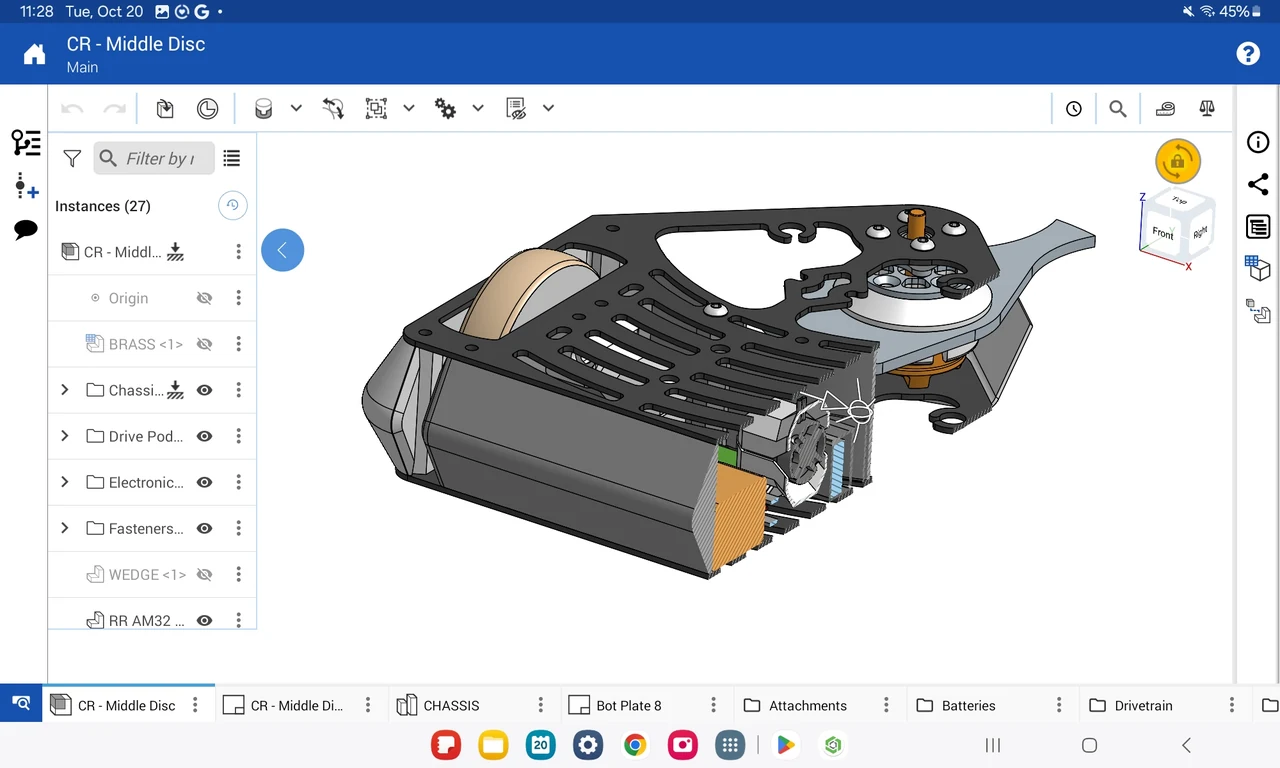
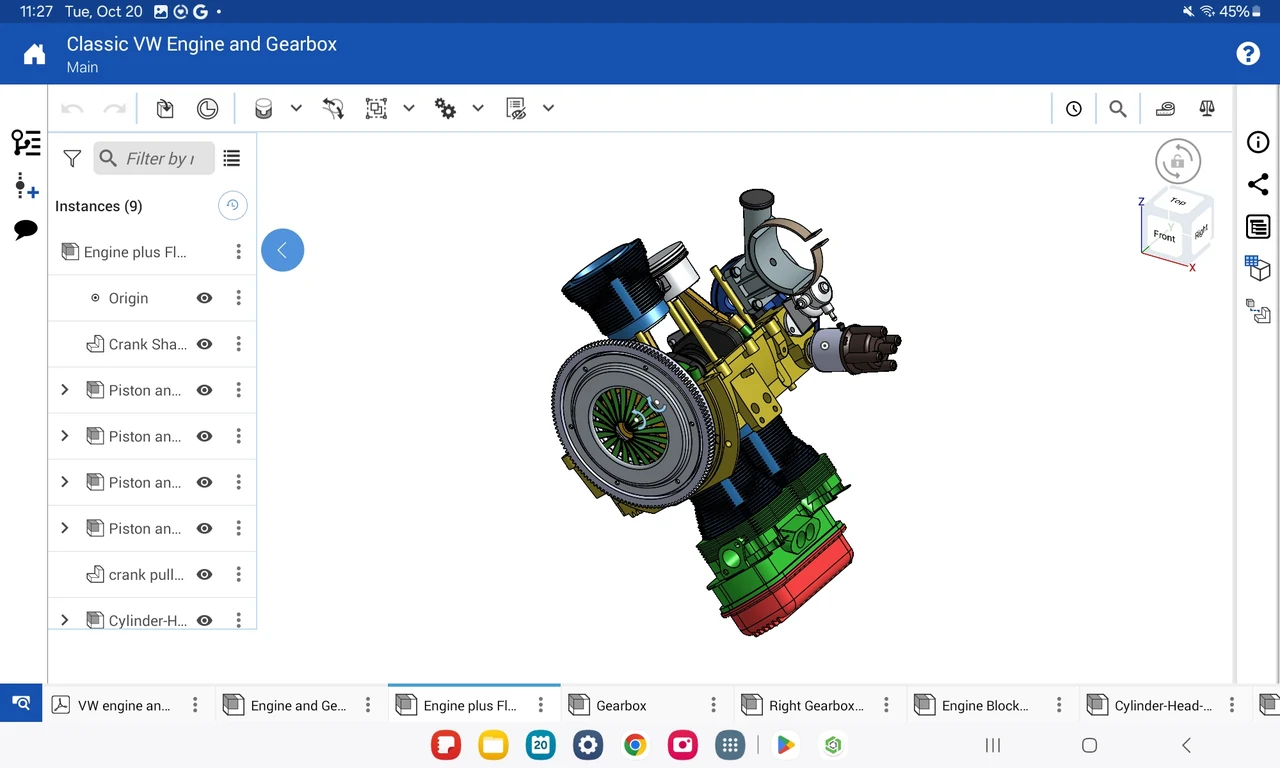
In addition to the Google Play app, Onshape delivers a complete desktop CAD experience directly in the Google Chrome browser at cad.onshape.com. Simply navigate to the site, sign in with your account, and access your full document library. The browser client leverages WebGL hardware acceleration to render assemblies with thousands of components, offering multi-tab document navigation, custom FeatureScript creation, and advanced surface modeling.
Core 3D CAD and collaboration features in Onshape
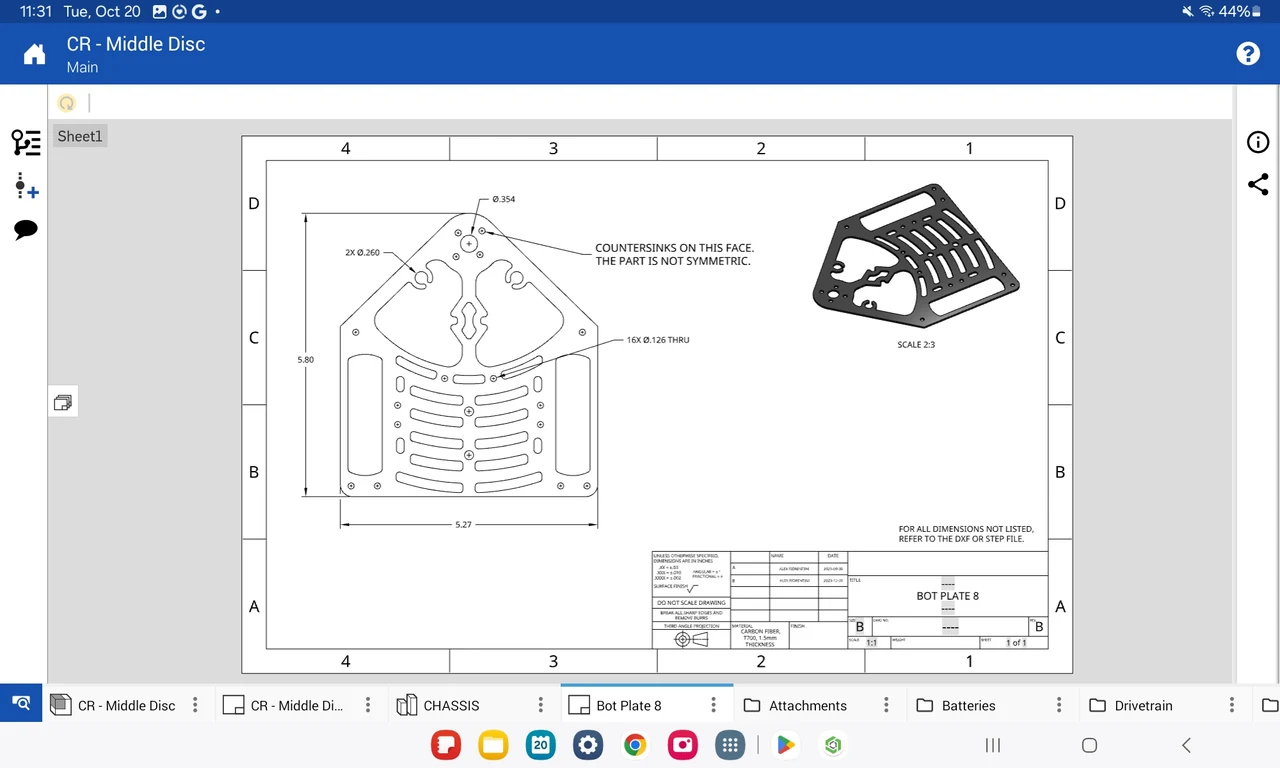
Onshape combines modern parametric modeling with built-in version control and collaboration tools engineered for agile mechanical development:
Onshape Android app vs Onshape web platform: feature comparison
Compare the advantages of the Google Play mobile app against the full browser CAD client on ChromeOS devices:
Troubleshooting common Onshape issues on ChromeOS
If you experience sluggish 3D viewport rotation, touch responsiveness issues, or enterprise account barriers, apply these tested fixes:
Frequently asked questions
Is Onshape 3D CAD free to install and use on Chromebook and Googlebook?
Yes. Onshape offers a full-featured free education plan for students and educators, as well as the Onshape Free plan for hobbyists and makers creating open-source designs. Paid commercial subscriptions (Standard, Professional, and Enterprise) are available for engineering businesses and professional teams.
Does Onshape run natively in the Chrome browser or as an Android app?
Both. Onshape is built on a full-cloud architecture. You can run the complete desktop CAD suite directly in Chrome at cad.onshape.com without installing any software, or download the official Onshape 3D CAD Android app from Google Play for touch-optimized mobile sketching and model inspection.
Can I use Onshape 3D CAD offline on my Chromebook?
Because Onshape is a cloud-native CAD and PDM platform where geometry generation and version databases reside on cloud servers, an active internet connection is required for modeling and saving. However, the mobile app caches recently opened documents for offline viewing and markup.
Can school IT administrators deploy Onshape on student Chromebooks?
Yes. School IT administrators can mass-deploy the Onshape Android app (com.onshape.app) through the Google Admin Console across managed fleets. Alternatively, educators can manage student access through Onshape for Education by allowlisting cad.onshape.com in managed Chrome browser settings.
How do I export 3D models from Onshape for 3D printing on a Chromebook?
To 3D print a part in Onshape, right-click (or two-finger tap) the part in the lower Part Studio tab or Feature Tree, select Export, choose STL (or 3MF/OBJ), set your units to millimeters, and click Export. The STL file downloads directly to your ChromeOS Files app, ready for your slicing software.
Explore more design and productivity tools on Chromebook
Looking to expand your creative and technical toolkit? Explore companion 2D floor plans and architectural blueprints with our guide to AutoCAD on Chromebook, create stunning engineering presentations and technical graphics using Canva on Chromebook, review recorded assembly motion simulations with VLC on Chromebook, or compare optimal hardware specs in our guide to the best Chromebook for students.
Discover more from Chrome Geek
Subscribe to get the latest posts sent to your email.