Google Tests AI Mode Tab Sharing in Chrome and an AI Mode Sidebar in Search
 by
Sophie Sullivan
Post Updated: October 20, 2026
by
Sophie Sullivan
Post Updated: October 20, 2026
Google is testing two new shortcuts into AI Mode this week. In Chrome Canary, a right-click on a tab can now open an AI Mode conversation in the side panel. On Google Search, some people are seeing the AI Mode sidebar, with chat history and a new chat button, on regular results pages. Both are early tests, so what you see below may change or never ship.
1. Share tabs with AI Mode from Chrome’s tab menu
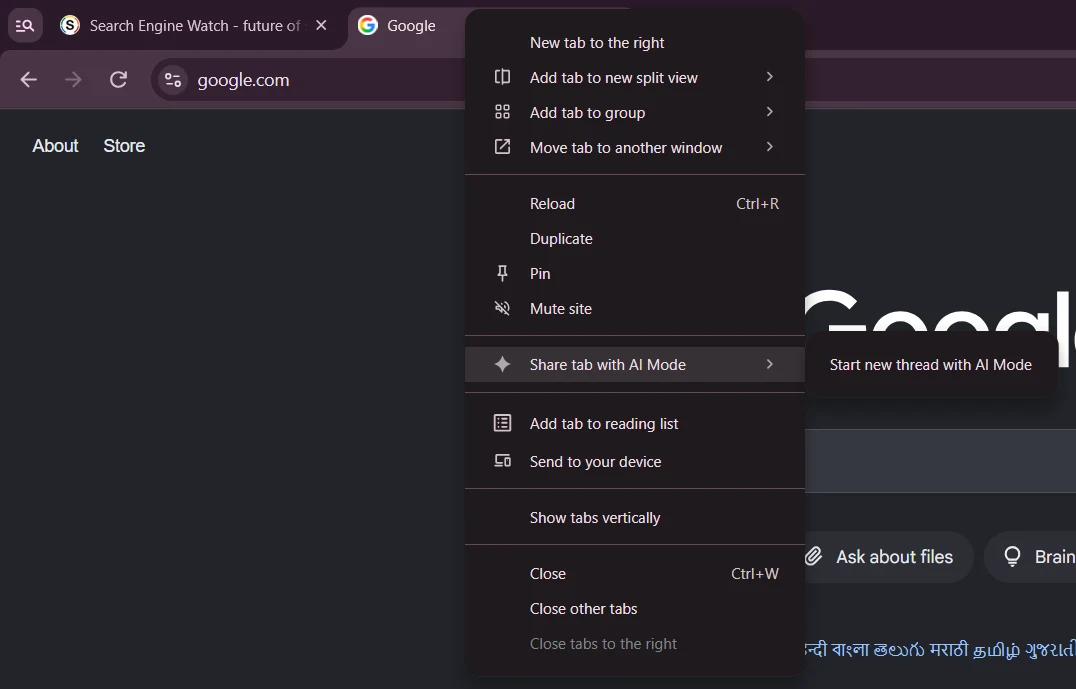
Where it shows up: right-click a tab in Chrome Canary and you may see a new “Share tab with AI Mode” submenu. Inside it sits one option, “Start new thread with AI Mode”, which opens AI Mode in Chrome’s side panel next to the page you are on. Search Engine Watch reported the test on October 19 and found it even in Chrome profiles that are not signed in to a Google Account.
Works with several tabs: select tabs with Ctrl or Shift first and the label changes to match, for example “Share 3 tabs with AI Mode”. Chrome watcher Leopeva64 spotted the entry on October 17. In his screenshot it sits right below the existing “Share tabs with Gemini” option, so for now Chrome offers both an AI Mode and a Gemini version.
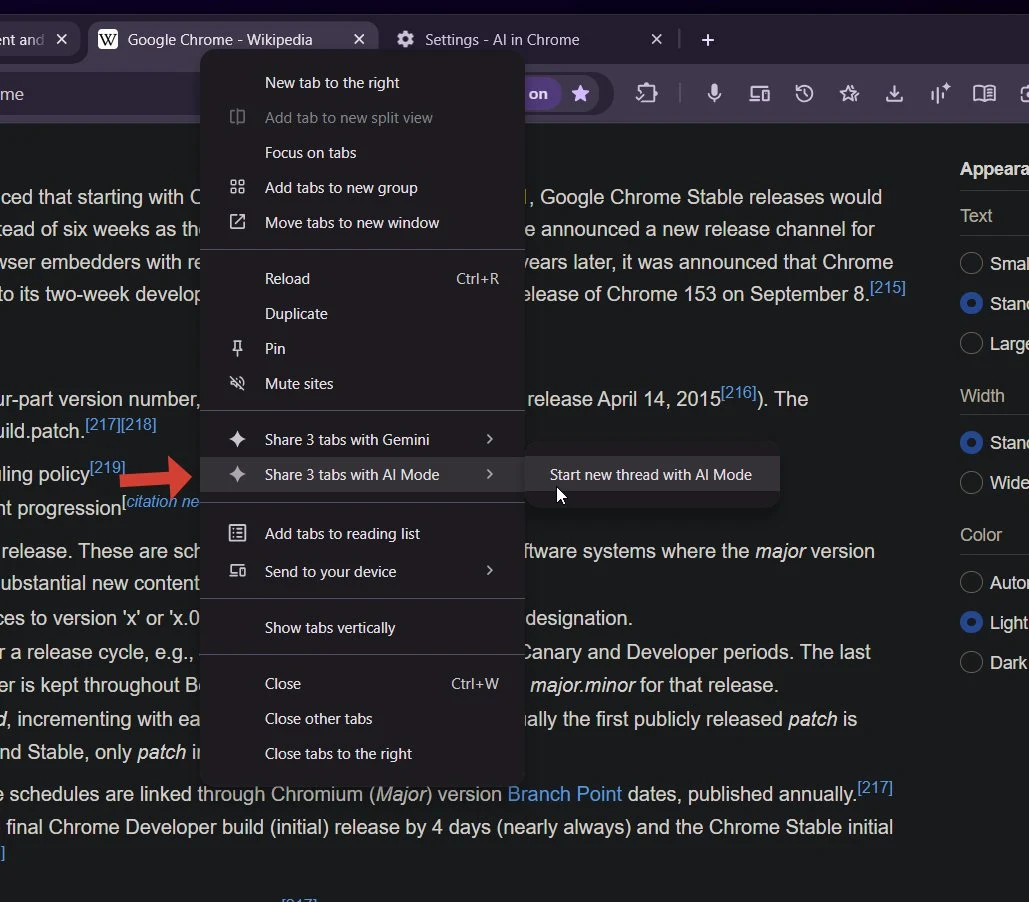
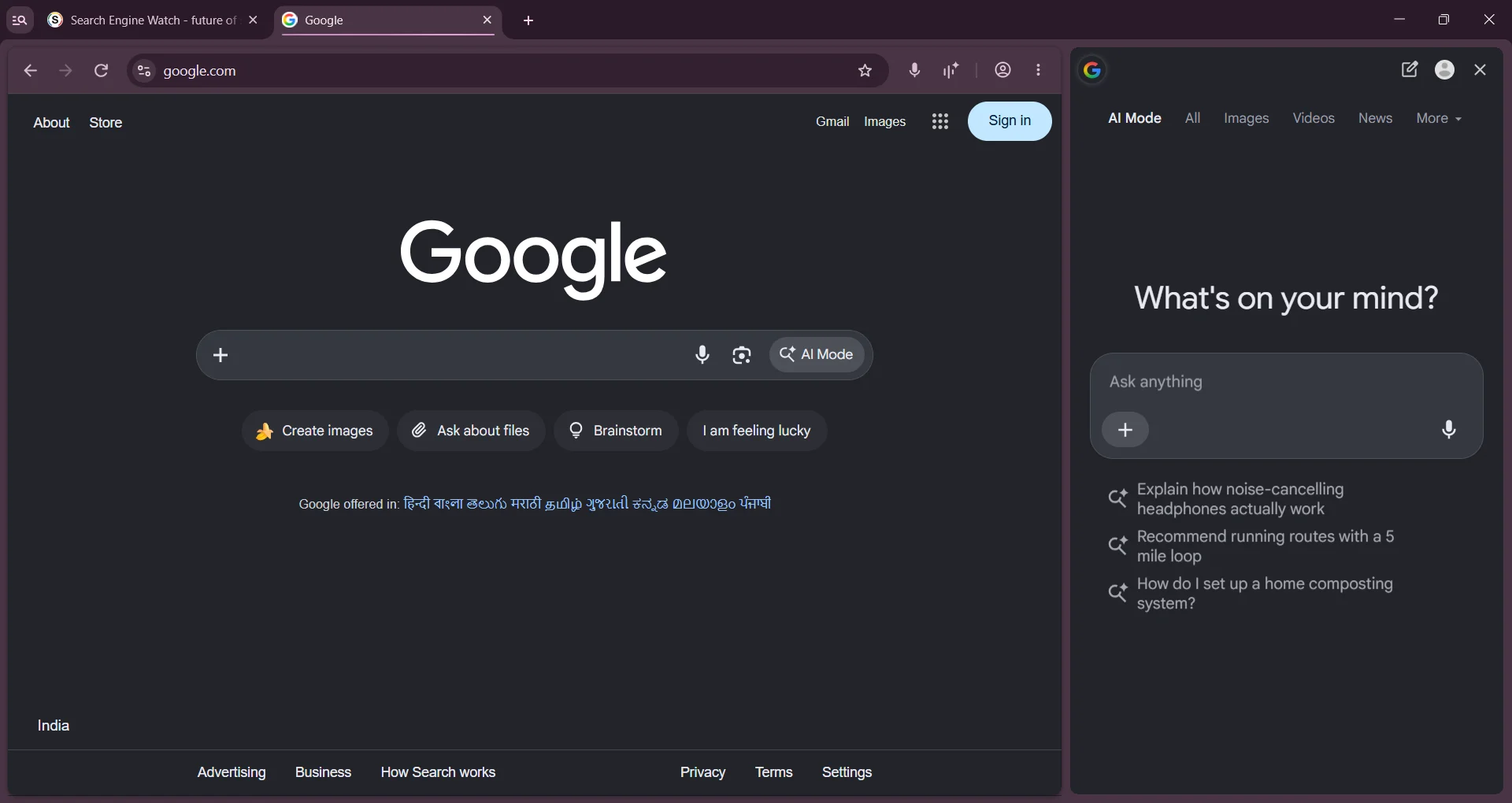
Not working fully yet: both Search Engine Watch and Leopeva64 found that the selected tabs do not show up as context in the conversation. Picking the option simply opens an empty AI Mode thread in the side panel. That is normal for a Canary feature that is still being built.
What Chromium code says is coming next
Already merged: the base menu landed in Chromium on October 14 and 15 under Google’s ContextualTasks project. The code only shows the AI Mode items when the new Contextual Tasks side panel is turned on, when sharing tab context is allowed by policy, and when at least one selected tab has a page that can be shared.
Still in review: a set of follow-up changes, all filed on October 14 and not merged yet, adds three things. The menu would list up to five recent AI Mode conversations, so you can add a tab to a chat you already started. And a new “Unshare with AI Mode” command would let you take tabs back out of an AI Mode session, and the related code change says that also clears tab content that was already sent.
2. The AI Mode sidebar shows up on regular search results
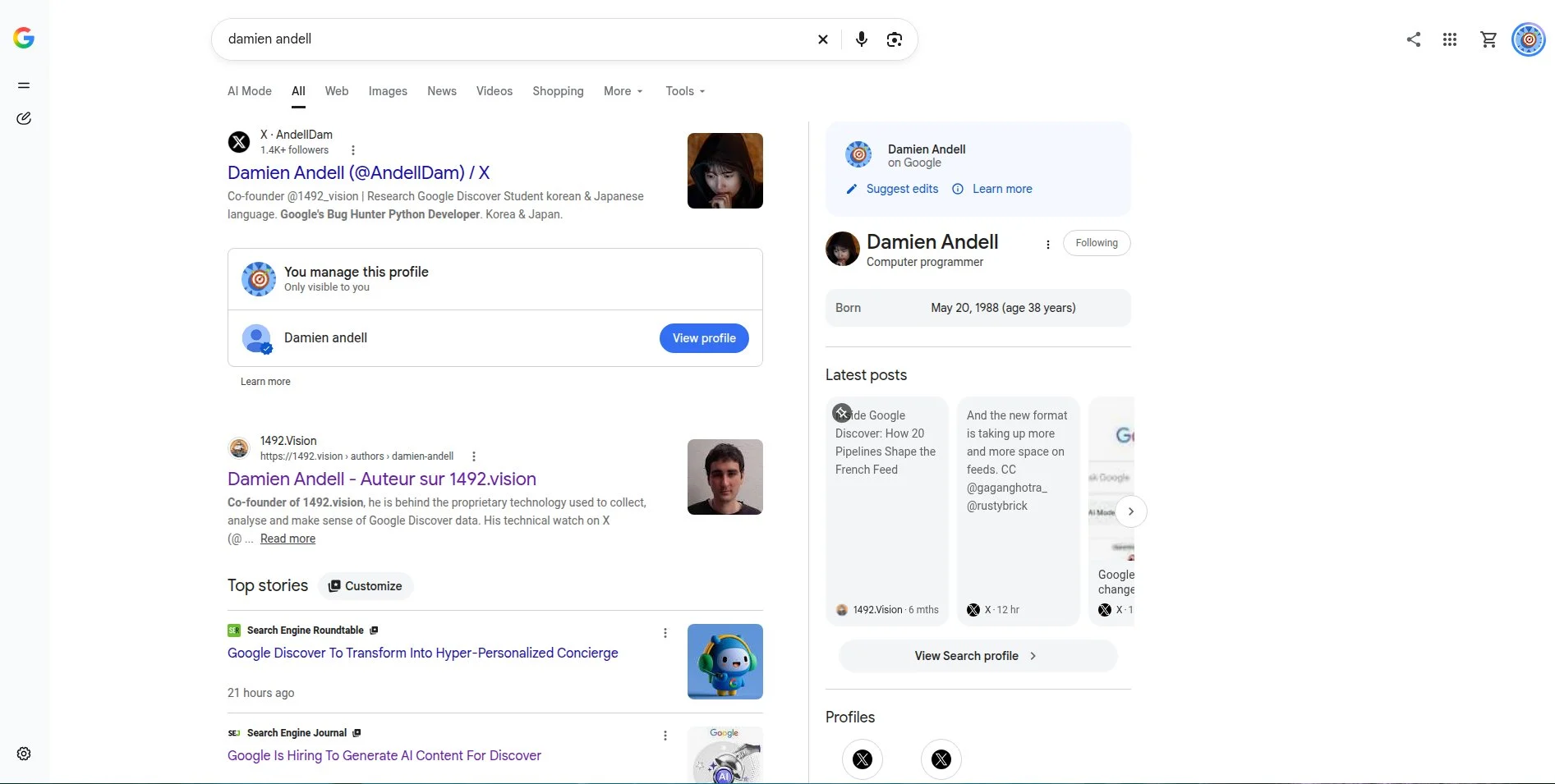
What people are seeing: Google is testing the left sidebar from AI Mode on the main Google results page. Search Engine Roundtable first reported it on October 14, based on a screenshot from Damien Andell. The narrow rail holds a small Google logo, your AI Mode chat history, a button to start a new AI Mode chat and the settings icon.
Not for everyone: Andell thought it had become the default for every search, but Barry Schwartz could not reproduce it in any of his browsers. On October 20, Search Engine Watch spotted an AI Mode panel next to regular results in Incognito, where it only showed a “You’re signed out” message. That pattern fits a limited test, not a full rollout.
What about Gemini chats? SEO consultant Marie Haynes saw Gemini conversations in the sidebar when she opened AI Mode directly. She later clarified that they came from the Gemini overlay on her Android phone, not from the Gemini app. So for now there is no solid sign that the full Gemini app history is merging into AI Mode.
Why it matters for Chrome and Chromebook users
AI Mode everywhere: both tests make AI Mode easier to reach without opening a separate page first. They follow other recent changes we covered, like AI Mode and AI Overviews putting links front and center and news carousels and clickable creator profiles in AI Mode.
On a Chromebook: Chromebooks run the same desktop Chrome, so a tab menu option like this would likely reach them too if Google ships it. Google has not announced the feature or a timeline, though.
Think before you share: sharing a tab means sending what is on that page to AI Mode. The planned Unshare command and the policy check are good signs that Google is building in a way to control this, and IT admins should watch for it.
Our take: Google clearly wants AI Mode to sit right inside the browser, much like OpenAI’s ChatGPT extension that can read your Chrome tabs. The odd part is that Chrome now offers both a Gemini and an AI Mode way to share tabs. We would not be surprised if Google trims that down before this reaches Stable.
Prefer Gemini? Read our guide: How to Use Gemini 4 Argon on a Chromebook or in Chrome.
Discover more from Chrome Geek
Subscribe to get the latest posts sent to your email.