GeForce NOW on Chromebook: Install Guide, DLSS 4.5 Controls and Web Access
Turn your Chromebook into a cloud gaming machine in a few minutes. We cover both setup methods, the new DLSS dials and what your connection needs.

The best ChromeOs Blog on the web.


Turn your Chromebook into a cloud gaming machine in a few minutes. We cover both setup methods, the new DLSS dials and what your connection needs.

Install and use CNN on Chromebook and Googlebook from Google Play or the web platform. Stream live news broadcasts, track breaking alerts, and cast audio.

Install Amazon Prime Video on Chromebook or Googlebook via Google Play or the web platform. Stream 4K HDR originals, download offline shows, and cast from your phone.

Install and use Rave on Chromebook and Googlebook to sync Netflix, Prime Video, YouTube, and Crunchyroll. Host watch parties with real-time text and voice chat.

Install and use Infinite Painter on Chromebook and Googlebook. Discover over 160 realistic brushes, Photoshop blend modes, USI stylus setup, and layer tools.
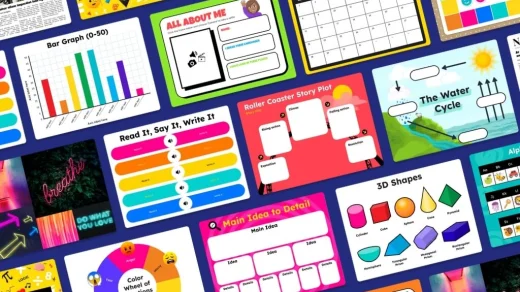
Access Book Creator on Chromebook and Googlebook via the official web app. Design multimedia ebooks, record student audio narration, use comic layouts, and collaborate in real-time.

Install and use Minecraft Education on Chromebook and Googlebook through Google Play or phone casting. Program the Agent, explore STEM worlds, and collaborate.
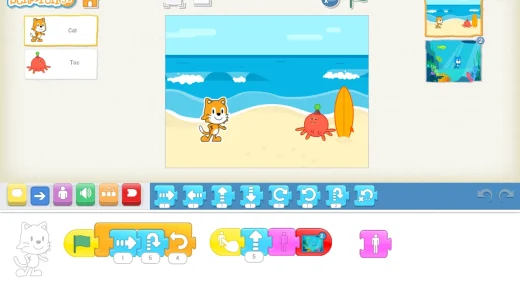
Install and use ScratchJr on Chromebook and Googlebook from Google Play or phone casting. Program interactive stories, customize characters, and record audio offline.
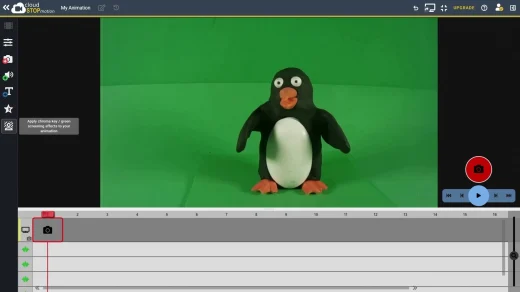
Access Cloud Stop Motion on Chromebook and Googlebook via the official web app. Create stop motion animations with frame capture, onion skinning, green screen keying, and MP4 export.
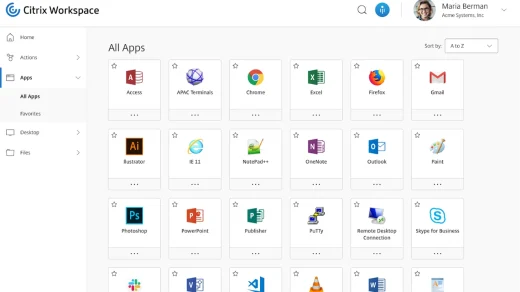
Install and use Citrix Workspace on Chromebook and Googlebook from Google Play or phone casting. Access virtual Windows desktops, cloud applications, and corporate files.