Cloud Stop Motion on Chromebook and Googlebook: Web Access & Features
 by
Gloria Brown
Post Updated: November 3, 2026
You can access and use Cloud Stop Motion on Chromebook and Googlebook directly through its full-featured web app at app.cloudstopmotion.com, or stream it wirelessly from your phone. Developed by ZuLogic, Cloud Stop Motion is a cloud-native animation studio that allows students, teachers, and animators to capture stop motion films, record custom audio, and edit frames directly in Google Chrome without downloading software or worrying about device storage limitations.
Chromebook and Googlebook laptops provide an ideal workspace for stop motion creators, featuring responsive touchscreens, USI stylus support, physical keyboard shortcuts, and seamless compatibility with built-in webcams or external USB cameras. This comprehensive guide explains how to set up web access, pin Cloud Stop Motion as a desktop Progressive Web App (PWA), master onion skinning and green screening, manage school organization fleets, and troubleshoot camera connectivity.
Need help setting up student animation libraries or configuring USB document cameras for classroom animation? Contact us with your device model and ChromeOS build for customized guidance.

How to access and use Cloud Stop Motion on Chromebook and Googlebook
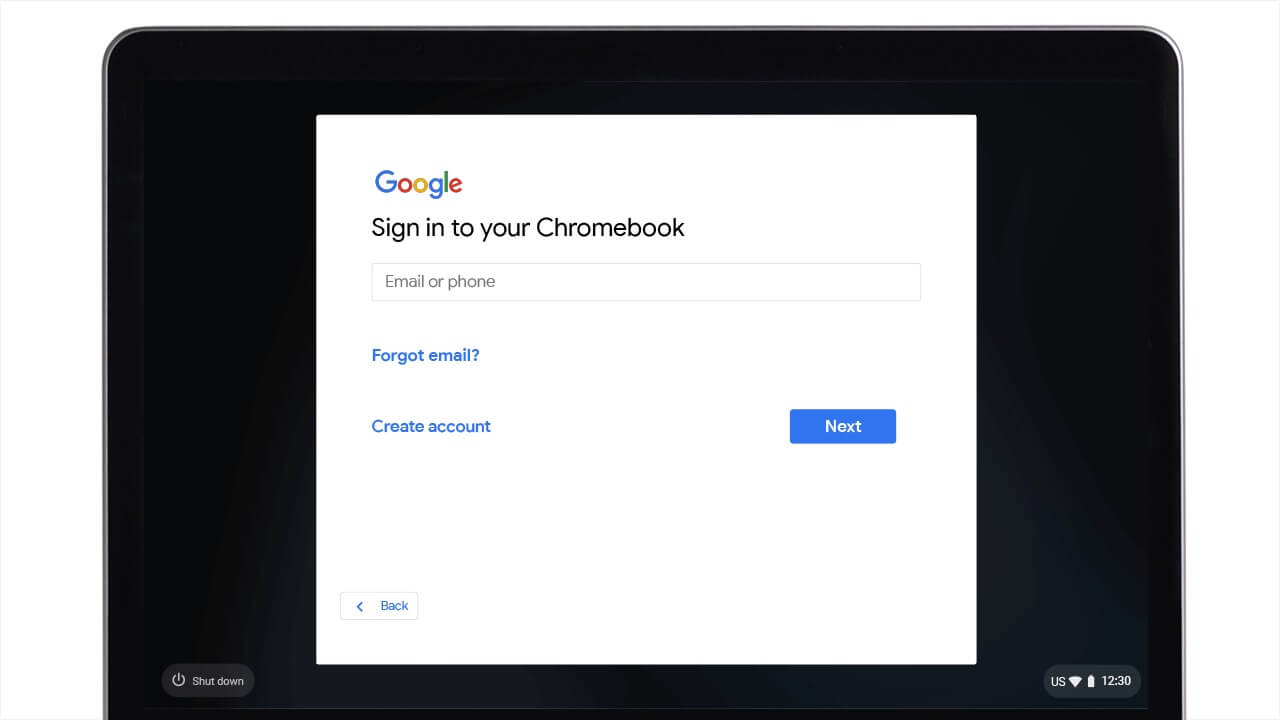
Because Cloud Stop Motion is engineered as an entirely browser-native animation platform, you do not need to download an Android APK, configure Linux Crostini, or manage local storage partitions. Setting up your animation workstation takes only a few quick steps in Google Chrome:
For broader operating system guidance, review Google’s official Android app setup guide for Chromebook and companion guide on installing apps on Googlebook. Note that school and enterprise IT administrators can deploy and allowlist Cloud Stop Motion across entire student fleets via the Google Admin Console managed browser bookmarks and app permissions. To give Cloud Stop Motion a dedicated, full-screen desktop window, click the Install icon on the right side of Chrome’s address bar to install it as a Progressive Web App (PWA), then right-click its shelf icon and select Pin.
Cast Cloud Stop Motion from your phone on Googlebook
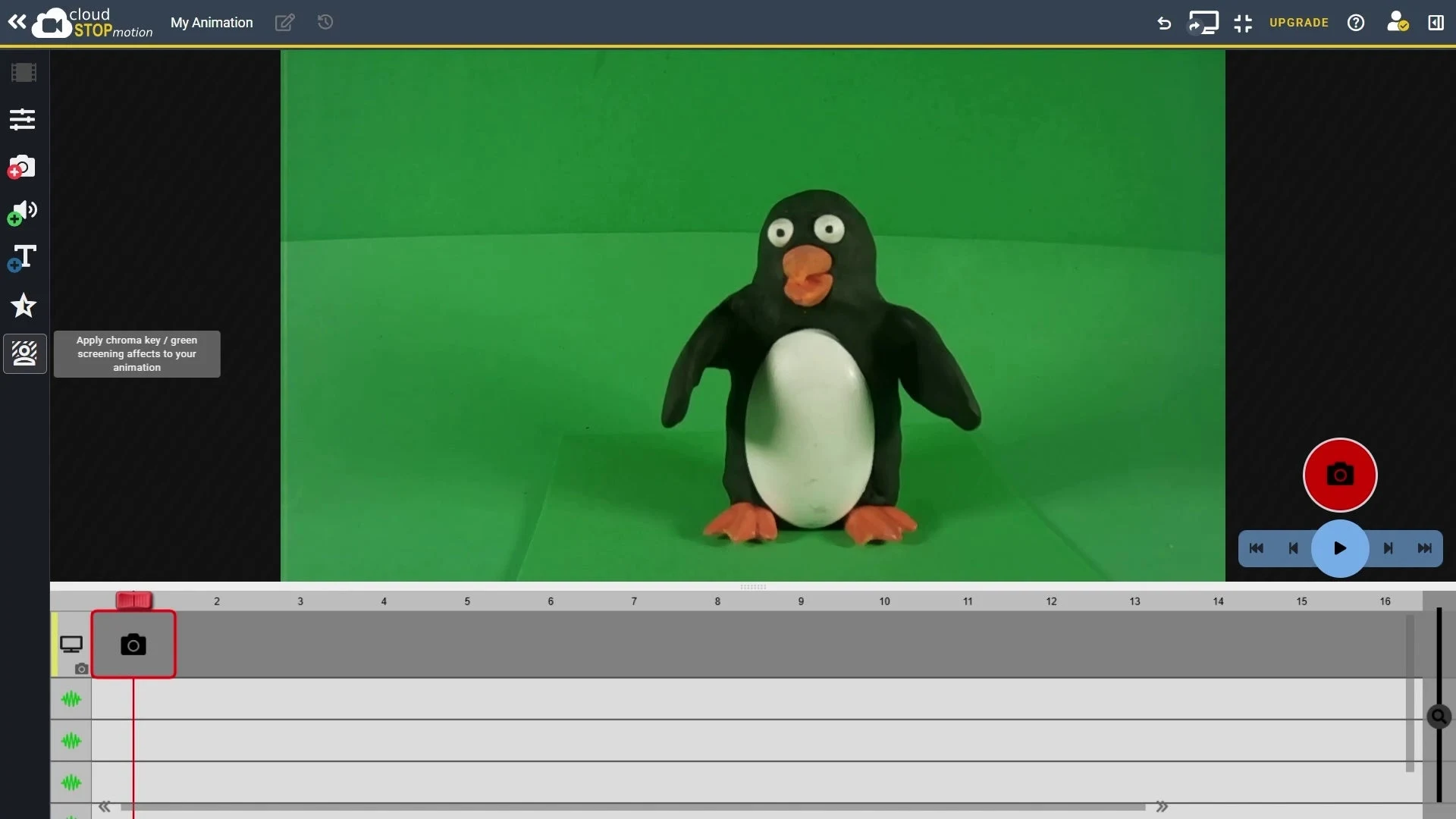
Googlebook users can also access Cloud Stop Motion through native phone hub integration. Using Cast My Apps from the Googlebook phone hub, you can wirelessly stream your smartphone’s active mobile browser or animation session directly onto your laptop screen. This setup allows creators to mount a high-resolution smartphone camera on a physical tripod or tabletop rig over claymation figures while monitoring frame capture, onion skinning, and playback comfortably from the laptop keyboard and spacious display without transferring media files or readjusting cables.
Frame-by-frame animation, onion skinning, and camera controls
Cloud Stop Motion packs professional-grade animation tools into an approachable interface that caters to elementary students and seasoned animators alike:
Green screen chroma keying and background composite layers
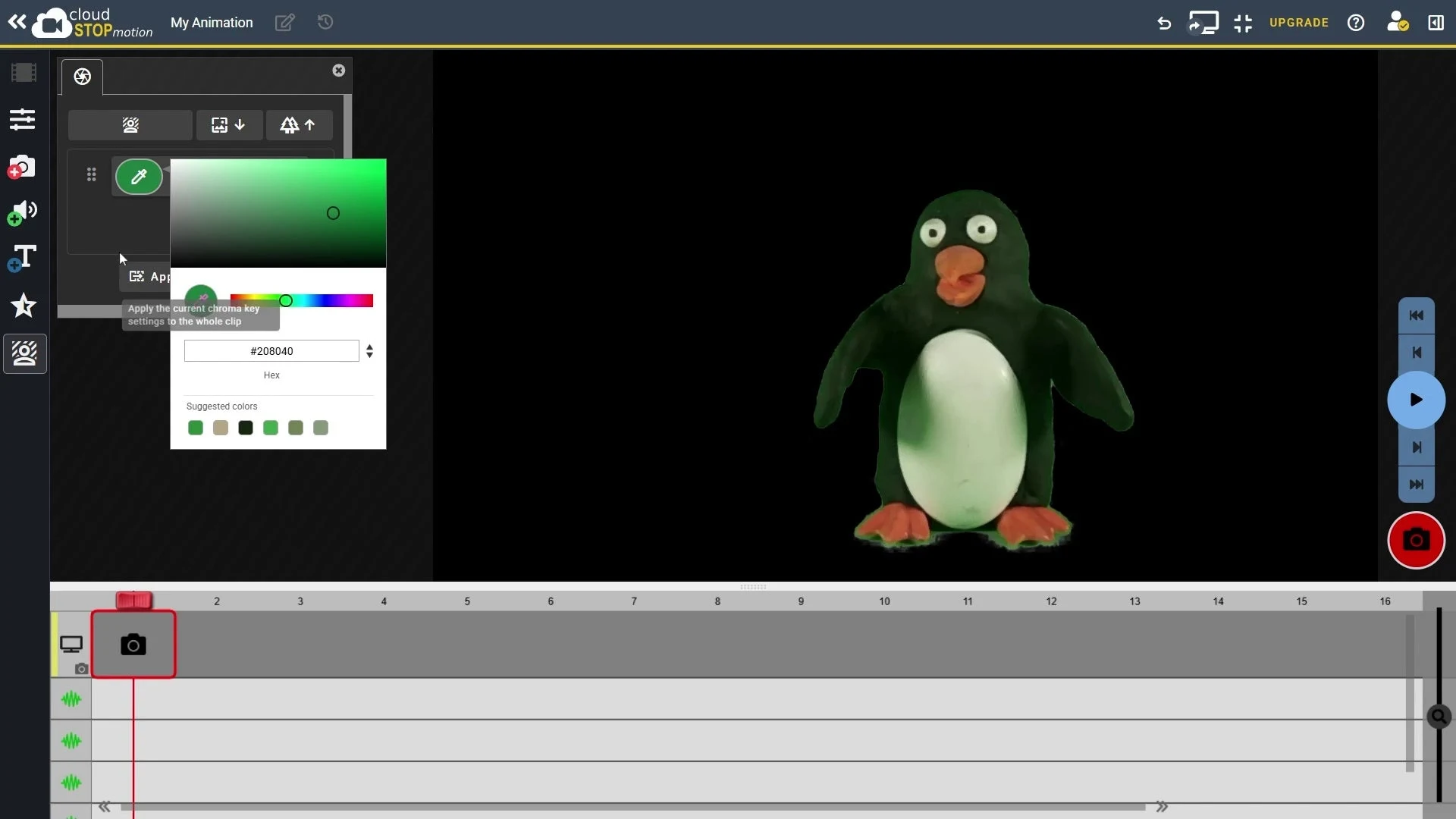
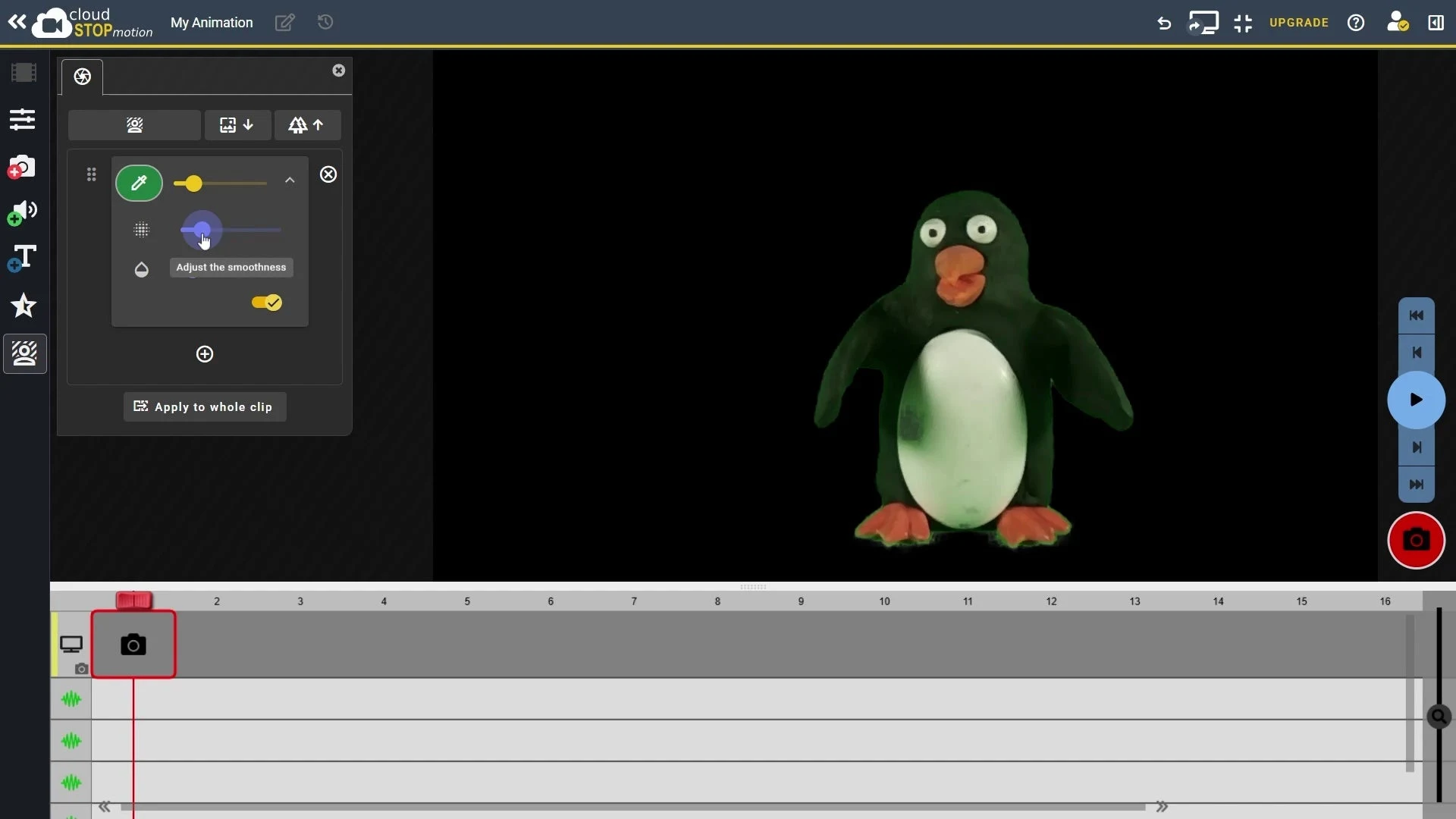
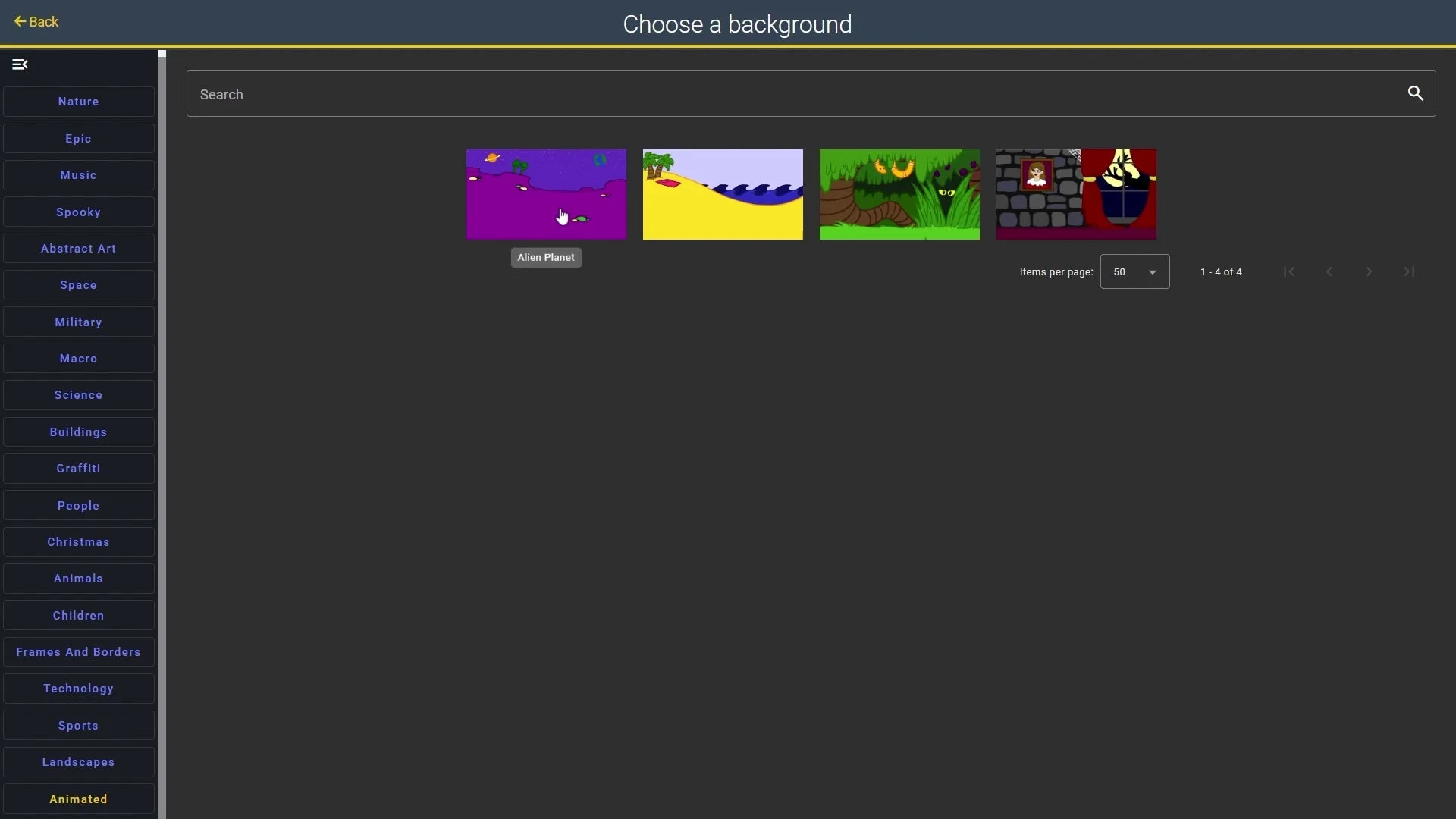
One of Cloud Stop Motion’s standout features is its integrated, real-time green screen engine, which lets animators transport characters into custom digital environments:
Audio recording, multi-track sound effects, and voiceovers
Sound design brings stop motion animation to life. Cloud Stop Motion features a comprehensive audio suite that makes syncing sound cues effortless:
Cloud Stop Motion Organization Console for schools and educators
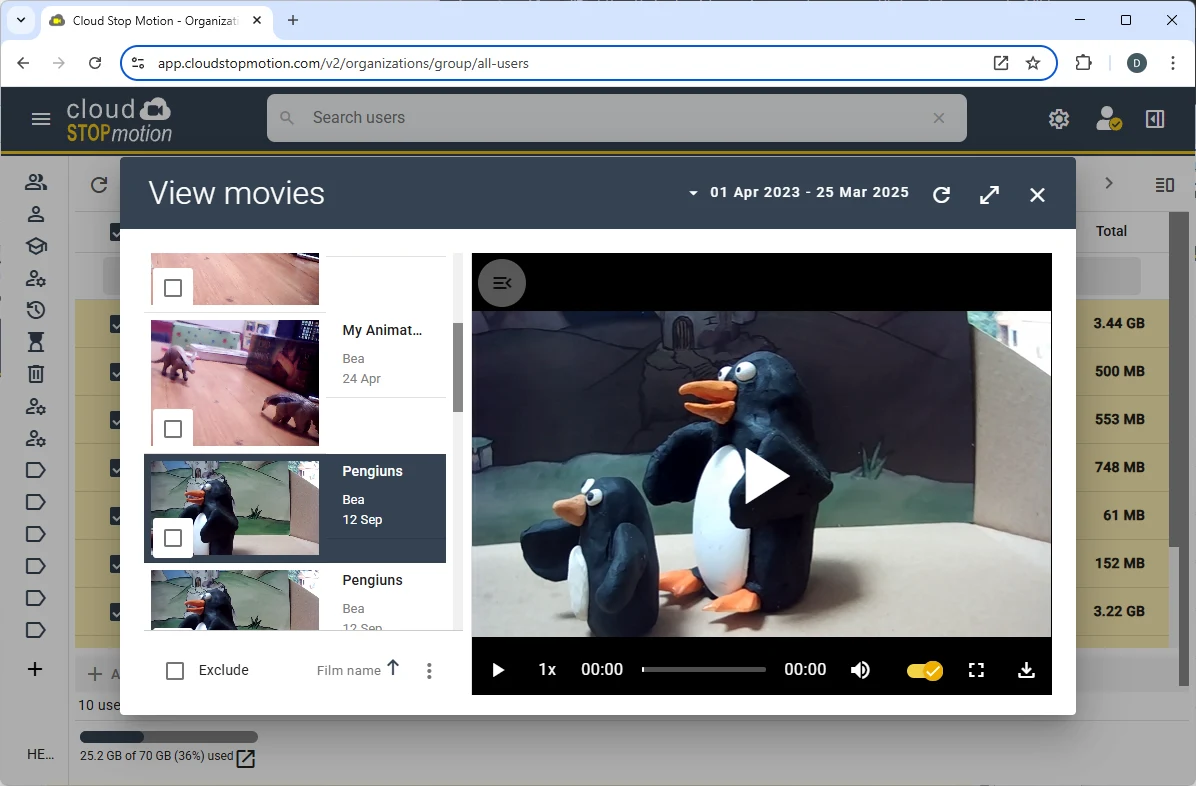
Built specifically with classroom safety and teacher oversight in mind, Cloud Stop Motion offers a robust Organization Console that simplifies school-wide deployment:
Cloud Stop Motion Web App vs. Stop Motion Studio vs. Phone Hub casting
Examine the core differences between the top animation workflows on Chromebook and Googlebook to select the ideal option for your creative setup:
Troubleshooting common Cloud Stop Motion issues on ChromeOS
If you encounter camera errors, sluggish playback, or cloud saving problems, follow these targeted troubleshooting steps:
Frequently asked questions about Cloud Stop Motion on Chromebook
Is Cloud Stop Motion free to use on Chromebook and Googlebook?
Yes. Cloud Stop Motion provides a free starter tier that gives individual creators 500 MB of cloud storage, full access to frame-by-frame animation tools, onion skinning, green screen chroma keying, and basic audio recording. Paid individual and school organization licenses unlock additional cloud storage quotas (up to 70 GB+), unlimited student accounts, administrative class controls, and higher resolution export.
Does Cloud Stop Motion work offline on ChromeOS?
No. Cloud Stop Motion operates entirely in the cloud as a web-based platform running through your browser. An active internet connection is required to authenticate, load project timelines, render chroma key effects, and save animation frames to your cloud storage account.
Why is Cloud Stop Motion not available on the Google Play Store?
Cloud Stop Motion was intentionally built as an open, web-first platform using modern HTML5, WebGL, and cloud rendering rather than a native Android package. This ensures cross-device compatibility across Chromebooks, Googlebooks, tablets, Windows, and Mac devices through any standard browser without local storage bottlenecks or device architecture restrictions.
Can I install Cloud Stop Motion as a desktop app on Chromebook?
Yes. While there is no native Android APK to download, you can install Cloud Stop Motion as a Progressive Web App (PWA). Navigate to app.cloudstopmotion.com in Google Chrome, click the Install App icon on the right side of the URL bar (or select Chrome menu > Save and share > Install Cloud Stop Motion), and pin the app directly to your Chromebook shelf for a distraction-free, standalone window.
How do I fix webcam or camera permissions in Cloud Stop Motion?
If Cloud Stop Motion displays a black screen or cannot detect your camera, click the site settings icon (the tune or padlock symbol) on the left side of Chrome’s address bar. Verify that Camera and Microphone permissions are set to Allow, then refresh the page. On school-managed devices, ask your network administrator to verify that external webcam hardware policies are enabled in the Google Admin Console.
Explore more creative animation and video tools on Chromebook
Looking to expand your digital animation toolkit on ChromeOS? Discover advanced manual camera controls and 4K exporting with our guide to Stop Motion Studio on Chromebook, compile student animation reels into interactive multimedia portfolios using Book Creator on Chromebook, trim and polish cinematic video cuts with Clipchamp on Chromebook, or design custom video title cards and movie posters using Canva on Chromebook.
Discover more from Chrome Geek
Subscribe to get the latest posts sent to your email.