How to Install and Use Clipchamp on Chromebook and Googlebook
Install Clipchamp on Chromebook and Googlebook via the official Progressive Web App (PWA). Create multi-track videos, record webcam and screen, and use AI voiceovers.

The best ChromeOs Blog on the web.


Install Clipchamp on Chromebook and Googlebook via the official Progressive Web App (PWA). Create multi-track videos, record webcam and screen, and use AI voiceovers.

Install RealVNC Viewer on Chromebook or Googlebook via Google Play or Linux. Connect to Windows, Mac, and Linux PCs, configure security, and cast from phone.

Install Instagram on Chromebook or Googlebook via Google Play or the web PWA. Discover Reels, Stories, DMs, creator tools, keyboard shortcuts, and phone casting.

Install and use Vysor on Chromebook and Googlebook via Google Play or the WebUSB browser app. Mirror phone screens, use keyboard and mouse controls, and cast apps.

Install Telegram on Chromebook and Googlebook from Google Play or use Telegram Web in Chrome. Discover how to share 2GB files, join supergroups, and manage privacy.

Install Soundtrap on Chromebook and Googlebook via Google Play or web browser. Record audio, arrange loops, make custom beats, and collaborate in real time.

Download ooVoo for Chrome or Chromebook for free video calling, chat and voice to rival Skype.
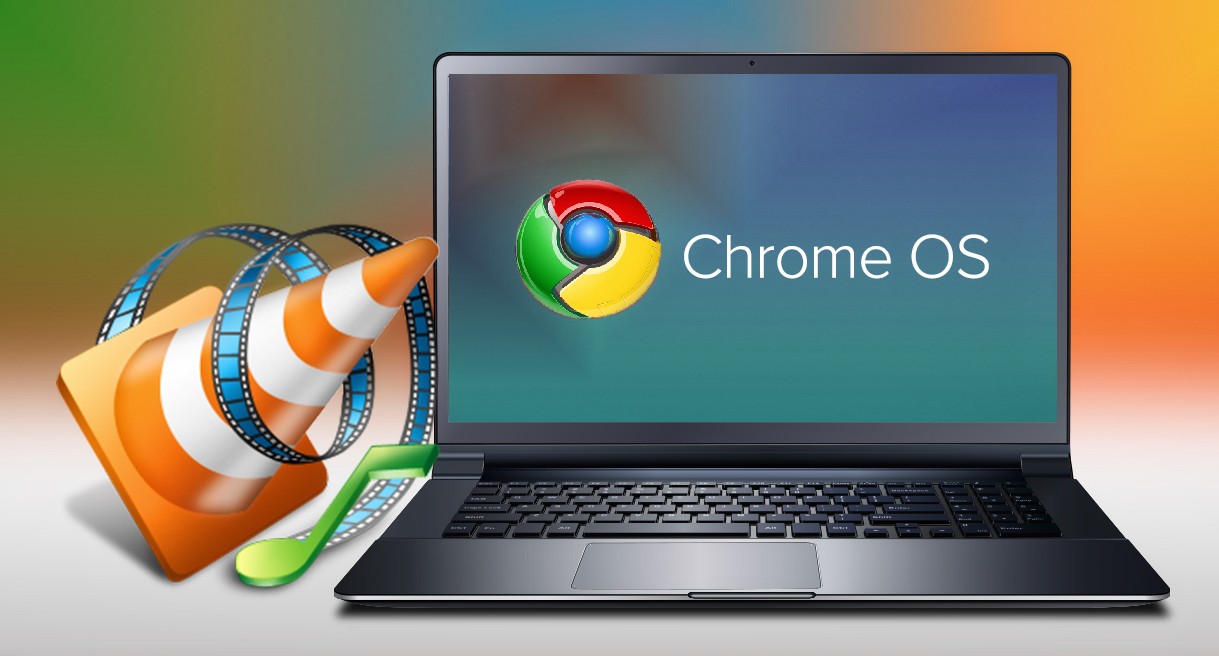
Install VLC on Chromebook or Googlebook from Google Play. Learn how to play any media format, use gesture controls, adjust audio, and browse network files.

Install WeVideo on Chromebook and Googlebook via Google Play or the cloud web editor. Create multi-track videos, record webcam and screen, and use green screen effects.

Install Polarr on Chromebook and Googlebook from Google Play or edit in Chrome. Discover creator aesthetic filters, AI object masks, and pro color grading.