How to Install and Use Microsoft Edge on Chromebook and Googlebook
Install Microsoft Edge on Chromebook and Googlebook. Learn how to set up the Android app or Linux desktop package, use Copilot AI, manage extensions, and sync passwords.

The best ChromeOs Blog on the web.


Install Microsoft Edge on Chromebook and Googlebook. Learn how to set up the Android app or Linux desktop package, use Copilot AI, manage extensions, and sync passwords.

Install Spotify on Chromebook and Googlebook via Google Play, Web Player PWA, or Linux. Discover playlists, lyrics, podcasts, and cast from your phone.

Install MX Player on Chromebook and Googlebook from Google Play. Discover how to configure HW+ hardware acceleration, adjust touch gestures, and customize subtitles.

Get Skype for Chromebook and easily use one of the most popular messaging apps including the ability to send text and video calls.
Install and use Microsoft To Do on Chromebook and Googlebook via Google Play or the web app. Plan your daily routine, set reminders, and cast from your phone.

Install and use Evernote on Chromebook and Googlebook via PWA or Android. Organize notebooks, manage to-dos, use Web Clipper, and cast from your phone.

Install TikTok on Chromebook or Googlebook from Google Play or use the Chrome web player. Learn navigation shortcuts, Auto Scroll, and video editing tools.

Install Facebook Lite from Google Play, sign in and start sharing. Follow the Chromebook and Googlebook setup steps, with messaging tips and a browser option.
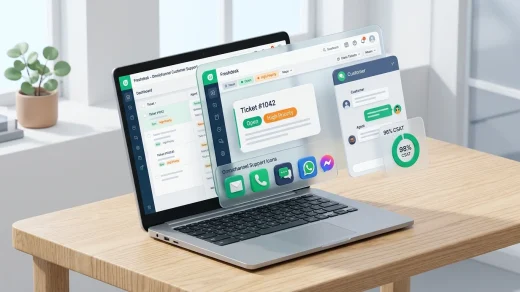
Install Freshdesk on Chromebook and Googlebook via Google Play or the web support portal. Master ticket management, omnichannel queues, SLA rules, and phone casting.

Install Plex on Chromebook or Googlebook via Google Play. Unify streaming watchlists, stream 50,000+ free movies, watch 600+ live TV channels, and cast from phone.