How to Install and Use Lensa on Chromebook and Googlebook
Install and use Lensa on Chromebook and Googlebook through Google Play or Chrome. Edit portraits with AI object eraser, enhancer, and Hollywood retouching.

The best ChromeOs Blog on the web.

Install and use Lensa on Chromebook and Googlebook through Google Play or Chrome. Edit portraits with AI object eraser, enhancer, and Hollywood retouching.
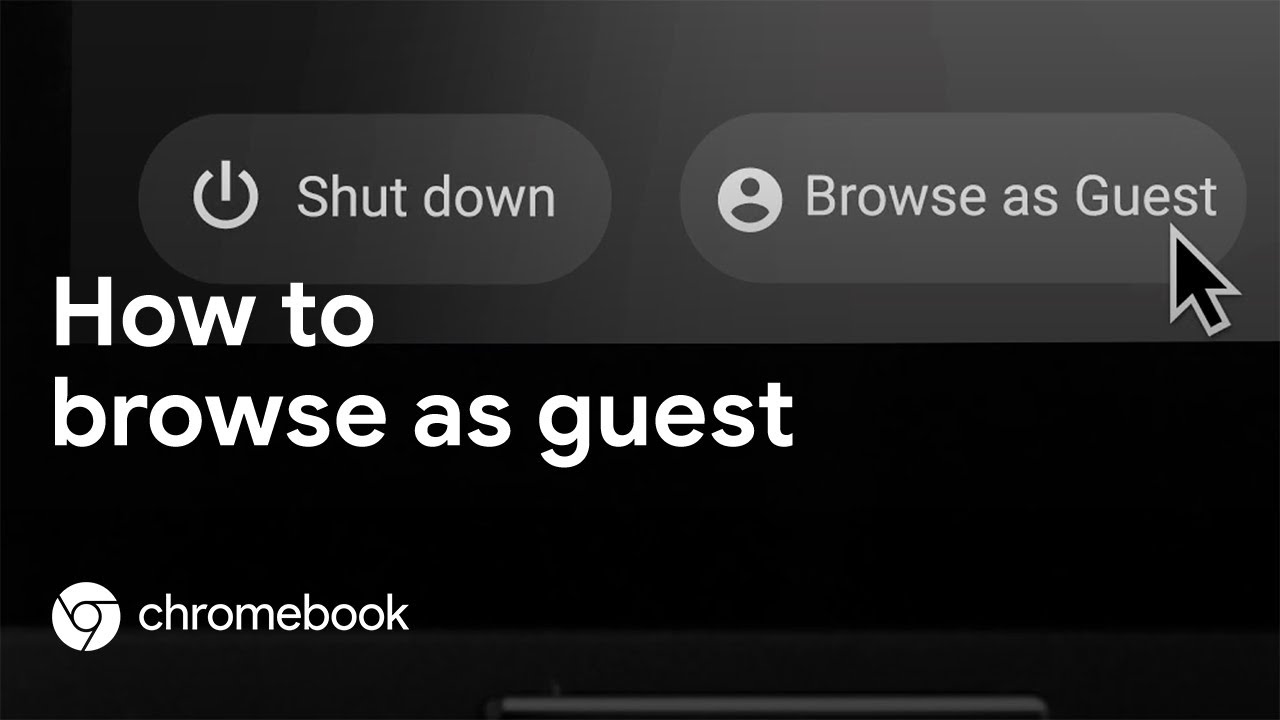
A guide on how to browse as a guest on Chromebook, just follow our step-by-step tutorial with photos attached.
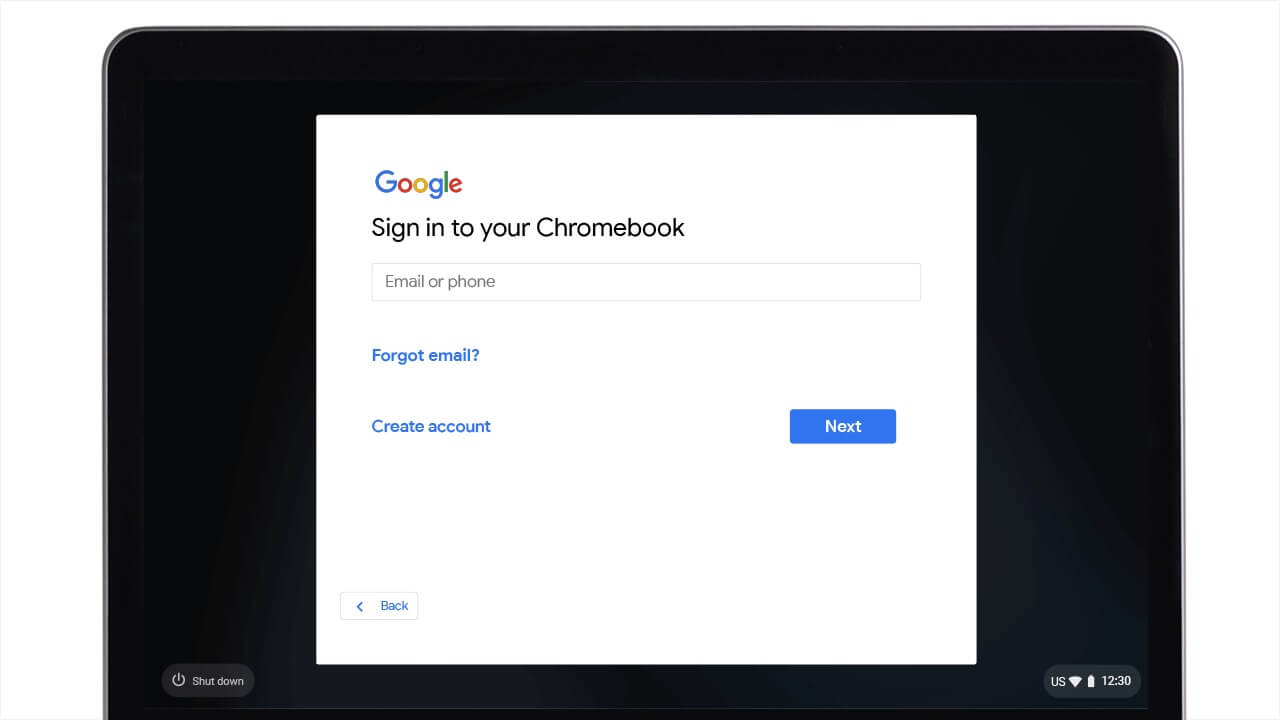
A guide on how to add a new user to your Chromebook, just follow our step-by-step tutorial with photos attached.
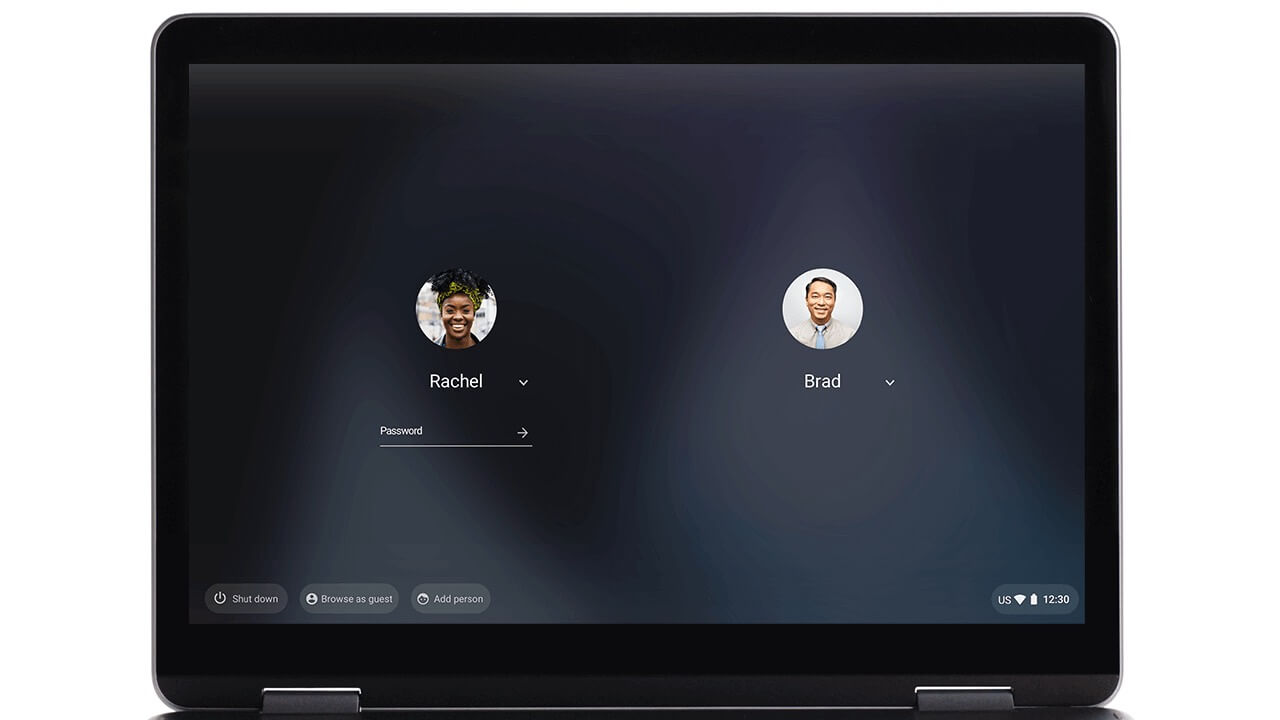
A guide on how to switch between users on your Chromebook, follow our step-by-step tutorial with photos included.
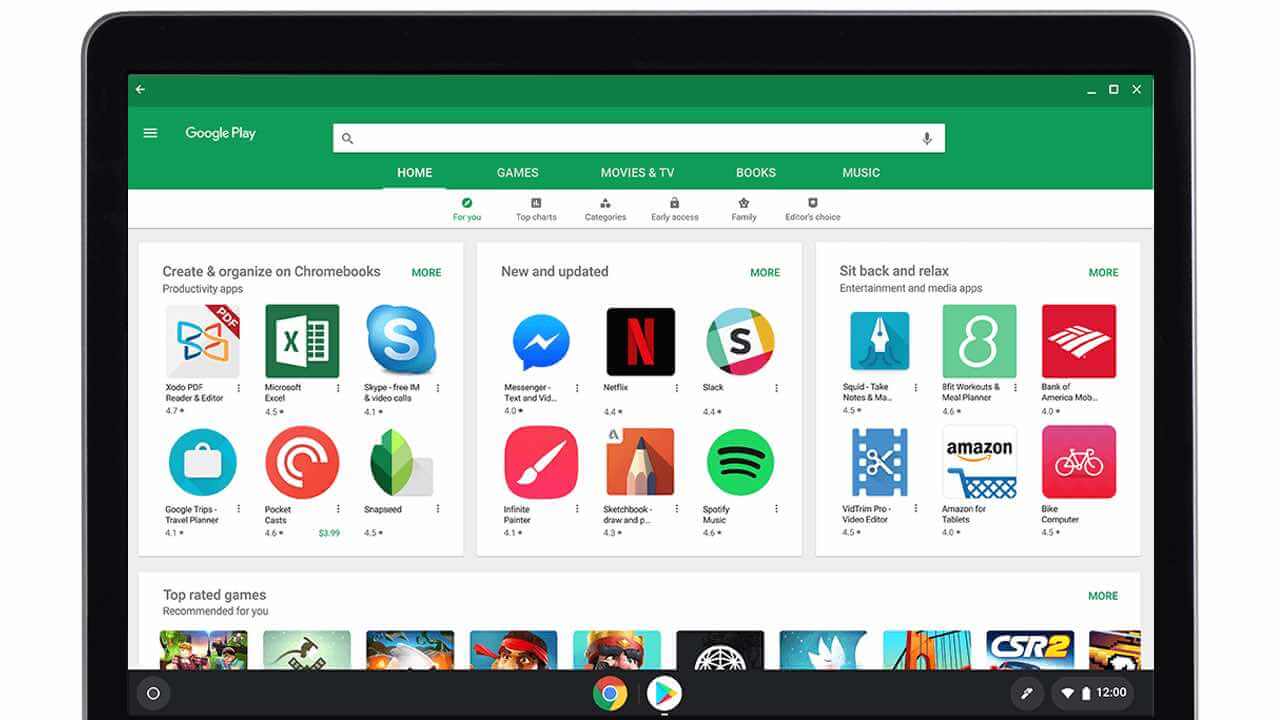
A guide on how to enable Google Play store on your Chromebook by following our step by step tutorial with photos to follow.

Get Adobe Acrobat Reader for Chromebook and experience a modern but direct way to edit, view and share your PDF files.
Learn how to install and use Adobe Fill & Sign on Chromebook and Googlebook. Complete PDF forms, create digital signatures, and review documents with ease.

Learn how to install and use DocuSign on Chromebook and Googlebook to sign electronic contracts, tag signature fields, and track documents with cloud synchronization.

Get Lily’s Garden for Chromebook and play a game that combines elements of puzzles and rpg to create a unique experience.

Get Project Makeover for Chromebook and experience a game where you dress up and do makeup for different characters.