Chromebooks That Can Run Android Apps: What to Buy & How to Check (2026)
Here is how to check if your Chromebook runs Android apps, what specs matter for Google Play, and the best Chromebooks to buy.

The best ChromeOs Blog on the web.
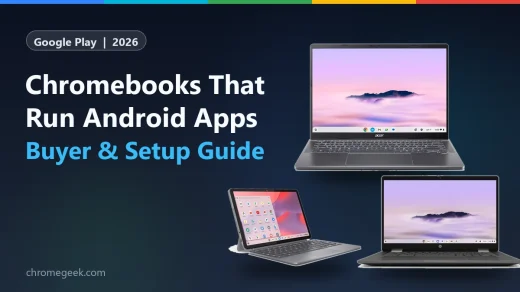
Here is how to check if your Chromebook runs Android apps, what specs matter for Google Play, and the best Chromebooks to buy.
Get Pear Deck for Chrome and experience one of the best student and teacher applications that lets you integrate easily with any classroom.
Get Form Publisher for Chrome and automatically turn your submitted forms into Google Docs, Sheets, Slides, Word, Excel, PDF presentations that you can edit and manage.
Get Dropbox for Gmail and easily preview and send any type of file including videos, photos, PDF files and other attachments from inside your inbox.

Get Smartsheet for Gmail & try a very nice add-on for Gmail that allows you to manage your sheets with data and attachments without leaving your inbox.

Download Mailtrack for Gmail and instantly find out when someone reads your email even if you use Gmail.com or the official Gmail Android app.

Download Asana for Gmail and turn your easily turn emails into tasks without leaving your inbox. Manage tasks, projects with a simple interface.

Download Trello for Gmail and instantly experience one of the best add-on for Gmail that allows you to manage your Trello boards without leaving your inbox.

Get Trello for Chrome and easily manage your tasks, projects and goals with this realible management app that works perfectly even on Chromebooks.
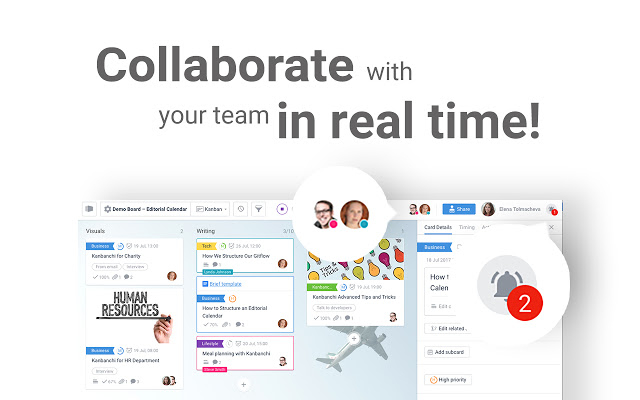
Get Kanbanchi for Chrome and you can easily manage your projects or tasks online. It comes with unique features like synching with your Google Drive.