How to Install and Use MX Player on Chromebook and Googlebook
Install MX Player on Chromebook and Googlebook from Google Play. Discover how to configure HW+ hardware acceleration, adjust touch gestures, and customize subtitles.
The best ChromeOs Blog on the web.

Install MX Player on Chromebook and Googlebook from Google Play. Discover how to configure HW+ hardware acceleration, adjust touch gestures, and customize subtitles.

Get Skype for Chromebook and easily use one of the most popular messaging apps including the ability to send text and video calls.

Get Clean Road for Chromebook and enjoy one of the most popular simulation games available for free. Challenging and fun game at the same time.
Install and use Microsoft To Do on Chromebook and Googlebook via Google Play or the web app. Plan your daily routine, set reminders, and cast from your phone.

Install and use Evernote on Chromebook and Googlebook via PWA or Android. Organize notebooks, manage to-dos, use Web Clipper, and cast from your phone.
Install TikTok on Chromebook or Googlebook from Google Play or use the Chrome web player. Learn navigation shortcuts, Auto Scroll, and video editing tools.

Download Subway Surfers for Chromebook and play one of the most popular adventure games for free with unlimited options and improved graphics.
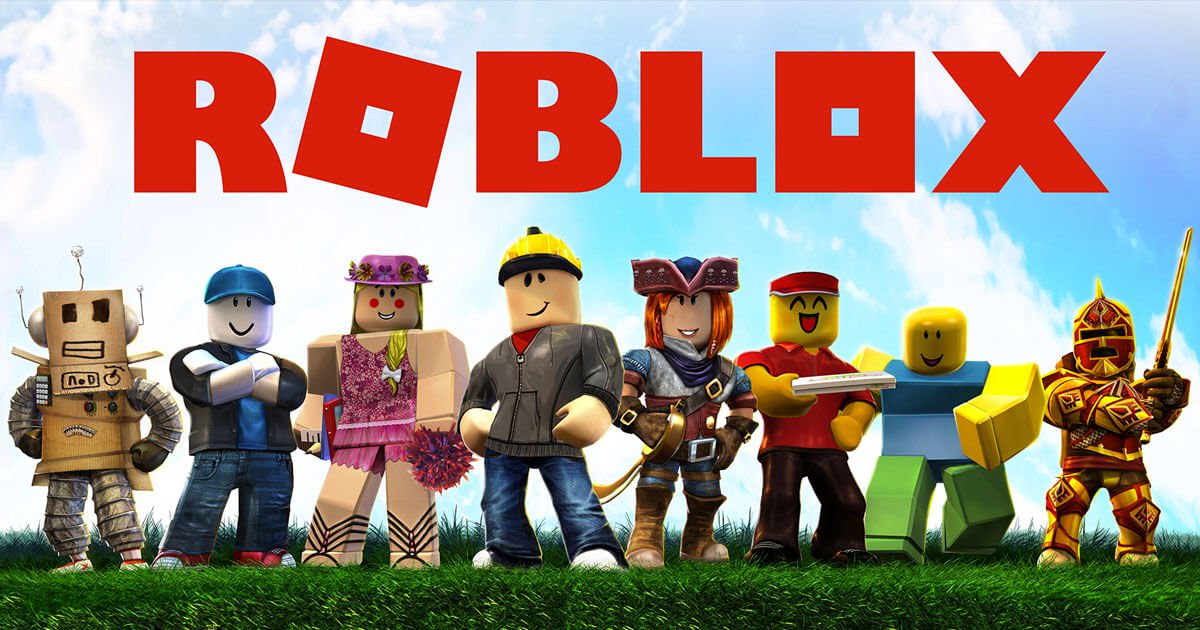
Install Roblox from Google Play on your Chromebook or Googlebook, find games, set up controls and parental settings, and fix common problems.

Download Toon Blast for Chromebook and play one of the most popular puzzle games for free. It comes with a unique multiplayer system as well.

Install Facebook Lite from Google Play, sign in and start sharing. Follow the Chromebook and Googlebook setup steps, with messaging tips and a browser option.