How to Install and Use Adobe Lightroom on Chromebook and Googlebook
Install Adobe Lightroom on Chromebook and Googlebook via Google Play or edit in Chrome. Discover RAW capture, Firefly AI removal, Lens Blur, and cloud sync.

The best ChromeOs Blog on the web.
Install Adobe Lightroom on Chromebook and Googlebook via Google Play or edit in Chrome. Discover RAW capture, Firefly AI removal, Lens Blur, and cloud sync.

Install Photoshop Express on Chromebook and Googlebook from Google Play or edit online. Discover generative AI backgrounds, aesthetic filters, and touch retouching.
Install Microsoft Edge on Chromebook and Googlebook. Learn how to set up the Android app or Linux desktop package, use Copilot AI, manage extensions, and sync passwords.

Install MX Player on Chromebook and Googlebook from Google Play. Discover how to configure HW+ hardware acceleration, adjust touch gestures, and customize subtitles.
Install and use Microsoft To Do on Chromebook and Googlebook via Google Play or the web app. Plan your daily routine, set reminders, and cast from your phone.
Install TikTok on Chromebook or Googlebook from Google Play or use the Chrome web player. Learn navigation shortcuts, Auto Scroll, and video editing tools.

Download Subway Surfers for Chromebook and play one of the most popular adventure games for free with unlimited options and improved graphics.
Get Form Publisher for Chrome and automatically turn your submitted forms into Google Docs, Sheets, Slides, Word, Excel, PDF presentations that you can edit and manage.
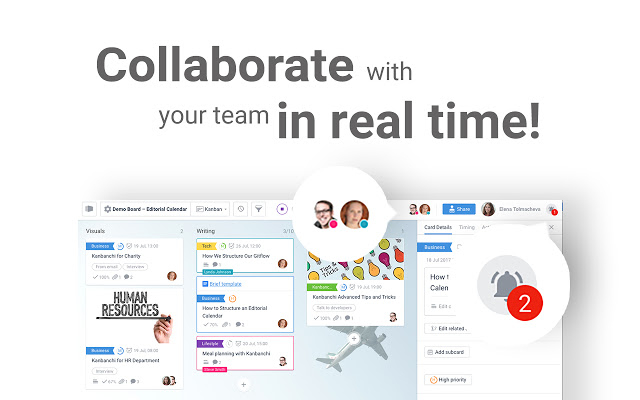
Get Kanbanchi for Chrome and you can easily manage your projects or tasks online. It comes with unique features like synching with your Google Drive.
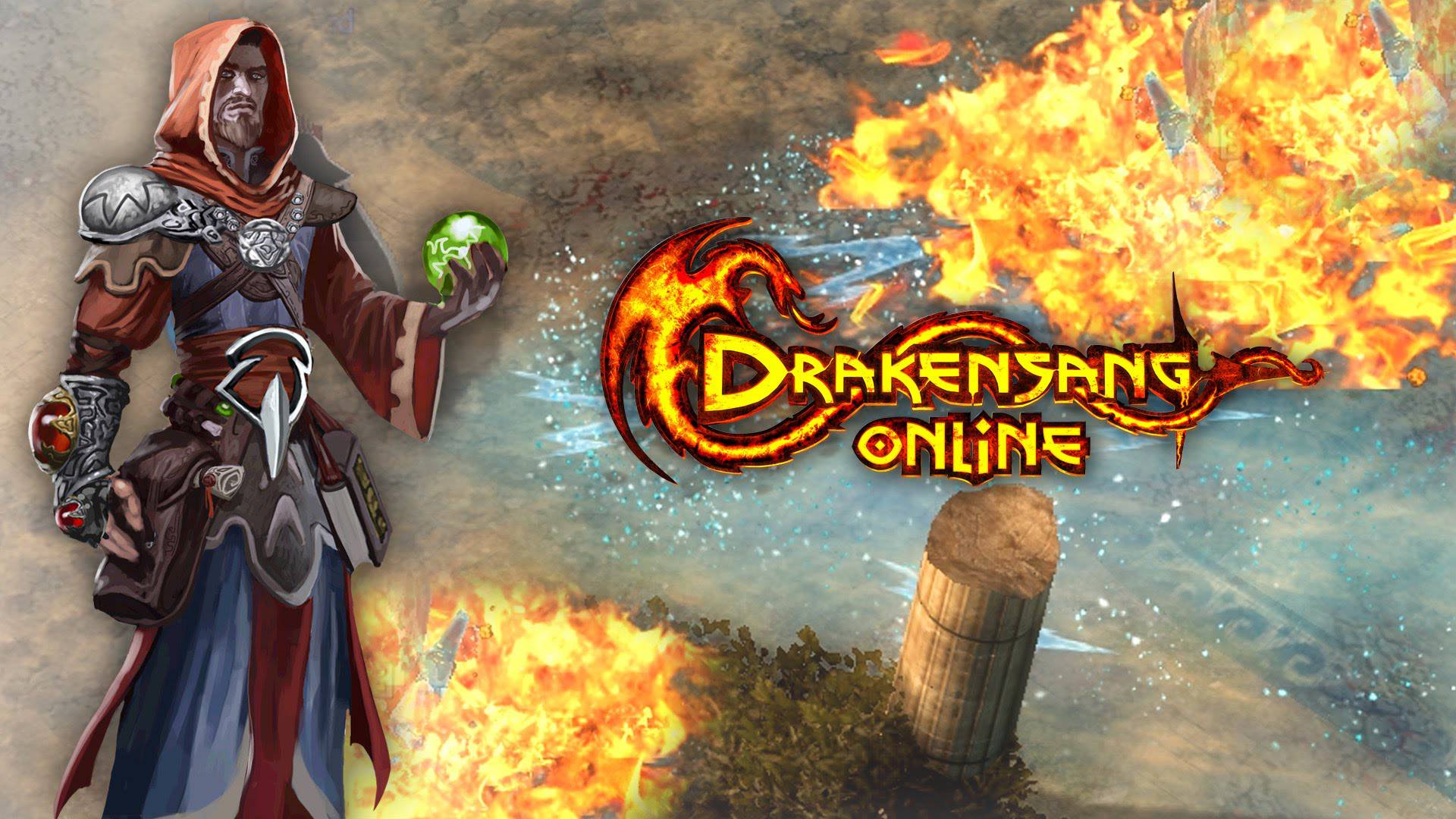
Download Drakensang online and experience a unique gameplay that will remind you in many cases of Diablo. The graphics are constantly upgraded and so are the abilities and options for your characters.