How to Install and Use Parallels on Chromebook and Googlebook
Here is how to run Parallels on Chromebook and Googlebook to access Windows apps, manage Parallels Client, and explore Parallels DaaS.

The best ChromeOs Blog on the web.

Here is how to run Parallels on Chromebook and Googlebook to access Windows apps, manage Parallels Client, and explore Parallels DaaS.
Here is how to run AnyDesk on Chromebook and Googlebook to control remote PCs, transfer files, and troubleshoot devices.
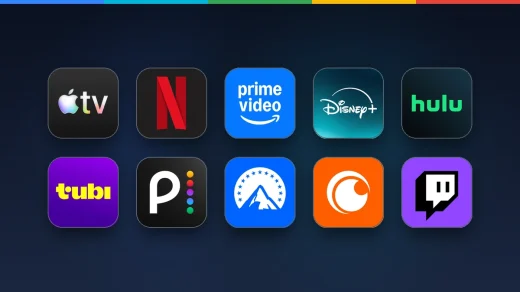
Here are the 10 best streaming apps to run on Chromebook and Googlebook to watch movies, binge TV series, and download shows offline.
Here is how to run ColorNote on Chromebook and Googlebook to organize color-coded notes, manage checklists, and sync encrypted backups.
Here is how to run Wattpad on Chromebook and Googlebook to read millions of stories, write your own chapters, and sync your library.
Here is how to run Wideo on Chromebook and Googlebook to edit templates, animate scenes, and export marketing videos.
Here is how to run FlipaClip on Chromebook and Googlebook to draw 2D animations, layer audio tracks, and export MP4 or GIF files.
Here is how to run Bumble on Chromebook and Googlebook to browse profiles, set match filters, and chat with connections.
Here is how to run Sketchbook on Chromebook and Googlebook to sketch with pressure-sensitive brushes, manage layers, and export PSD artwork.
Here is how to run Amazon Luna on Chromebook and Googlebook to stream cloud games, install the Chrome web app, and pair controllers.