Android app isn’t working on my Chromebook
How to fix Android apps that don’t work on your Chromebook by following our step by step beginner’s guide.

The best ChromeOs Blog on the web.
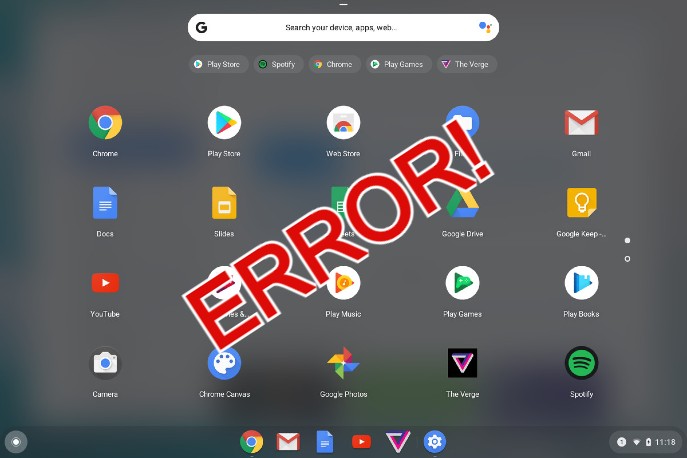
How to fix Android apps that don’t work on your Chromebook by following our step by step beginner’s guide.

Get Doc to Form for Google Docs and you can instantly turn whatever text you select into a form/question for people to answer.

Get Nearpod for Google Slides and have access to an app that features interactive experiences for both student and teacher.

Get FormLimiter for Google Forms and you will be able to shut off a Google Form after a max number of responses, at a date and time, or when a spreadsheet cell equals a value.

Get Autocrat for Google Sheets and instantly have the ability to create PDF or shared documents from spreadsheet data.

A list of some pretty cool Chrome tricks and tips that you might really like especially a special way to speed up your downloads.

Install and use Canva on Chromebook and Googlebook via the official Android app or web platform. Create graphics, edit videos, and cast from your phone.

Install Snapchat on Chromebook or Googlebook via Google Play or Snapchat for Web. Discover dual-pane chats, AR Lenses, video calls, Ghost Mode, and camera fixes.

Install and use Zoom on Chromebook and Googlebook via the official PWA, Google Play, or web client. Host HD video calls, share screens, and cast from your phone.

Install Spotify on Chromebook and Googlebook via Google Play, Web Player PWA, or Linux. Discover playlists, lyrics, podcasts, and cast from your phone.