How to Install and Use BentoBar on Googlebook
Learn how to install and use BentoBar on Googlebook. Add live CPU load, network speed, timers, world clocks, clipboard snippets, and collapsible bento compartments to your Googlebook OS Status bar.

The best ChromeOs Blog on the web.
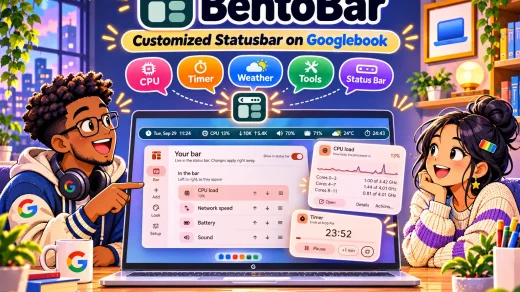
Learn how to install and use BentoBar on Googlebook. Add live CPU load, network speed, timers, world clocks, clipboard snippets, and collapsible bento compartments to your Googlebook OS Status bar.
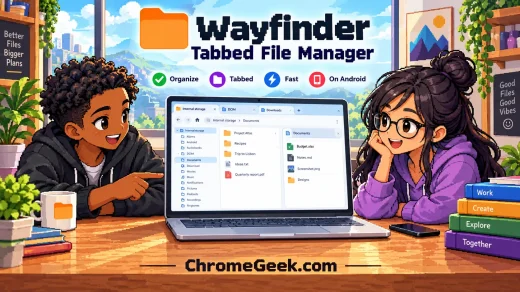
Learn how to install and use Wayfinder on Googlebook. Browse folders in title-bar tabs, Miller columns, and a dual-pane commander view with Spacebar Quick Look.
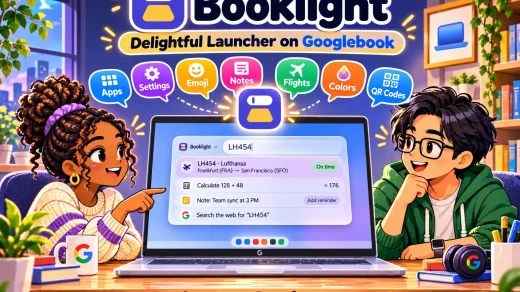
Learn how to install and use Booklight on Googlebook. Open the glass command launcher with Action + Quick Insert to search apps, snap windows, calculate sums, and send prompts to Gemini.
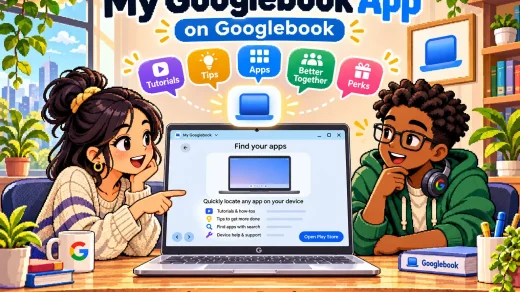
Learn how to install and use My Googlebook on Googlebook. Explore interactive Googlebook OS tutorials, set up Better Together phone casting, and redeem free software Perks.
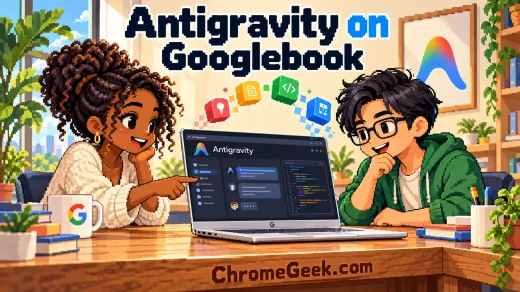
Every Googlebook ships with Google Antigravity, an AI agent app that turns a plain English request into an Android app you can install on the same laptop. Here is how to set it up and what the plans include.
Here is how to run TimeTree on Chromebook and Googlebook to coordinate shared calendars, track group events, and organize family schedules.
Here is how to run FamilyWall on Chromebook and Googlebook to organize shared calendars, manage grocery lists, and coordinate family schedules.

Install Cozi Family Organizer on Chromebook and Googlebook. Learn how to manage color-coded family calendars, sync grocery lists in real time, and organize meals.

Install Google Home on Chromebook or Googlebook from Google Play or use the web dashboard. Control smart lights, view live camera feeds, and configure Gemini routines.

Install Duolingo ABC on Chromebook or Googlebook via Google Play. Explore 700+ phonics lessons, letter tracing, interactive stories, and offline reading practice.