How to Install and Use Google Classroom on Chromebook and Googlebook
Install and use Google Classroom on Chromebook and Googlebook via web or Google Play. Join classes, turn in assignments, organize coursework, and grade with ease.

The best ChromeOs Blog on the web.
Install and use Google Classroom on Chromebook and Googlebook via web or Google Play. Join classes, turn in assignments, organize coursework, and grade with ease.

How to play Marvel Contest of Champions for Chromebook and play a free fighting game with over 200 Marvel villains and heroes to choose from.
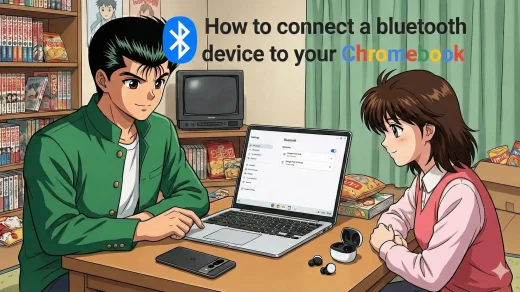
Step by step tutorial on how to connect a bluetooth device to your Chromebook including speakers, cordless mouse, keyboards and more.
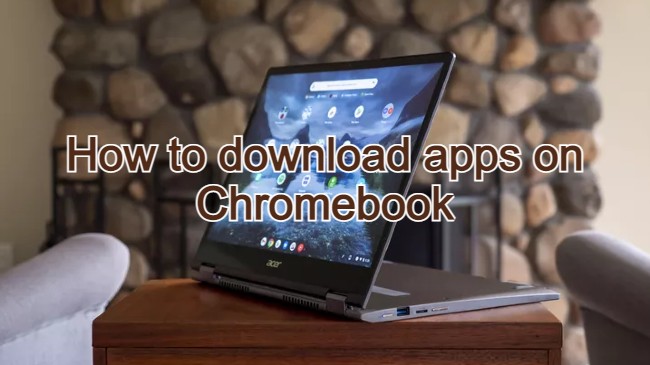
Follow our step by step tutorial on how to download apps on your Chromebook and learn just awesome your Chromebook can really be.

How to share your calendar with someone, the public, organization or a school by following our beginner’s guide.
Install and use Microsoft Teams on Chromebook and Googlebook via Google Play or the web PWA. Host HD video calls, collaborate in channels, and cast from your phone.
Get Doc to Form for Google Docs and you can instantly turn whatever text you select into a form/question for people to answer.
Get Nearpod for Google Slides and have access to an app that features interactive experiences for both student and teacher.

Get FormLimiter for Google Forms and you will be able to shut off a Google Form after a max number of responses, at a date and time, or when a spreadsheet cell equals a value.

Get Autocrat for Google Sheets and instantly have the ability to create PDF or shared documents from spreadsheet data.