How to Install and Use Adobe Lightroom on Chromebook and Googlebook
Install Adobe Lightroom on Chromebook and Googlebook via Google Play or edit in Chrome. Discover RAW capture, Firefly AI removal, Lens Blur, and cloud sync.

The best ChromeOs Blog on the web.
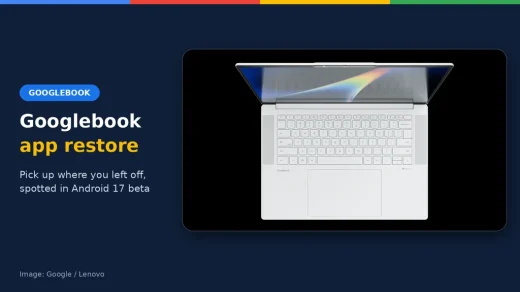
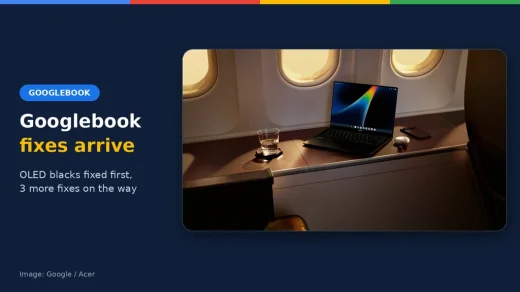

Install Adobe Lightroom on Chromebook and Googlebook via Google Play or edit in Chrome. Discover RAW capture, Firefly AI removal, Lens Blur, and cloud sync.

Install Photoshop Express on Chromebook and Googlebook from Google Play or edit online. Discover generative AI backgrounds, aesthetic filters, and touch retouching.

Install and use Opera and Opera Mini on Chromebook and Googlebook via Google Play or Linux. Enjoy a free built-in VPN, native ad blocking, and Aria AI.

Install and use Firefox on Chromebook and Googlebook via Google Play or desktop Linux. Protect online privacy, configure extensions, and cast from your phone.

Install Disney Plus on Chromebook or Googlebook via Google Play or the web PWA. Stream Disney, Pixar, Marvel, Star Wars, and Hulu, download offline, and cast from phone.

Install uTorrent on Chromebook or Googlebook from Google Play or web. Learn magnet link setup, storage folder permissions, bandwidth limits, and background downloads.

Install Microsoft Edge on Chromebook and Googlebook. Learn how to set up the Android app or Linux desktop package, use Copilot AI, manage extensions, and sync passwords.

Install Spotify on Chromebook and Googlebook via Google Play, Web Player PWA, or Linux. Discover playlists, lyrics, podcasts, and cast from your phone.

Install MX Player on Chromebook and Googlebook from Google Play. Discover how to configure HW+ hardware acceleration, adjust touch gestures, and customize subtitles.
Install and use Microsoft To Do on Chromebook and Googlebook via Google Play or the web app. Plan your daily routine, set reminders, and cast from your phone.