How to Install and Use Truth Social on Chromebook and Googlebook
Install Truth Social on Chromebook or Googlebook via Google Play or the web PWA. Discover the Truth Feed, Truth+ live TV streaming, direct messaging, and phone casting.

The best ChromeOs Blog on the web.
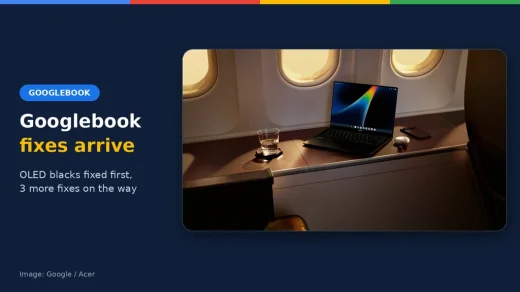

Install Truth Social on Chromebook or Googlebook via Google Play or the web PWA. Discover the Truth Feed, Truth+ live TV streaming, direct messaging, and phone casting.

Install Messenger on Chromebook or Googlebook from Google Play. Discover how to chat with Meta AI, host HD group calls, share large files, and access Messenger web.

Install and use Amazon Music on Chromebook and Googlebook. Set up Google Play, stream 100 million songs in Ultra HD, download tracks offline, and cast from your phone.

Install RedNote on Chromebook or Googlebook from Google Play or use the Chrome web portal. Discover lifestyle notes, travel guides, comment translation, and audio rooms.

Install Threads on Chromebook or Googlebook via Google Play or the web PWA. Explore text updates, fediverse sharing, topic communities, and phone casting.
Start editing with CapCut on your Chromebook or Googlebook. Choose web or Play Store access, make a first video and avoid paid export surprises.

Install LumaFusion on Chromebook or Googlebook via Google Play. Master multi-track timeline editing, color grading with LUTs, audio keyframing, and phone casting.
Choose the right AutoCAD version for your Chromebook or Googlebook. Check Android availability, try the web app and understand the limits before paying.

Install YouTube Music on Chromebook or Googlebook via Google Play or web PWA. Discover offline downloads, audio quality settings, synced lyrics, and keyboard shortcuts.

Install Amazon Prime Video on Chromebook or Googlebook via Google Play or the web platform. Stream 4K HDR originals, download offline shows, and cast from your phone.